

What you’ll achieve
A campaign that records a conversion automatically whenever a visitor who arrived from a partner’s link submits a HubSpot form, attributing it to that partner with no code and no per-form configuration.Before you start
1
Install the tracking snippet
HubSpot tracking is driven by the same snippet as every other method. Install it in the
<head> of the page that hosts the HubSpot form. See Set up affiliate conversion tracking.2
Confirm the form page is an allowed origin
The site hosting the form must be listed under Allowed origins on the campaign’s Install tab (or allowed origins left empty). Submissions from other origins are rejected.
Watch it
- Video
- Click through
Steps
1
Open the Install tab
Go to Affiliate campaigns, open your campaign, and select the Install tab.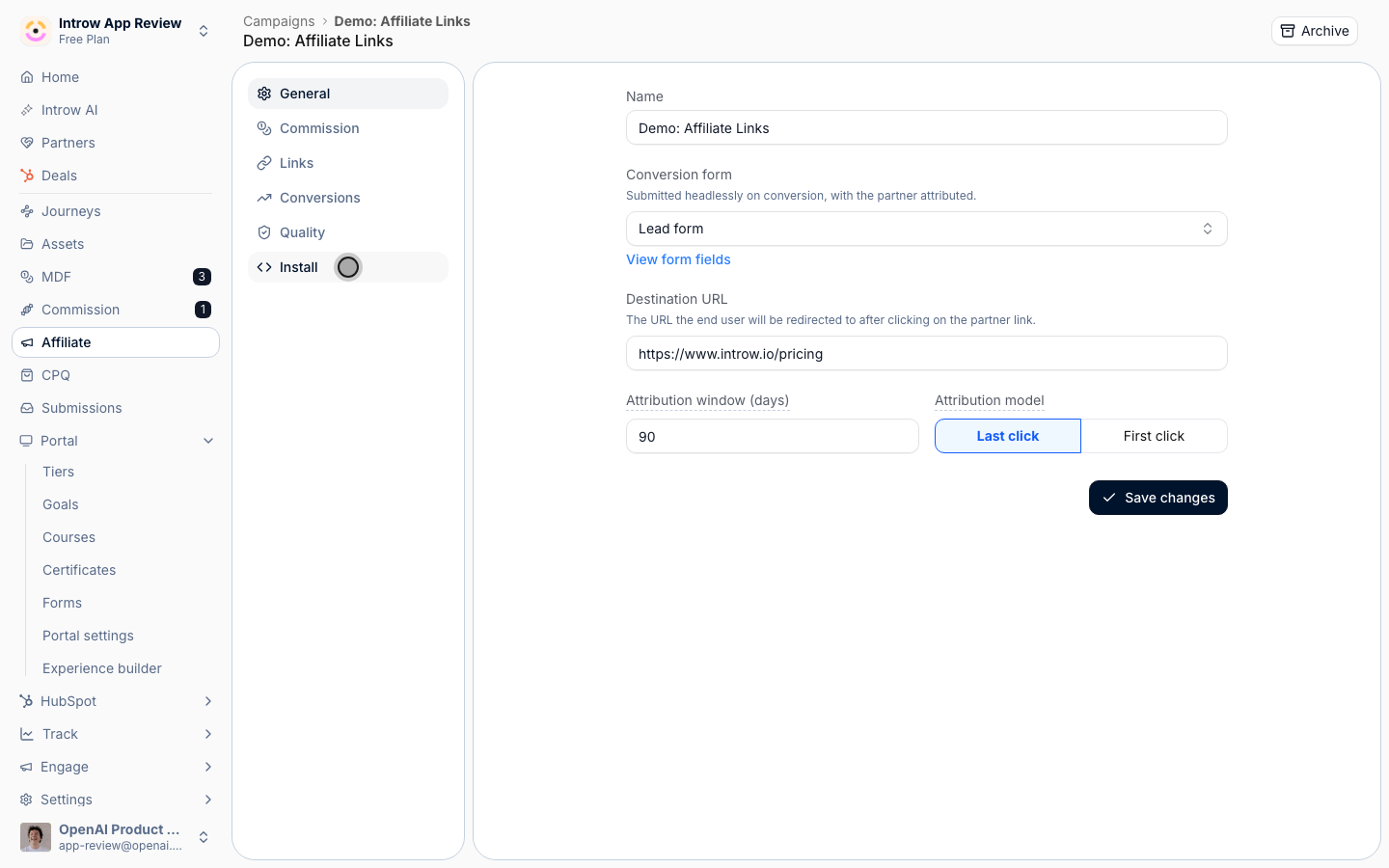
2
Confirm the snippet is installed on the form page
Make sure the tracking snippet is in the 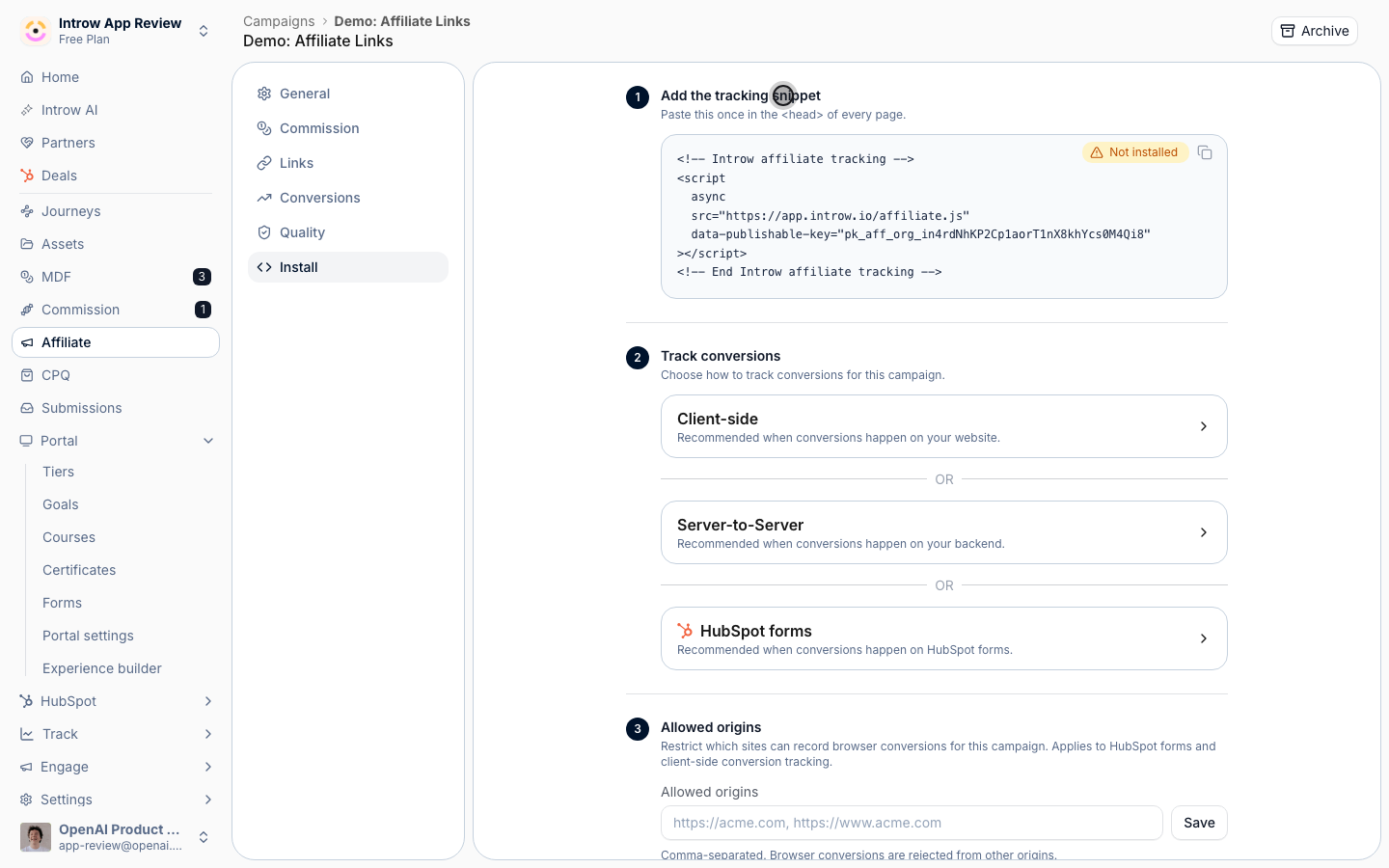
<head> of the page where the HubSpot form is embedded. The install status pill reads Installed when Introw detects it on your destination URL. The snippet both tracks the click and listens for HubSpot form submissions, so no embed-code changes are needed.3
Review the HubSpot forms method
Under Track conversions, expand HubSpot forms. There is nothing else to set up: once the snippet is installed, every HubSpot form submission on an allowed origin is attributed automatically. The same snippet handles both classic and v4 HubSpot forms.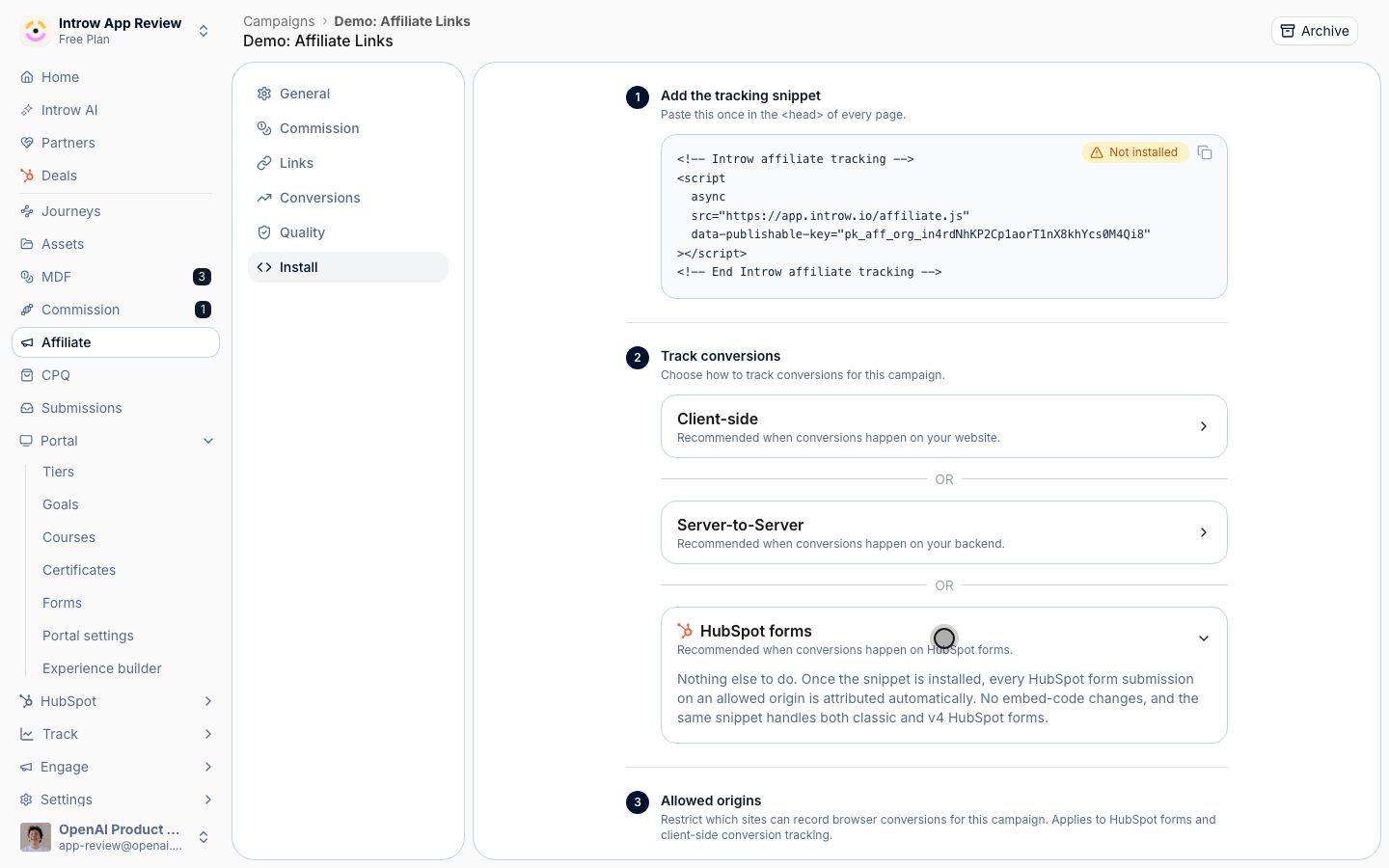
4
Set allowed origins for the form page
Under Allowed origins, confirm the site hosting the form is listed (comma-separated), so its submissions are accepted. Leave the field empty only if you intend to allow any origin. Select Save.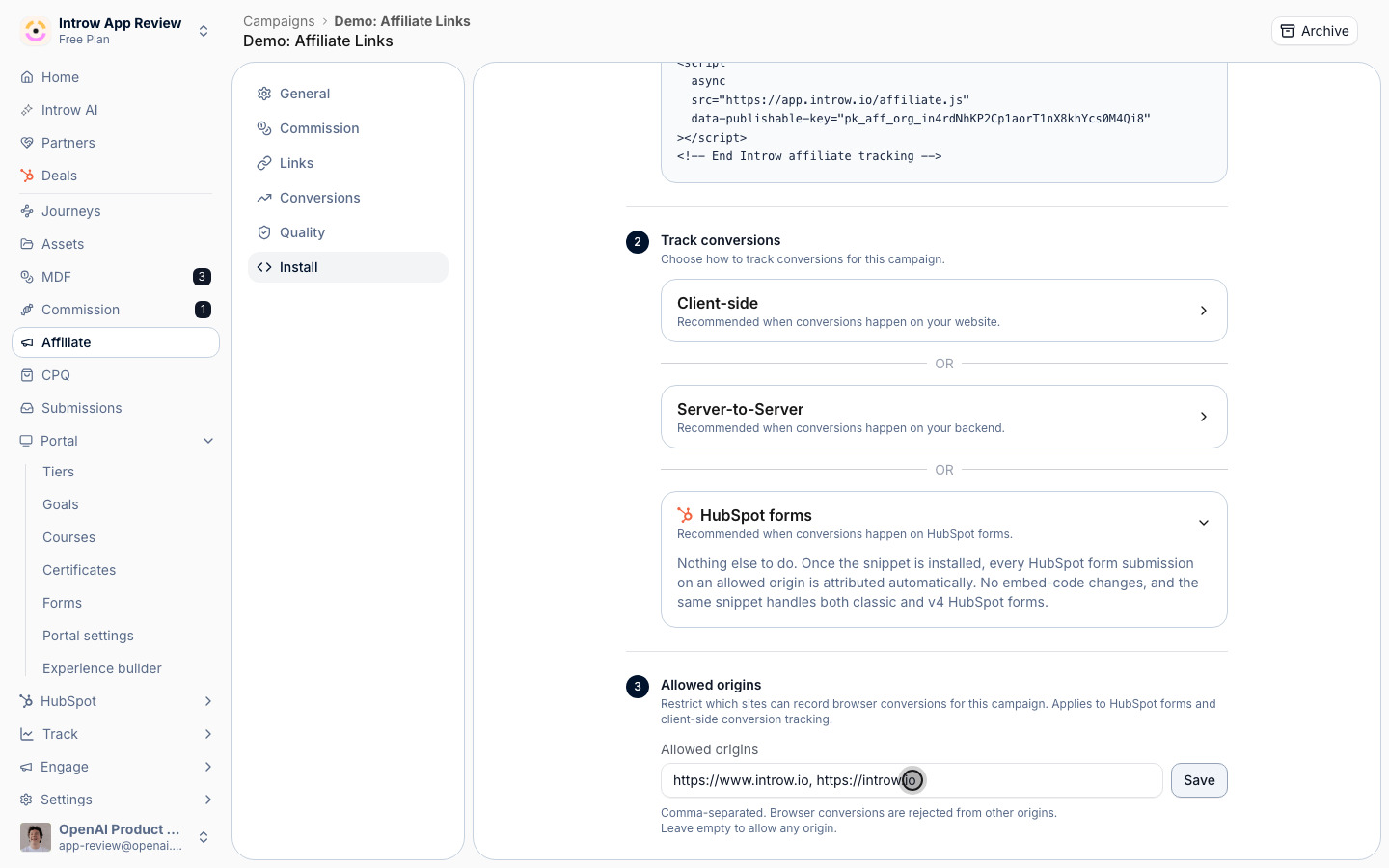
5
Test a tracked submission
Click a partner’s referral link to set the click cookie, navigate to the page with the HubSpot form, and submit it. The submission must happen inside the campaign’s attribution window after the tracked click for it to attribute.
Verify it worked
The test submission appears on the campaign’s Conversions tab attributed to the partner whose link you clicked, with the email from the form. From then on, real HubSpot form submissions from referred visitors record the same way with no further work.Related
Set up affiliate conversion tracking
Install the snippet and verify conversions.
Record conversions via the API
Use server-to-server tracking instead.
Implementation reference
Full configuration options.