

Where it lives
The Affiliate area is the campaigns list itself, at Affiliate campaigns. A campaign is one row here, and everything about it is configured on the tabs inside it.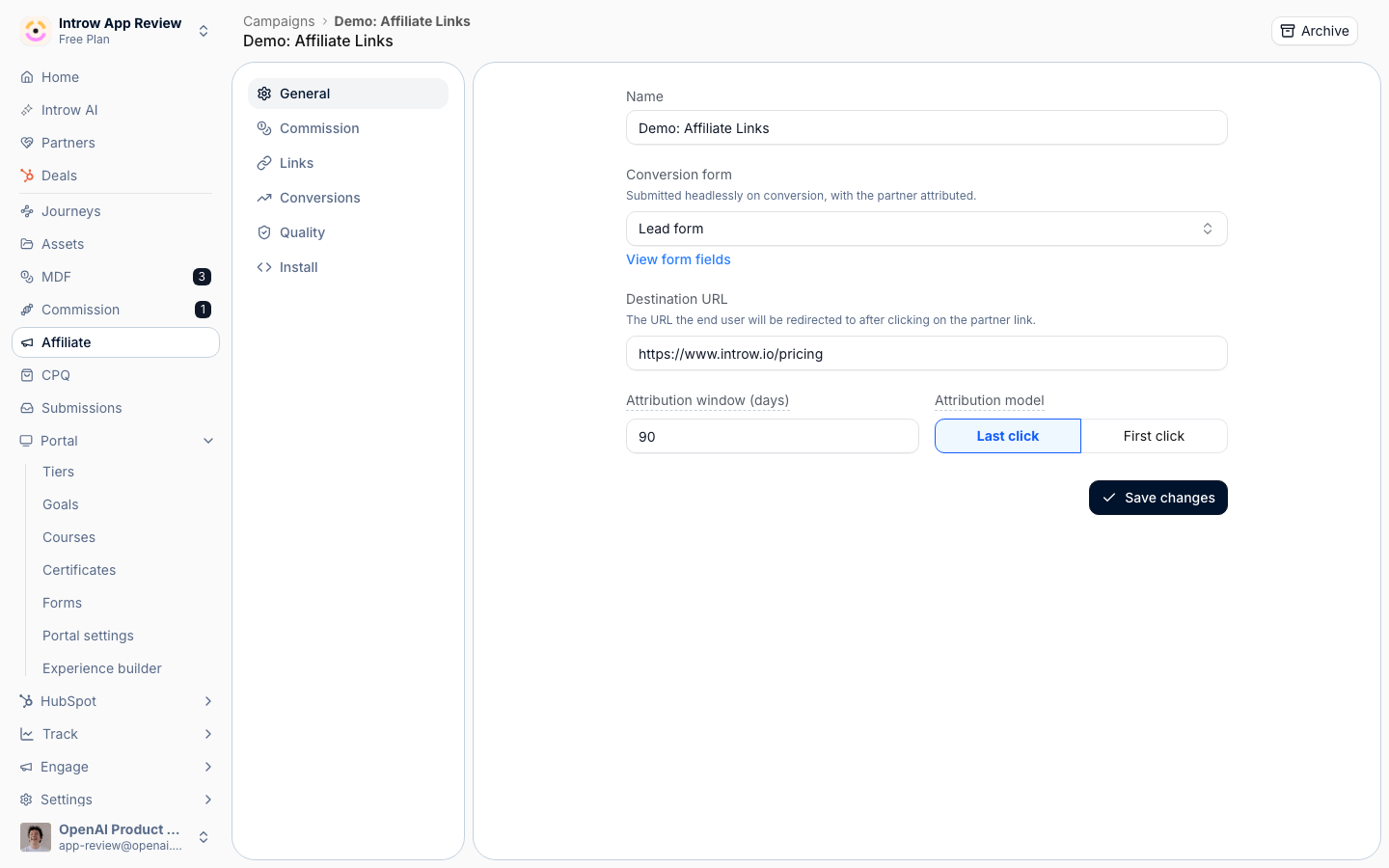
Before you start
The form is optional: leave it empty and Introw provisions a minimal one. Tracking is the only requirement you satisfy outside Introw.
How it works
You create a campaign with a name, a conversion form and a destination URL. Everything else lives on its tabs: general, commission, links, conversions, quality and install. A campaign pays either a fixed amount per conversion or through a commission plan, never both. Conversions are recorded against a partner’s link by the tracking snippet or the conversions API. The links tab reports clicks, conversions and outcomes per partner, and an affiliate campaigns section on a portal experience gives partners the same view of their own links and performance. Links provision themselves. Publishing an experience that carries the campaign’s affiliate block gives every partner in that publish a link, and a partner who opens the block without one gets it minted on the spot. Neither route ever issues a second link, and a revoked link stays revoked. Use Generate links on the links tab to pre-provision partners who have not opened a portal yet, for example before a launch email.How-to guides
Troubleshooting
The campaigns area is locked
The campaigns area is locked
The campaigns module is not enabled on your plan.
A partner has no link
A partner has no link
The campaign is not active, or the partner has never been reached by an experience carrying its
affiliate block. Use Generate links to provision them directly.
A partner's affiliate section shows stats but no link
A partner's affiliate section shows stats but no link
Provisioning failed on that read. Reload the page, or use Generate links.
A revoked link did not come back after a republish
A revoked link did not come back after a republish
That is intentional. Revoking is respected by both provisioning routes; restore it on the links
tab.
Conversions are not recording
Conversions are not recording
Tracking is not installed, or the allowed origins exclude the site.