

What you’ll build
A home page program overview tuned to your pipeline and timeframe.Before you start
1
Confirm reporting is on your plan
Reporting is a plan feature, and plans cap how many saved reports and dashboards you get. If you hit the cap or see an upgrade prompt, check what your plan includes at introw.io/pricing.
2
Confirm CRM connection
Revenue and pipeline widgets need a connected CRM.
Watch it
- Video
- Click through
Steps
1
Open Home
Go to Home.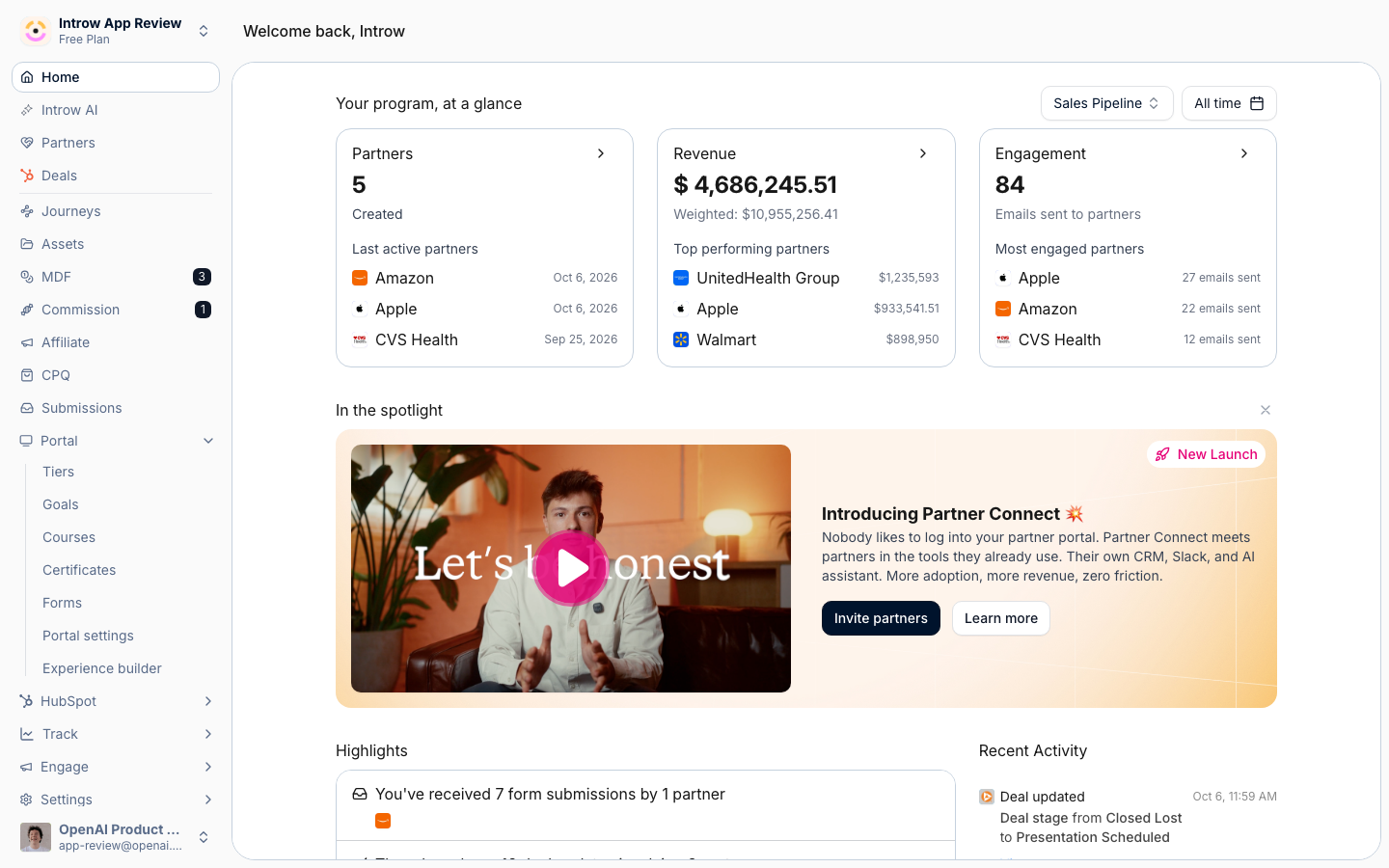
2
Pick the pipeline
In the program overview, select the deal pipeline to base metrics on.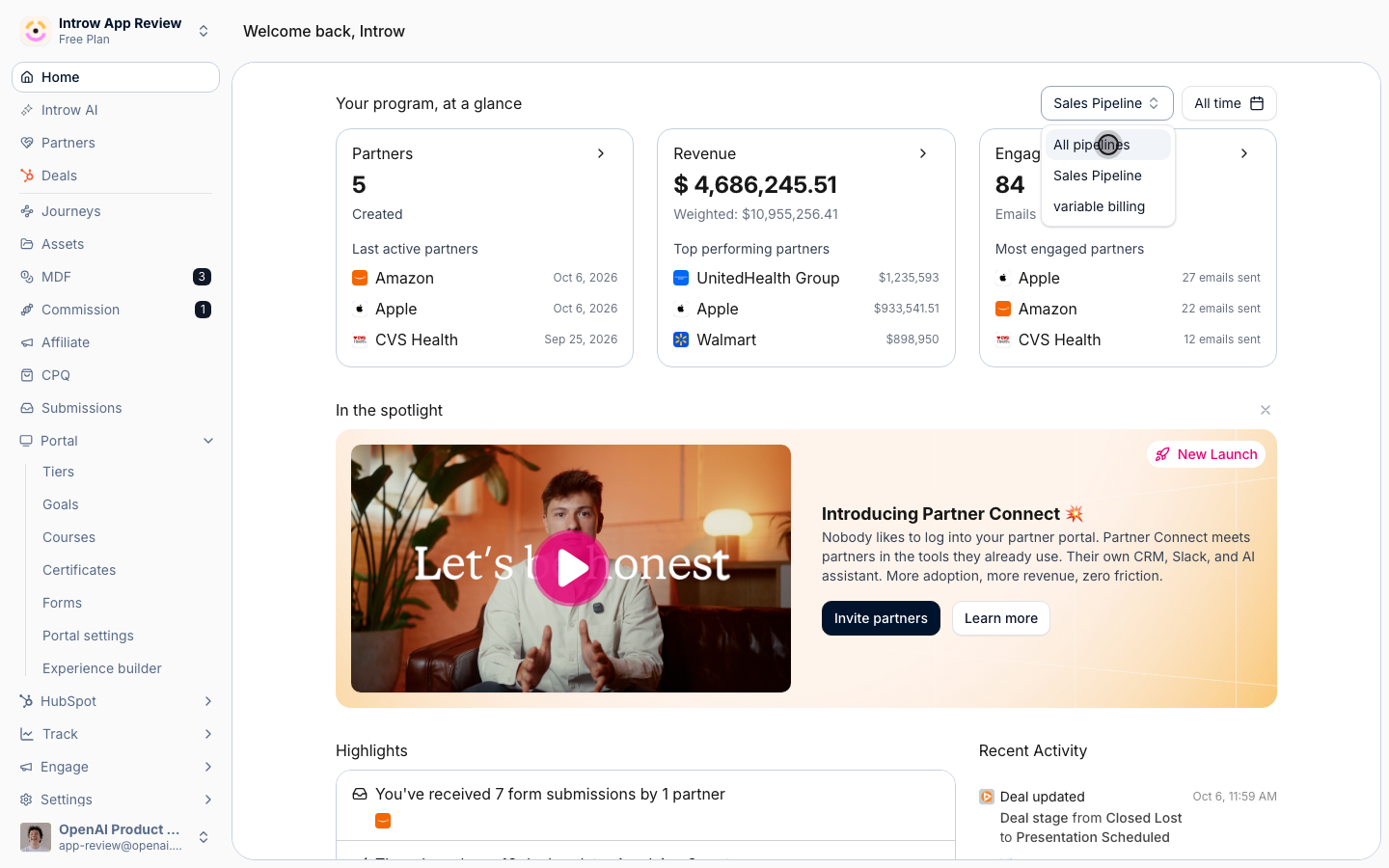
3
Set the date range
Choose the date range for the overview.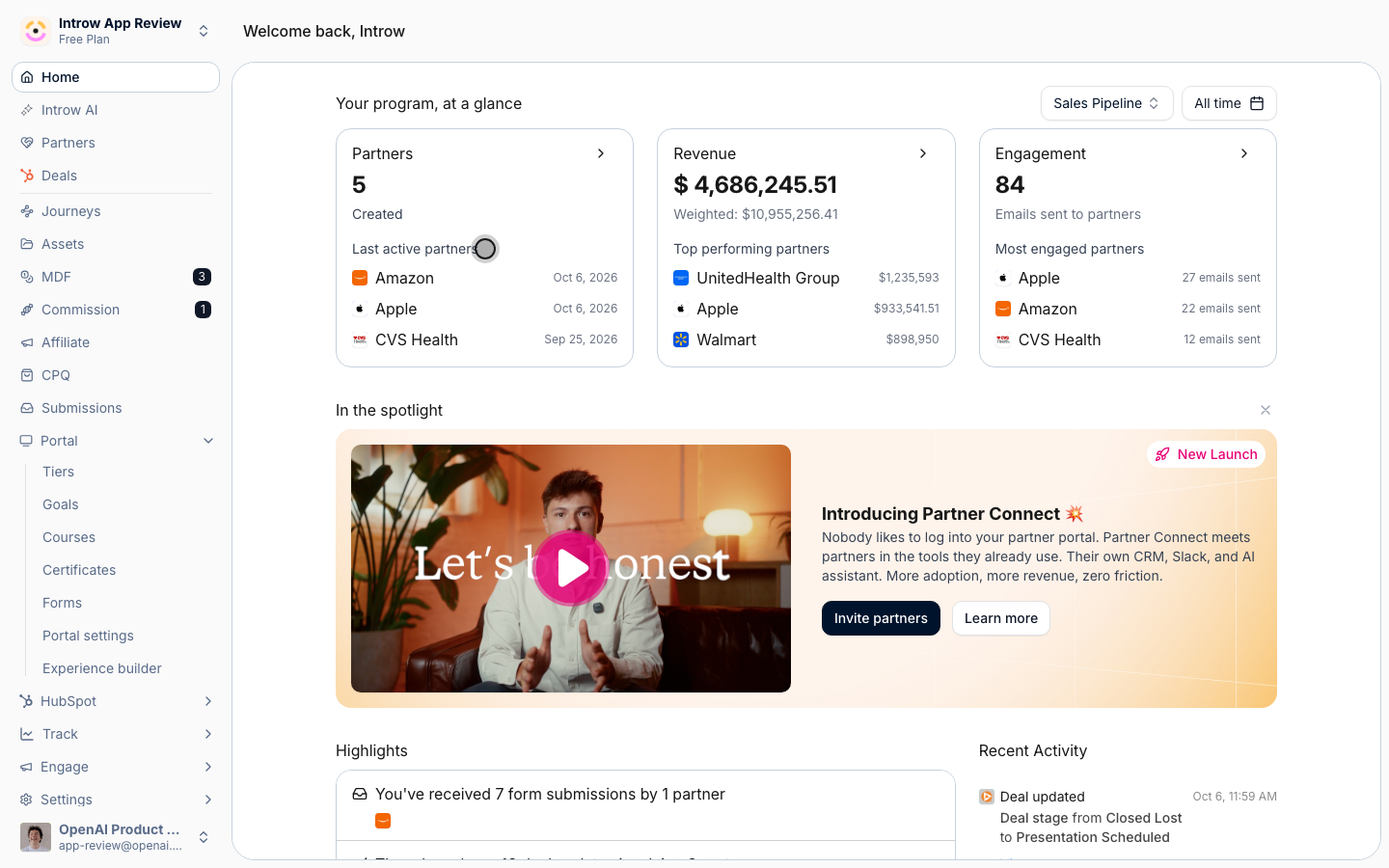
Verify it worked
The program overview reflects the selected pipeline, and your pipeline choice persists next time.Related
Build a dashboard
Create deeper custom views.
Read a partner's analytics
Drill into one partner.
Implementation reference
Full configuration options.