

What you’ll build
A portal experience that shows partners a dashboard.Before you start
1
Confirm reporting is on your plan
Reporting is a plan feature, and plans cap how many saved reports and dashboards you get. If you hit the cap or see an upgrade prompt, check what your plan includes at introw.io/pricing.
2
Build the dashboard
Create the dashboard you want to share first.
Watch it
- Video
- Click through
Steps
1
Open the experience
Go to the Experience builder and open the portal experience you want partners to see.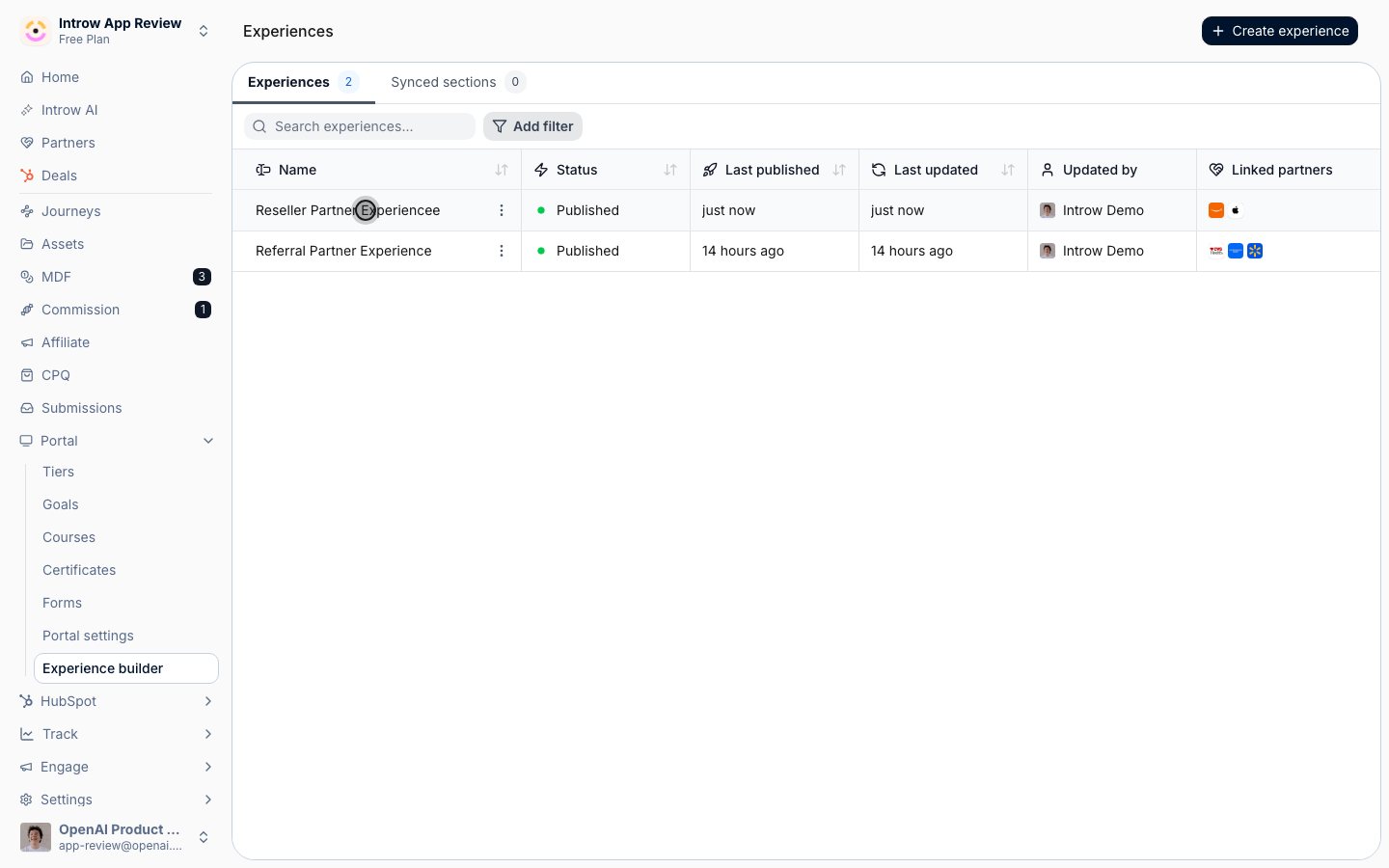
2
Add a Dashboard embed section
Add a Dashboard embed section to a stage. This is the section type that surfaces an Introw dashboard, scoped to the viewing partner.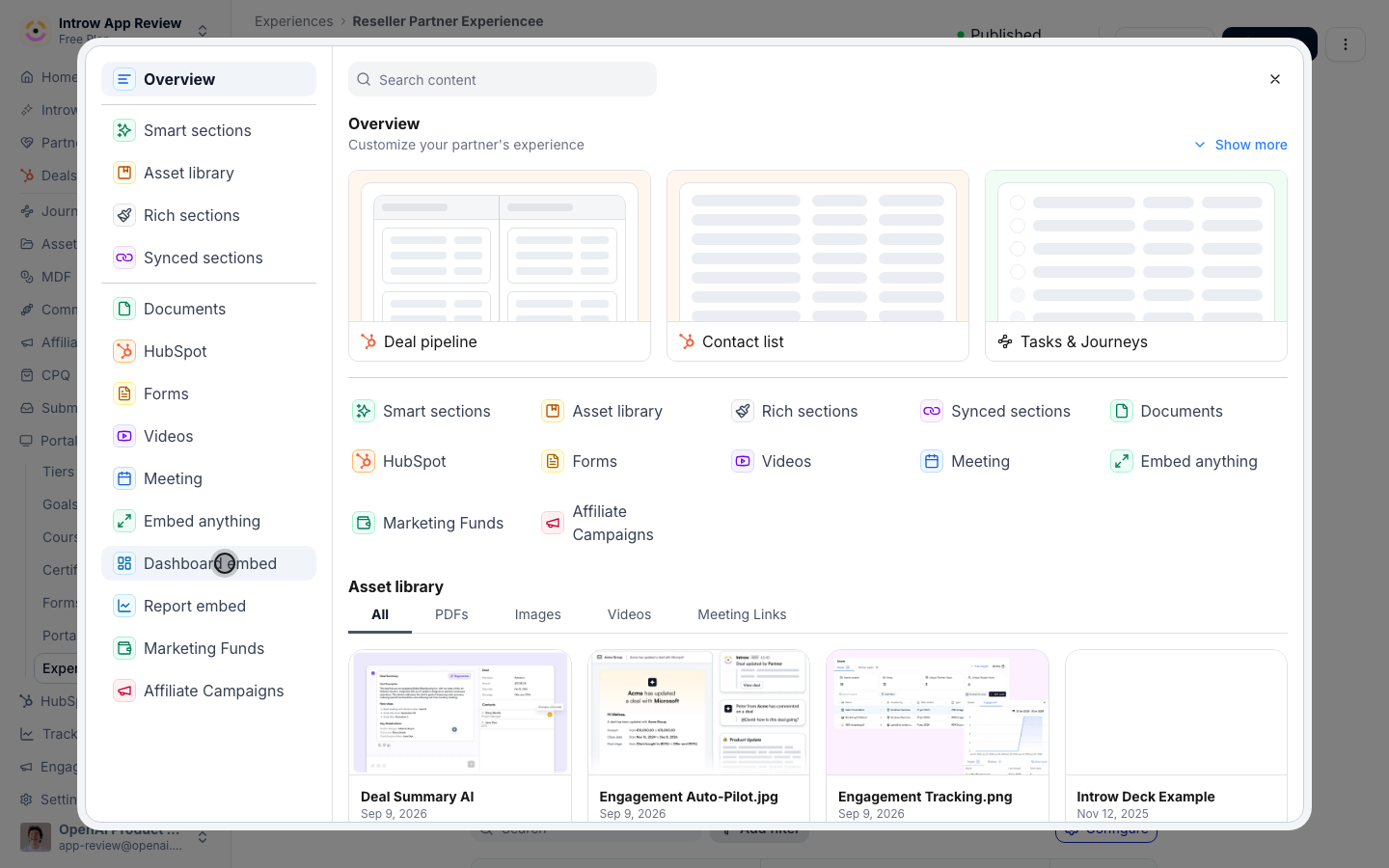
3
Pick the dashboard
Select the dashboard to surface. Only saved dashboards are available.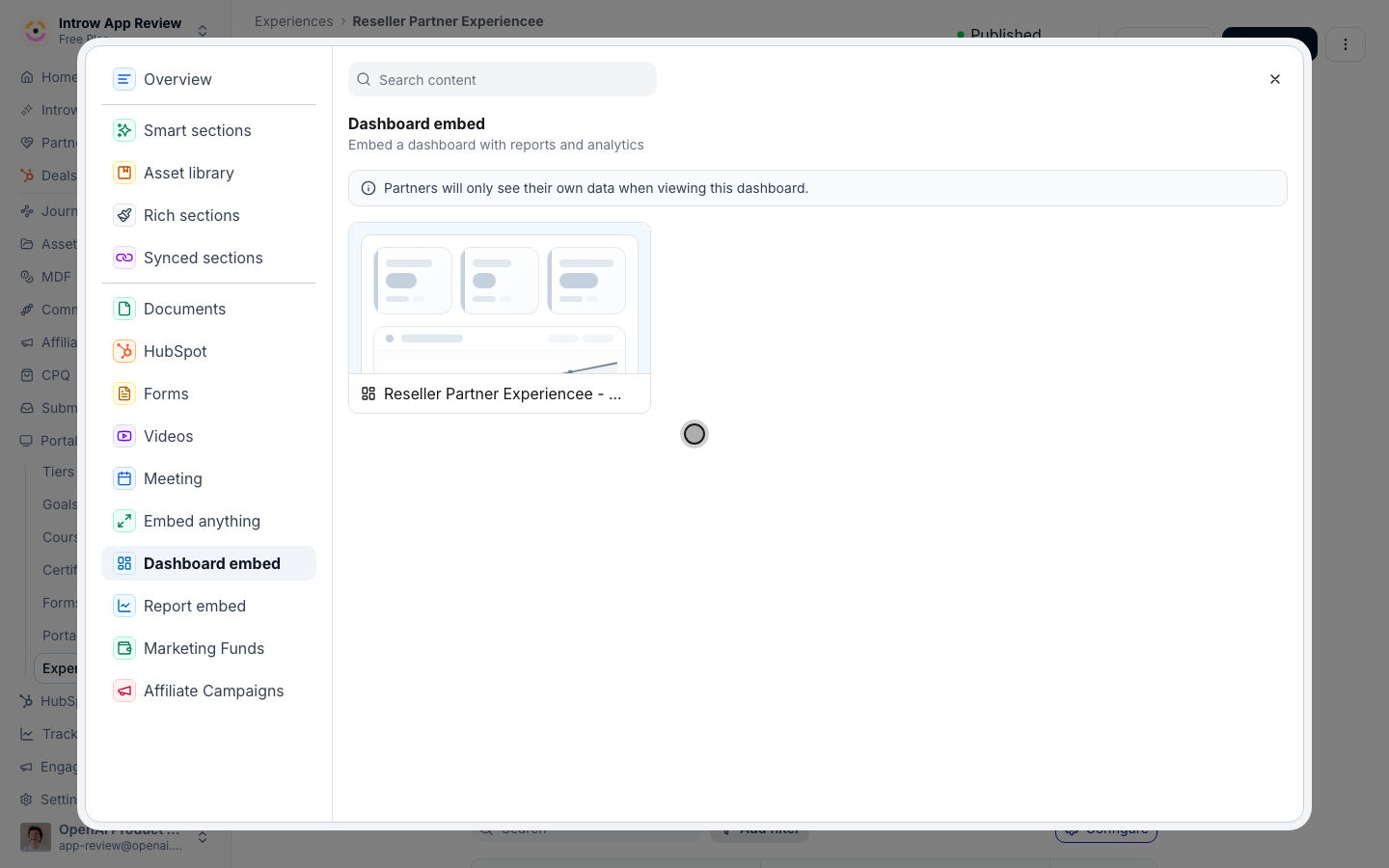
4
Publish
Publish the experience so partners see the dashboard.
Verify it worked
Open the portal as a partner and confirm the dashboard shows their scoped data.Related
Build a dashboard
Create the dashboard.
Show a partner dashboard in the portal
Use partner-scoped analytics.
Implementation reference
Full configuration options.