

What you’ll achieve
A fiscal year start date configured for your organisation, so Introw adds fiscal time ranges to its selectors and aligns dashboards and analytics with how your business actually reports, making pipeline, revenue, and partner performance comparable period over period.Before you start
1
Confirm reporting is on your plan
Reporting is a plan feature, and plans cap how many saved reports and dashboards you get. If you hit the cap or see an upgrade prompt, check what your plan includes at introw.io/pricing.
2
Know your fiscal year start
Have the month your fiscal year begins ready (for example April 1, July 1, or October 1).
3
Have access to company settings
Setting the fiscal year is an organisation-wide setting, so you need access to company settings.
Watch it
- Video
- Click through
Steps
1
Open company settings
Go to Company settings in Introw. This is where organisation-wide preferences, including the fiscal year, live.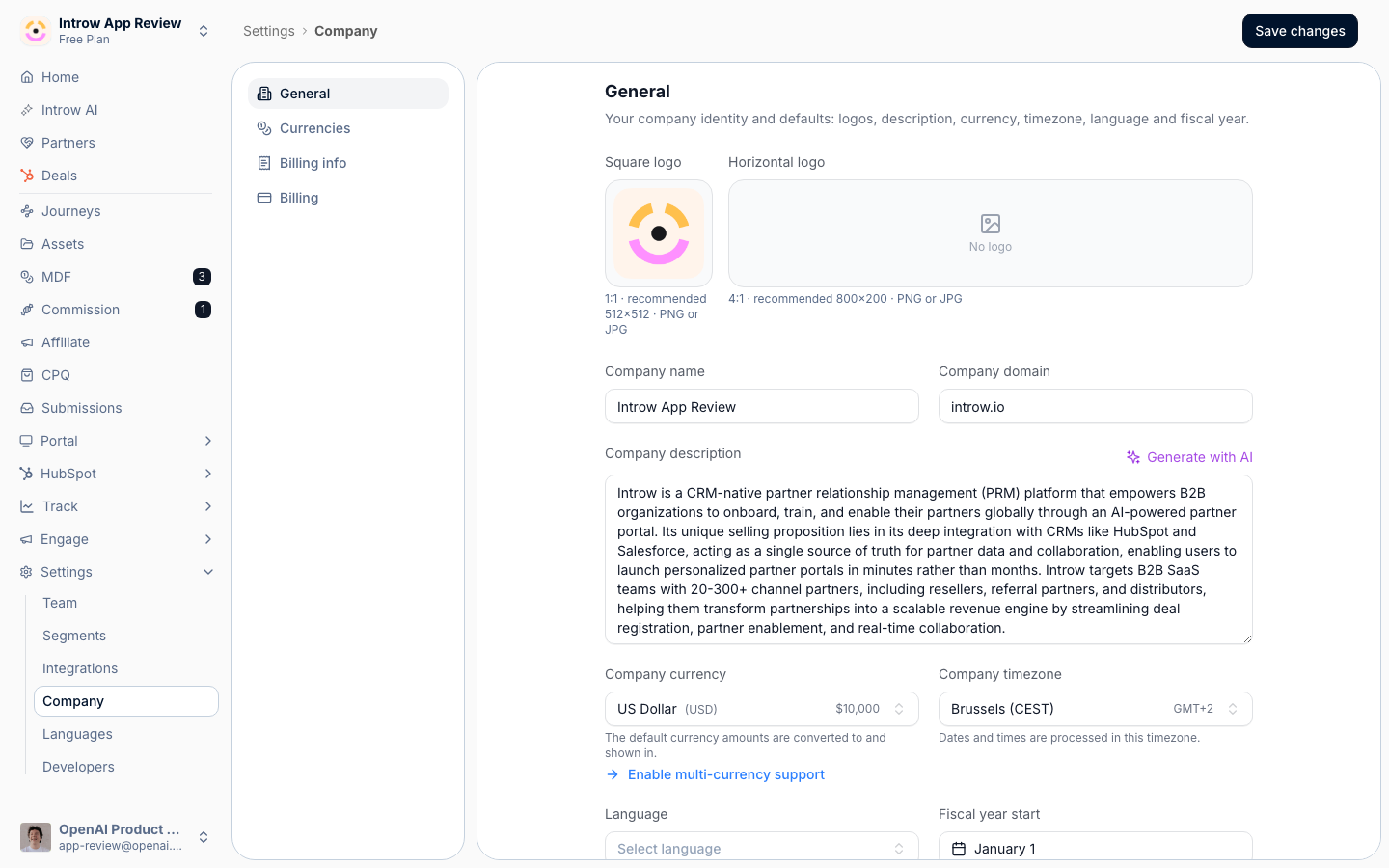
2
Set the fiscal year start date
Find Fiscal year start date and select the date your fiscal year begins. This is the anchor Introw uses to calculate every fiscal time range, so pick the first day of your fiscal year (for example April 1).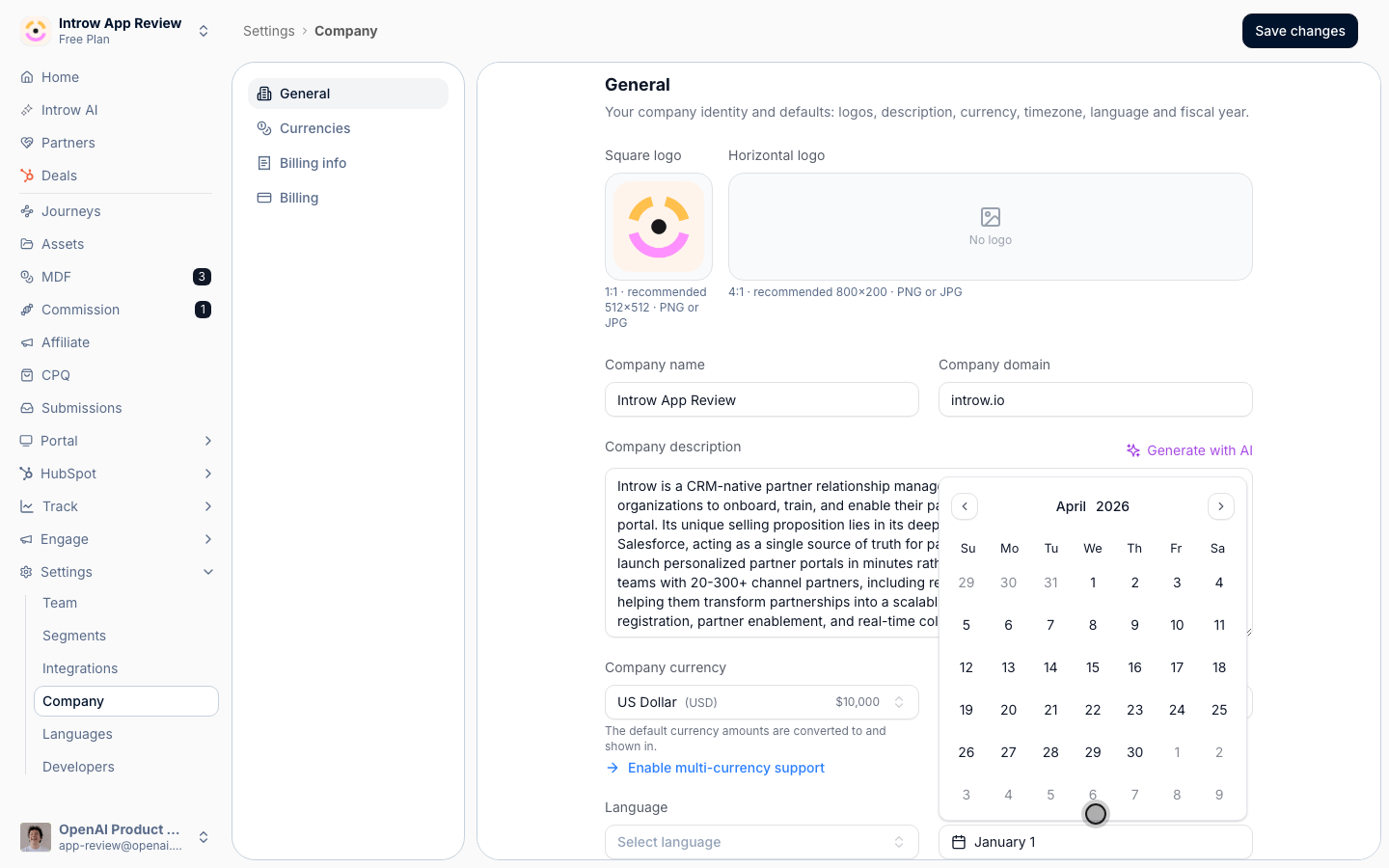
3
Save your changes
Save. Introw immediately adds fiscal options to the time range selectors: This fiscal year, This fiscal quarter, Next fiscal year, and Next fiscal quarter. Changes apply going forward and update all fiscal-based views automatically.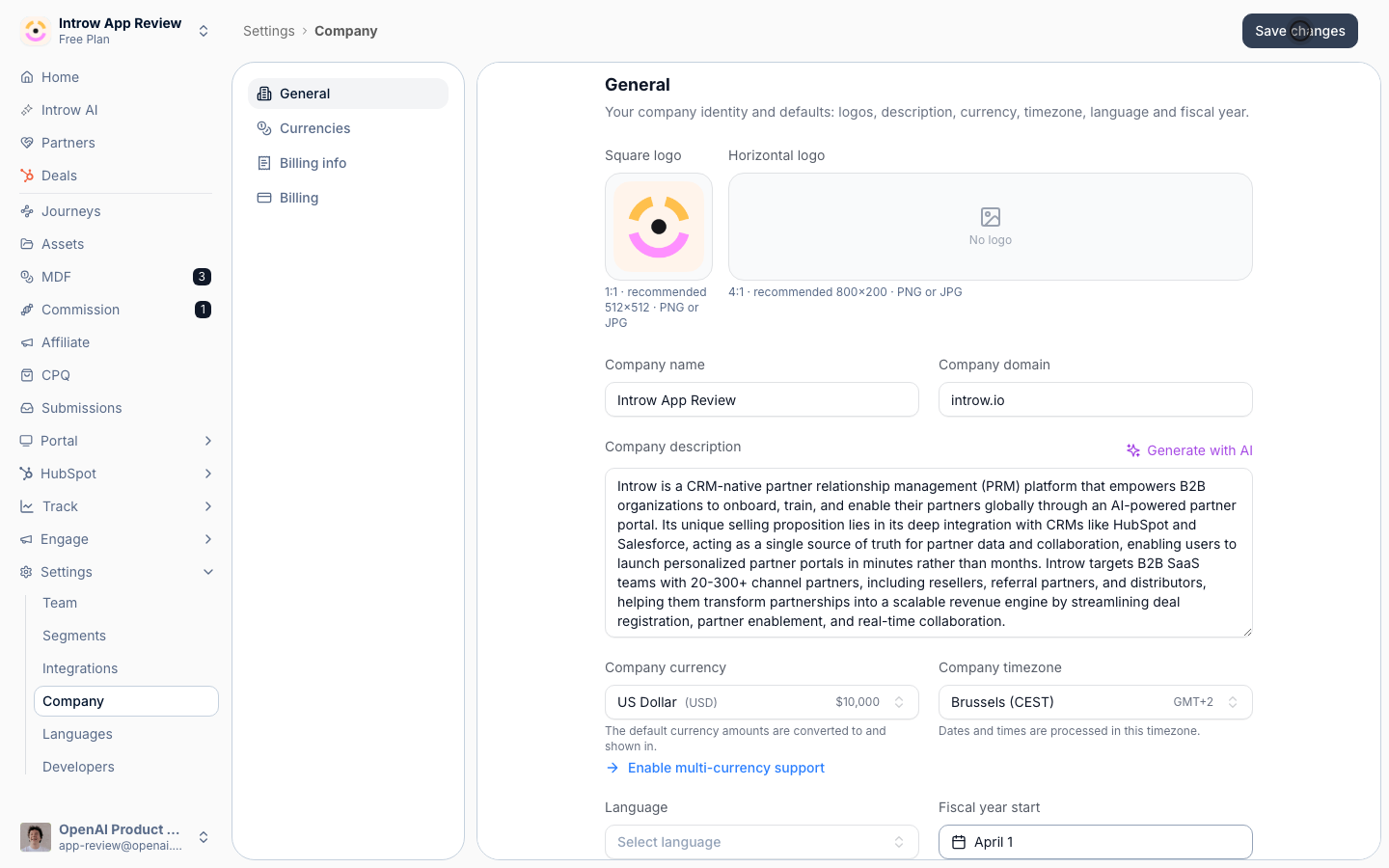
Verify it worked
Open a dashboard or an analytics page and open the time range selector: the fiscal options (This fiscal year, This fiscal quarter, and the next-period equivalents) now appear and span your configured fiscal year rather than the calendar year. Selecting one scopes the data to your internal reporting period.Related
Build a dashboard
Build the dashboards these fiscal ranges apply to.
Set the home pipeline and date range
Control the default view on your home dashboard.
Implementation reference
Full configuration options.