

What you’ll achieve
A single partner added directly, linked to its CRM company where one exists, sitting on the partners list with a detail page ready for you to set their phase, tier, experience, and other fields. The new partner behaves exactly like a detected one, just created on demand.Before you start
1
Confirm access
You need write access to Partners. Connecting your CRM first lets Introw prefill company data and link the new partner back to its record, but you can also create one with no CRM connected.
Watch it
- Video
- Click through
Steps
1
Open the create dialog
On Partners, choose Create partner to open the dialog.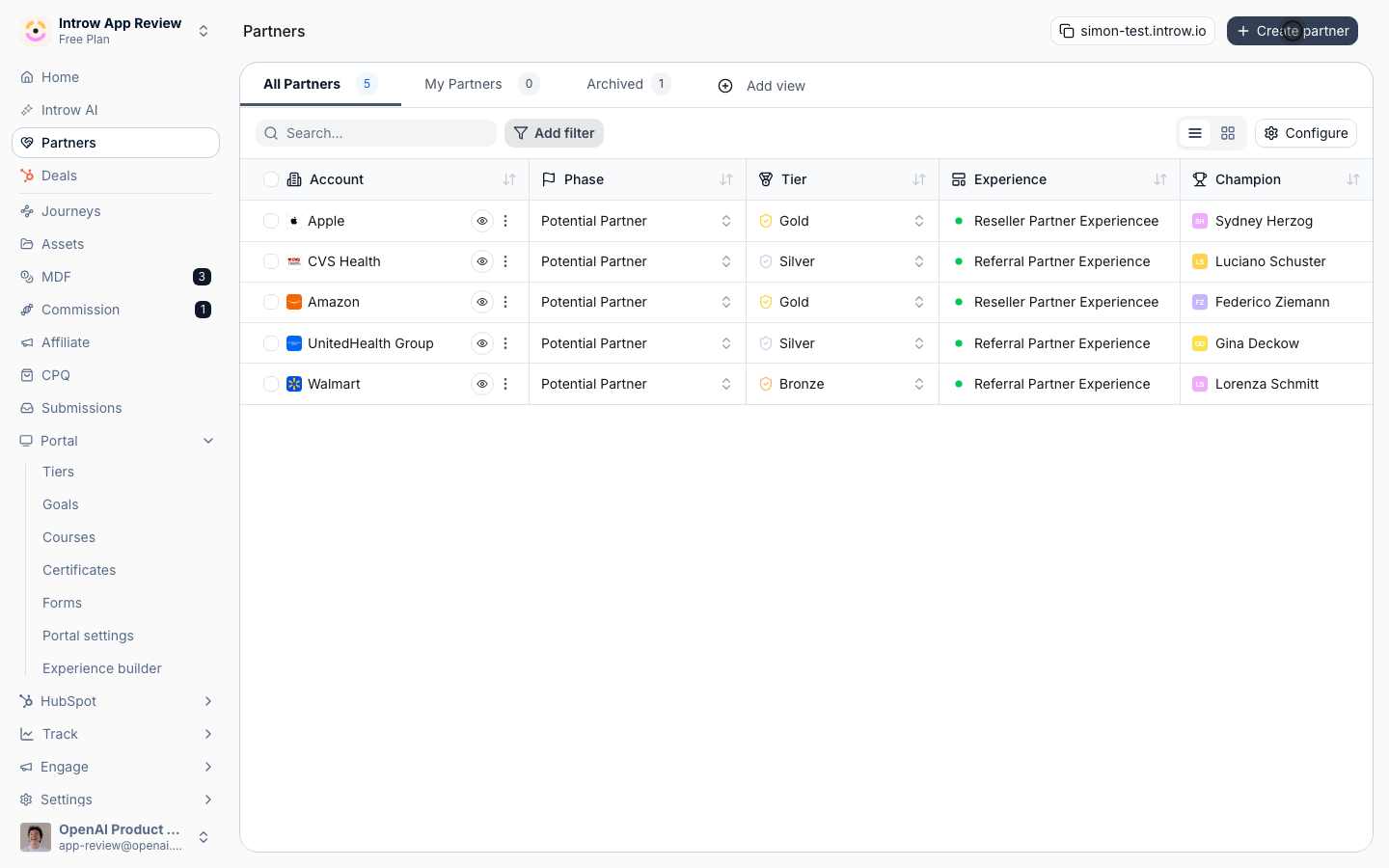
2
Pick or enter the company
Identify the partner organization. The fields you see depend on whether a CRM is connected: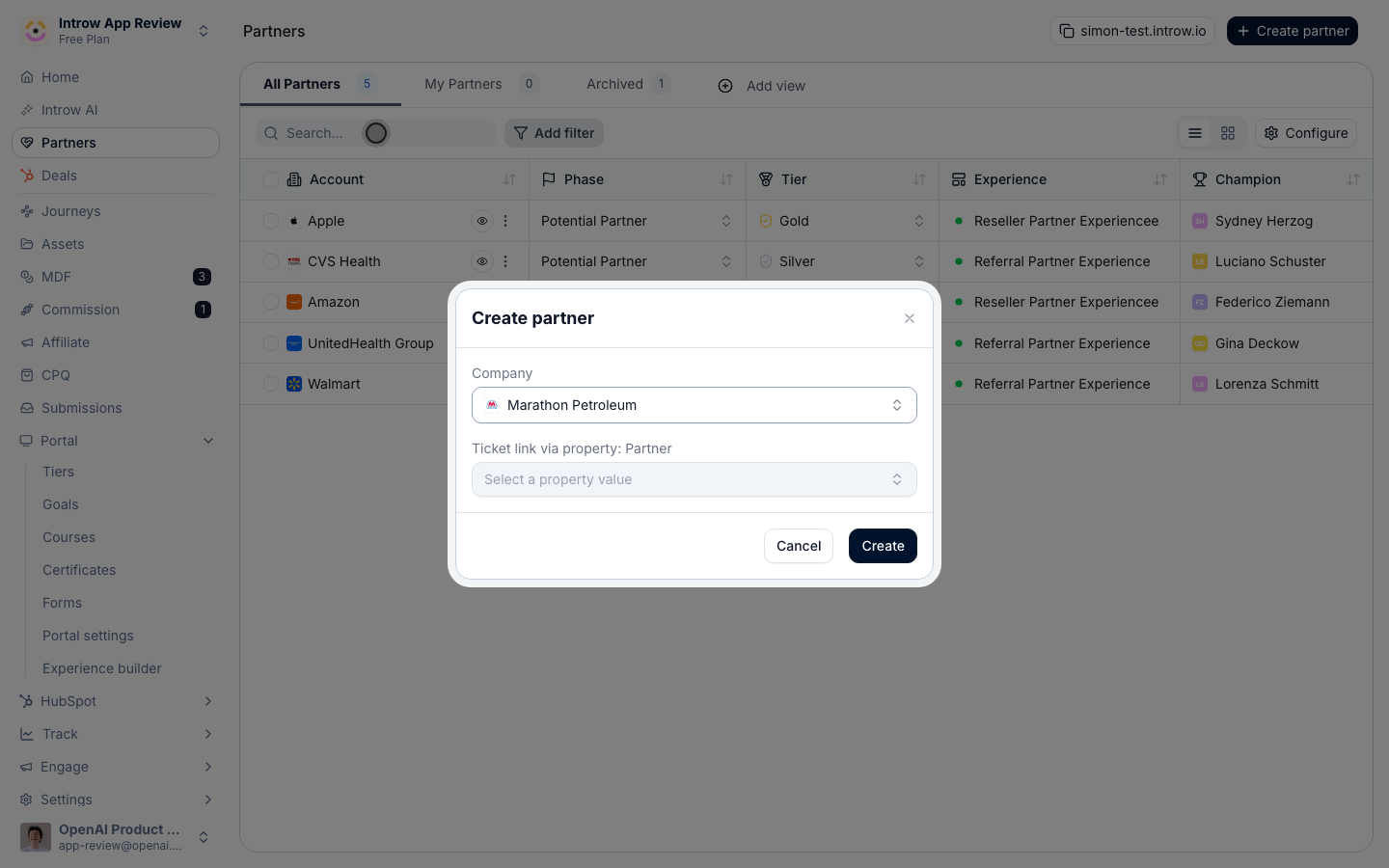
- Company (CRM connected) - search for and pick the partner’s company so the new partner links back to that CRM record. If your CRM uses a custom partner object, you can also pick the Partner record directly. Linking is what makes the partner’s deals and people attribute automatically.
- Company domain and Company name (no CRM, or filling in by hand) - enter the domain and name directly. Typing a domain prefills a suggested company name, which you can edit.
3
Set attribution if prompted
If your setup maps partner attribution properties, the dialog asks you to fill them in. Set them so the partner’s deals and people attribute correctly from the moment they are created, rather than waiting for a later edit. Skip this step if no attribution properties are mapped.
4
Create the partner
Confirm to create the partner. Introw opens the new partner’s detail page.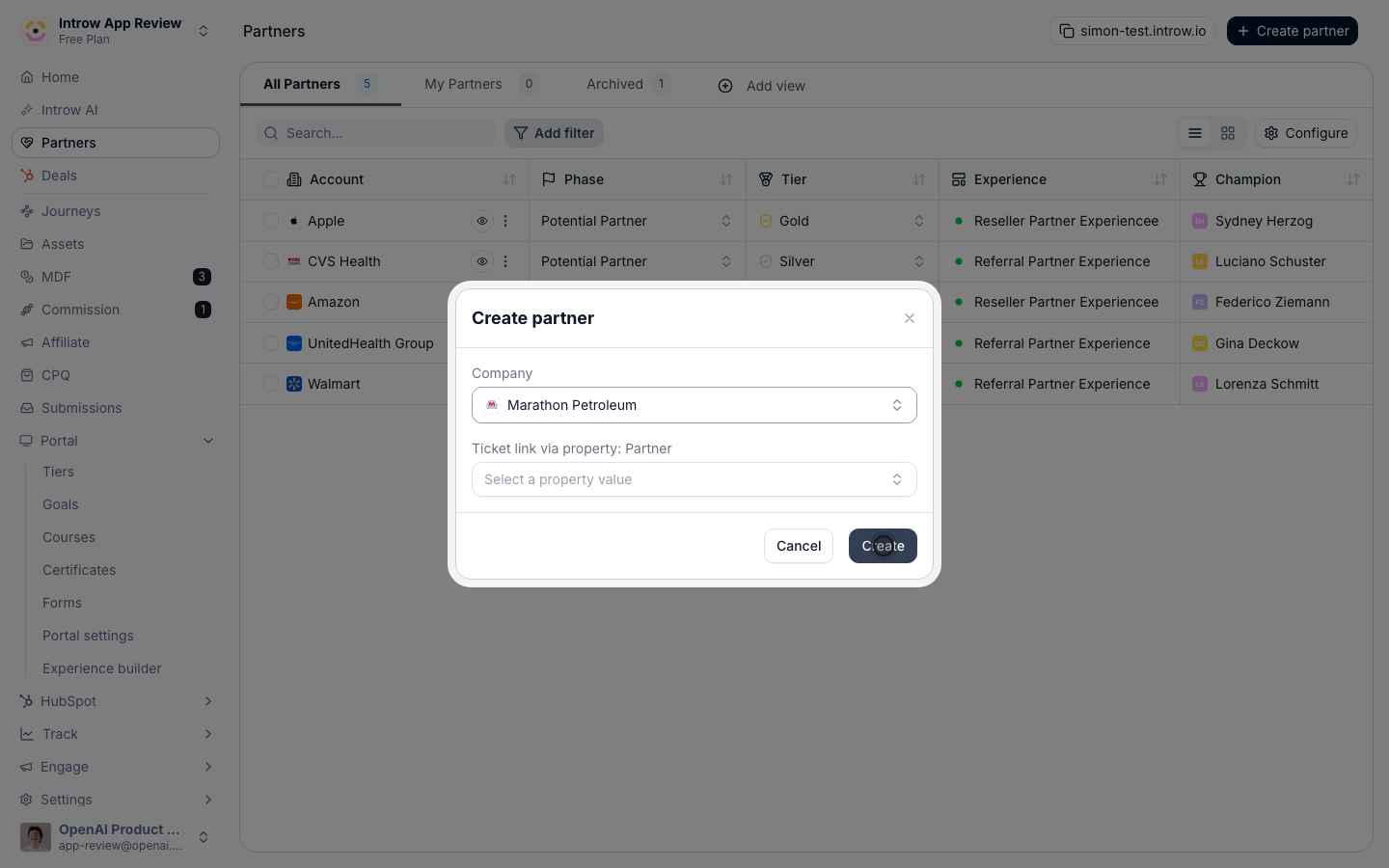
5
Set the new partner's fields
On the detail page, set the fields that decide how the partner is treated: Phase, Tier, Champion, Language, Currency, Categories, Experience, and Commission Plan. See Work a partner record for what each field controls. Setting them now means the partner is fully onboarded, not just created.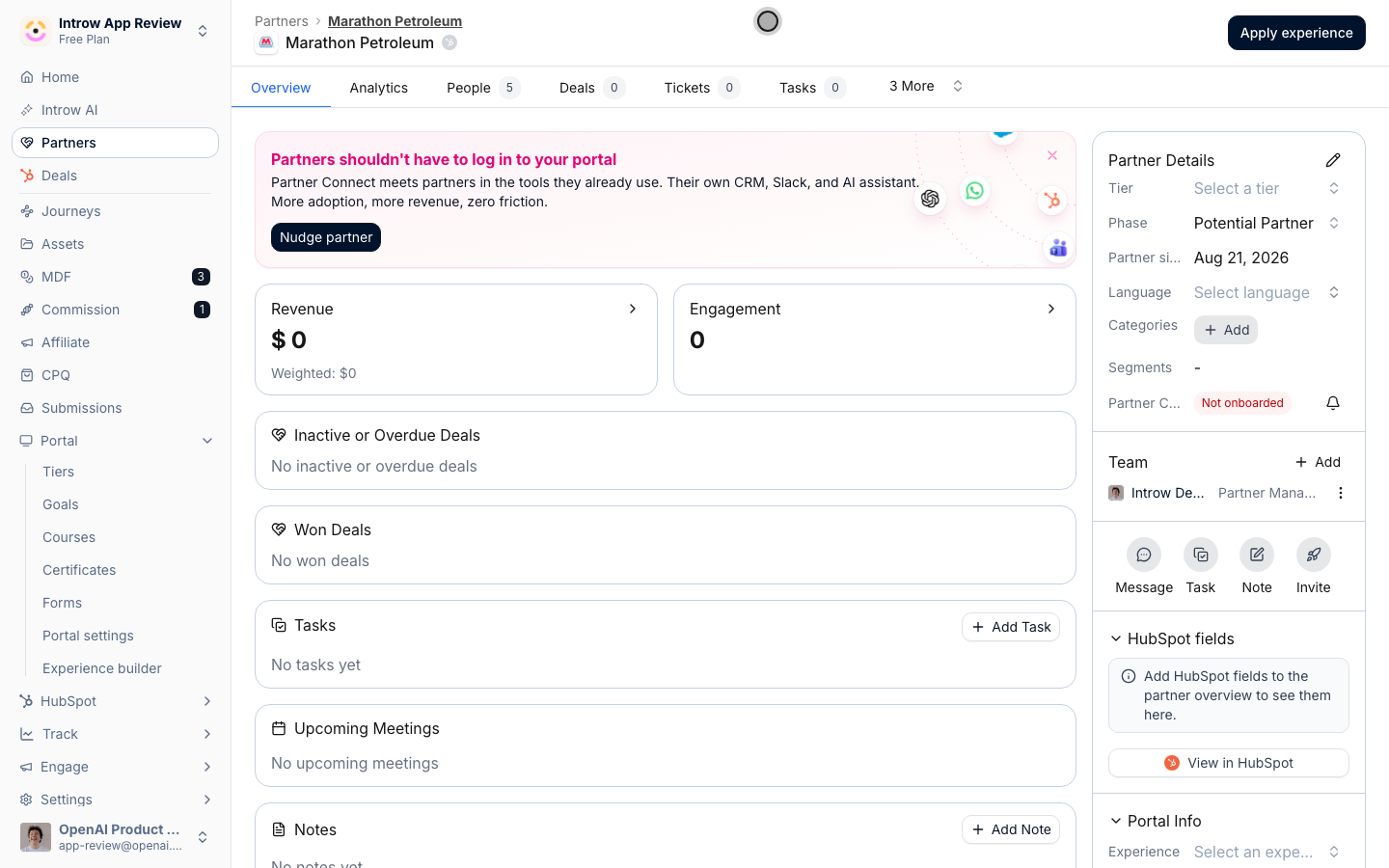
Verify it worked
The new partner appears in Partners and on its detail page, linked to the CRM record when one was selected, with the fields you set ready to drive their experience.Related
Work a partner record
Set every field, manage people, and add notes.
Detect partners from your CRM
Let detection add partners automatically.
Implementation reference
Full configuration options for partner records.