

Where it lives
ROI sits under MDF, at Marketing Funds.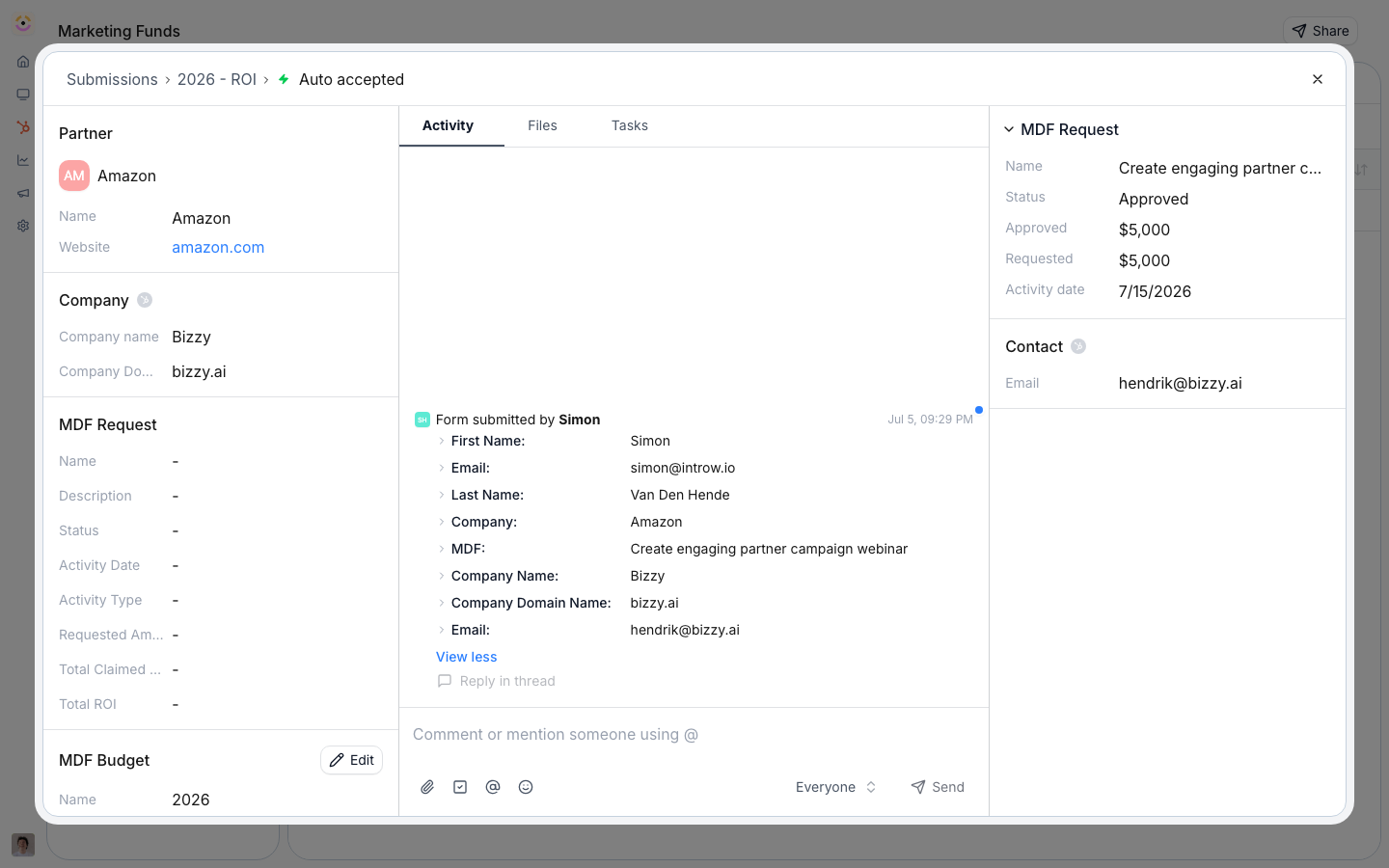
Before you start
How it works
ROI is tracked two ways on a fund. Partners report outcomes through the ROI form, and Introw tracks real-time ROI from CRM data by attributing the objects a project produced (typically deals) to that project and aggregating them. You choose the aggregation: count of objects times a value per unit, or sum of a property (like deal amount). Filters scope which records count. The result updates live and surfaces on the project and in reports and dashboards.Settings & configuration
Real-time ROI tracking
On the fund’s ROI settings, choose the object type to attribute (for example deals), the aggregation (count of objects or sum of a property), the value per unit or the property to sum, and any filters that scope which records count toward the fund.The ROI form
Partners report qualitative and quantitative outcomes through the ROI form. Edit it no-code and map its fields to the CRM like any other step.ROI reporting window
Set the ROI reporting deadline on the fund’s timeline so partners report within the window you expect. The ROI step can be turned off if you only track ROI from CRM data.How-to guides
Troubleshooting
ROI is not adding up
ROI is not adding up
The object type or filters exclude the records; widen the filter.
A partner cannot report ROI
A partner cannot report ROI
The ROI window is disabled or has closed.