

ROI is what lets you defend MDF to finance. Introw already tracks the real-time return from the CRM objects a project produced; the ROI form is where the partner adds the outcomes only they can report - leads captured at the event, meetings booked, qualitative results. The partner reports against their approved project, within the reporting window you set.Real-time ROI from CRM data accrues automatically - see Track ROI on a fund. This guide is the partner-reported half: the outcomes a partner submits through the ROI form, tied to the project they ran.
Before you start
1
Configure the ROI step
The ROI form, its CRM automation, and the reporting window are set up in Configure the ROI step. The ROI step must be enabled on the fund’s timeline.
2
Have a project with a completed activity
ROI is reported against an approved project whose activity has run. See Run the MDF lifecycle.
Ways to submit
The ROI form carries the project it belongs to, so outcomes land on the right project whichever way the partner reports them. They report within the fund’s reporting window.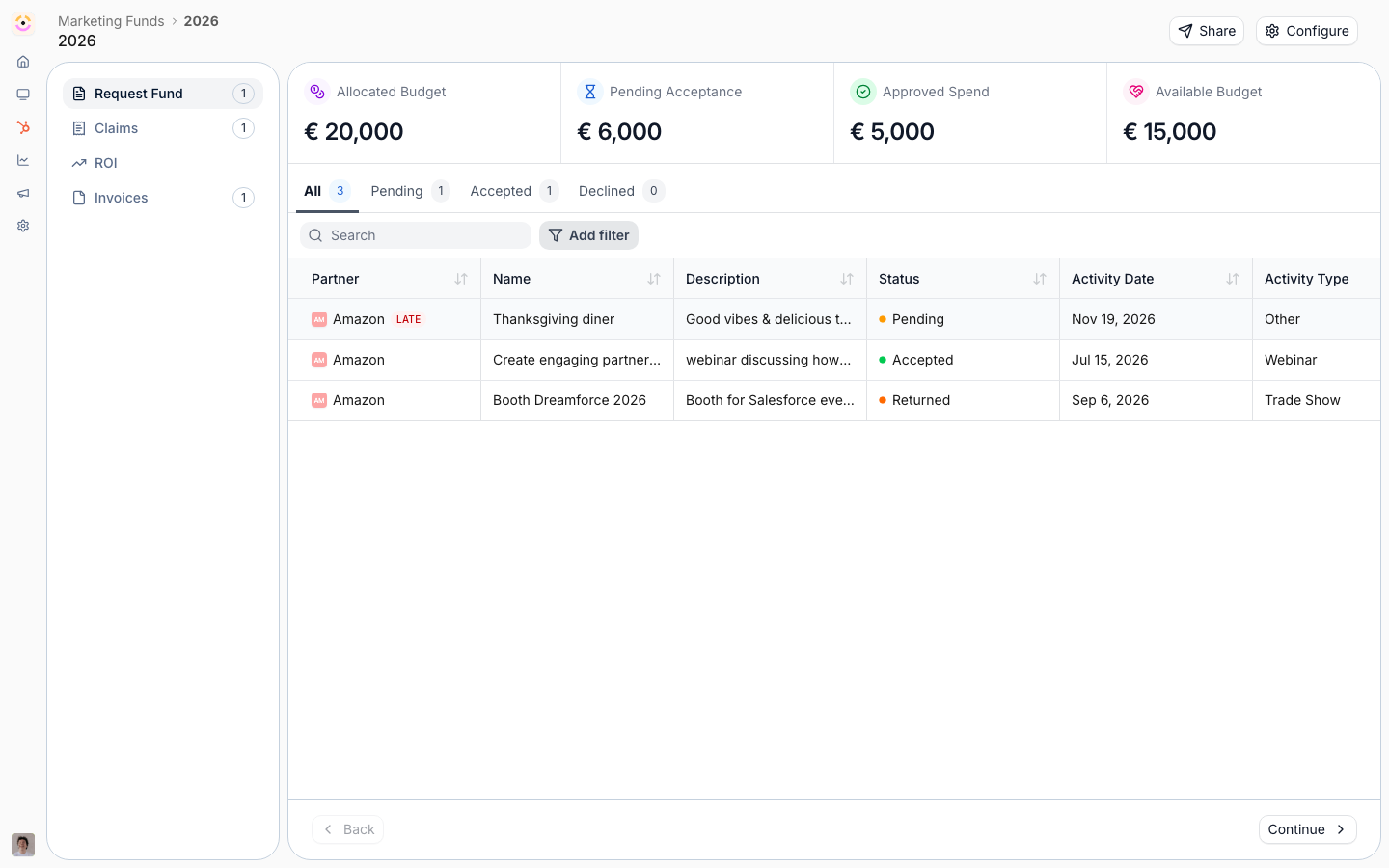
From the project in the portal
From the project in the portal
The partner opens their project and completes the ROI form there, entering the outcomes and any figures you ask for. The most direct path when they are already in the project.
From a link
From a link
Send the ROI form link - often in the reporting-window reminder - and the partner reports from anywhere. The link carries the project, so the outcomes attach to it automatically.
With an AI assistant (MCP)
With an AI assistant (MCP)
A partner working in an assistant connected to Introw over MCP can report ROI from there. See Connect an MCP client and Partner Connect.
Verify it worked
Report test outcomes against a project and confirm they appear on the project and roll into the fund’s ROI in reports and dashboards, alongside the real-time figure tracked from CRM data.Related
Configure the ROI step
Set up the ROI form, real-time tracking, and the reporting window.
Track ROI on a fund
Measure return from partner-reported outcomes and real-time CRM data.
Implementation reference
Full ROI configuration options.