

Where it lives
Crossbeam sits under Settings, at Integrations.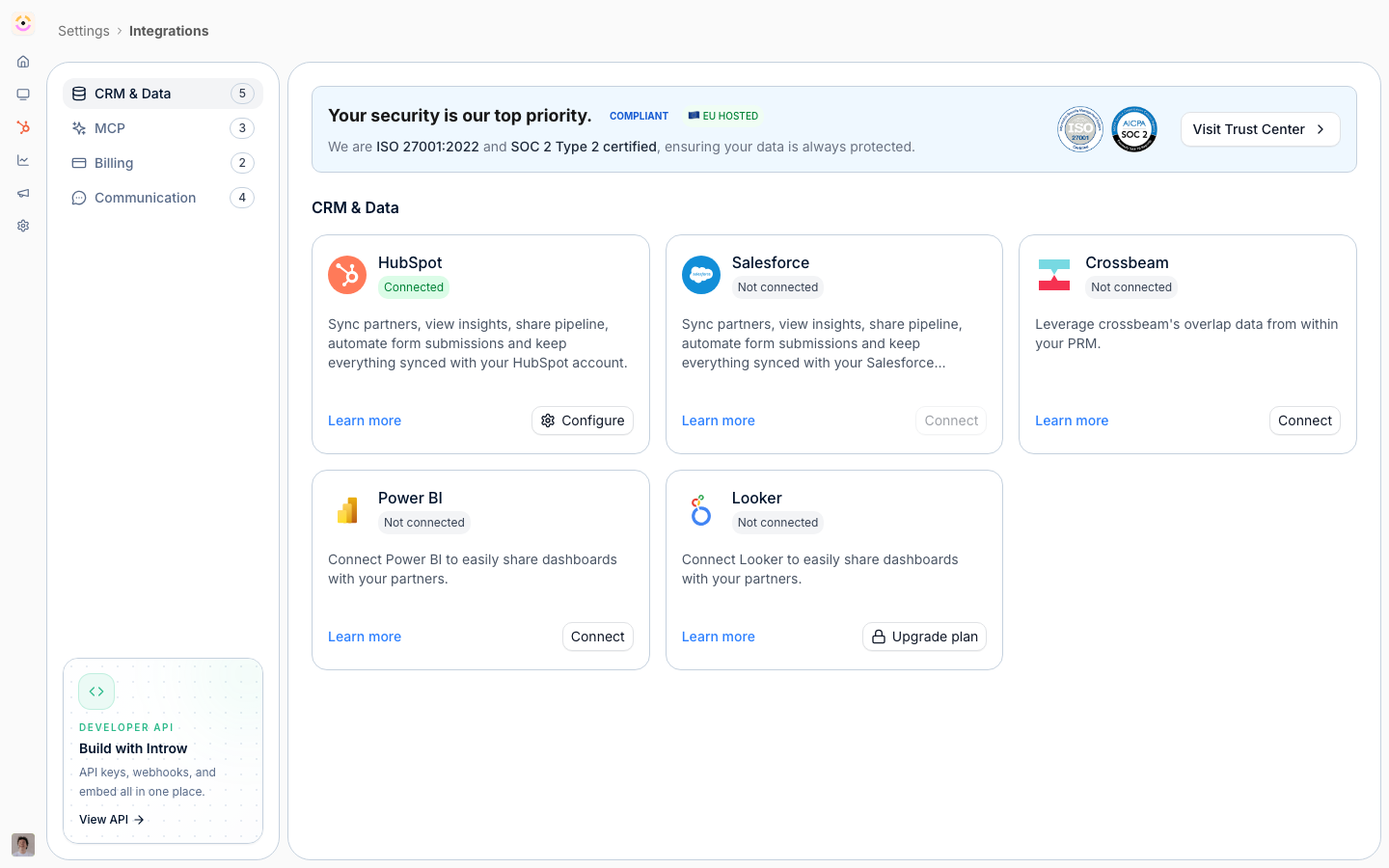
Before you start
How it works
Crossbeam appears as a tile on the CRM & Data tab, and connects over OAuth. From then on, when your team opens an account in a collaboration view, Introw asks Crossbeam who else in your ecosystem already works with that account and shows the answer there. Matching runs on the account’s own domain, so there is nothing to align by hand. Crossbeam is a paid module, and the integration page shows your Crossbeam plan and record export usage so you can manage your quota. It is ecosystem intelligence layered onto Introw, not a CRM sync.Settings & configuration
Crossbeam is managed at Integrations.Connect Crossbeam
Use the Crossbeam tile to authorize via OAuth.Usage
Review your Crossbeam plan and record export usage on the integration page. There is nothing else to configure: overlap resolves per account, so no partner-by-partner setup stands between connecting and using it.Overlap in Introw
Open an account in a collaboration view, or a form submission’s collaboration panel, and an Overlap block lists the ecosystem partners Crossbeam reports on that account, each with the Populations they hold it in and the owner on their side. It is internal: the block says so, and partners never see it.How-to guides
Troubleshooting
The Crossbeam tile shows an upgrade prompt
The Crossbeam tile shows an upgrade prompt
The module is not enabled on your plan.
An account shows no overlap
An account shows no overlap
Crossbeam reports no ecosystem partner on that account, or the account carries no domain to match on.
Overlap looks incomplete
Overlap looks incomplete
Check your Crossbeam record export usage and plan.