

What you’ll achieve
A connected Crossbeam account with your record export usage visible, and ecosystem overlap showing on the accounts your team works, so they can act on it without opening Crossbeam.Before you start
1
Enable Crossbeam on your plan
Crossbeam is a paid add-on. If the Crossbeam tile shows an upgrade prompt instead of Connect, the module is not enabled on your plan; contact Introw to add it.
2
Confirm Crossbeam admin access
You need admin access to the Crossbeam account you are connecting so you can authorize the integration.
3
Confirm your Introw permission
You need permission to connect integrations in Introw to authorize Crossbeam.
Watch it
- Video
- Click through
Steps
Connect the account
1
Open the Integrations
Go to Integrations and stay on the CRM & Data category, where the Crossbeam tile lives alongside your CRM tiles.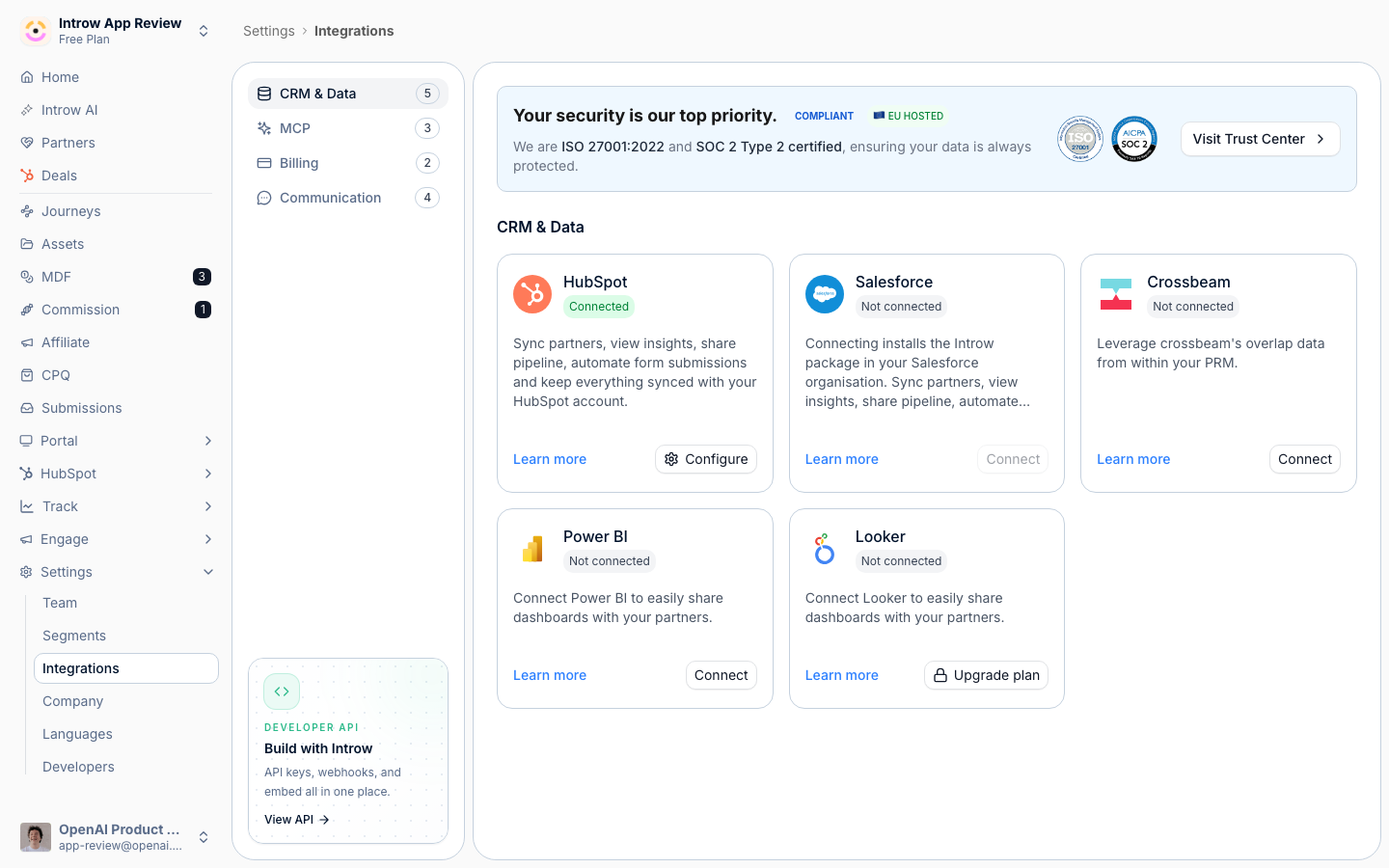
2
Start the Crossbeam connection
On the Crossbeam tile select Connect to open Crossbeam’s authorization screen.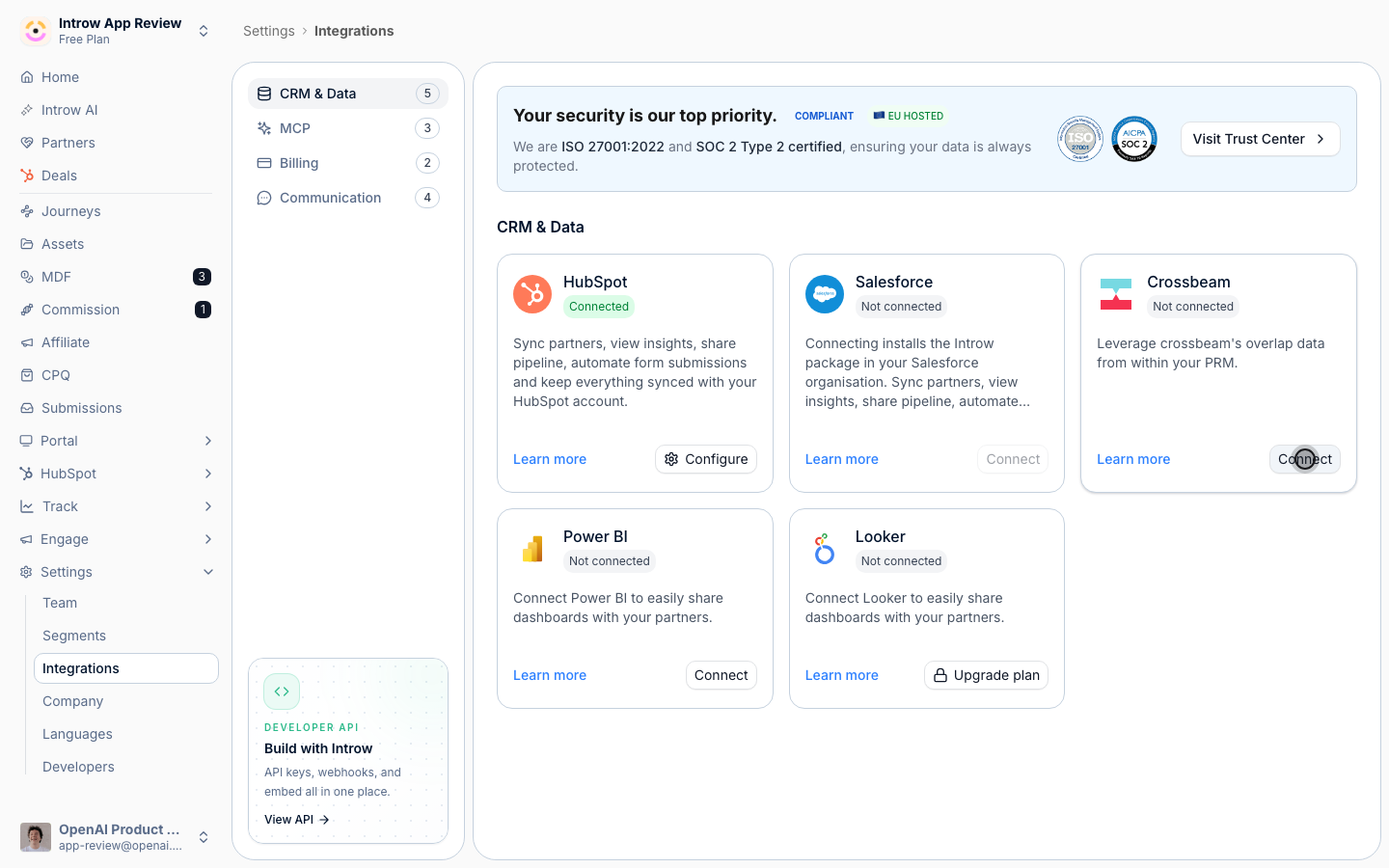
3
Authorize Crossbeam
Sign in to Crossbeam, choose the account, and approve access. Introw returns with Crossbeam shown as Connected by you, with the connection date, and opens the Crossbeam page.
Check your usage and quota
1
Review the Overview
At the top of the Crossbeam page, the Overview shows your Crossbeam Plan and Record Export Usage: how many of your record exports are consumed against your limit, the percentage used, and how many days until the term resets. Watch this so you do not exhaust your Crossbeam quota; the bar turns orange as you approach the limit and red when it is reached. Use View in Crossbeam to manage the plan itself in Crossbeam.
Verify it worked
Crossbeam shows as Connected on the integrations page, and the Overview shows your current plan and record export usage. Open an account your ecosystem is likely to know in a collaboration view: an Overlap block lists the partners Crossbeam reports on it, with the populations they hold it in. There is no partner-by-partner setup to do; overlap is matched on the account’s domain. The block is internal, so partners never see it.Related
Collaborate on shared pipeline
Act on overlap in your collaboration views and co-sell.
Implementation reference
Full configuration options.