

Knowing where you and a partner overlap is the start of every good co-sell. The Crossbeam integration brings ecosystem overlap into Introw, so shared accounts and prospects show up where you collaborate and segment partners.
The problem it solves
Ecosystem data is powerful but usually lives in a separate tool:Impact
The best co-sell call starts with a named account you both know. Having the overlap already sitting next to the deal is what turns a quarterly check-in into a pipeline conversation.How it works
The Crossbeam integration connects your Crossbeam account to Introw and reads the overlap on the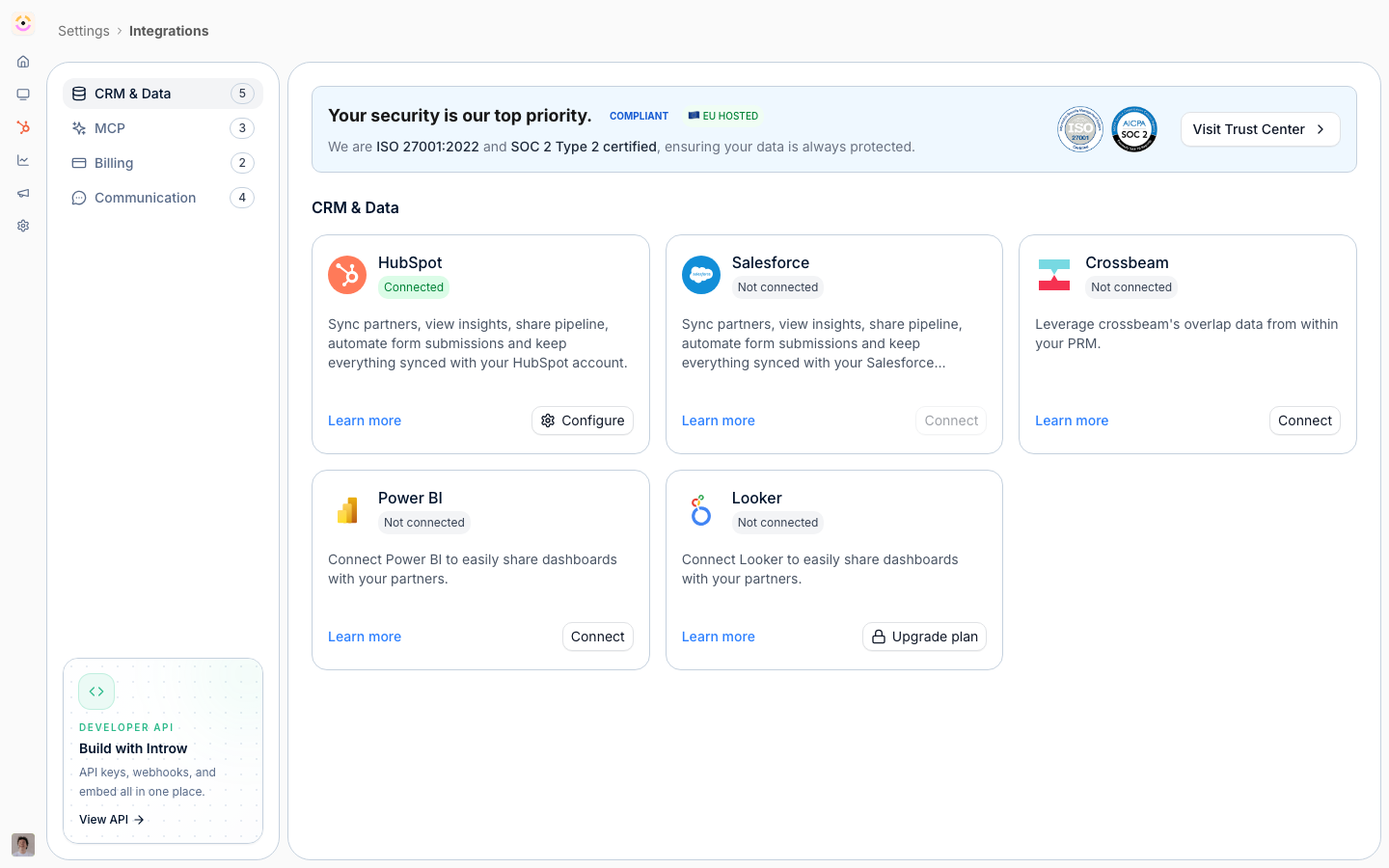
Where Crossbeam ends and Introw begins
The most common question about this integration is not how to set it up, it is whether the two tools overlap. They do not, and the boundary is clean.
Crossbeam answers who to work with. Introw is the program you run with them: registration,
enablement, and the money. That is why the integration exists rather than a copy of it, and why
Crossbeam customers keep Crossbeam.
Do you need Crossbeam to use Introw? No. Nothing in Introw depends on it, and partner-attached
pipeline, deal registration and channel-conflict screening all work without any overlap data. Add
Crossbeam when account mapping is already part of how your team sells, and you want that signal beside
the deal instead of in a second tab. Note that it is a paid add-on on both sides: you need the module
on your Introw plan and a Crossbeam plan that allows record exports.
The Crossbeam integration brings ecosystem overlap to where you work. Connect it, and shared-account
signals show up on the accounts in Introw, turning ecosystem data into co-sell action.
Going deeper
How to
Setup, configuration, and all how-to guides.
API reference
Integration surface and code.
Partner CRM
Connect on overlapping accounts.
Shared Pipelines
Surface co-sell overlap in the pipeline.