

Where it lives
Quotes & Line Items lives at Experience builder.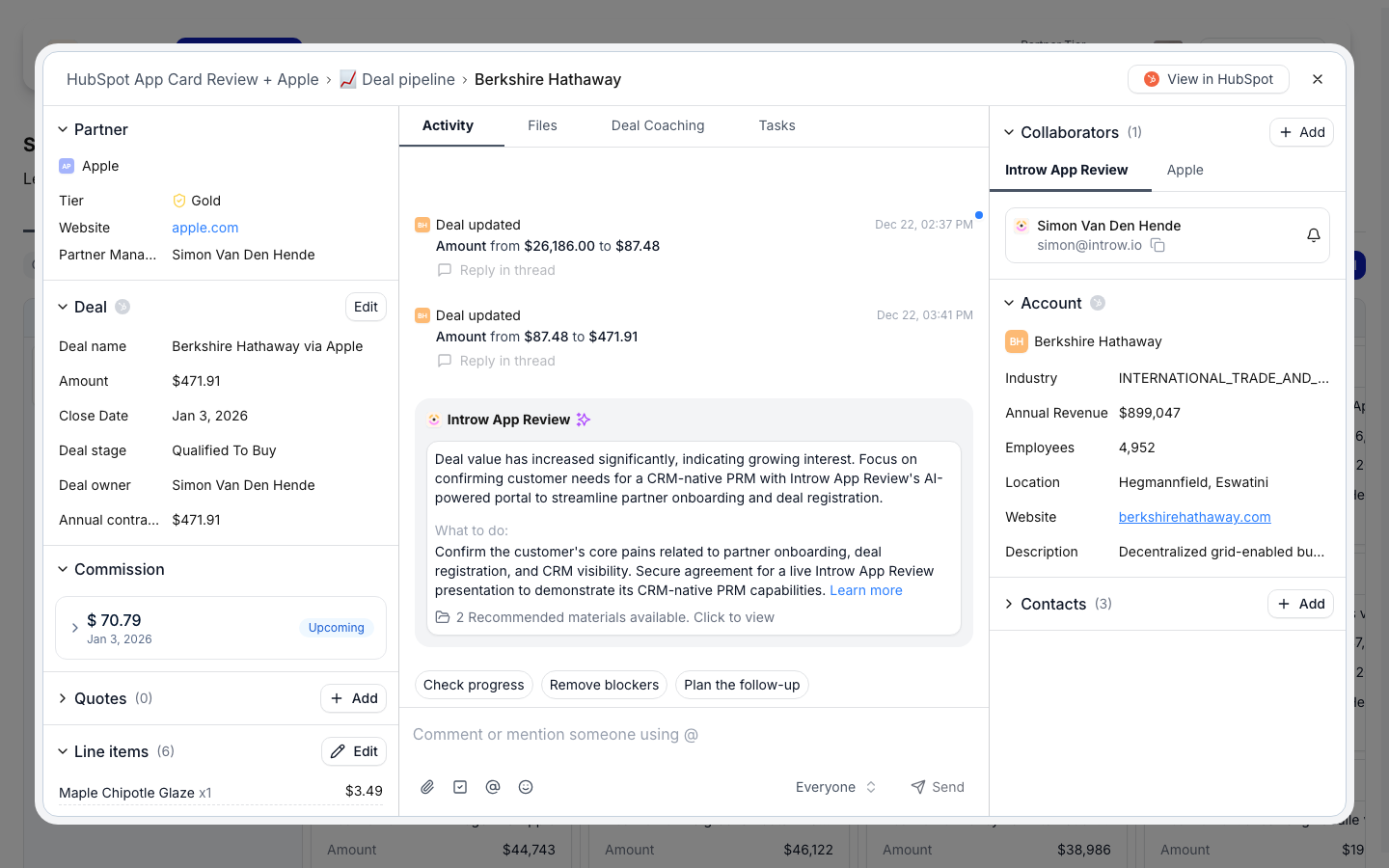
Before you start
How it works
Partner quoting is configured on a deal embed in a portal experience. When you add a CRM entity list for deals, its Quotes & Line Items settings control whether partners can see and edit line items, create quotes, and publish them. With creation enabled, partners get a guided quote builder on the deal: their info, the end user, line items, and a signature or contacts step, then review. The buyer step shows the end customer’s Company name, Website, Phone, Address, City, State/Province, ZIP/Postal code and Country. On a partner deal the end customer’s company is the company on the deal that is not the partner’s own. Edits go to that company in HubSpot, and the quote is attached to the same company, so the quote shows what the partner typed. Only the fields the partner changed are sent, so opening Edit quote and saving without a change never reverts an earlier edit. Quotes and line items are written as native HubSpot objects associated to the deal. Quote creation and line-item editing require the Product Hub module and a HubSpot connection. You can choose a quote template, lock the title to a template, require e-signatures, collect payment, and gate publishing behind approval.Settings & configuration
Quoting is configured in the deal embed’s Quotes & Line Items settings, reached from Experience builder.Visibility
Use Show line items and Show quotes to control what partners see on the deal. Show pricing sits under Show line items and decides whether partners see any money at all. With it on, they see each line item’s unit price and total. With it off, no monetary values are sent to partners, and partner quote and line-item editing is switched off with it, since there is no way to quote without prices. Use it for programs where partners should see what is on the deal (which products, which quantities) but not what it costs, for example when a distributor owns the commercial conversation with the end customer.Quote creation and publishing depend on Show pricing being on. If the quote controls read
“Enable Show pricing on the line items above to let partners create or publish quotes”, that is
why.
Creation
With Product Hub and HubSpot connected, enable Allow line item editing, Allow quote creation, and Allow quote publishing. Turning publishing off holds quotes for manual approval.Seller
Seller decides whose company details appear as the seller on the quote. Us (the organisation) is the default and keeps today’s behaviour: the quote goes out under your company. Choose The partner and the partner’s own linked CRM company is used instead, so the quote reads as coming from them. This is what a reseller motion needs. A reseller sells to their customer in their own name, on their own paper, and a quote branded with the vendor exposes the relationship and confuses the buyer. The seller is resolved server-side from the partner’s linked CRM company, so the setting holds no matter where the quote was created from.Audience
Use Who can create quotes to limit quoting to specific partner segments.Template and title
Choose a quote template, then optionally Lock quote title and set a title template so every quote follows the same naming.E-signatures
Enable Require e-signatures so a quote must be signed before it can be accepted.Payment collection
Enable payment collection, choose a processor (HubSpot Payments or Stripe), and set accepted methods such as card or ACH.Approval workflow
Configure a Process quote form and Who can process quotes to route quotes through review before they go out.How-to guides
Troubleshooting
Partners cannot create quotes
Partners cannot create quotes
The Product Hub module is off, HubSpot quote write access is missing, or Show pricing is off on the line items.
A quote will not publish
A quote will not publish
Publishing is disabled for approval, the quote is missing a required contact, or a CPQ quote has no line items yet: it reads This quote requires at least one line item before it can be published. Add a line item and publish again.
HubSpot will not let the connection change a quote
HubSpot will not let the connection change a quote
When Introw’s HubSpot connection lacks quote permission, creating, editing, publishing, recalling or deleting a quote says so and names the action, for example that the connection is not allowed to delete quotes, and tells the partner to ask their partner manager. A published quote is archived rather than deleted. Give the connection quote permission in HubSpot, or make the change in HubSpot yourself.
The quote template is inactive
The quote template is inactive
The quote template on the embed is inactive in your CRM, and creating a quote says so. Activate it in HubSpot, or pick an active template in the embed settings.
Partners see no prices
Partners see no prices
Show pricing is off. That is deliberate: with it off, no monetary values reach partners at all.
The quote shows the wrong seller
The quote shows the wrong seller
Check Seller. On The partner, the details come from the partner’s linked CRM company, so fix the link rather than the quote.