

Where it lives
Tasks lives at Tasks.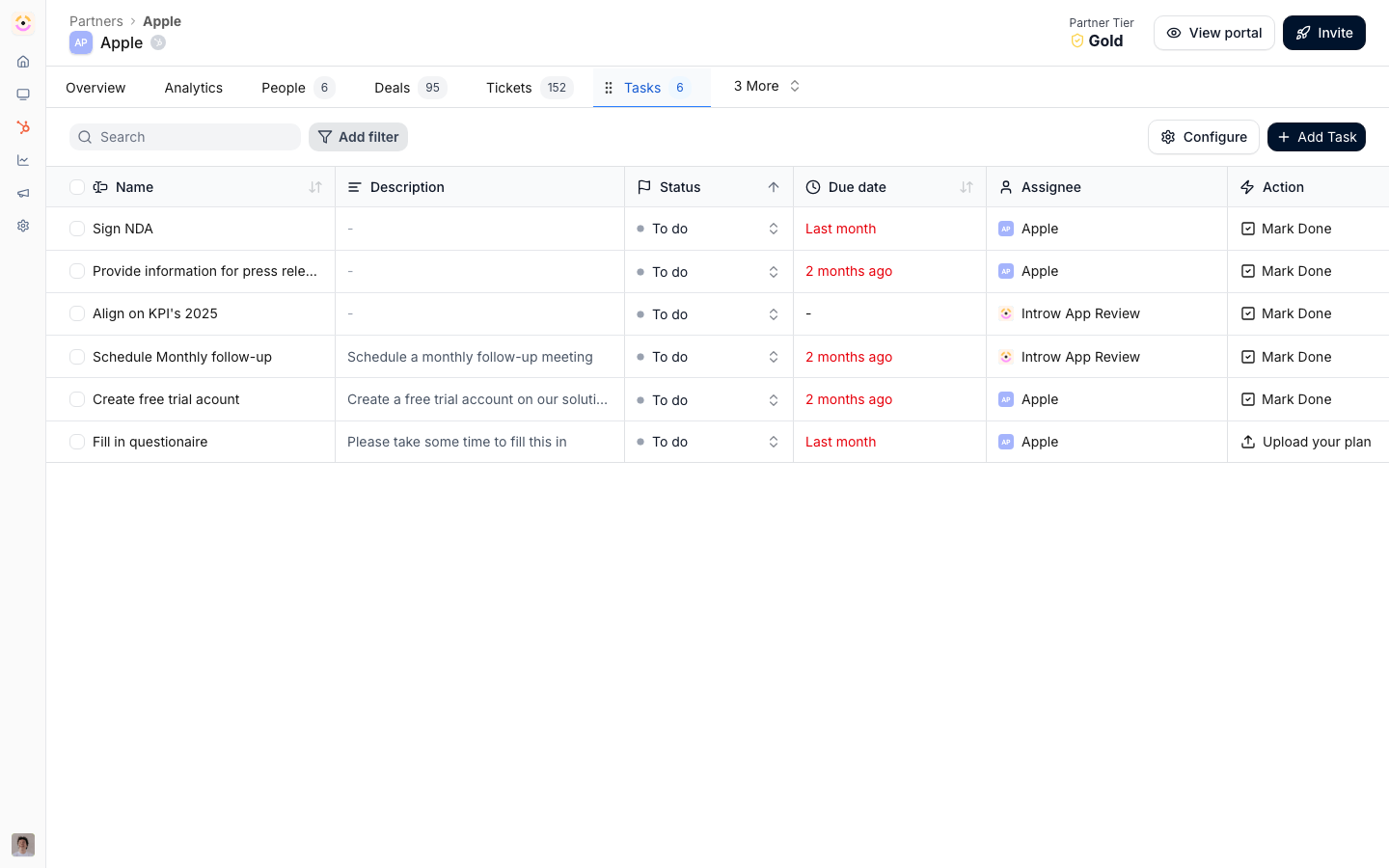
Before you start
How it works
On a shared deal or CRM record, you add tasks that capture the next steps in the co-sell. Each task has an owner (your rep or the partner), a due date, and a status. Both sides see the tasks on the record they collaborate on, including from the CRM card, and notifications flag tasks that are due or overdue. Tasks sit alongside comments and collaborators on the shared record, so they are part of the same collaboration surface rather than a separate tool.How-to guides
Troubleshooting
The partner cannot see a task
The partner cannot see a task
Confirm the deal is shared with that partner.
No reminder was sent
No reminder was sent
Confirm a due date is set and notifications are enabled.
A task is on the wrong record
A task is on the wrong record
Tasks belong to the record they were created on; recreate it on the correct deal.