

What you’ll achieve
A co-sold deal carries clear, owned next steps: each task names who is responsible - your rep or the partner - has a due date, and is visible to both sides on the shared record. With notifications on, owners are reminded when a task is assigned, due, or overdue, so the deal keeps moving without anyone chasing by hand.Before you start
1
The deal is shared with the partner
Tasks live on the shared record and are visible to its collaborators, so share the deal first. See Collaborate on a shared deal.
2
You can collaborate on the record
You need permission to act on the shared deal to add and assign tasks on it.
Watch it
- Video
- Click through
Steps
1
Open the shared deal
Go to Deals overview and open the deal you are co-selling, or open it from the partner’s record or the CRM card. Its collaboration view holds the Tasks section alongside the activity and files, so the task sits with the deal rather than in a separate tool.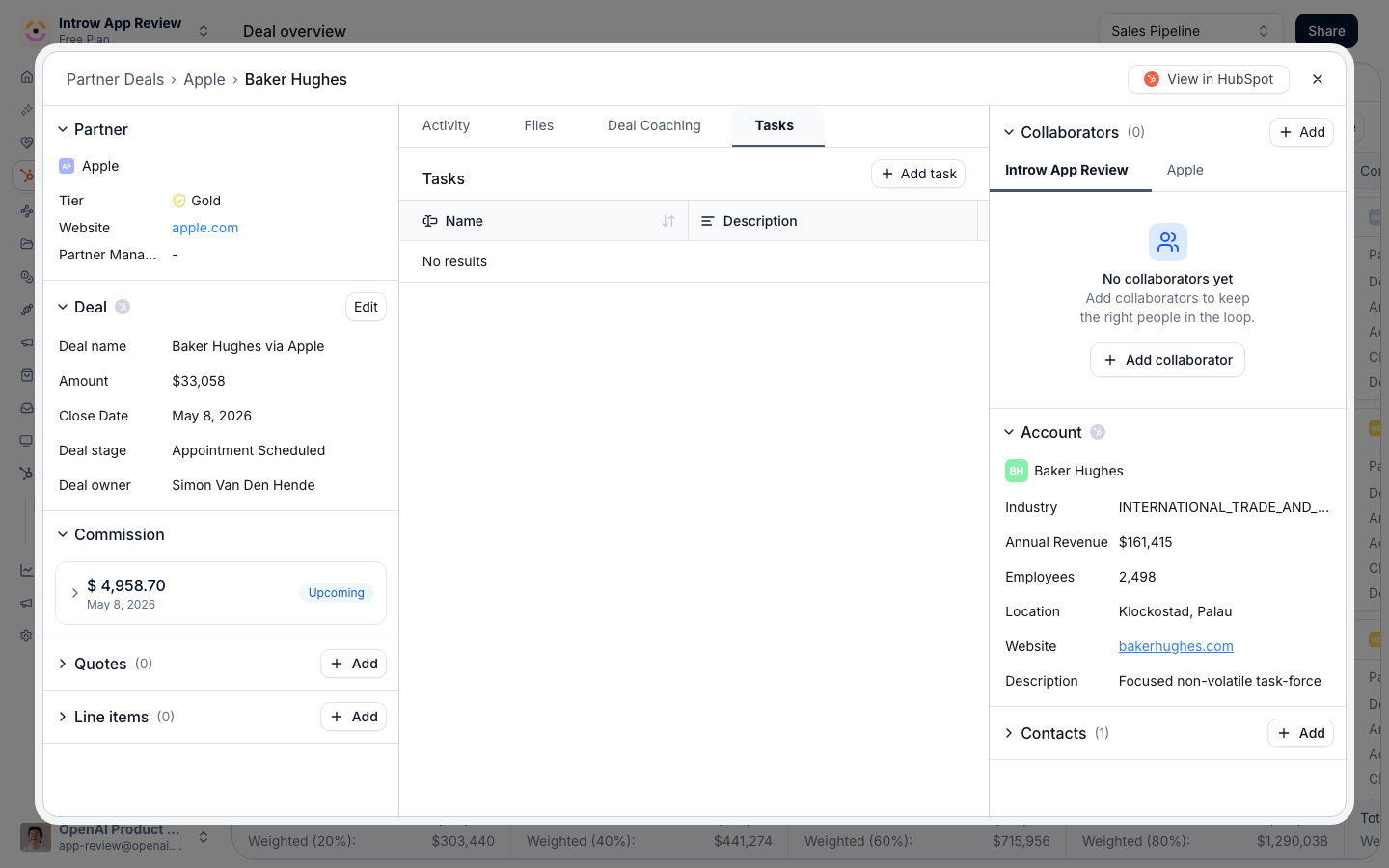
2
Add a task
In the Tasks section, add a task and fill in its details: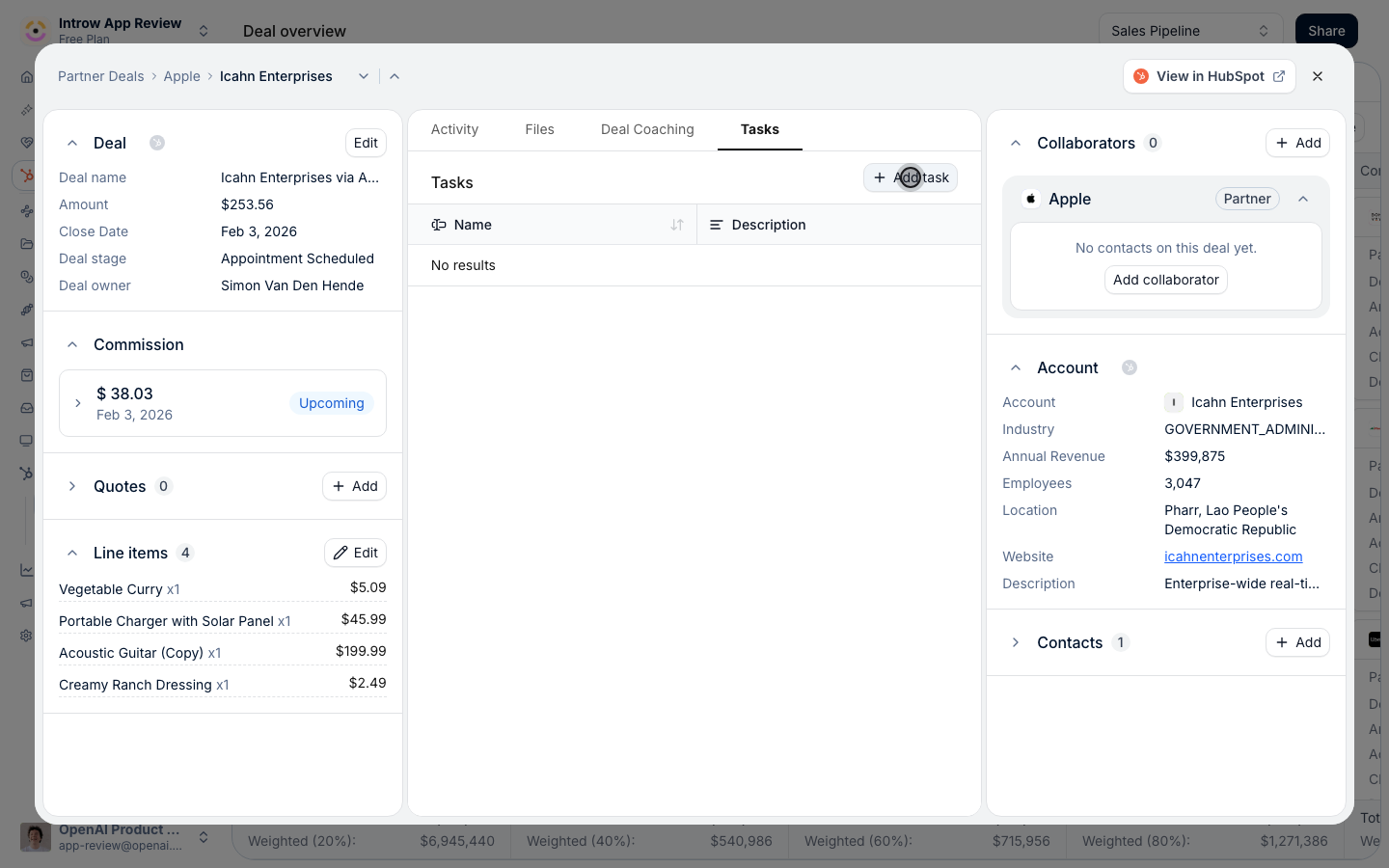
- Name - the next step in plain terms, so both sides know what done looks like.
- Due date - when it is due; this is what drives the reminders, so set it whenever timing matters.
- Visibility - whether the task is visible to the partner, internal to your team, or only to its assignee. Choose partner-visible for steps you want the partner to see and act on.
3
Assign the owner
Set who owns the task so responsibility is explicit:
- Owner side - assign it to your organisation (your rep) or to the partner. A partner-owned task is what makes their next step theirs to complete.
- Assignee - point it at the specific person, or at the partner company when any of their team can pick it up.
4
Turn on task notifications
Go to Default settings, open the Notifications tab, and give the Tasks events their recipients so owners are kept informed: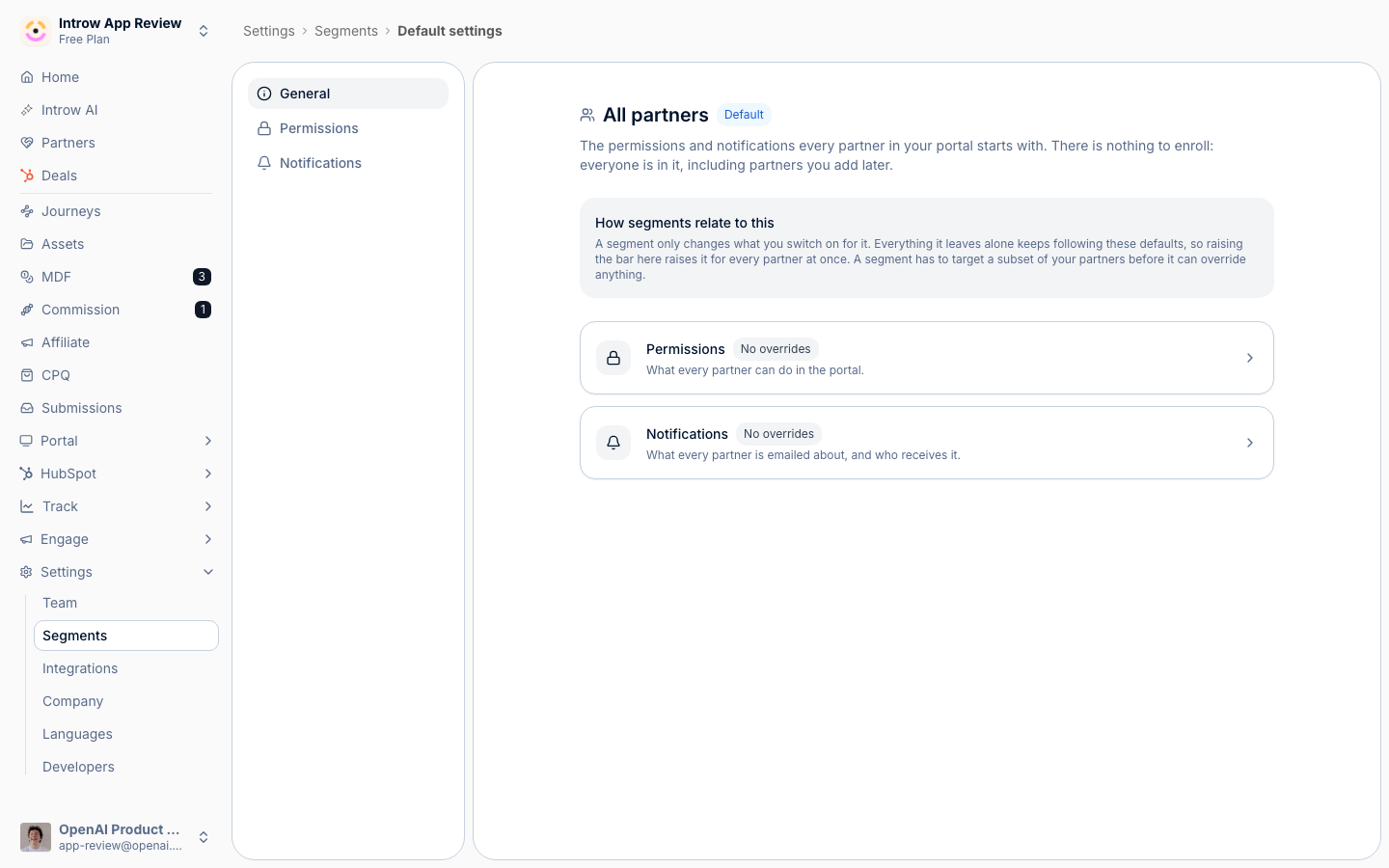
- Task assigned / updated - notifies the owner when a task is assigned to them or changes.
- Tasks nudge - reminders when a task is due tomorrow and again if it is still open after it was due.
Verify it worked
The task appears in the deal’s Tasks section for both you and the partner, showing its owner and due date. A partner-owned task with a due date generates a reminder to the partner, and you are notified when they complete it - so the next step is tracked end to end without manual follow-up.Related
Collaborate on a shared deal
Share the deal and set collaborators before adding tasks.
Partner tasks
The full task model and how tasks work across partners.
Partner notifications
Configure how and where task reminders are delivered.
Implementation reference
Full configuration options.