

What you’ll achieve
One login that can create and switch between multiple Introw organisations, so you never log in and out to move between entities or client accounts, and each organisation’s data stays separate and secure.Before you start
1
Be signed in to Introw
You switch and add organisations from inside the app, using the organisation you are currently in.
2
Know the new organisation's basics
To create one, have its company name, web domain, and the CRM it should connect to ready.
Watch it
- Video
- Click through
Steps
1
Open the organisation switcher
Go to Introw and select your organisation avatar (or organisation name) in the top-left of the navigation panel. The menu lists every organisation your profile can access and lets you add a new one.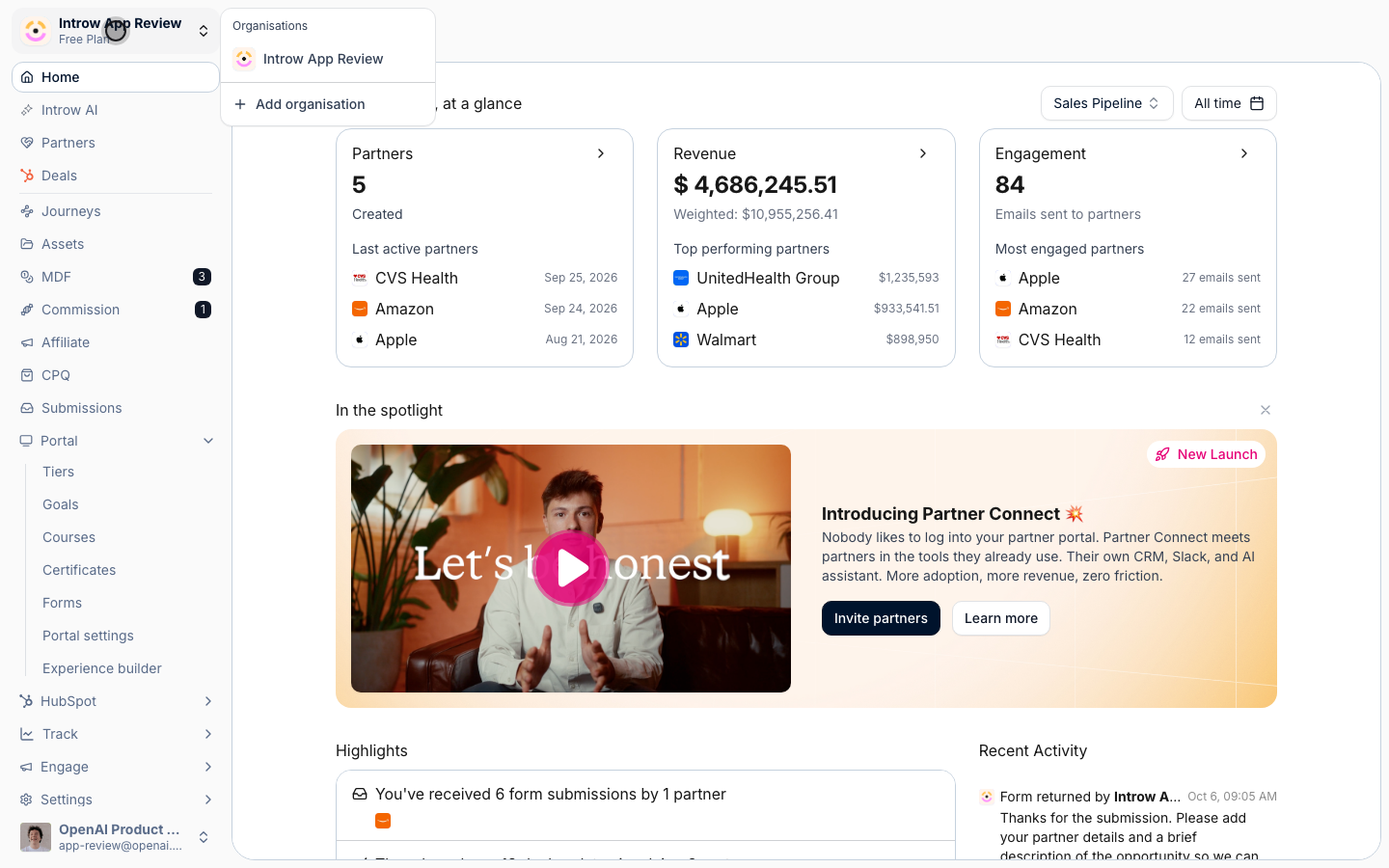
2
Switch between organisations
Pick any organisation in the list to switch straight into it, with no second login. Introw loads that organisation’s data on its own; nothing is shared across organisations.
3
Add a new organisation
Select Add organisation to open the Create new organisation screen, which mirrors the initial Introw setup. Provide: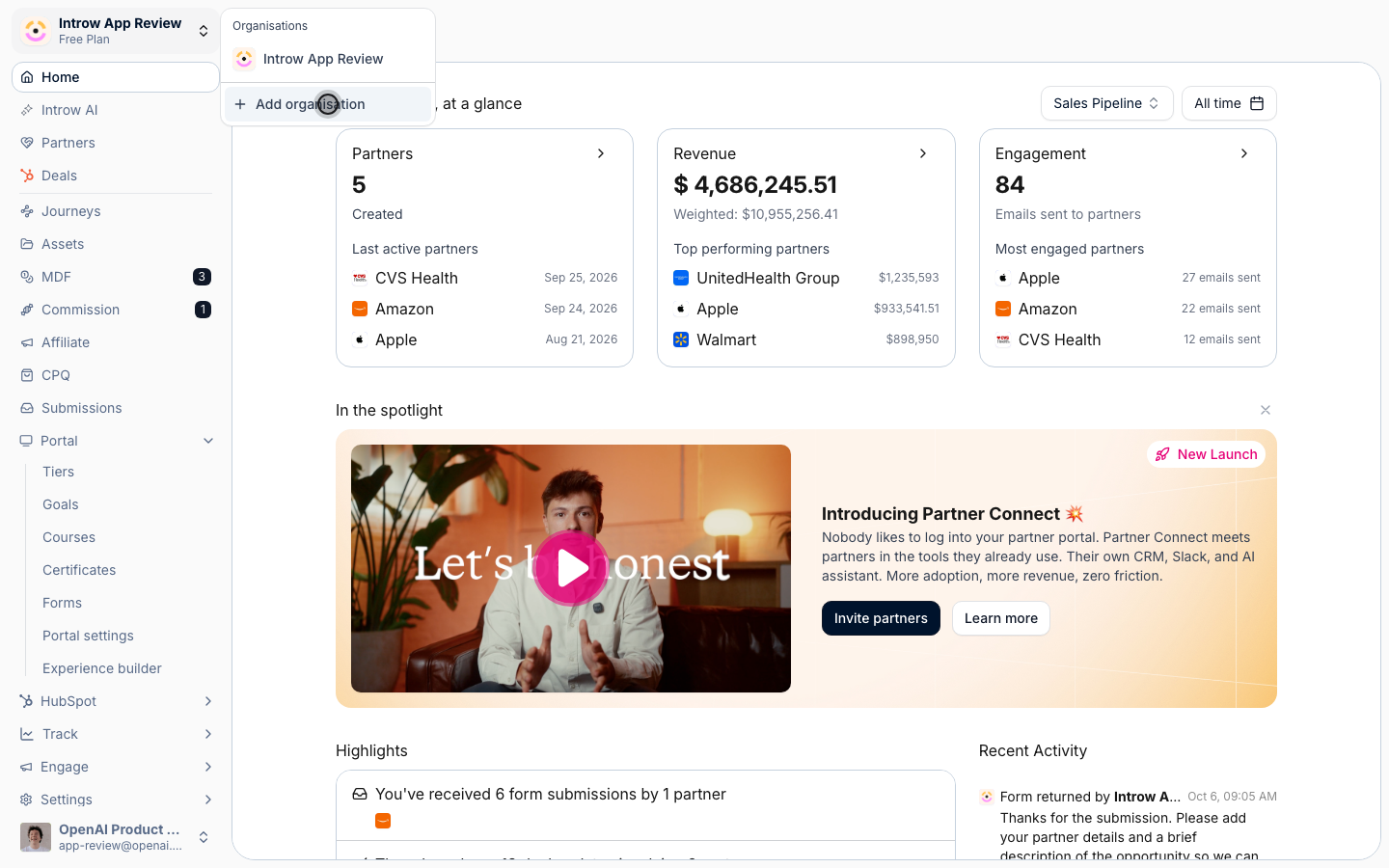
- Company name - the name of the new entity or client.
- Domain - the web domain for the new organisation.
- CRM integration - the CRM (HubSpot, Salesforce, and so on) this organisation connects to.
4
Create and start setting up
Select Create organisation and Introw provisions the new account immediately. As the creator you become its Admin, so you can invite team members and partners and begin configuring it right away.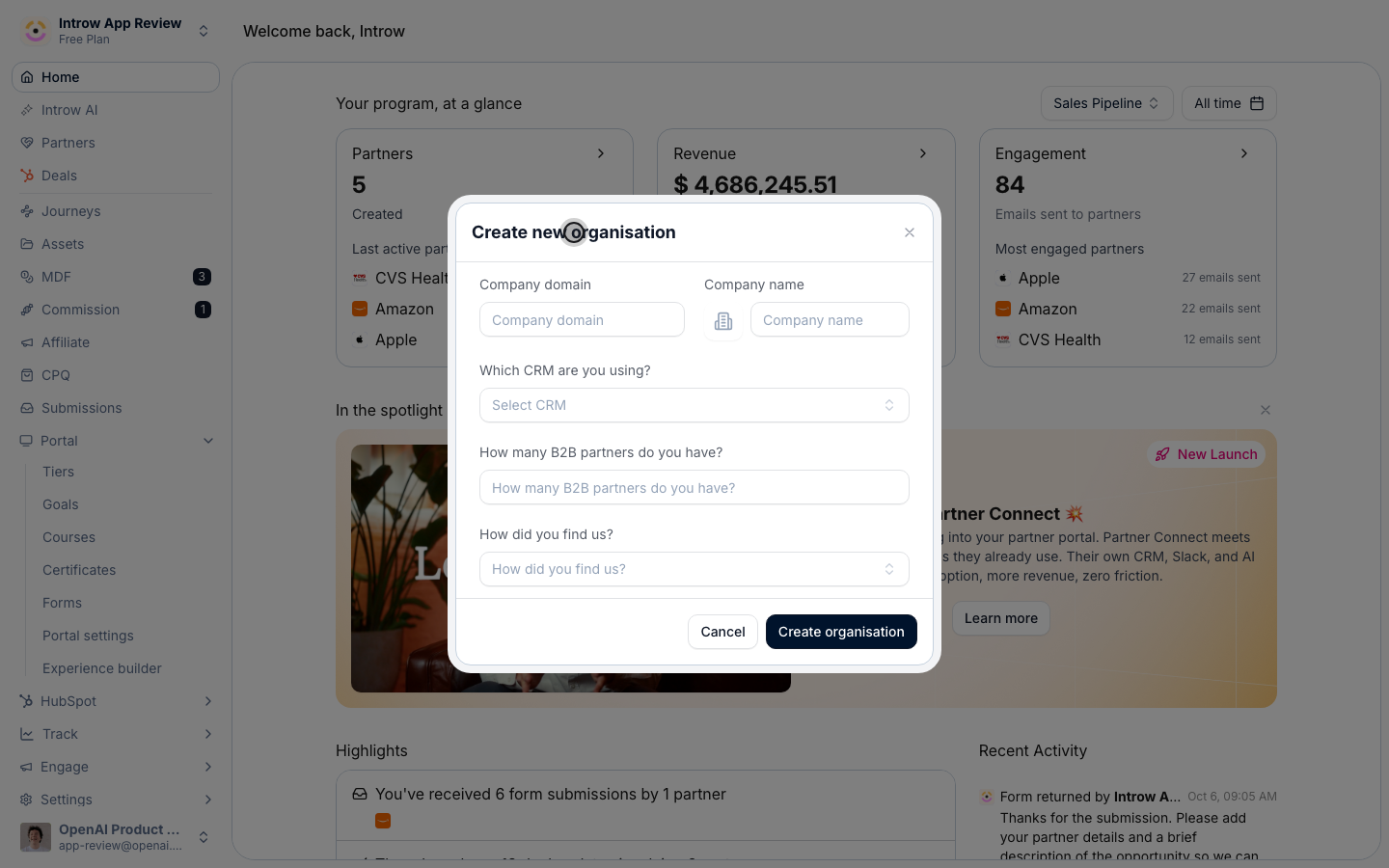
Verify it worked
The organisation switcher lists every organisation you belong to, selecting one moves you into it without a fresh login, and a newly created organisation appears in the list with you as its admin, ready to set up. Data never crosses between organisations.Related
Invite a team member
Add teammates to an organisation you administer.
Create an internal role
Control what each teammate can do in an organisation.
Implementation reference
Full configuration options.