

What you’ll achieve
The partners a campaign is for get an announcement in their portal and inbox that links to the kit. Partners outside the campaign do not see it. The Marketing tab’s buttons lead to the form you want filled next. A week later, you know which partners and which people opened which assets, and who to chase.Before you start
1
Publish the kit
The kit and the Marketing tab must already be live.
See Enable partners with a campaign kit.
2
Have the segments ready
Targeting and restricted access both use segments.
Create the segment for this campaign first, such as Gold partners or HubSpot solution partners.
See Segments.
Watch it
- Video
- Click through
Steps
Decide who sees the kit
1
Keep it open, or restrict it
Go to Assets, open the campaign folder and select an asset to open its detail panel.
On the Access tab: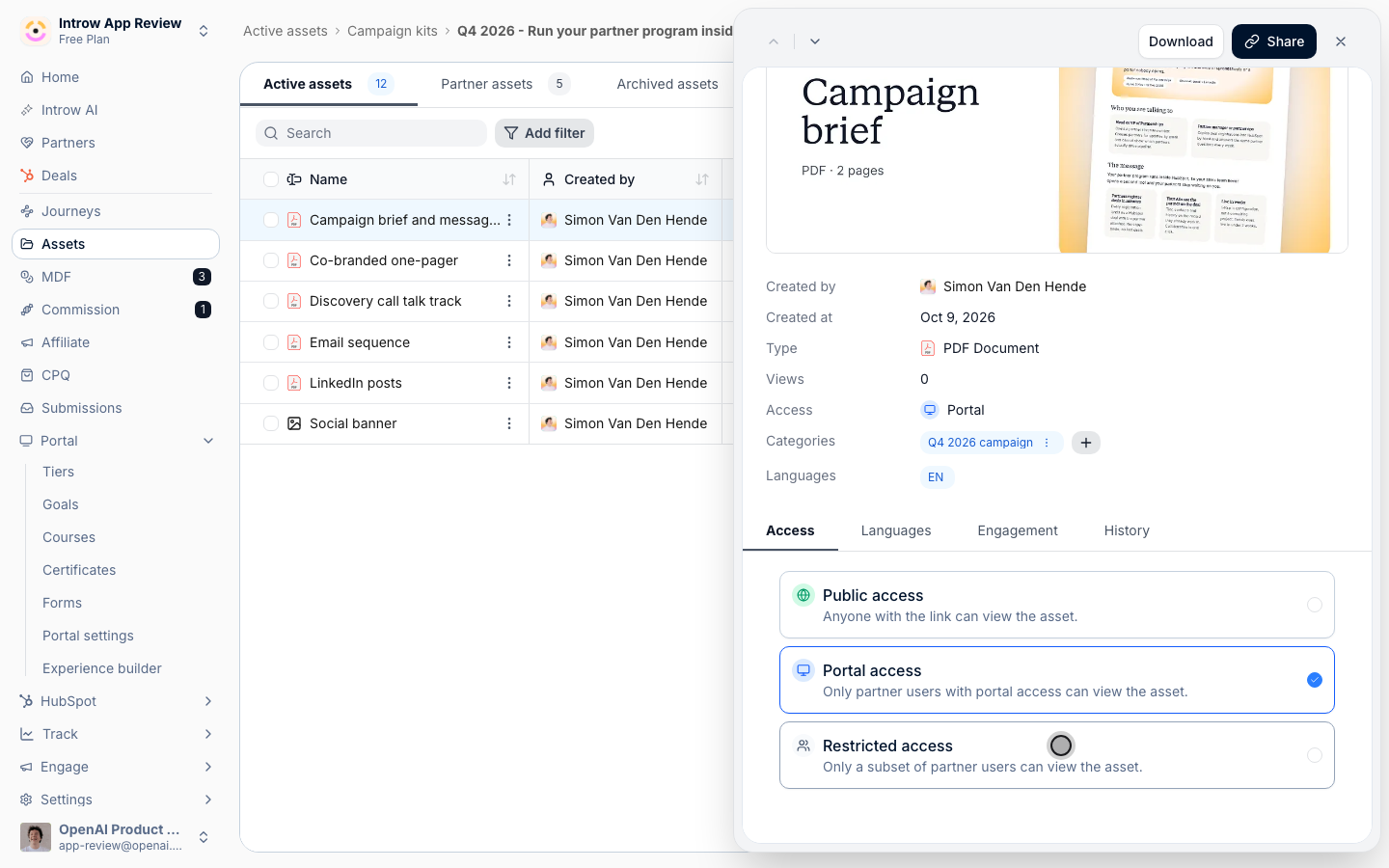
- Portal access - every partner user with portal access sees it. Keep this for a campaign open to the whole program.
- Restricted access - only a subset of partner users can view it. Pick the segments that should see it. With no segment picked, the list reads All partners.
Announce it
1
Write the announcement
Go to Announcements and create one.
Lead with what the partner gets and what they do: the campaign, who it is for, and that the kit is on their Marketing tab.
Add a link to the tab, and attach the banner from the kit as the image.
Set From to the person partners know, usually their partner manager or your partner marketing lead, and Assign replies to to whoever answers campaign questions.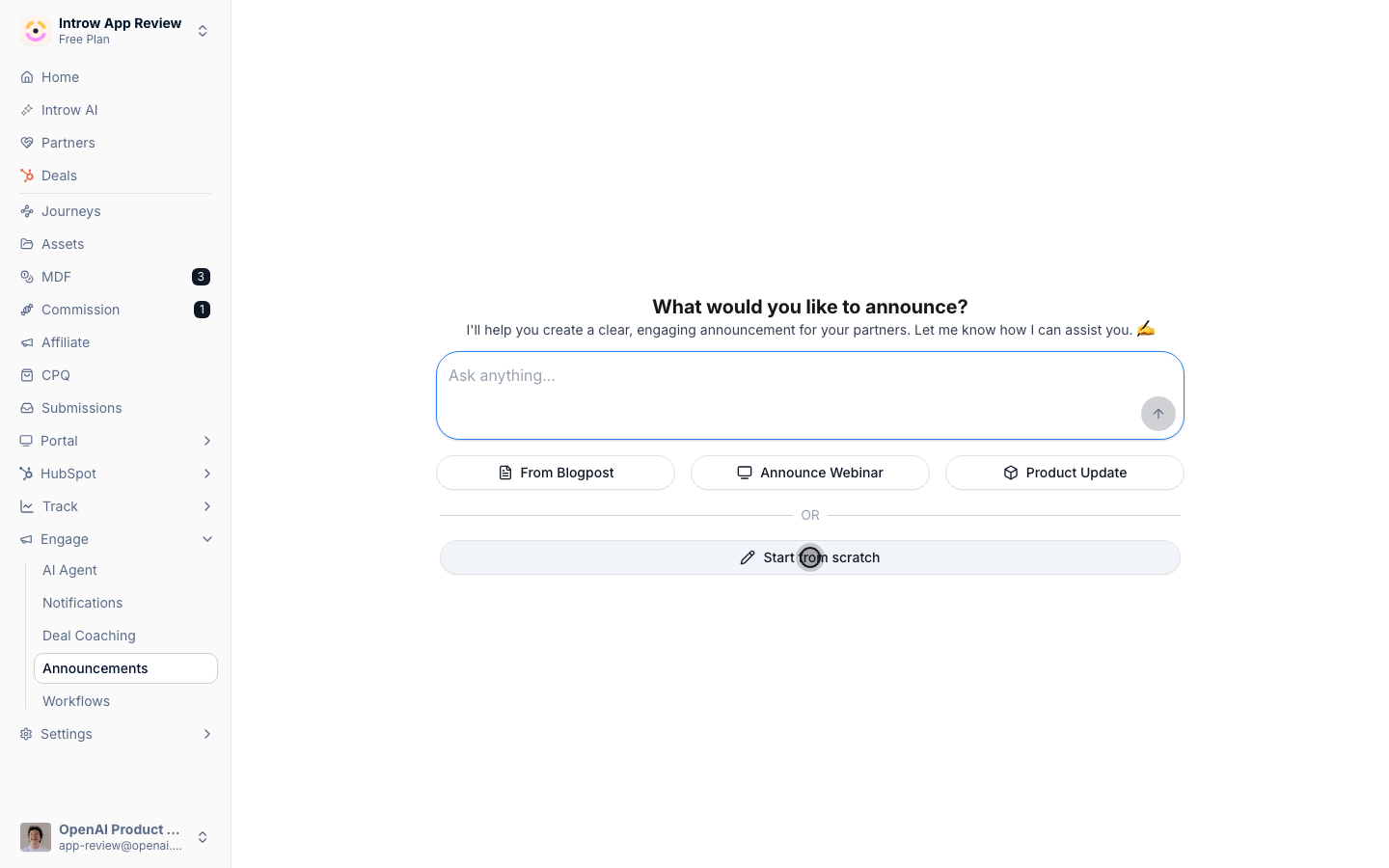
2
Target the campaign's segments
Under Segments, pick the same segments you used for Restricted access.
An announcement about a kit a partner cannot open is worse than no announcement.
Tag it with a Categories value such as Campaigns, so partners find it again next to past campaigns.
3
Pick the channels and publish
Choose Portal and Email at least, and Slack or Microsoft Teams where you share channels with partners.
Publish.
For every option on this screen, see Send an announcement.
Give the tab one next step
1
Point the hero buttons at what you want next
Go to the Experience builder, open the experience and its Marketing tab.
Select the settings icon next to a hero button to open Configure Call to Action.
Under When clicked, choose Open form and select the form you want partners to fill in after picking up the kit: a request for marketing funds when the campaign is funded, or your deal registration form when it is not.
Set Button Text to the action, such as Fund a campaign, and keep it Primary.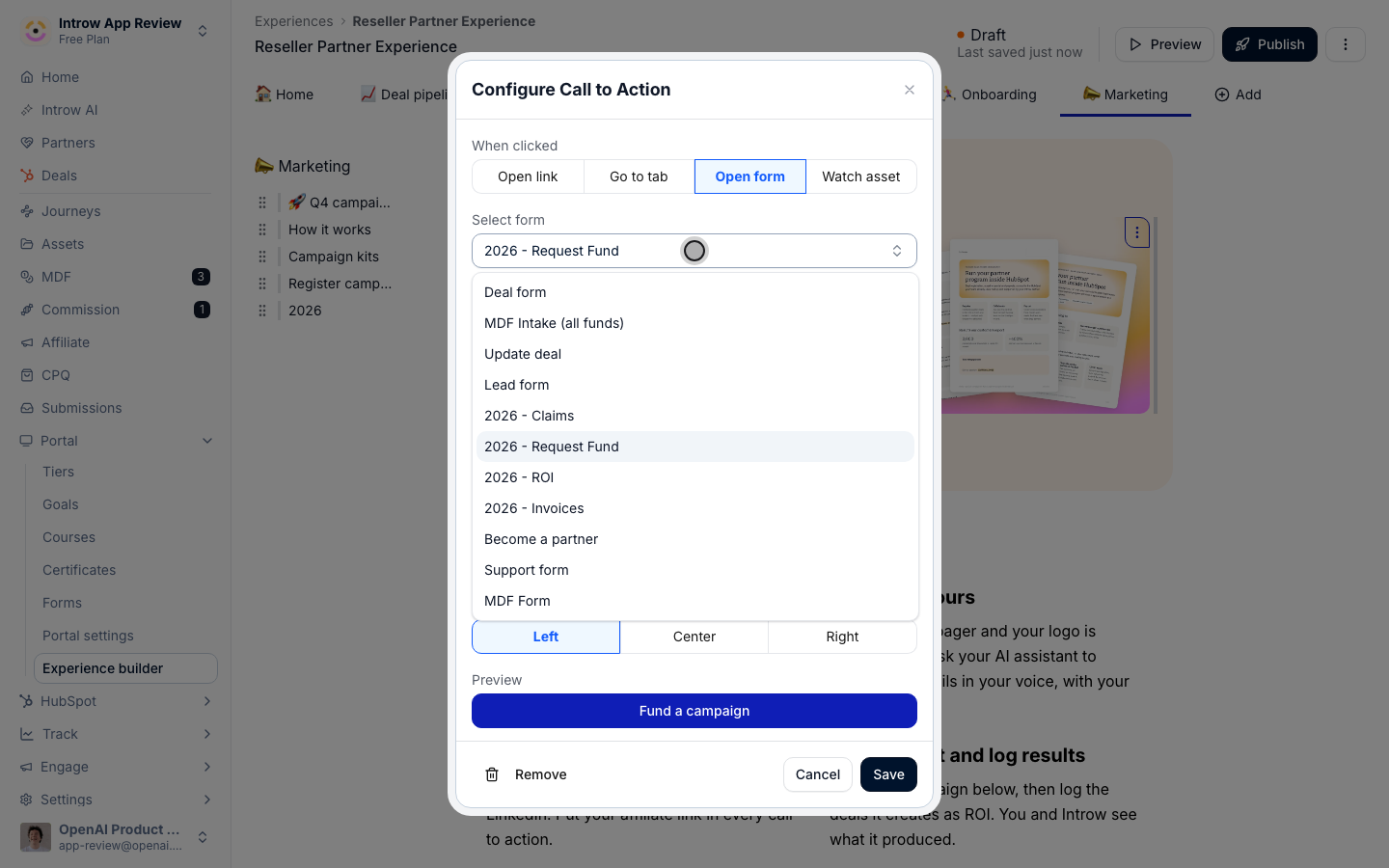
2
Republish the tab
Select Publish and apply the experience to the same partners, so their portal shows the updated buttons.
Read the first week
1
See who opened each asset
In Assets, open an asset from the kit and go to its Engagement tab.
Partners lists the partner companies that viewed it, and People lists the individual users, each with Last viewed and Total views.
The brief is usually the first asset opened; partners who opened the brief but not the emails stopped before sending.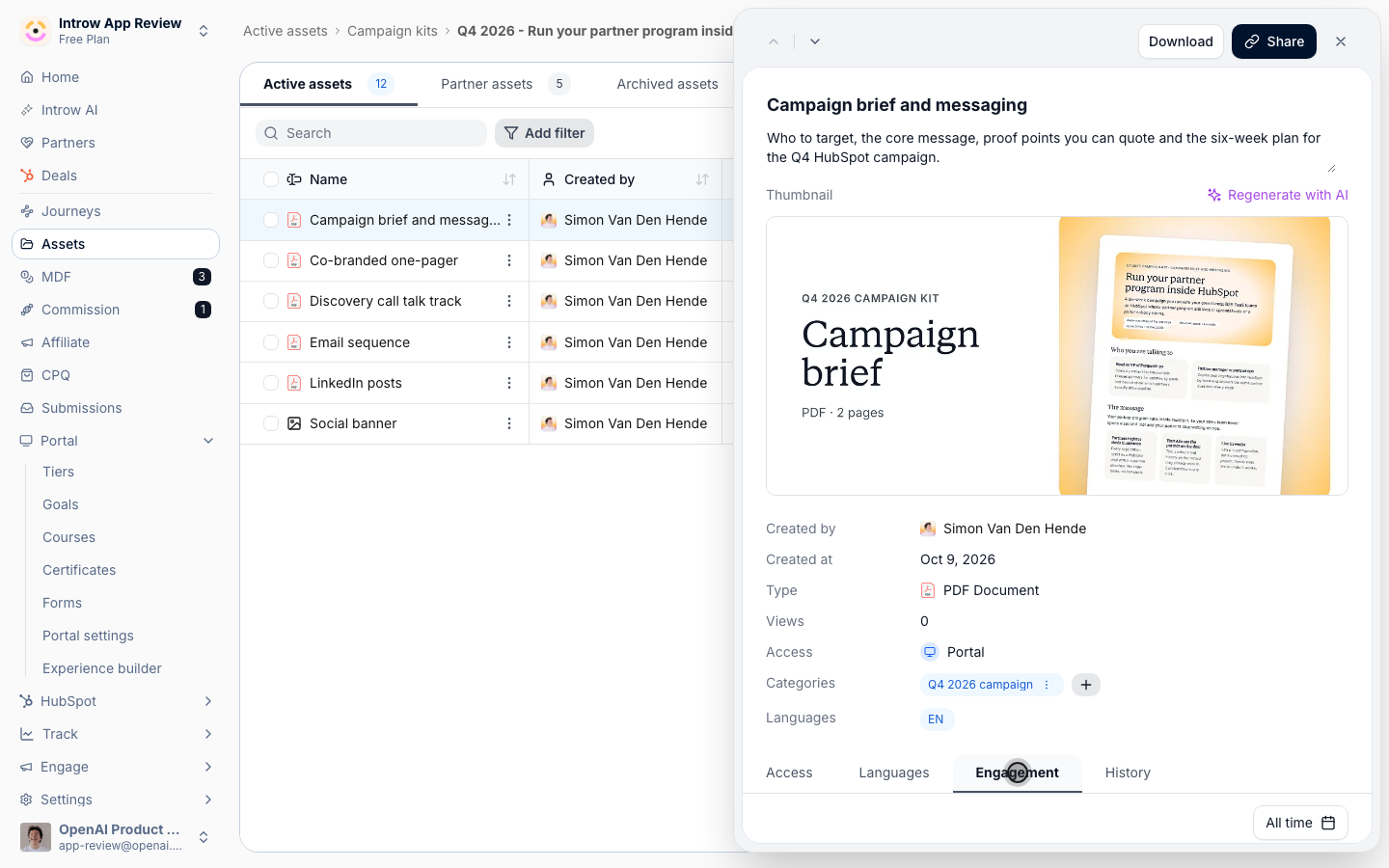
2
Check the folder total
Open the campaign folder’s details.
Views shows the total across the kit, and the list underneath shows each viewer by Name with their Total views.
3
Follow up with the quiet ones
Compare the Partners list against the segment you announced to.
Partners missing from it never opened the kit: a direct note from their partner manager moves them more than a second announcement.
Verify it worked
Open a partner’s portal in the targeted segment: the announcement sits in their feed and the kit is on their Marketing tab. Open a partner’s portal outside the segment: a restricted kit is not there. On the kit’s assets, the Engagement tab starts listing partners within hours of the announcement.What your partners experience
The partners the campaign is for get one message, in their inbox and their portal, that says what the campaign is and where the kit is. They open the Marketing tab, pick up the kit, and the button under the headline takes them straight to the next form. Partners the campaign is not for are never asked about it.Related
Enable partners with a campaign kit
Build the kit and the Marketing tab.
Send an announcement
Every announcement option in detail.
Review asset engagement
Read views per partner and per person.
Campaign Kits
Settings and troubleshooting.