

What you’ll build
A portal experience showing each partner their own dashboard.Before you start
1
Prepare a dashboard or report
Have the dashboard or report you want to surface ready.
Watch it
- Video
- Click through
Steps
1
Open the experience
Go to the Experience builder and open the portal experience.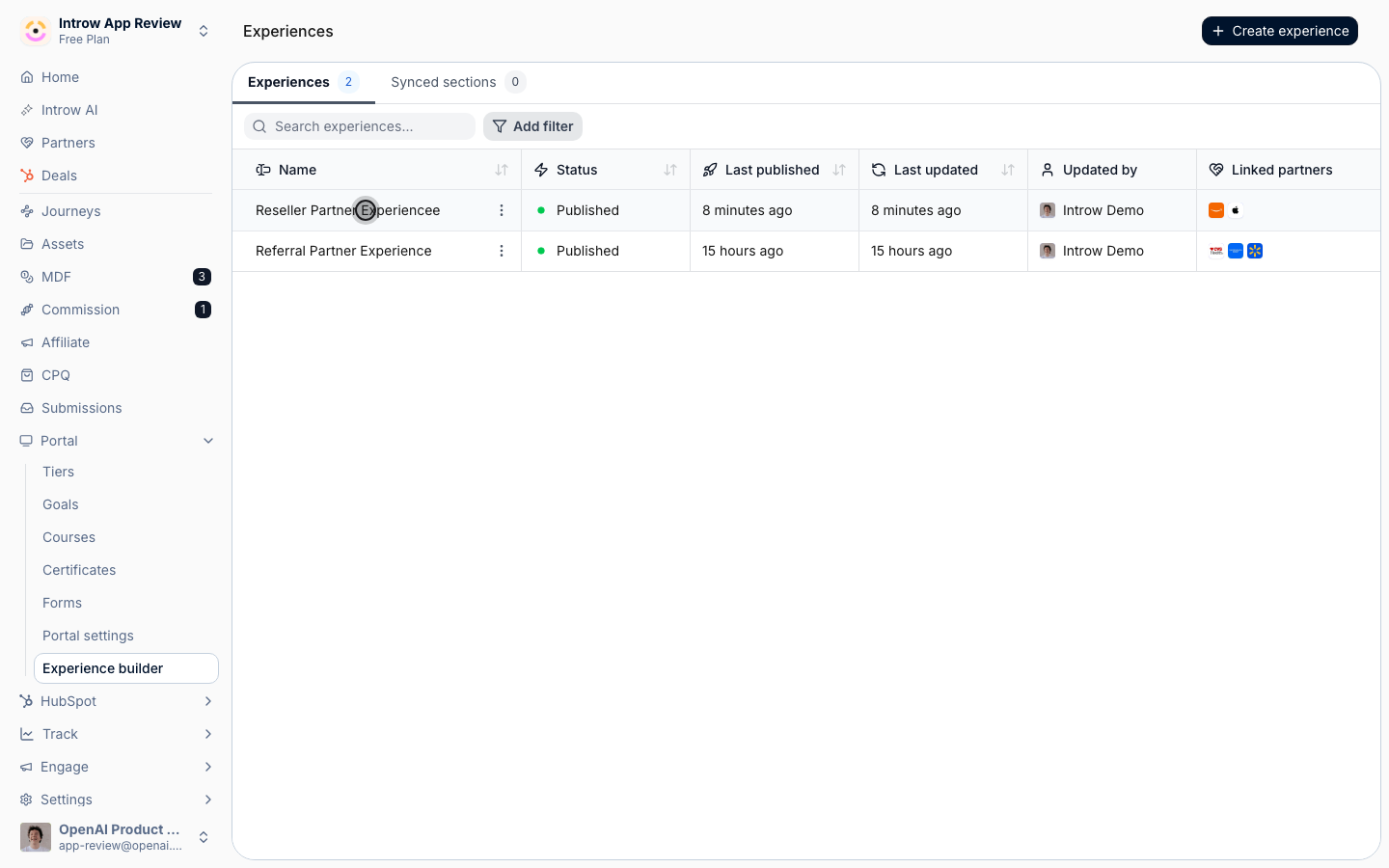
2
Add an embed
Add a Dashboard embed or Report embed section. Both render scoped to the viewing partner.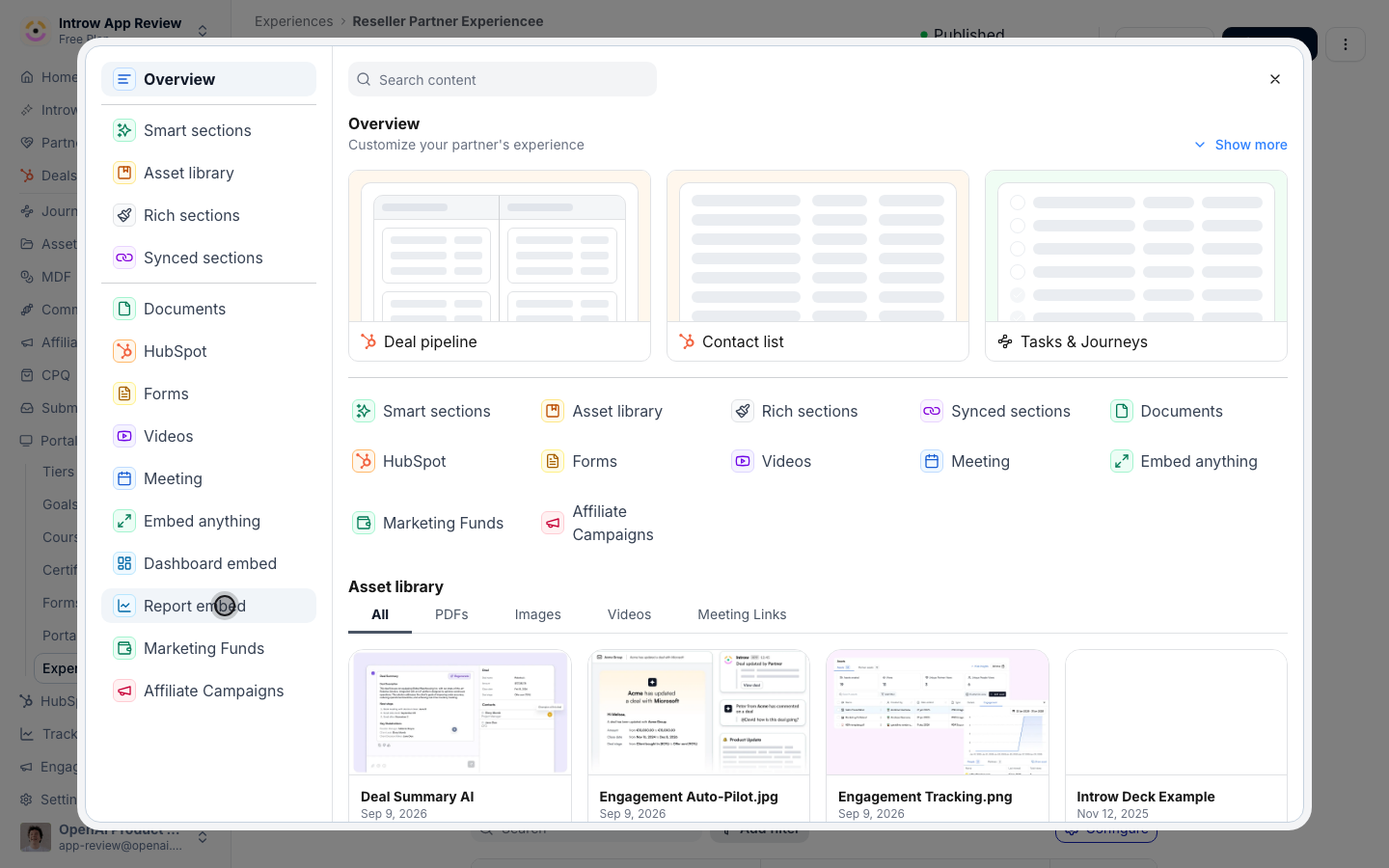
3
Pick the view
Select the dashboard or report to show.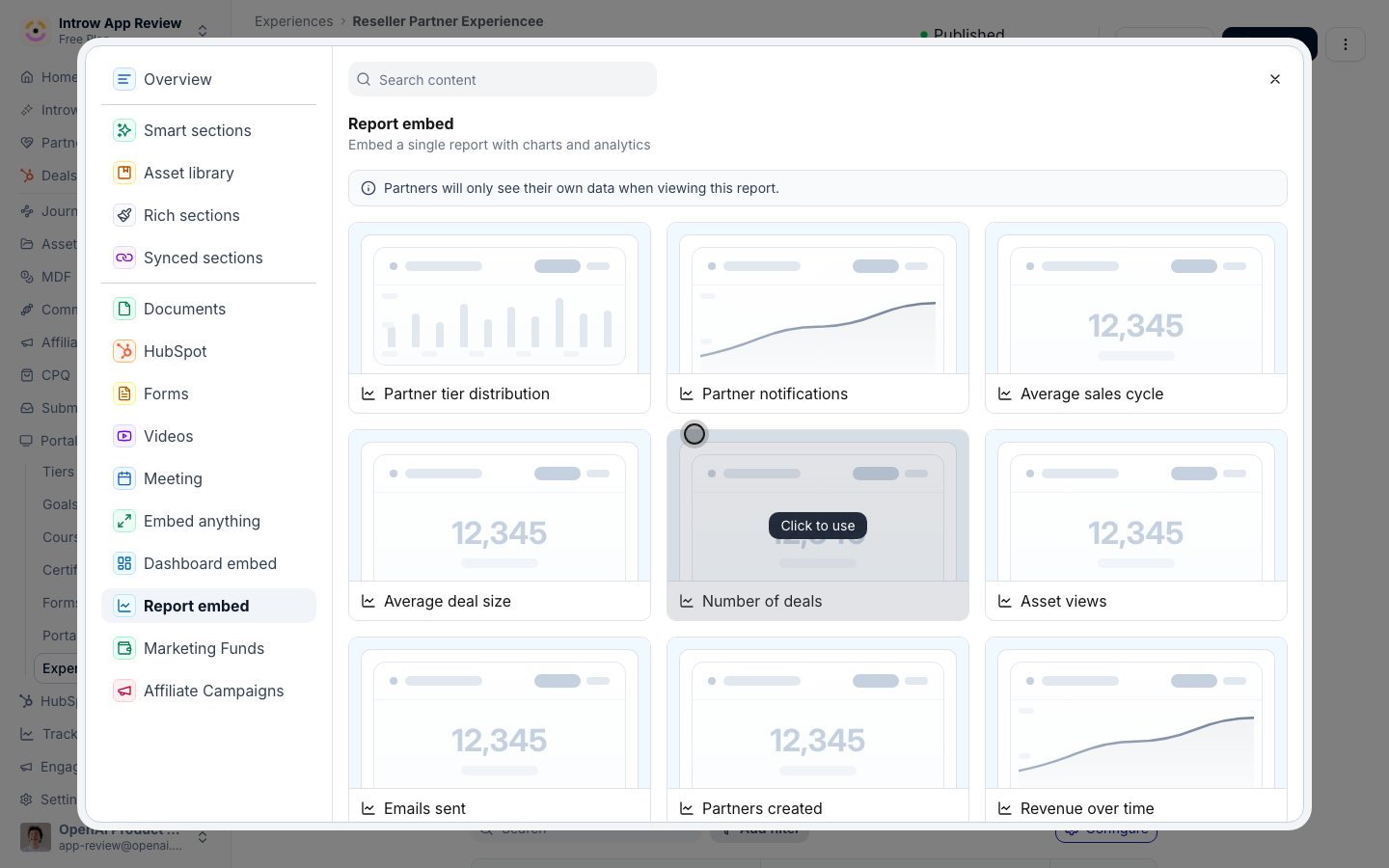
4
Publish
Publish the experience.
Verify it worked
Open the portal as a partner and confirm the dashboard shows only their data.Related
Add a collaboration dashboard section
Show built-in deal metrics.
Embed a dashboard in the portal
Embed an org dashboard.
Implementation reference
Full configuration options.