

For partner marketing giving partners built-in deal metrics with no report building.You do not always need to build a custom dashboard to give partners meaningful numbers. The Dashboard section (the collaboration dashboard) shows ready-made deal metrics, total revenue, deal count, average deal size, sales cycle, and revenue over time, scoped automatically to the viewing partner. This guide adds that section to a portal experience and tunes which deal properties partners see, so each partner gets a useful, self-serve view in a few clicks.
What you’ll achieve
A portal section that shows each partner their own built-in deal metrics, with a deal table whose columns you have chosen and labelled, live in the partner portal.Before you start
1
Confirm deal data and attribution
Partners need attributed deals for the metrics to populate. Confirm your CRM is connected, deals are mapped, and partner attribution is configured.
2
Have a portal experience ready
You add the section to an existing portal experience, so have the experience you want partners to see ready to edit.
Watch it
- Video
- Click through
Steps
1
Open the experience
Go to the Experience builder and open the portal experience your partners see.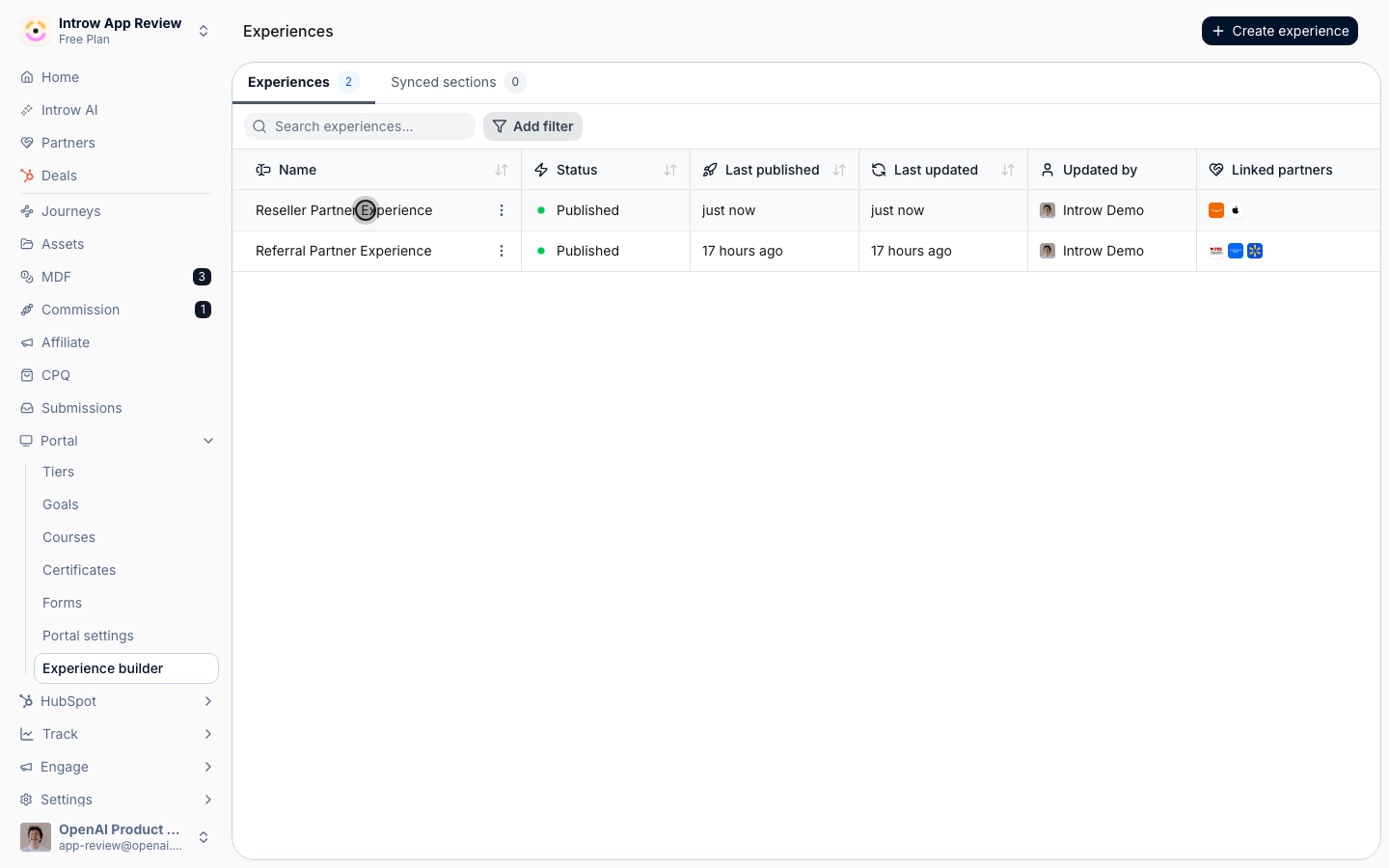
2
Add the Dashboard section
Add the Dashboard section to a stage. It renders the built-in deal metrics, total revenue, deal count, average deal size, sales cycle, and a revenue-over-time chart, scoped to the viewing partner.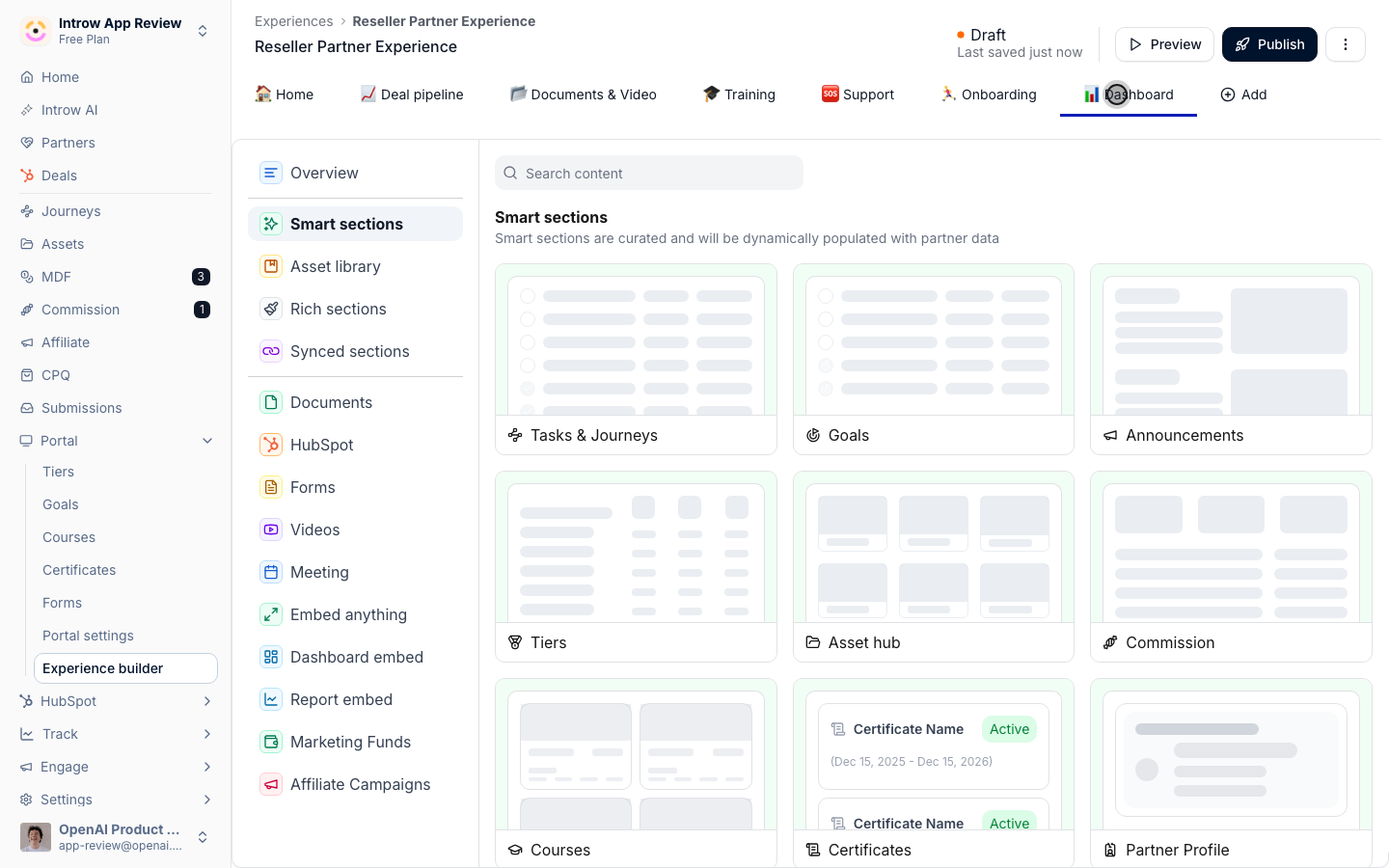
3
Choose which deal properties partners see
In the section’s Configure properties settings, decide which deal properties appear in the deal table beneath the metrics.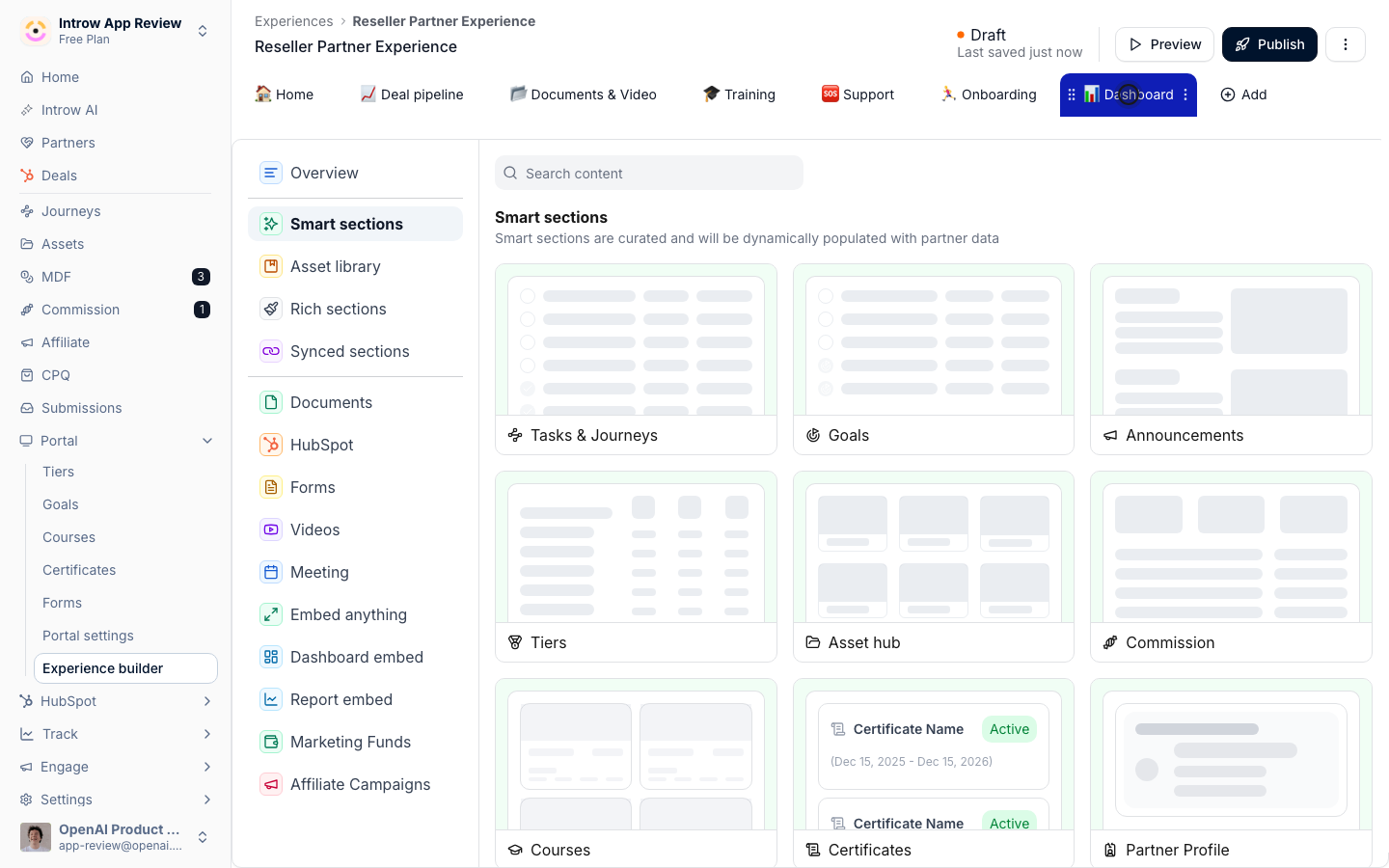
- Add property - pick the deal properties to show, for example stage, amount, or close date, plus Introw-native fields like Account, Attribution, and Commission. Add only what is useful to a partner.
- Rename - edit any property’s displayed label so it reads in partner-friendly language without changing the underlying field.
- Reorder - drag properties into the order partners should read them, most important first.
4
Position the section
Place the section on the stage where partners will see it, near other performance content.
5
Publish
Publish the experience so the section goes live for partners.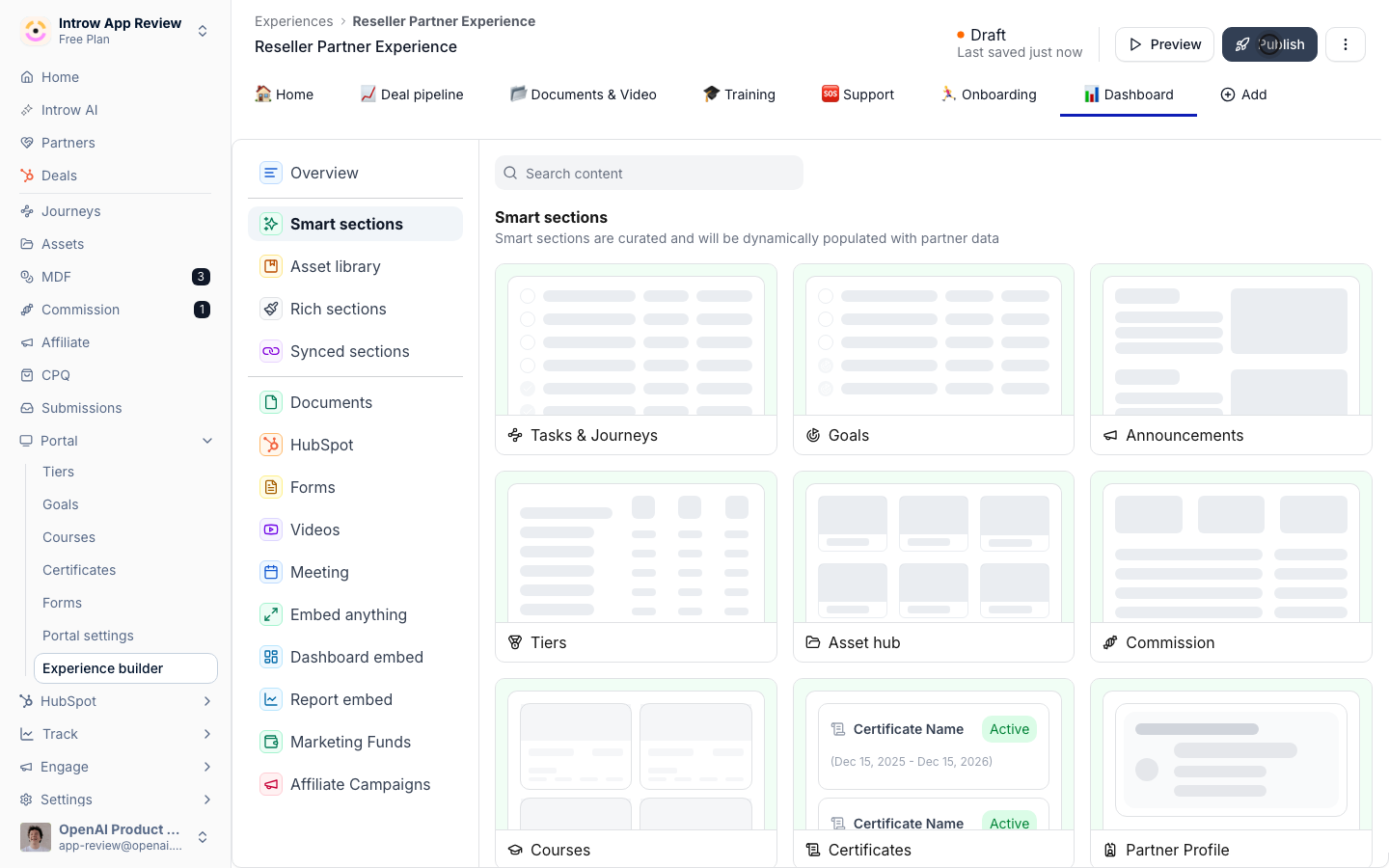
Verify it worked
Open the portal as a partner and confirm the deal metrics render for their data, with the deal table showing the properties you chose in the order and labels you set. Each partner sees only their own deals.
Related
Show a partner dashboard in the portal
Add a custom dashboard too.
Launch a partner goal
Add targets alongside metrics.
Implementation reference
Full configuration options.