

What you’ll achieve
A journey applied to a selected set of partners, each with their own task progress, and a live read on where every partner sits so you can act on the ones who are stuck. Onboarding or activation actually completes, rather than quietly stalling.Before you start
1
Confirm setup
The journey and its tasks should be ready, and the partners you want to apply it to should exist in Introw.
Watch it
- Video
- Click through
Steps
Apply the journey
1
Open the journey
On Journeys, open the journey you want to apply.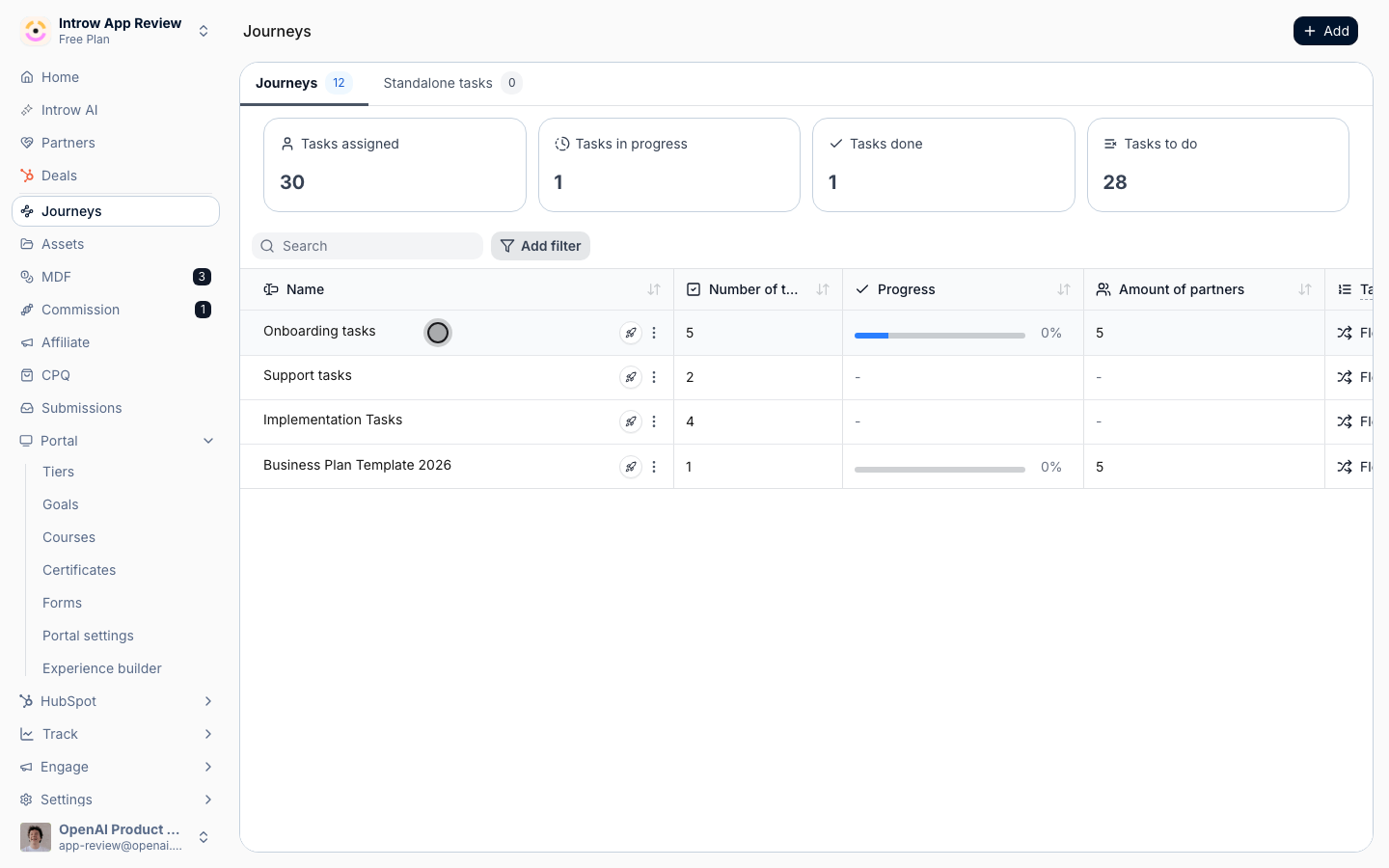
2
Start applying
Choose Assign to partners to open the partner picker.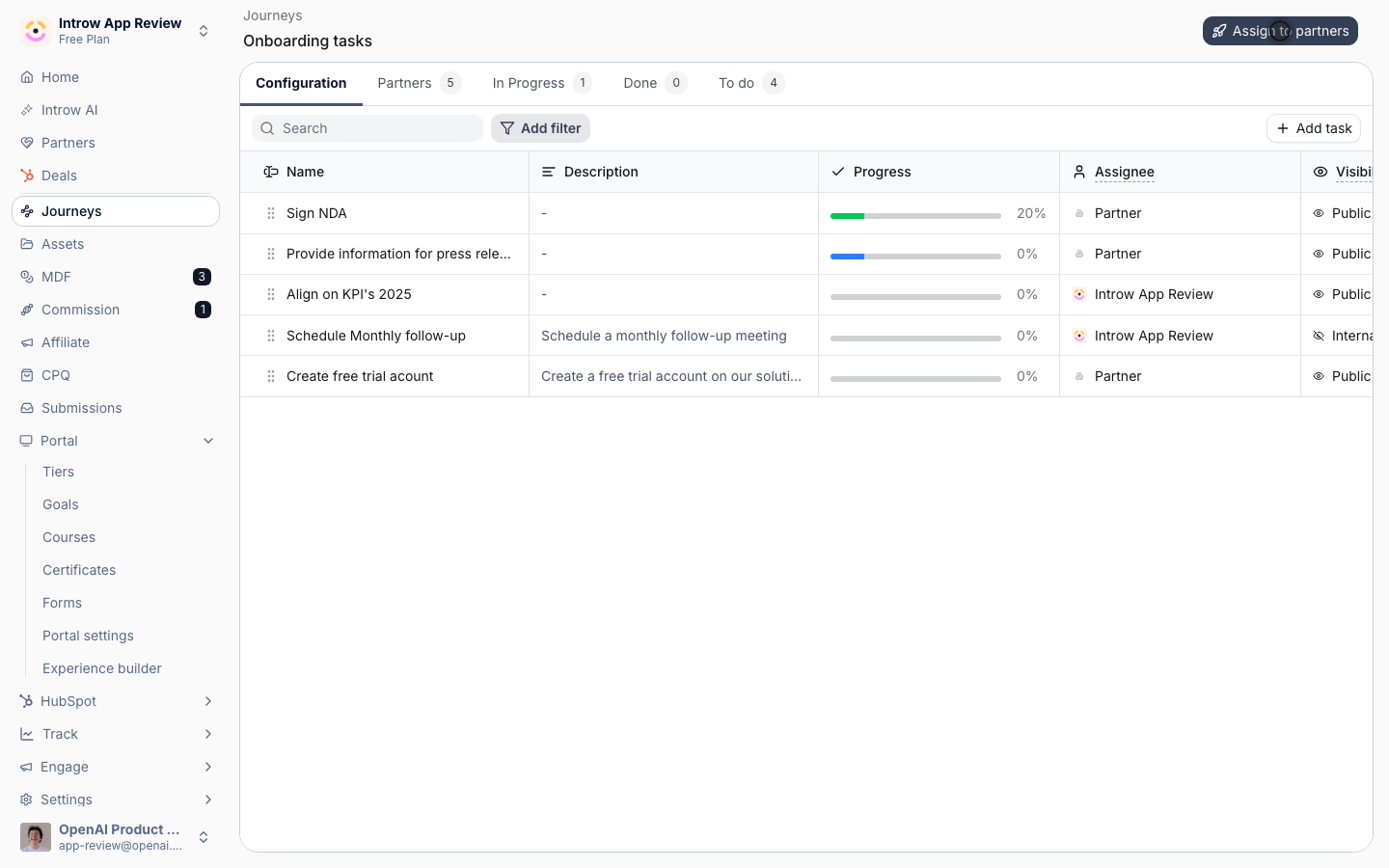
3
Select the partners
Pick the partners who should run this journey, for example a new cohort or a group that has gone quiet. You can apply to many partners at once.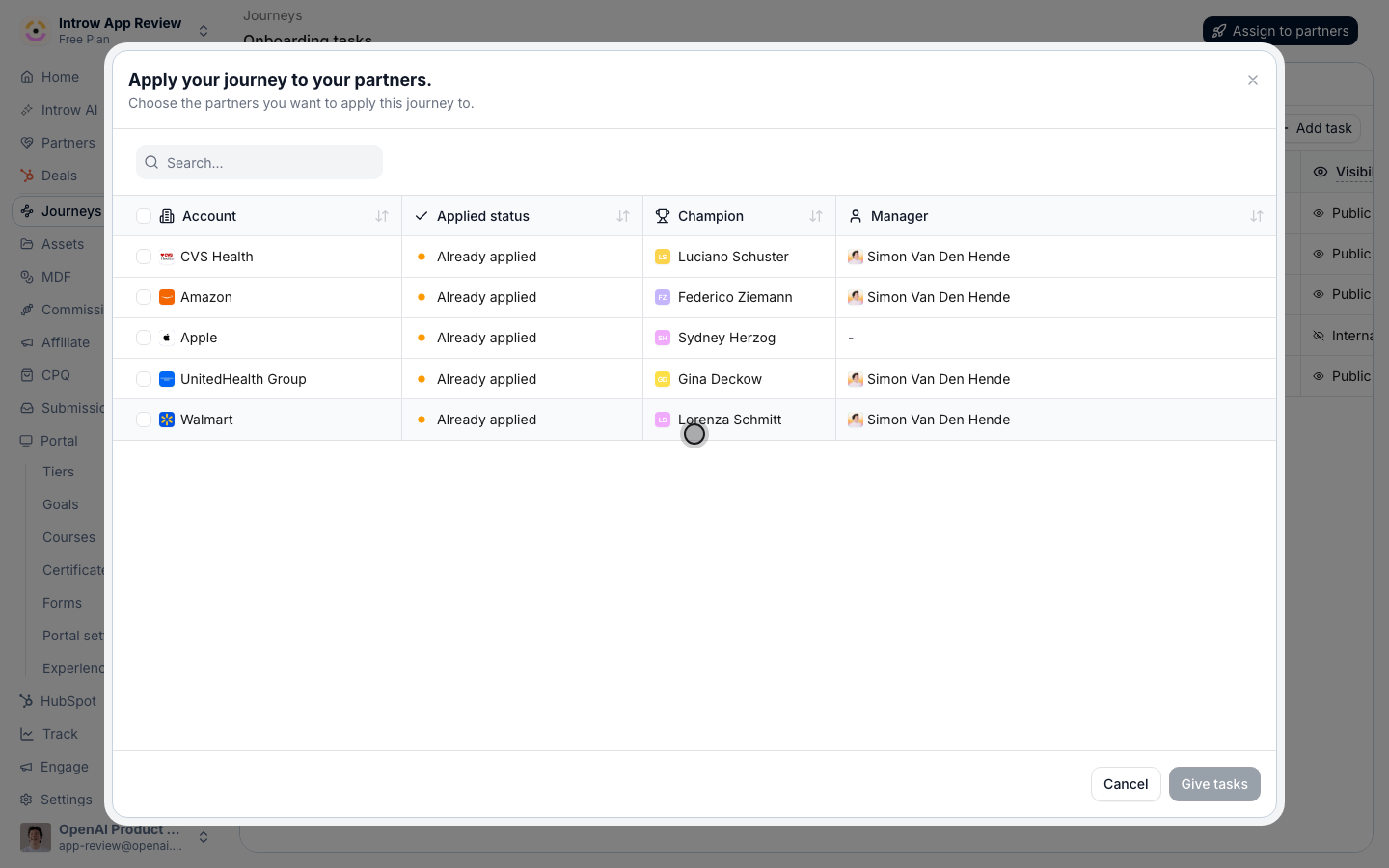
4
Confirm
Confirm to publish. Introw copies the journey’s tasks onto each selected partner so they each get their own progress.
Track progress
1
Read the progress tabs
Back on the journey, use the tabs to see partners grouped by to do, in progress, and done. The to do and in progress groups are where your attention is needed, since those partners have not finished.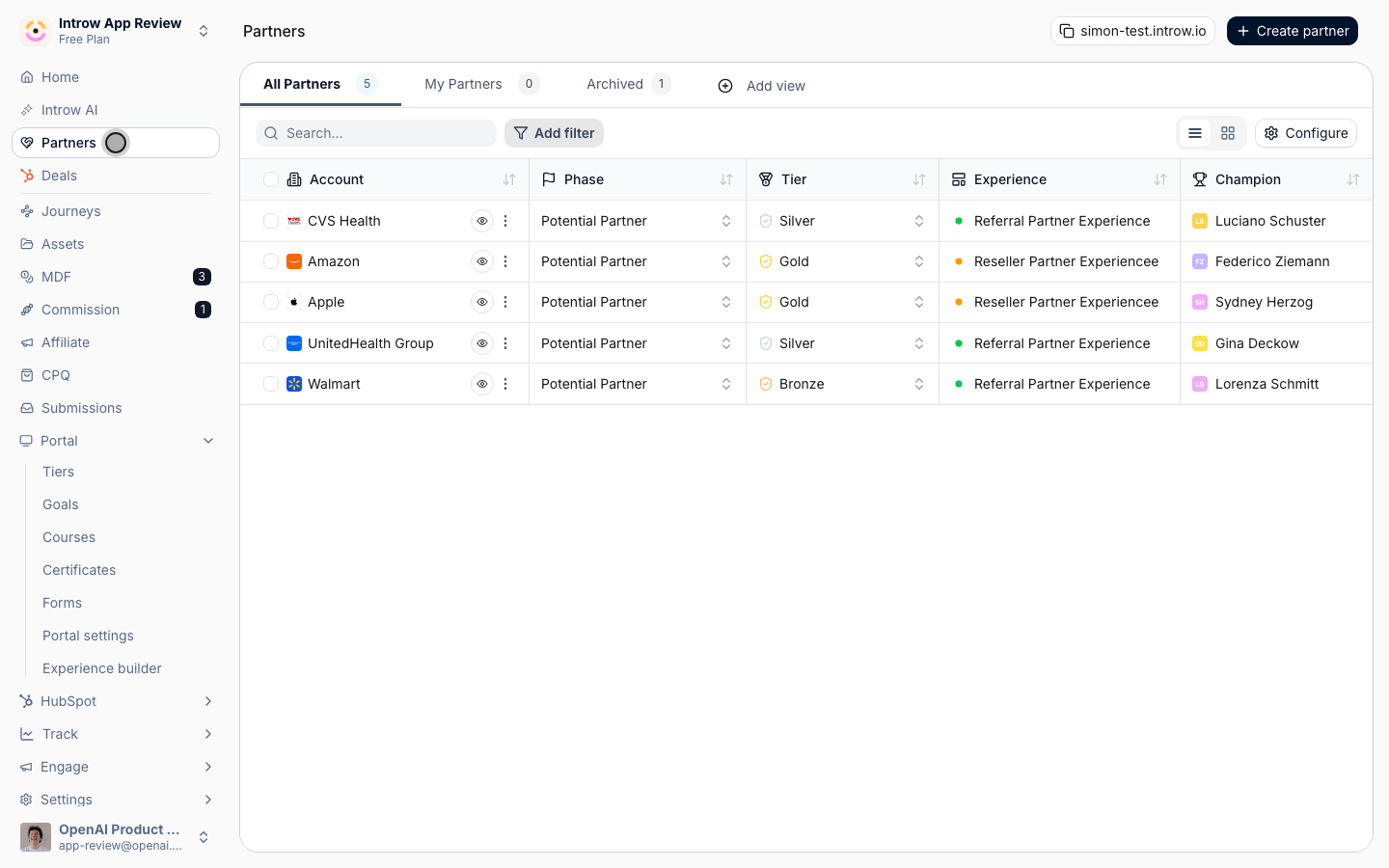
2
Drill into a partner
Open a partner to see their specific tasks and how far they have gotten, so you know exactly what is blocking them. For a sequential journey, an unfinished early task blocks the rest, so look for the task they are stuck on.
3
Follow up
Reach out to partners who have stalled, or complete a task on their behalf when that is appropriate, to keep the journey moving. Partners shift between the groups as they complete tasks, giving you a live view of journey health.
Verify it worked
The journey’s progress tabs list the partners you applied it to, starting in to do, and each partner sees the tasks on their own task list. As partners work through the journey, they move across to do, in progress, and done, so the tabs always show current journey health.Related
Build a journey from scratch
Define the tasks and order first.
Auto-apply a journey from the experience
Enroll partners automatically from the portal instead.
Organize the partners list
Reflect lifecycle stage on the partners list.
Implementation reference
Full configuration options for journeys.