Communication Tools brings the partnership into chat: a shared Slack or Microsoft Teams channel you run with the vendor’s team - and WhatsApp for the partner who works from their phone - with the same Introw agent in it, so a partner makes fast commercial moves in one sentence, right where the conversation already happens.

The problem it solves

Impact

The deal comes up in chat, and chat is where it gets lost. Being the vendor a partner can register with in one sentence, in the thread, is worth more than any portal feature.

How it works

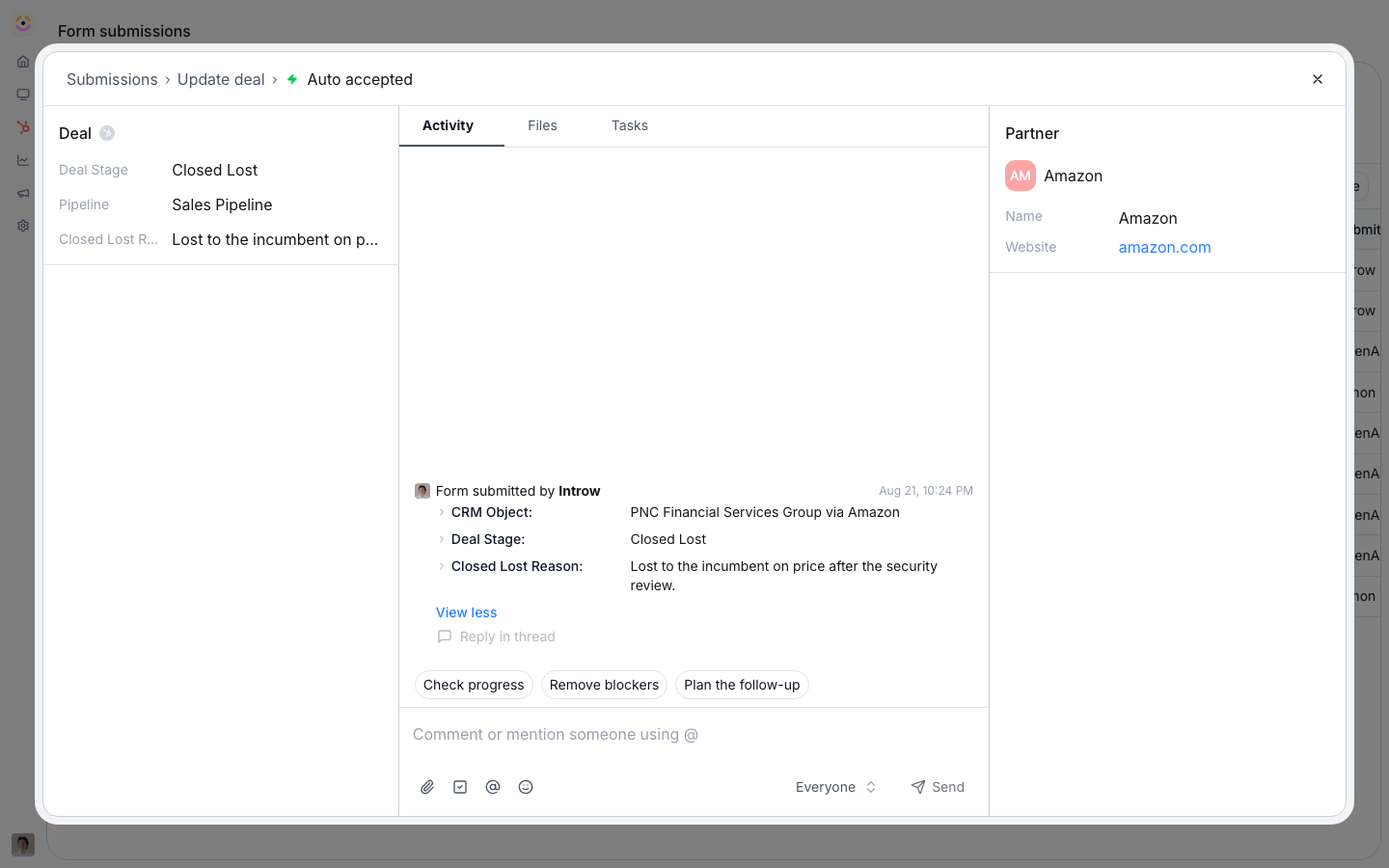
A shared thread on a submission, where a comment reaches the partner in their own channel and their reply lands back on the record.
Partners set up nothing on any of these channels. The vendor connects the workspace and invites the partner into a shared Slack or Teams channel. WhatsApp is the partner’s own channel, and all it needs from them is a text. The vendor enables WhatsApp in one click and shares the number. Introw recognizes the partner from the phone number on their CRM contact record. See Set up WhatsApp.This is the one surface where the partner needs no account of their own. The other two are turned on by the partner at partners.introw.io; chat identifies them from the contact record you already have, so there is nothing for them to create. That makes it the surface to reach for with a partner who will not sign up for anything.
A partner rep spends their day in chat, not a portal. Communication Tools meets them there. You and the vendor share a Slack or Microsoft Teams channel. The partner is invited into a channel with the vendor’s team, not asked to stand up a workspace of their own. And the same Introw agent that runs the rest of the program lives in it. WhatsApp is the exception: it is the partner’s own channel, for the rep who works from their phone. The channel is built for the fast commercial moves. Sharing a lead or registering a deal takes one sentence: “@Introw, share this $20k deal for me”. It happens in the same thread where the deal came up, with the vendor’s team watching it land. The partner checks where a deal stands, asks what it will earn, or gets a support answer without leaving the conversation. Every action is scoped to the partner and writes back to the vendor’s CRM. The vendor keeps a clean, attributed record even when the partner never opens a portal. One sentence is the interface, not the standard. The agent submits the vendor’s own form. It reads that form’s real fields, asks in the thread for anything required that is missing or invalid, and submits only once everything validates. Then the vendor’s normal conflict checks, approval gates and automations run exactly as they would for a portal submission. Registering from chat changes the entry point, not the qualification. See Register a deal from chat. This is the partner-side framing of Introw’s chat surface; the channels, the agent, and the notifications are configured once on the vendor side. Slack & Teams is the canonical setup - this page is about what it means for the partner. Before, chat was where the deal came up and the portal was where it had to be registered - two places, and the second one rarely happened. Now the agent is in the channel, so the commercial move happens the moment the conversation does, attributed and synced to the vendor’s CRM. The channel does different work per partner type:
  • Referral - shares a lead the moment it comes up (“@Introw, refer Acme to the vendor”) and asks what it will earn, without a login.
  • Co-sell - the shared channel is where both teams keep one account moving, so status lands where they already talk.
  • Reseller - registers from the channel to lock in margin early, and asks the agent about tier progress and pending commission instead of emailing their alliance manager.
  • Distributor - runs a channel per relationship and moves deals and questions through it, without a portal seat for every rep.

Run it from your AI assistant

Going deeper

How to

Setup, configuration, and all how-to guides.

API reference

Integration surface and code.
Works with

Slack & Teams

Canonical setup for shared Slack and Teams channels and the agent.

Partner Support Agent

The same agent answers and acts in these channels.

Deal Registration

Register a deal from chat in one sentence.

Lead Sharing

Share a lead from chat in one sentence.