

What you’ll achieve
A clear read on how an announcement performed, sent, opened, and clicked figures down to the partner, and a decision on whether to nudge the partners who have not engaged.Before you start
1
Confirm it was published
Engagement only accrues after an announcement is published, so send it first. See Send an announcement.
Watch it
- Video
- Click through
Steps
1
Open the published announcement
Go to Announcements and open the announcement you want to review.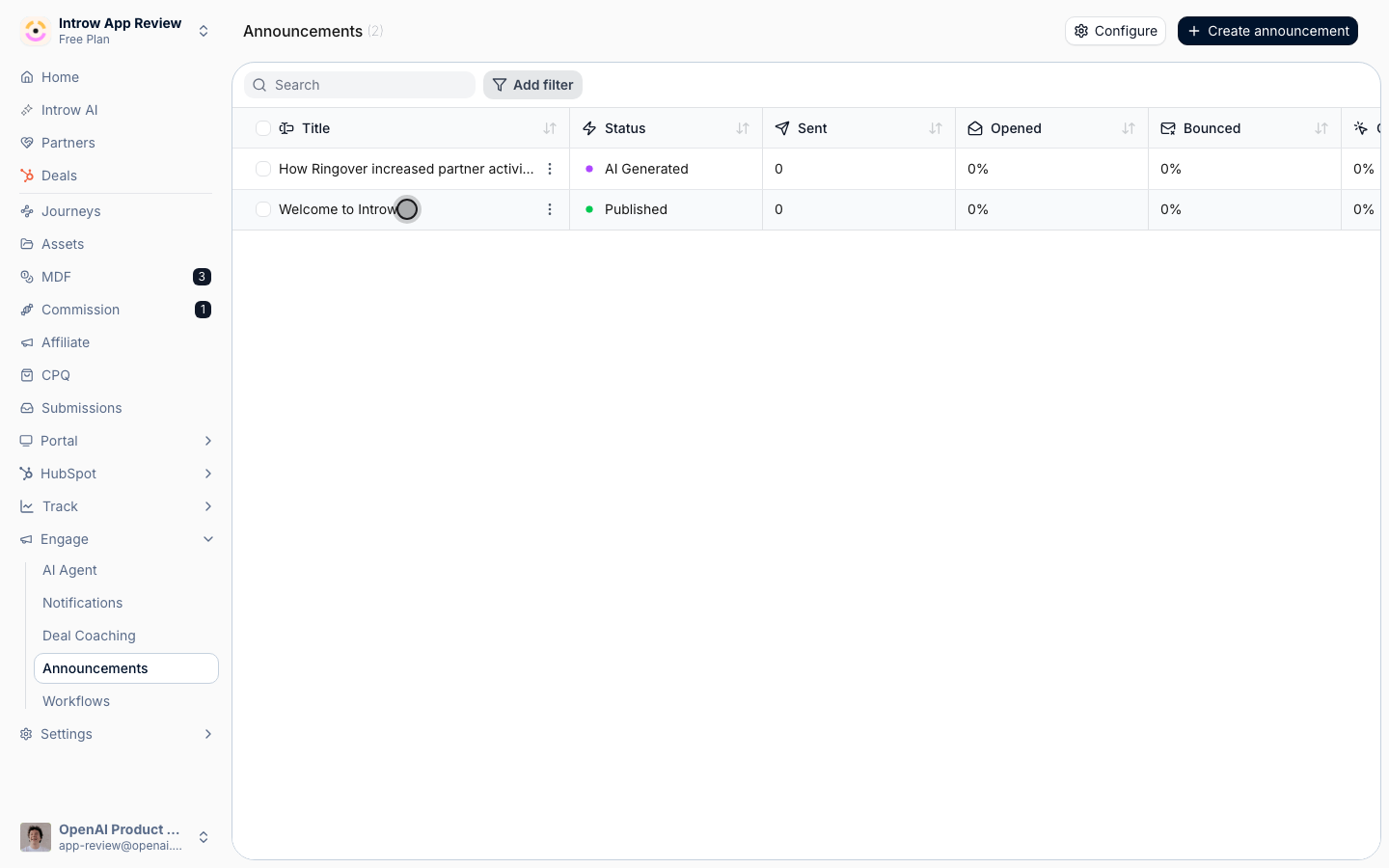
2
Read delivery and opens
Review who the announcement was sent to and who opened it. A high sent count with low opens usually points to channel or subject-line issues rather than content.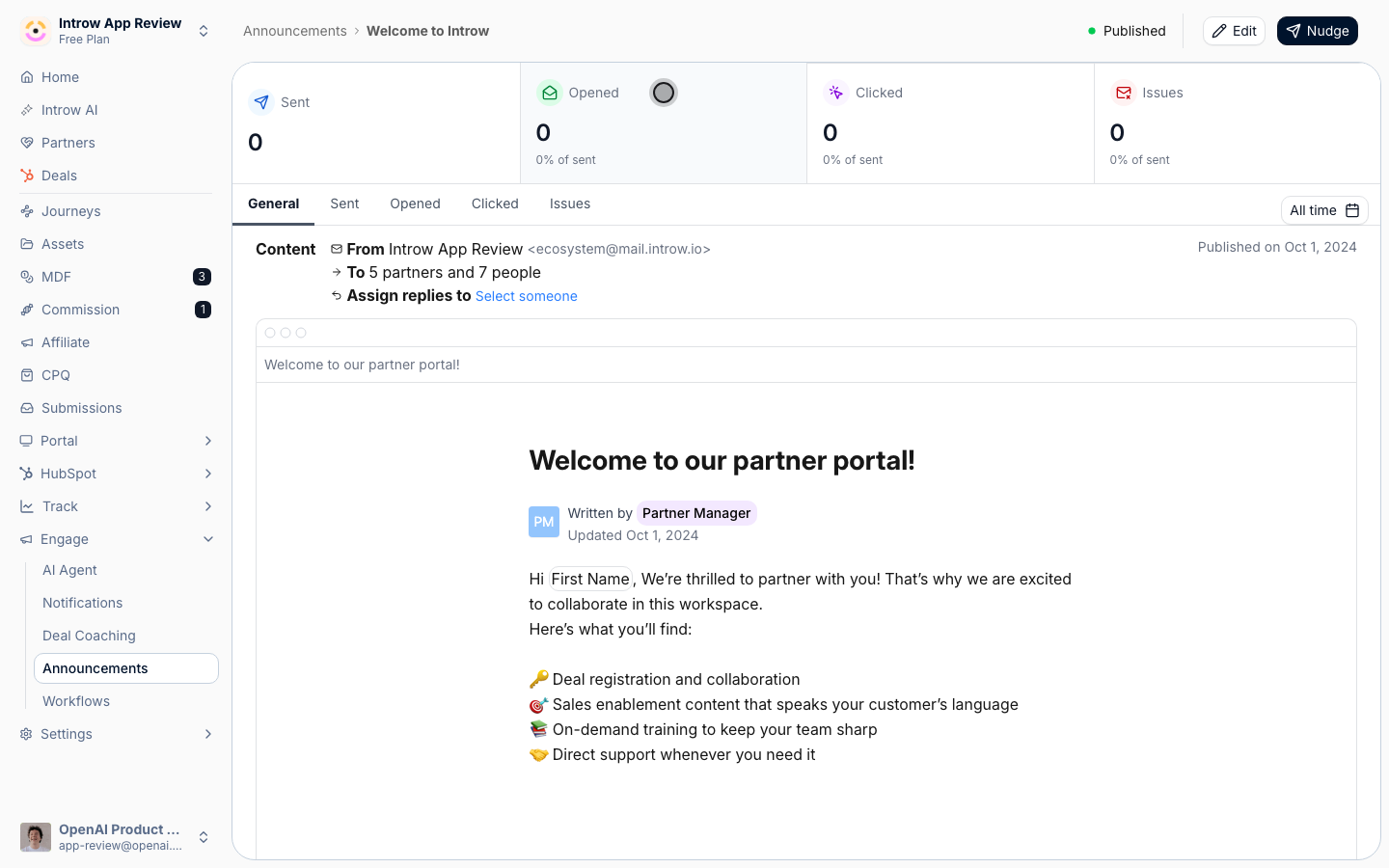
3
Check clicks
Review who clicked the links in the announcement. Clicks are the strongest signal of real engagement, since they show partners acted, not just glanced.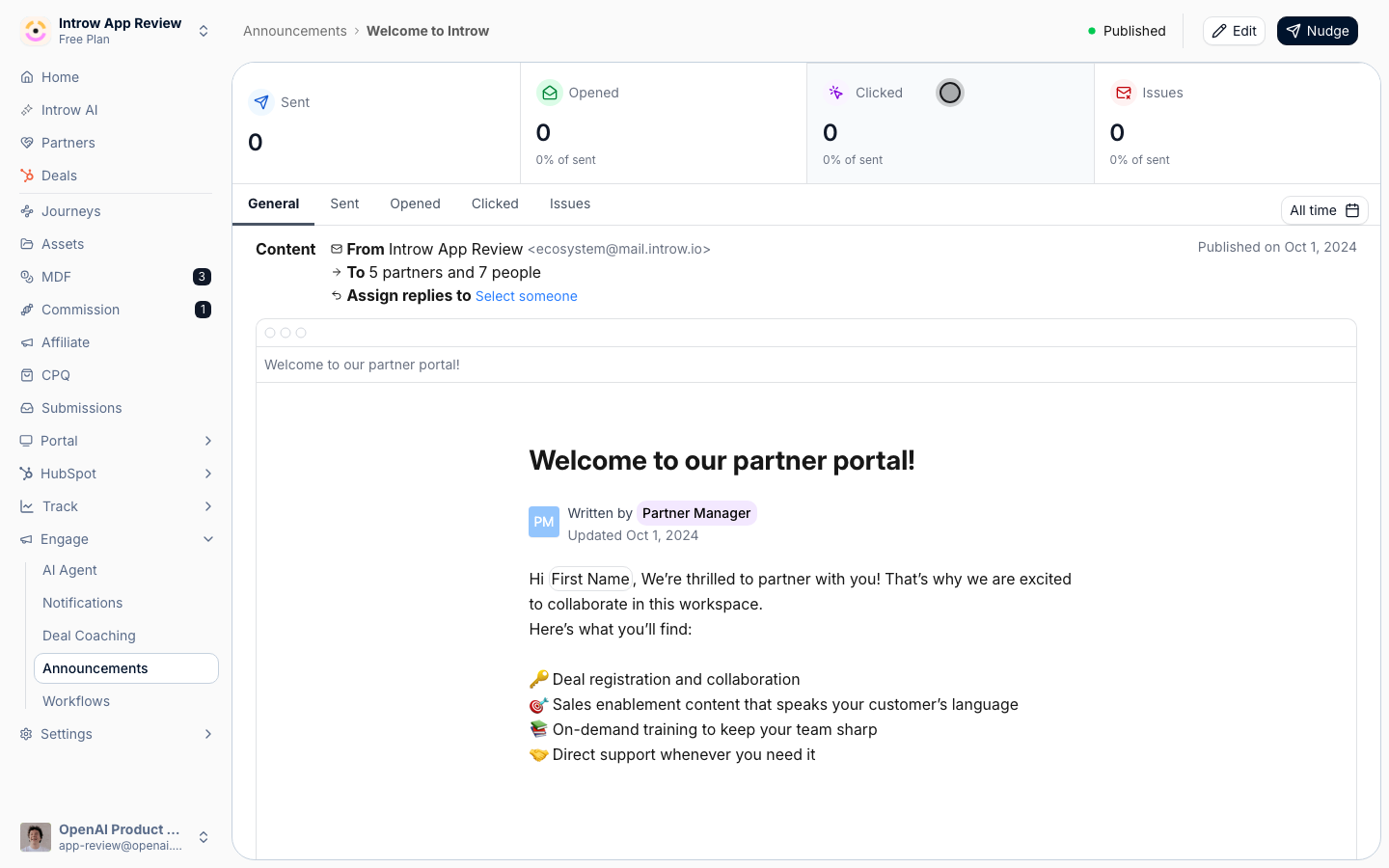
4
Decide on a nudge
Use the gap between sent and engaged to decide whether to nudge non-responders. Nudging reminds only the partners who have not engaged, so it is a low-cost way to lift reach without spamming everyone.
Verify it worked
You can see sent, opened, and clicked figures for the announcement and identify the specific partners who have not engaged, ready to nudge.Related
Send an announcement
Apply what you learned to the next send and nudge non-responders.
Generate an announcement with AI
Draft the next update quickly.
Implementation reference
Full announcement configuration options.