

Where it lives
AI Announcements sits under Engage, at Announcements.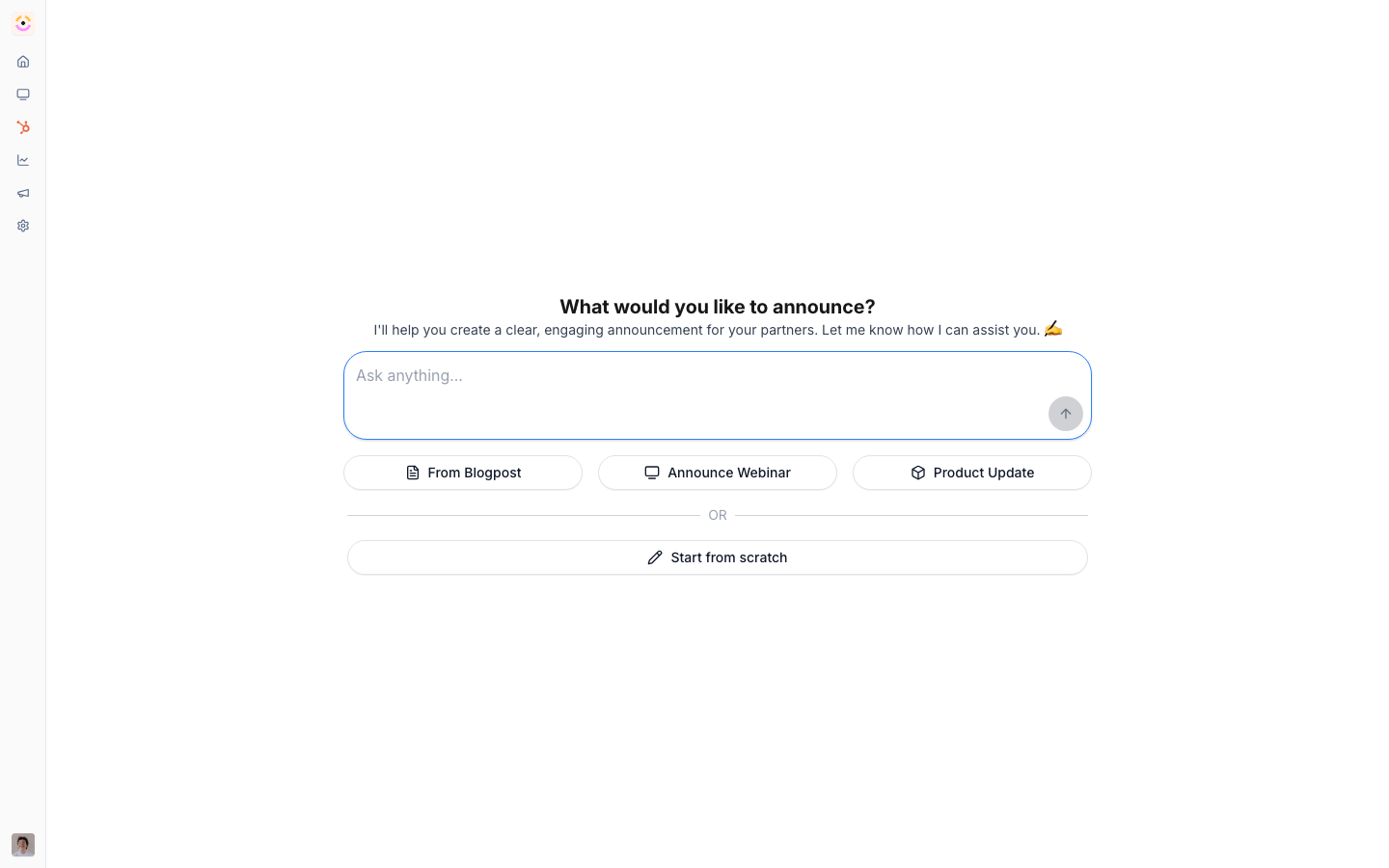
Before you start
How it works
There are two ways AI creates announcements:- Start with AI - in the announcement editor, choose to start with AI and give a URL, a prompt, or a preset (product update, webinar, blog post). The AI drafts the announcement - pulling from your knowledge base and adding an image where it helps - and you refine it in a chat panel before publishing, scheduling, and targeting it like any announcement.
- Recommended announcements - Introw watches your recent content and drafts announcements it thinks you should send, surfacing them as a highlight on your home screen. Each is a ready-to-review draft you can open and publish, adjust, or dismiss.
Settings & configuration
Nothing to enable - AI drafting is built into the announcement editor, and recommended drafts appear on home automatically.Start with AI
In a new announcement, choose start with AI and provide a URL, prompt, or preset.Refine in chat
Use the chat panel to adjust tone, length, and content before publishing.Review recommendations
Open recommended announcements from your home screen and publish, edit, or dismiss.Guides
Generate an announcement with AI
Draft a partner announcement from a URL or prompt, then refine and publish.
Announcements
Publish, schedule, and target partner announcements.
Troubleshooting
The draft misses the point
The draft misses the point
Give a more specific URL or prompt, or enrich the knowledge base.
No recommended announcements appear
No recommended announcements appear
There’s little recent content to draft from yet.
The announcement won't reach a partner
The announcement won't reach a partner
Check its audience and targeting when you publish.