

What you’ll achieve
Partner emails that render with your square logo and brand colors on the header, buttons, and background, consistent with the portal. Every announcement, invite, and notification looks like it came from your product.Before you start
1
Know which branding controls are gated
Removing Introw branding and using your own font are plan features; the rest of the branding controls are available on every plan. Check what yours includes at introw.io/pricing.
2
Confirm admin access
You need admin access to portal settings to set email branding.
3
Set your core brand assets first
Emails reuse the logo and colors from your brand setup, so set those first. See Brand the partner portal.
Watch it
- Video
- Click through
Steps
1
Open the Email branding tab
Go to Portal settings and switch to the Email branding tab. A preview of a sample partner email updates as you change each value.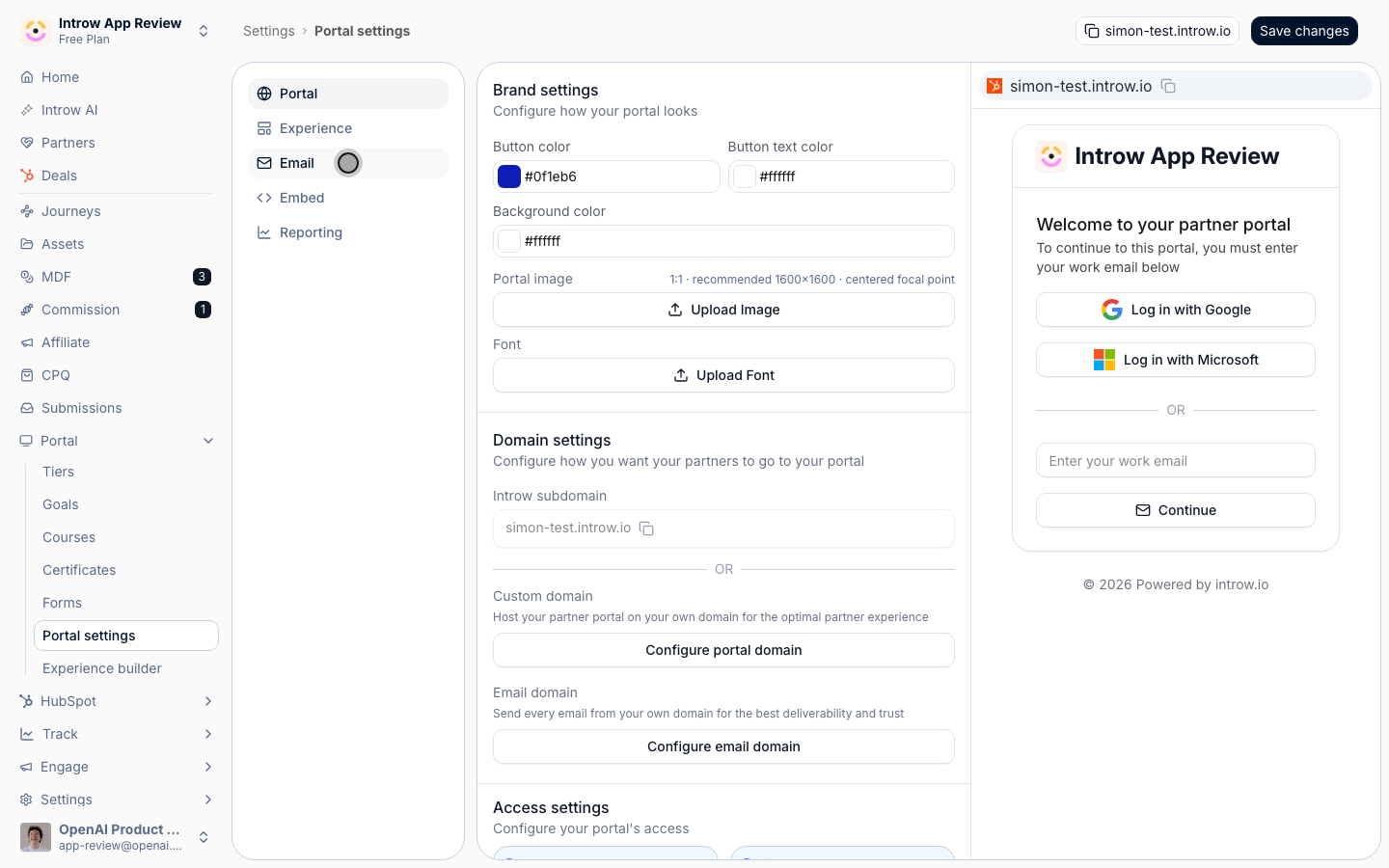
2
Set the email colors
Set the colors that style the email template, each chosen with a color picker or a hex code: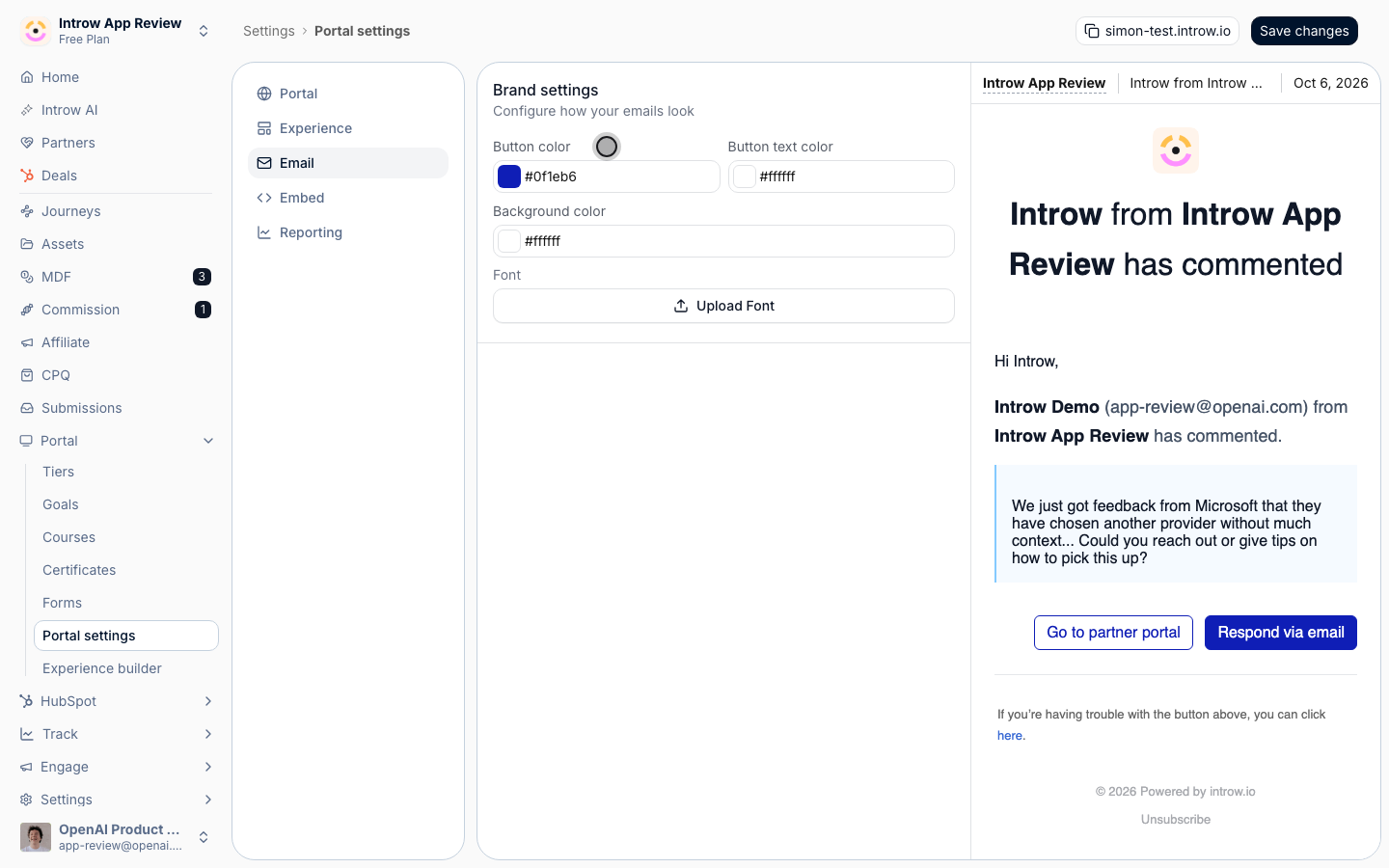
- Button color - the fill of action buttons inside emails, such as the link to open an announcement. Use your primary brand color so the call to action stands out in the inbox.
- Button text color - the label color on those buttons; Introw keeps it only when it measures at least 3:1 against the button color, and otherwise uses white or dark instead.
- Background color - the background of the email body. Keep it light so the logo and text remain legible across email clients.
3
Send yourself a test message
Trigger or preview a partner email, such as an announcement, and open it in a real inbox. Email clients render differently from the in-app preview, so confirm the logo, colors, and buttons look right where partners actually read them.
Verify it worked
A partner email opens with your square logo in the header, your colors on the header and buttons, and a background consistent with the portal. The message reads as coming from your brand rather than a generic system notification. The header image is the square logo from Company settings, so if it looks cropped or off-center in the inbox, fix it there: a square file at 512×512 with the mark centered. Email branding itself has no image upload, only colors.Related
Brand the partner portal
Set the logo and colors emails inherit.
Send an announcement
Send a branded update partners receive by email.
Send from your own domain
Authenticate a sending domain so branded emails come from your address.
Implementation reference
Full branding configuration options.