

What you’ll achieve
A healthy, syncing CRM connection: the status returns to connected, the records you expect appear as partners again, and attribution resumes flowing to the CRM.Before you start
1
Read the connection status
On the Integrations page, note the tile’s status pill: Connected, Update available, Needs attention, Rate limited, Interrupted, or Not connected. The pill points you at the likely cause.
2
Confirm your permission
You need permission to manage integrations in Introw to re-authorize or change sync settings.
Watch it
- Video
- Click through
Steps
1
Open the connection detail
Go to Integrations, then open the CRM via Configure to see the detail header. The header answers three questions in one line: a status pill, the CRM user the connection authenticates as, and the one action worth taking right now.The status pill reads Connected, Syncing (a sync is running, which is normal and not a problem), Rate limited, Interrupted (authorization broke), or Disconnected.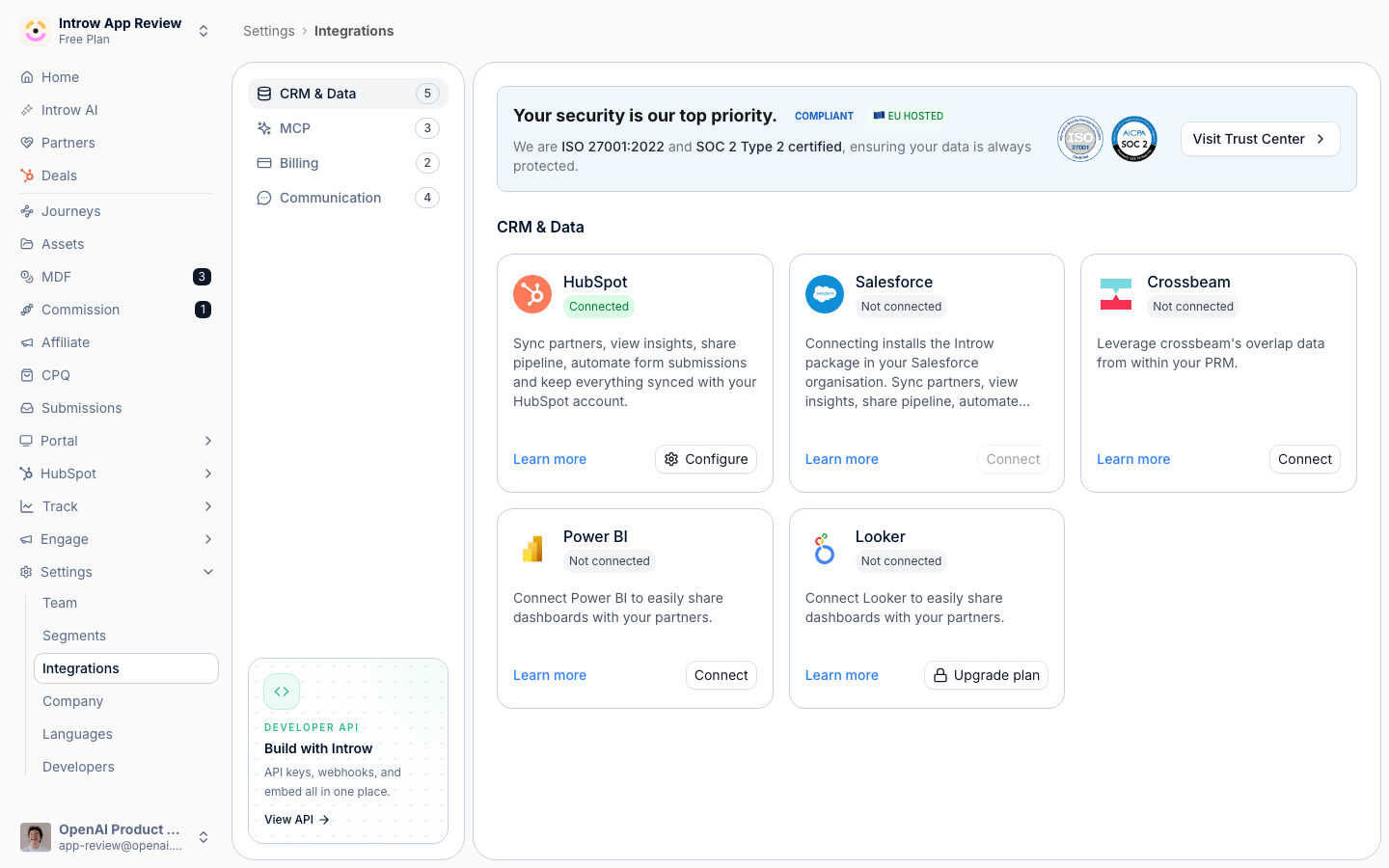
2
Check which CRM user the connection runs as
Next to the status pill, the header names the CRM user behind the OAuth grant, which is the identity every Introw call to your CRM runs under. Hover it for the User ID, the Portal (HubSpot) or Instance (Salesforce) it points at, and the date it was connected.Check this first whenever an object or field syncs for some records and not others, or a write-back silently does nothing: the usual cause is that the connection runs as a user who lacks access to that object, field, or record. It is also how you confirm a connection is on your dedicated integration user rather than whichever admin happened to click connect.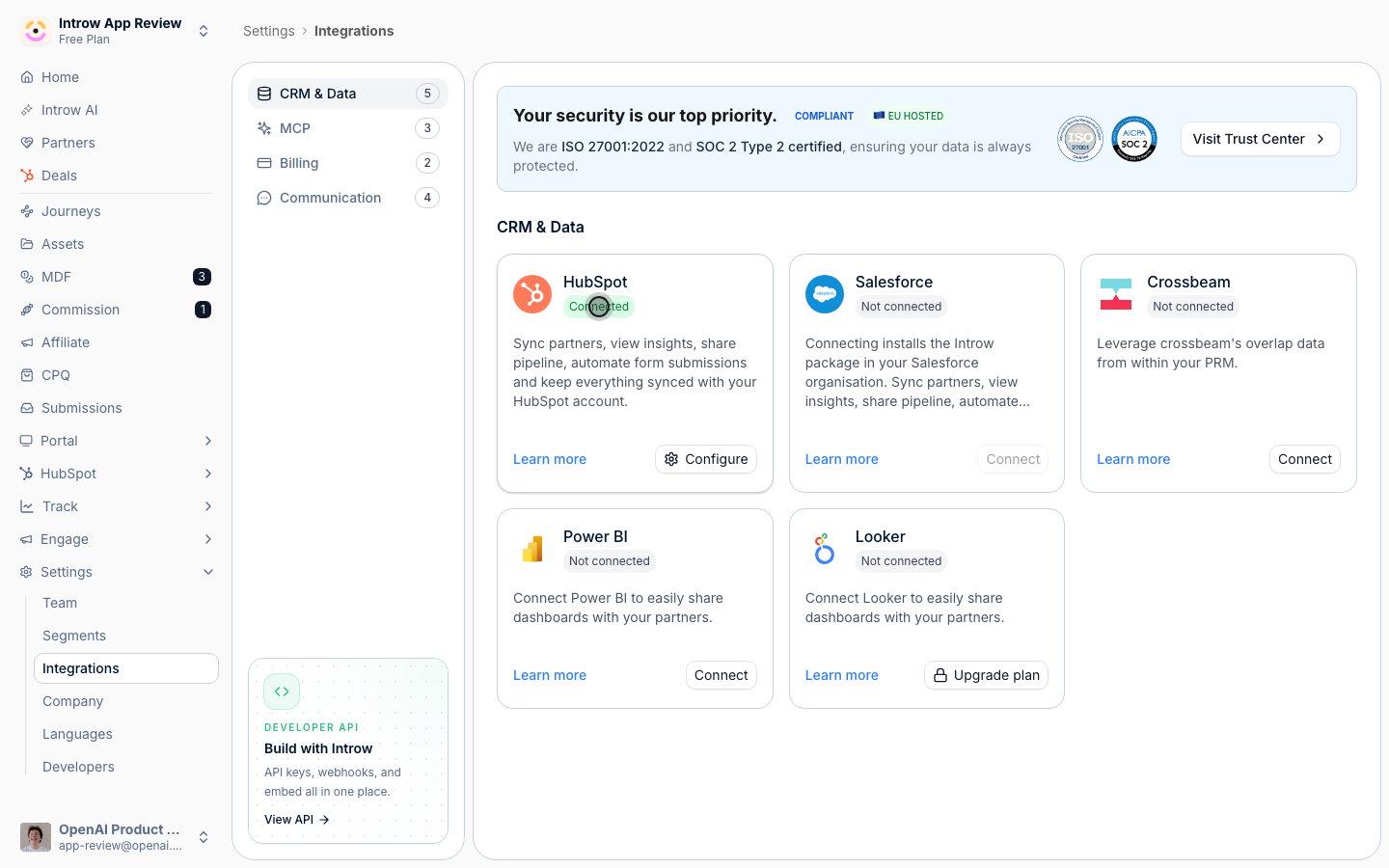
This is the CRM user, not the Introw user who set the integration up. If the chip reads CRM user followed by an id and shows no avatar, the CRM did not return a name for that user; the id in the tooltip is still enough to look them up in your CRM.
3
Reconnect or install updates
The header carries a single call to action, and everything else lives behind the three-dots More integration actions menu beside it.
- When the connection is Interrupted or Rate limited, the call to action is Reconnect. Select it and complete the OAuth flow again, accepting every requested scope.
- Otherwise the call to action is your CRM’s install prompt: Install update for HubSpot when it needs re-authorizing for new scopes such as quotes or certificates, Install package, Continue installation or Update package for Salesforce when it needs the managed package or its latest version. Reconnect keeps an org on the older connected app. To move it to the packaged app, install the package and select Connect to Introw in Introw Setup.
- Reconnect is always available in the three-dots menu, even on a healthy connection. Use it to move the connection to a different CRM user, or to re-run consent after changing that user’s permissions, without waiting for something to break first.
4
Fix a Salesforce authorization that never returns to Introw
If Salesforce sign-in ends on a Salesforce error page reading “We can’t authorize you because of an OAuth error.” and you land back nowhere, the org is still on the older Introw connected app and has not allowed it. A connection through the External Client App in the package does not hit this. Salesforce blocks authorization of connected apps that are not installed in the org, exempting only users with Approve Uninstalled Connected Apps (system administrators have it; a dedicated integration user does not), so this typically appears the moment you switch from an admin to the integration user. The URL carries
error=invalid_client and error_description=app+must+be+installed+into+org. Fix it in Salesforce under Setup > Connected Apps OAuth Usage by selecting Install on the Introw row, or by granting that one user the permission. Installing the package does not allow the older connected app, but it moves the org off it: select Connect to Introw in Introw Setup. Full walkthrough: Allow the older Introw connected app.5
Fix a Salesforce org mismatch
If Introw shows This Salesforce organisation does not match the organisation that tested the package connection, you authorized from a different Salesforce org than the one you started in. Open the Introw app in the right org, go to Introw Setup and select Connect to Introw there. Introw ties the External Client App connection to the org you start from, so your mappings never land on another org’s fields.
6
Check the partner object and filters
If authorization is healthy but specific records are missing, the sync scope is usually the cause. Open the connection’s setup and confirm the partner object is the one those records live on, and that your filters actually include them - a too-narrow property filter or a hand-picked selection silently leaves matching records out. Widen the filter or select the missing records.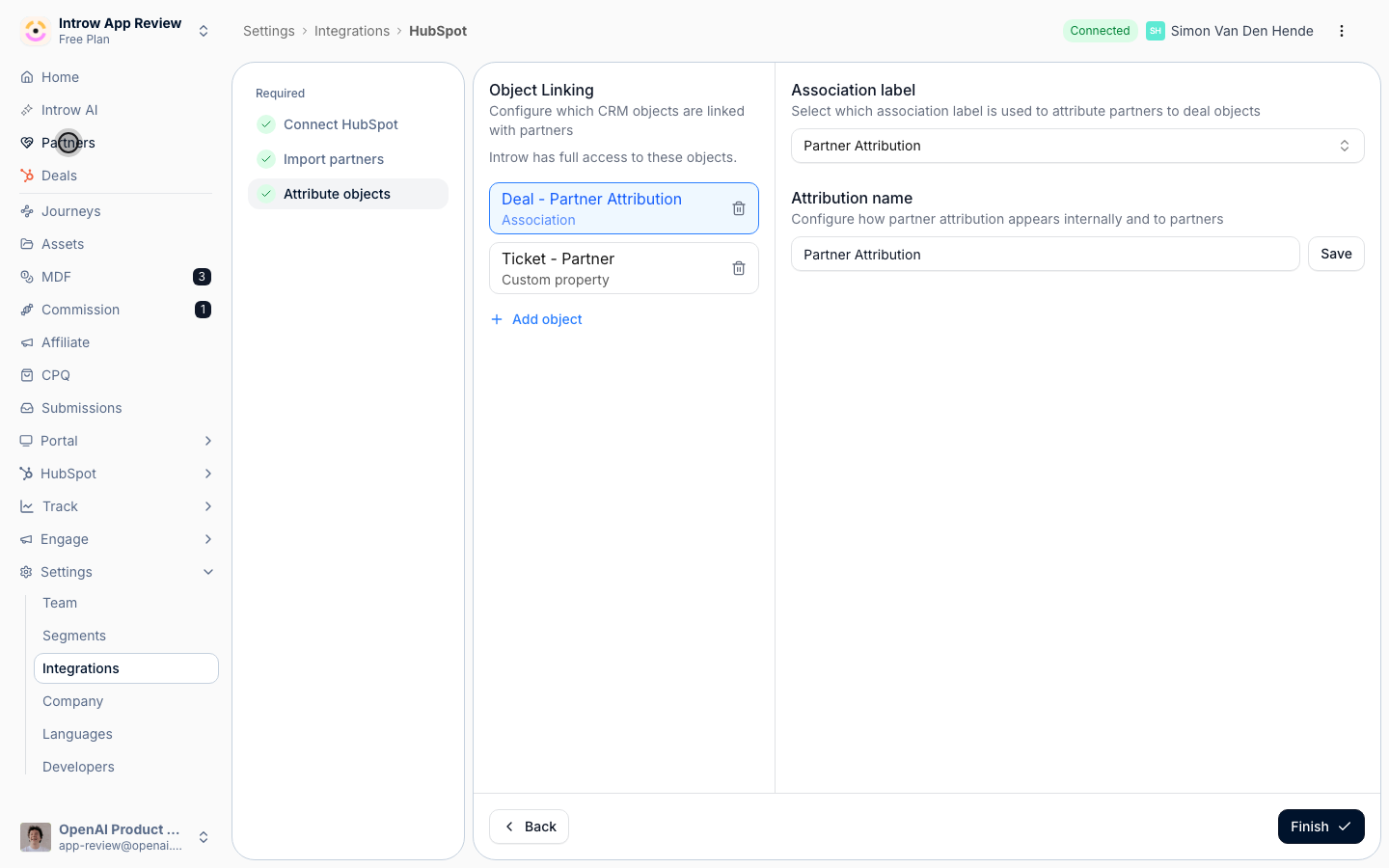
7
Fix a single failing mapping
A Needs attention pill no longer means the whole sync is down. When one field or association stops working, Introw isolates it, keeps syncing everything else, and flags just that mapping. Open the connection, go to Object Linking, and find the mapping with a red warning pill. Select it to see what broke, usually a property or association that no longer exists in your CRM, or a missing permission. Fix the mapping (repick the property or association, or restore the permission) and Introw clears the flag on the next sync. Transient errors like rate limits or timeouts never mark a mapping failed; they retry on their own.
8
Wait out a rate limit
A Rate limited pill means the CRM temporarily throttled the sync. It clears itself, so waiting is the fix: watch the status return to Connected. The header promotes Reconnect while the pill is up so you can act if it turns out to be authorization rather than throttling, but reconnecting does not lift a rate limit. If it persists, contact support.
9
Rule out a permission gap rather than a break
A healthy connection can still do less than it says. Introw runs as a CRM identity, so an object the connecting user can only partly see, or a field they cannot write, produces a short partner count or a record saved without its values while every status stays green.On Object linking, the panel names the connection and marks each linked object with a verdict: Read-only, Partly visible, Fields read-only, Cannot read back, and the rest. A form’s Automation tab does the same for writes. Read Every CRM error Introw logs for what each verdict means and where a refused record is reported.
10
Confirm health
Watch the status pill return to Connected and confirm the previously missing records now appear as partners.
Verify it worked
The integration shows a healthy Connected status, the records you expected appear as partners, and attribution resumes syncing to the CRM.Related
Connect HubSpot as your source of truth
Review the connect flow, scopes, and attribution setup.
Connect Salesforce as your source of truth
The connect flow, the environment choice, and the managed package.
Disconnect a CRM
Reset a connection that cannot be recovered.
Every CRM error Introw logs
The other three layers: a mapping, a permission gap, a refused record.
Implementation reference
Full configuration options.