

Why connect Claude
The fastest interface to your partner program is the assistant you already use. Once Claude is connected to Introw over MCP, your program becomes something you query and act on in plain language - no extra tab, no portal hunt. The work stays where you already are, every answer is read live from your CRM source of truth, and Claude acts only within your own access.Stay where you already work
Ask questions and take action inside Claude, under the same rules as your portal, so you never break focus to switch tools.
Let the agent do the busywork
Hand the mechanical work - data pulls, follow-ups, drafting - to Claude, and stay in the loop where judgment matters.
Answers you can trust
Every answer is read live from your CRM source of truth, so attribution and numbers stay accurate and auditable.
One secure, scoped connection
Connect once over OAuth. Claude acts only within your own access, and you can disconnect at any time.
What you can do from Claude
Connecting Claude turns these agentic use cases into something you run conversationally, in seconds, without leaving the assistant.Prep a QBR in seconds
Ask Claude to assemble pipeline, goals, activity, and commissions into a ready-to-edit QBR - 2-4 hours of prep collapsed into ~10 seconds.
Register a deal conversationally
Register a deal in about 90 seconds straight from Claude, with clean writeback to your CRM.
Query ecosystem health
Ask “which Gold partners are at risk?” in plain language and get the answer in seconds - no RevOps ticket.
Check commissions and tiers
Look up commission status, tier progress, and projections on demand, without a finance request.
Answer enablement questions
Get instant, sourced answers to routine partner and program questions, 24/7 and in any language.
Segment partners live
Build live, multi-axis segments on the fly instead of static Gold, Silver, and Bronze tiers.
Prompts to try in Claude
Once connected, paste one of these into Claude to see it work against your own program:- “Which Gold partners haven’t registered a deal this quarter?”
- “Prepare a QBR for my top partner - pipeline, goals, activity, and commissions.”
- “Register a new deal for Acme: ~$40k, closing next month, sourced by our reseller.”
- “What’s this partner’s commission status and how far are they from the next tier?”
What you’ll achieve
Claude connected to your Introw partner program over MCP, authenticated as you, added from Introw’s directory listing rather than as an anonymous custom endpoint. Claude can read live program data from your CRM source of truth and take the actions your access allows, and the connector page shows the connection as active.Before you start
1
No add-on needed
Connecting an MCP client is included on every plan. There is no MCP add-on to buy for it.
2
Have a Claude plan that supports connectors
Use a Claude client that supports connectors. On Claude Team, members who cannot enable connectors themselves see Request on the listing instead of Connect, which sends it to a workspace admin to enable.
3
Be signed in to Introw
The Claude connector is available on all plans. Complete the OAuth step while signed in to Introw so Claude connects as you.
Watch it
- Video
- Click through
Steps
1
Open the Claude connector
Go to the Claude connector under Integrations. The page shows the connection status, carries the Connect in Claude button, and is where you confirm the connection once it is live.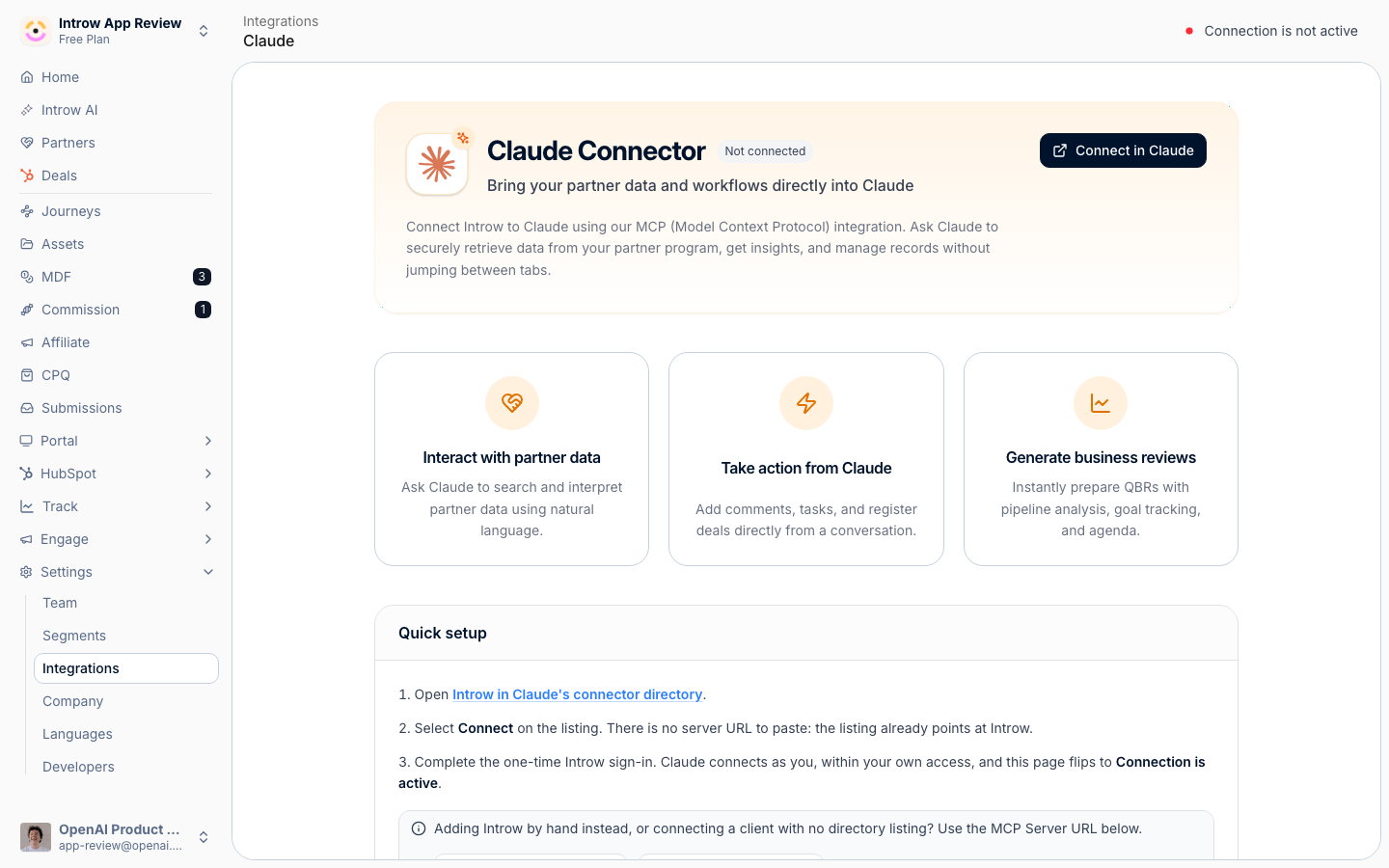
2
Open the Introw listing in Claude
Select Connect in Claude, which opens Introw’s listing in Claude’s connector directory. The listing already points at Introw’s MCP server, so there is nothing to copy or configure.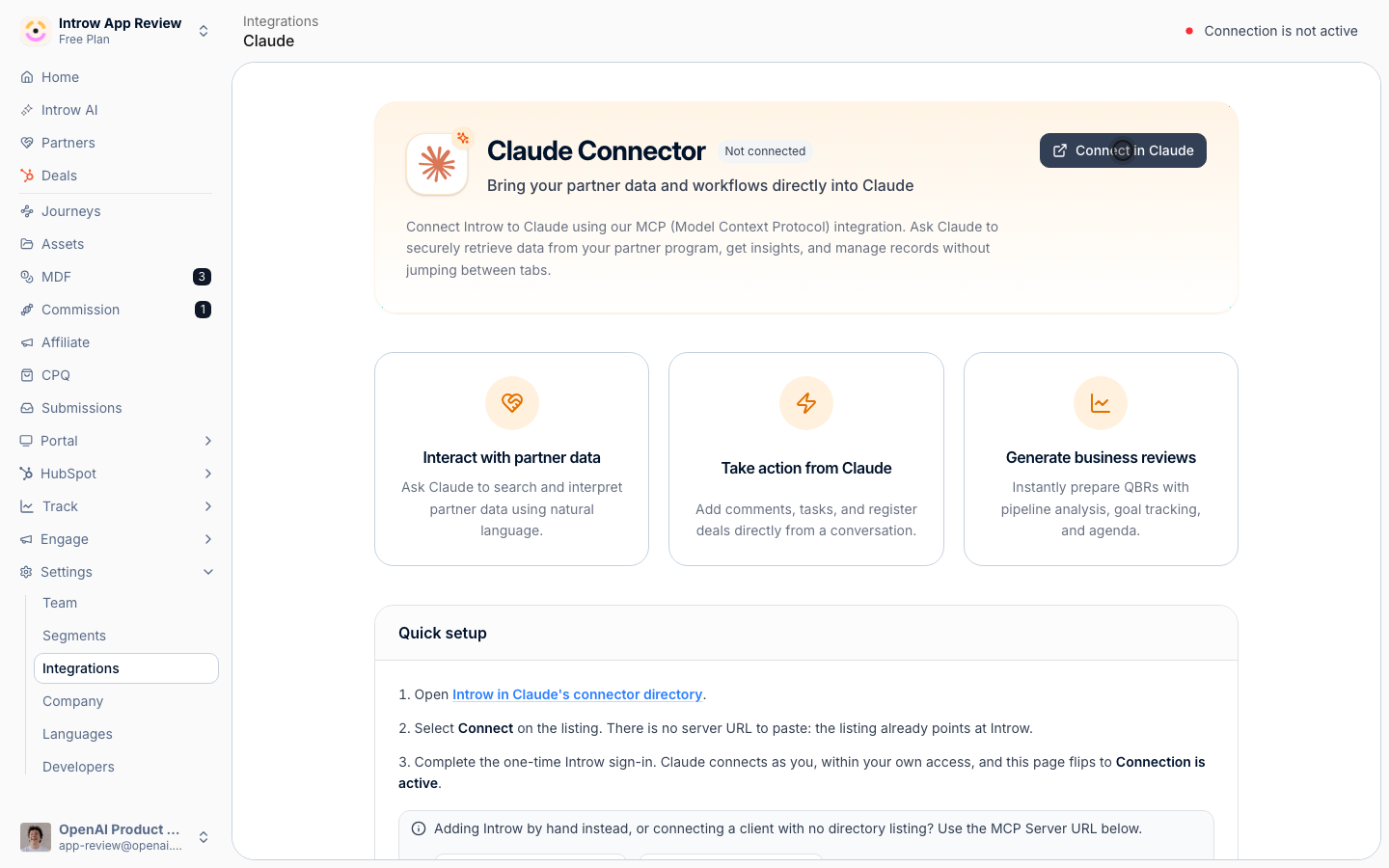
3
Select Connect on the listing
On the listing, select Connect. Because Introw is a directory connector, Claude shows it by name with its description and tools, and keeps it up to date from the listing.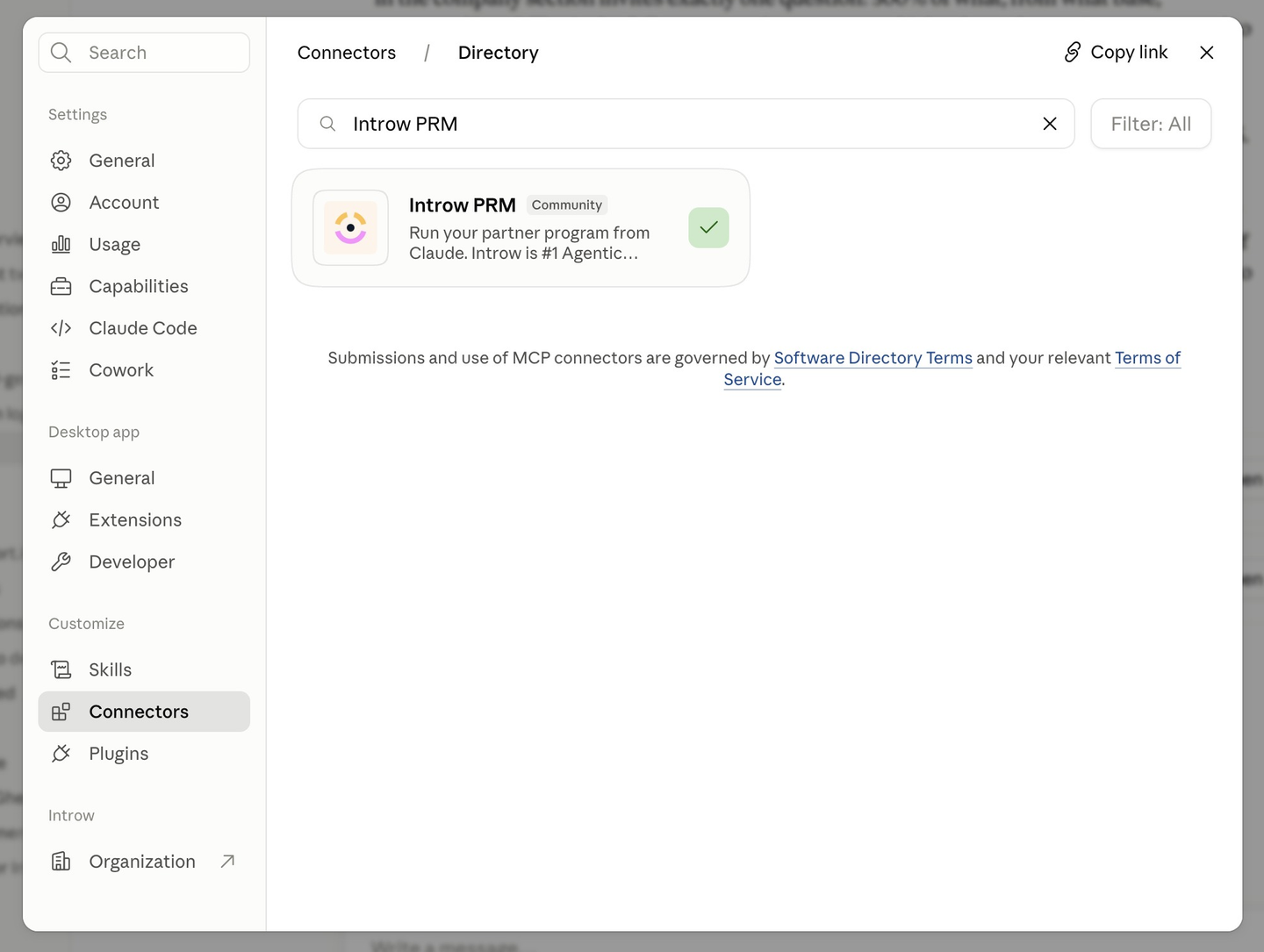
4
Complete the OAuth sign-in
Claude opens an Introw sign-in to authorize the connection. Complete it while signed in to Introw so Claude connects as you, scoped to your own access. This is the step that links your account, no API key or secret to paste.
Add Introw by hand instead
Some setups do not go through the directory: an MCP client other than Claude, or a workspace where you add the endpoint yourself. On the Claude connector page, select Copy MCP Server URL, then in Claude open Customize, Connectors, add a custom connector, and paste the URL. The OAuth sign-in and the resulting access are identical either way.Verify it worked
The Claude connector page shows Connection is active, and asking Claude a question about your program (for example “Which Gold partners haven’t registered a deal this quarter?”) returns live data, with Claude naming Introw as the integration it used.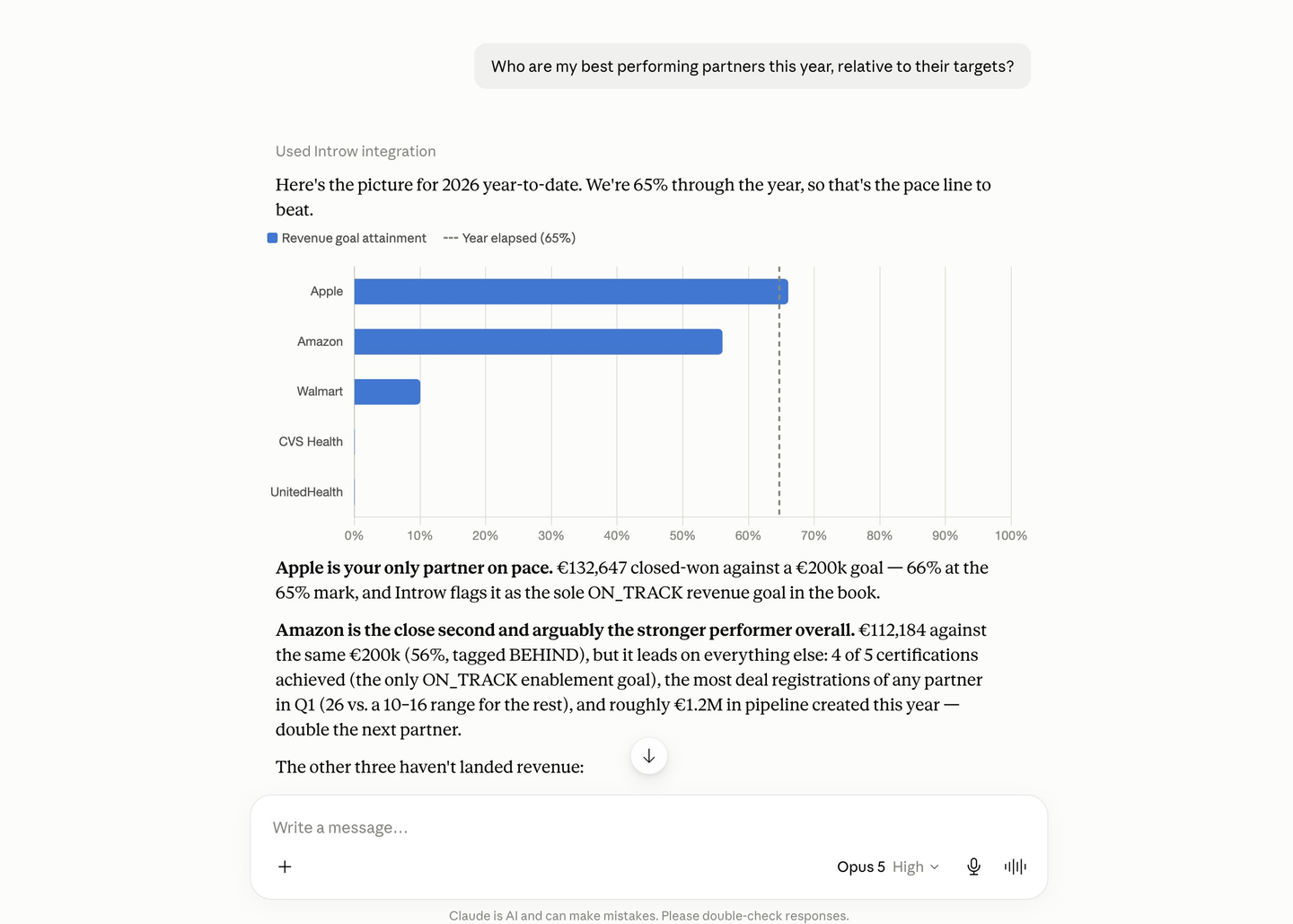
Related
Connect ChatGPT
Do the same for ChatGPT.
Connect an MCP client
Connect Cursor, Gemini, Notion, and other clients.
Implementation reference
MCP connectors, scoping, and troubleshooting.