

What you’ll achieve
A partner referral link that resolves through a clean, custom alias you choose, sharing the same destination and the same tracking as the default link, so clicks and conversions still attribute to that partner. A single link can carry both its default code and one or more aliases.Before you start
1
Generate the partner's link first
Aliases attach to an existing referral link, so the partner must already be enrolled with a generated link. See Launch an affiliate campaign.
2
Pick a clean alias
Decide the alias text (for example, the partner’s name). It is normalized to a safe URL slug, and each alias must be unique within the campaign, so have a fallback in mind if your first choice is taken.
Watch it
- Video
- Click through
Steps
1
Open the Links tab
Go to Affiliate campaigns, open the campaign, and select the Links tab. This lists one tracked link per enrolled partner.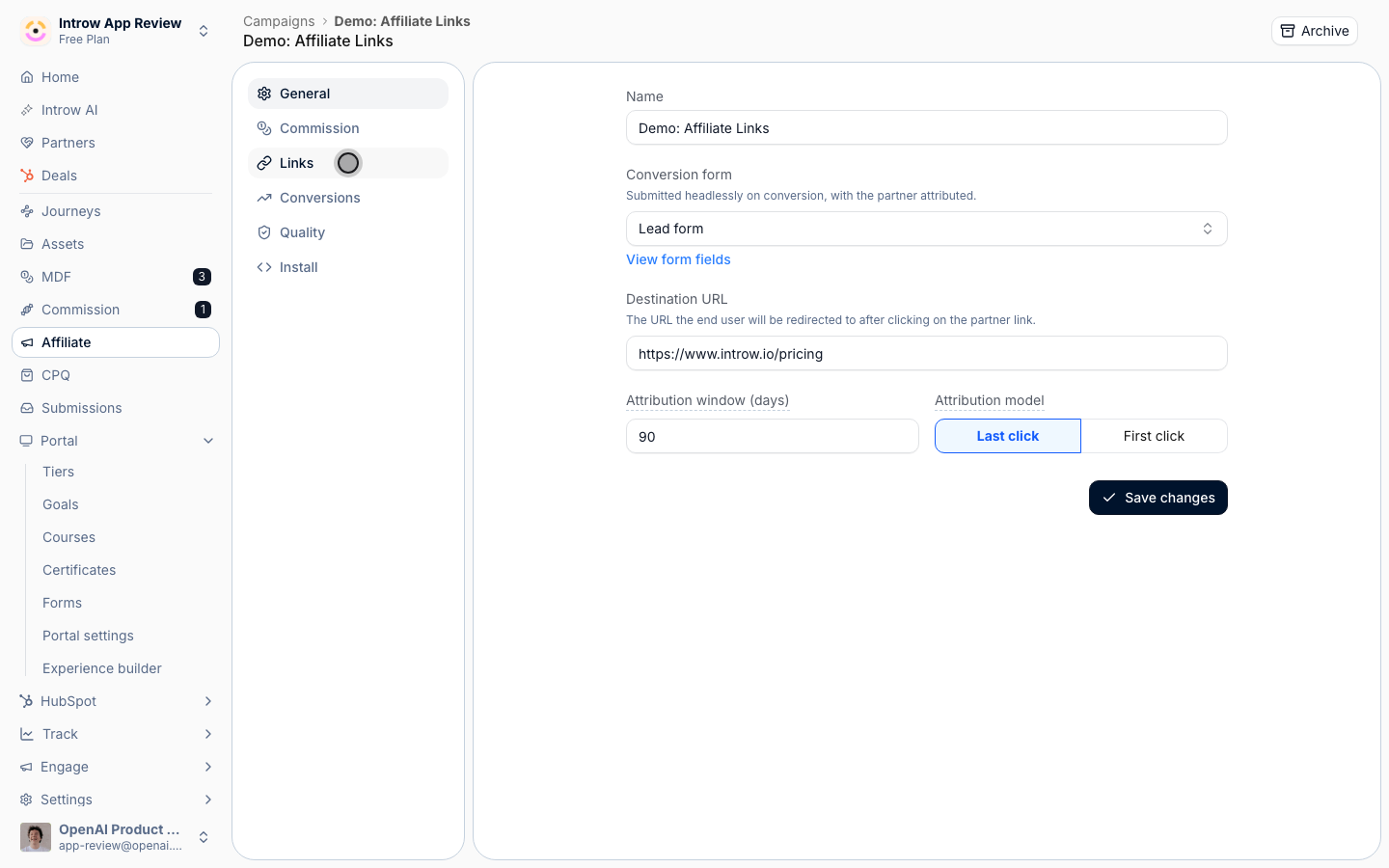
2
Open Manage aliases for the partner
Find the partner whose link you want to brand, open the row’s actions menu, and select Manage aliases. The Manage aliases dialog shows the partner’s Referral links: the default link plus any aliases already in place, each with a copy button.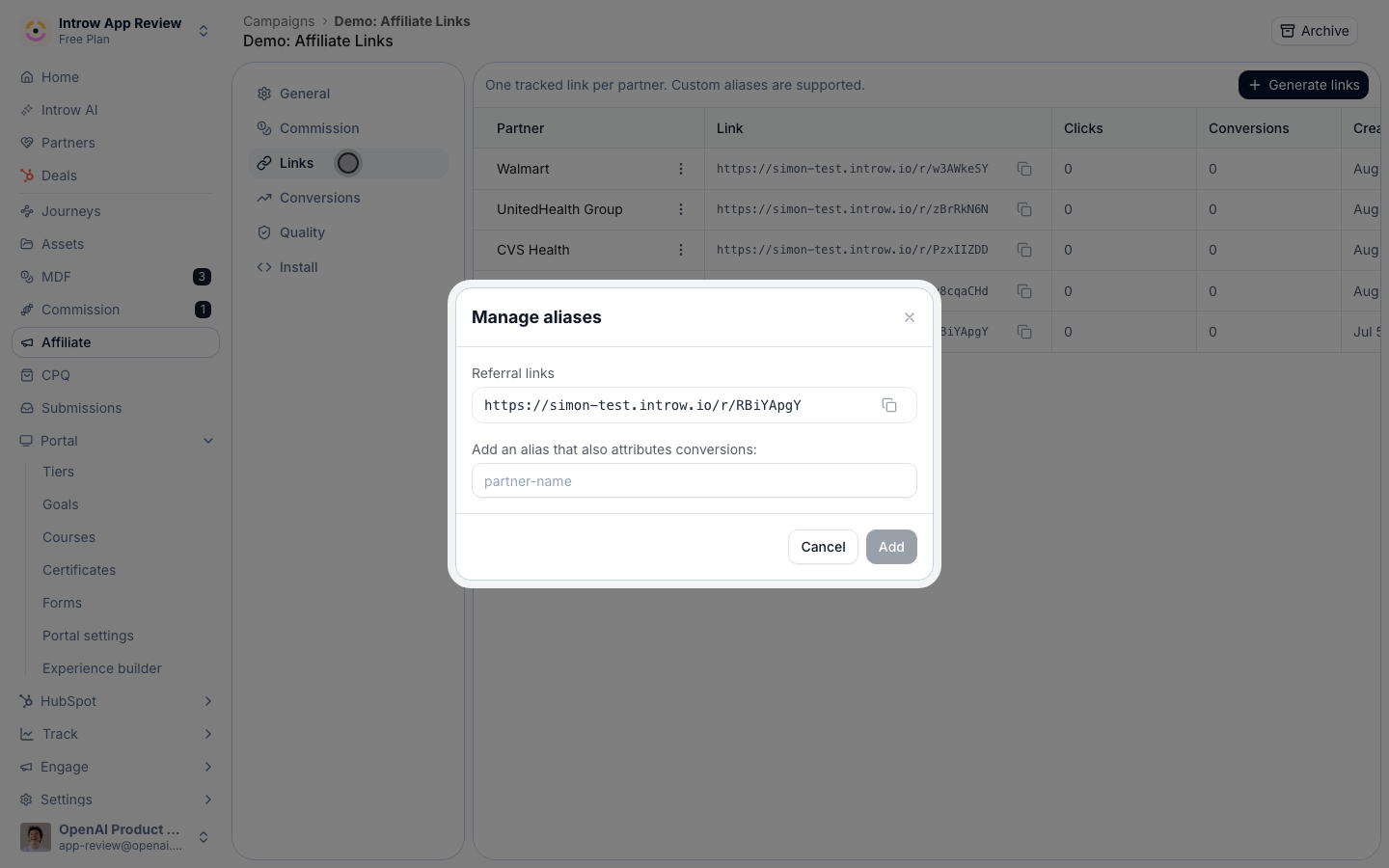
3
Add the alias
In Add an alias that also attributes conversions, type the custom text for the link (for example, 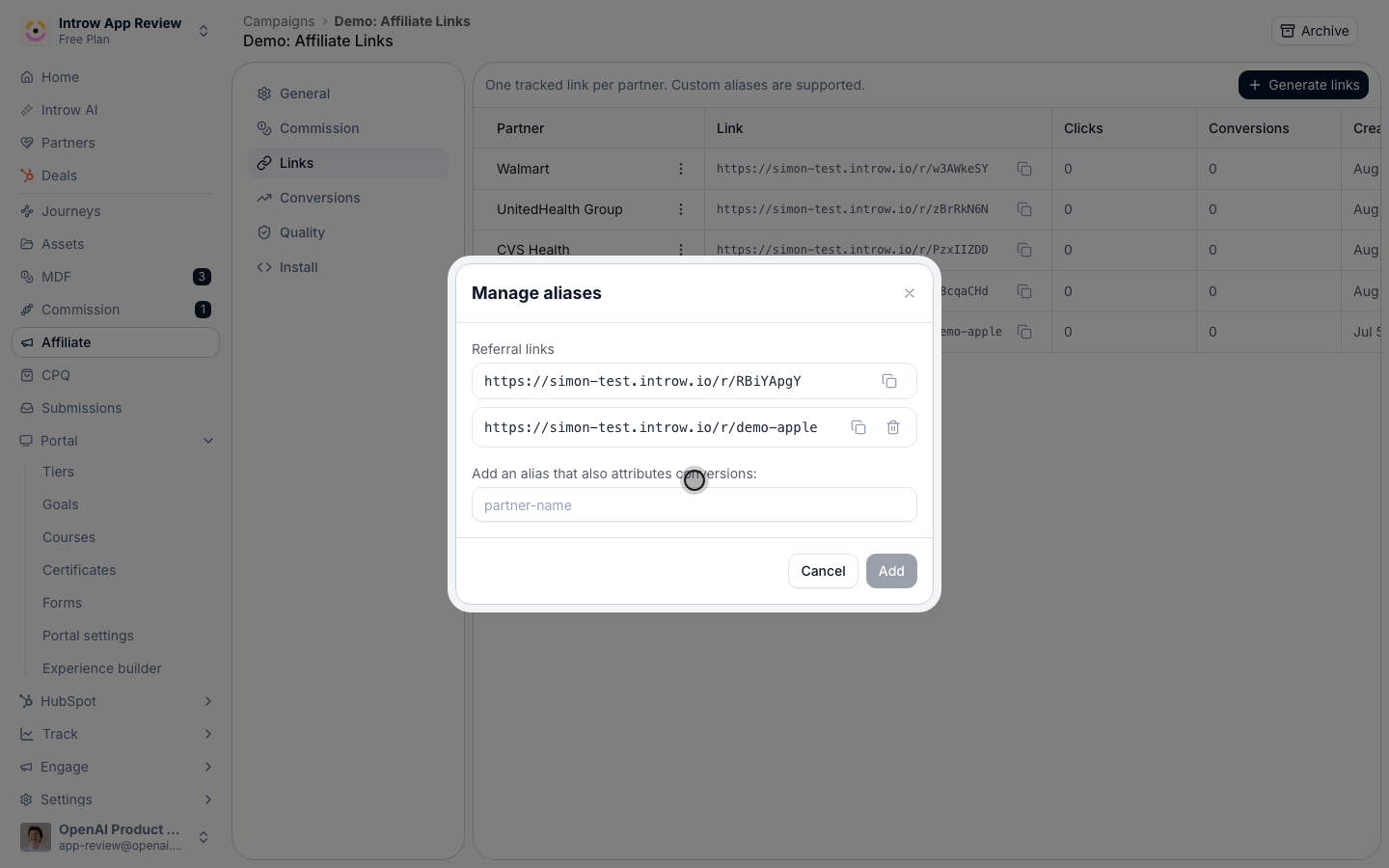
partner-name) and select Add. The alias is normalized to a clean slug and must be unique on the campaign; if it is already taken, reserved, or invalid, the dialog explains why so you can pick another. The new alias appears in the Referral links list with its own copy button.4
Share the aliased link
Copy the aliased link from the list and give it to the partner. It redirects to the same destination as the default link and records clicks and conversions against the same partner. Partners can also add their own alias from the campaign section in their portal, if you have surfaced it.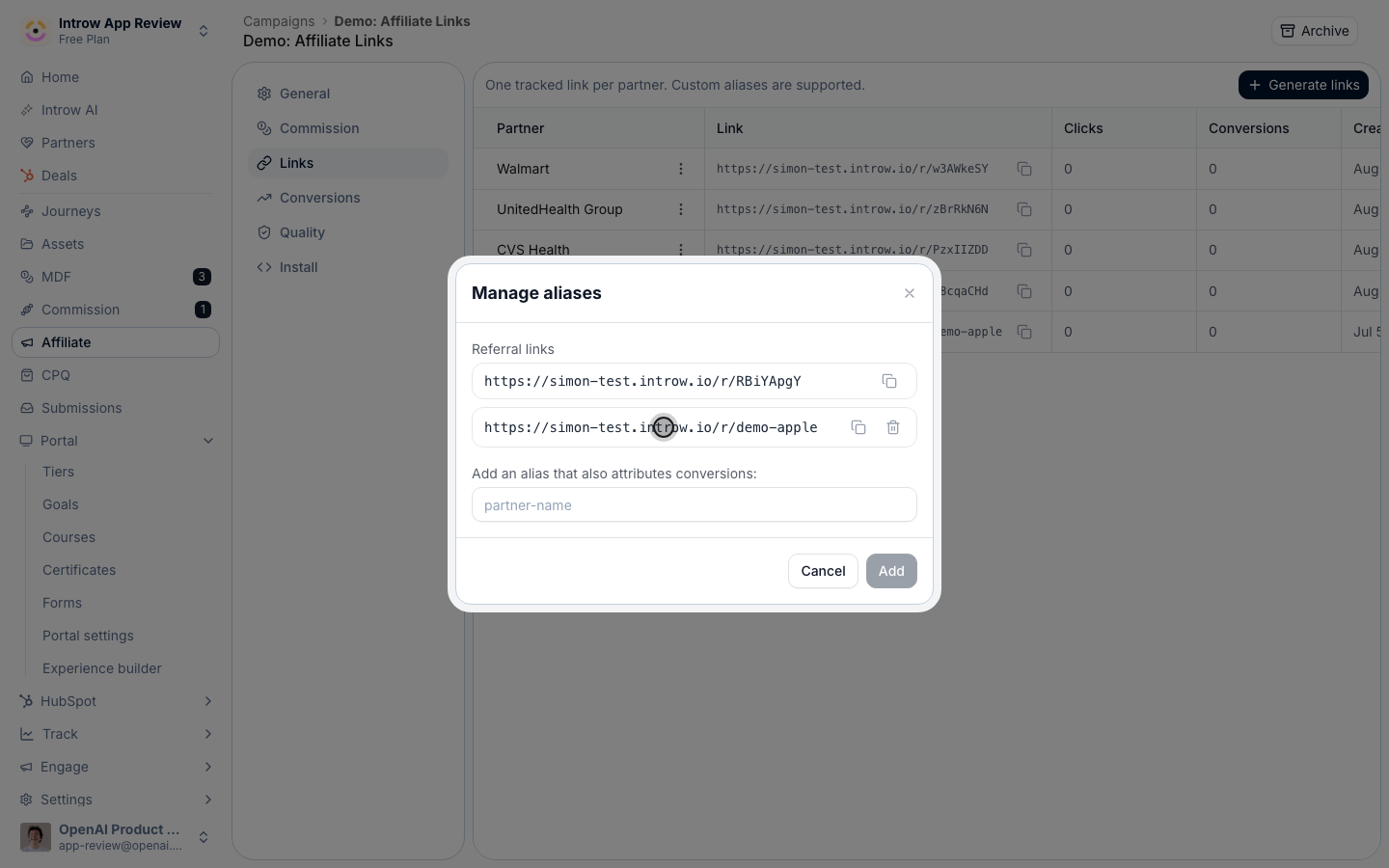
Verify it worked
The new alias is listed under Referral links for that partner, and opening the aliased URL lands on the campaign destination with tracking intact, so a conversion through it attributes to the same partner. Both the default code and the alias keep working.Related
Launch an affiliate campaign
Create the campaign and generate links first.
Revoke or restore a link
Manage the link’s lifecycle.
Implementation reference
Full configuration options.