> ## Documentation Index
> Fetch the complete documentation index at: https://docs.introw.io/llms.txt
> Use this file to discover all available pages before exploring further.

# Export report data to CSV

> Get the raw data out.

> For partner ops who need the numbers in a spreadsheet.

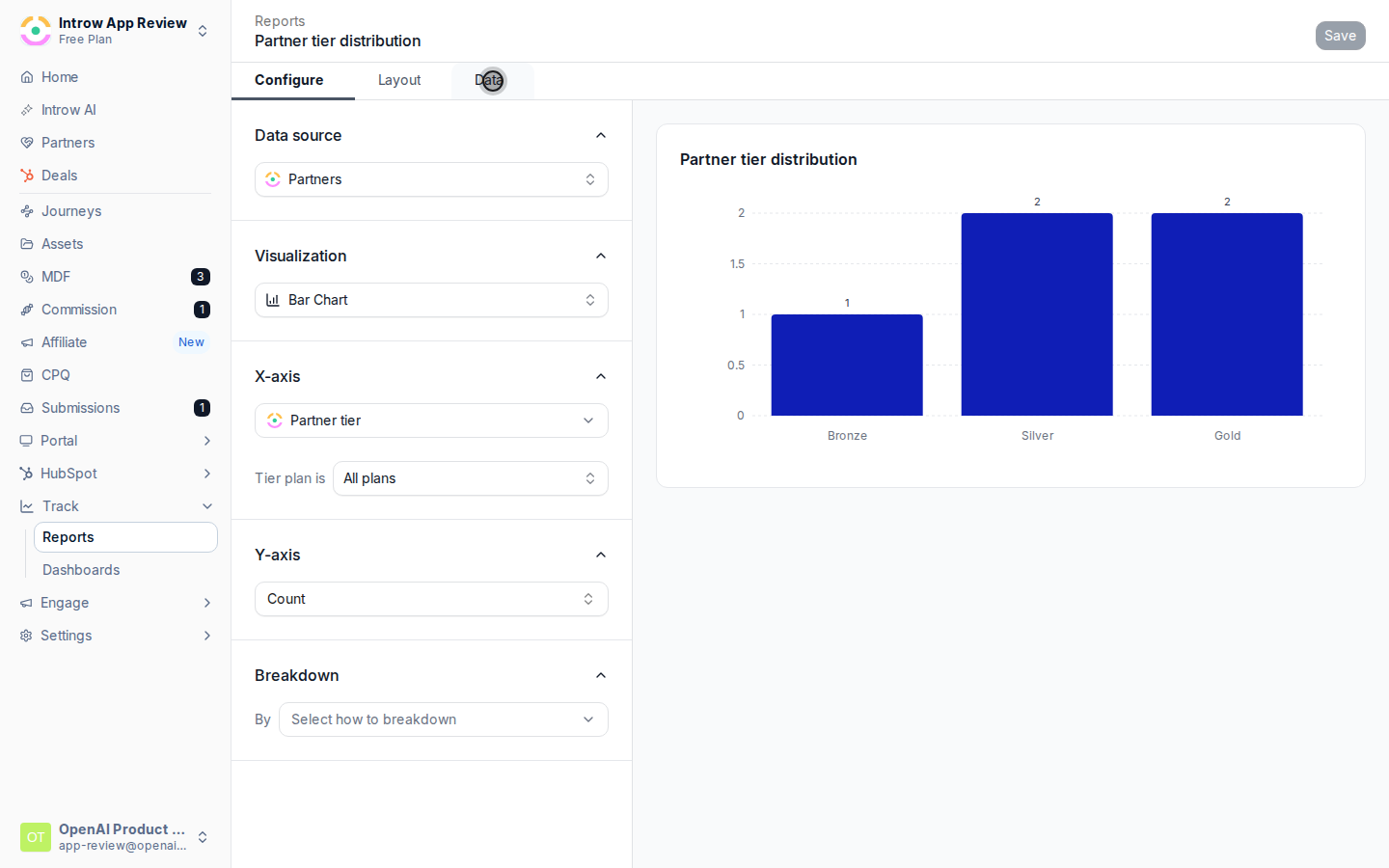
Sometimes a chart is not enough and you need the underlying rows, for a board deck, a finance check,
or a deeper slice. The Data tab shows the data behind a report and lets you export it to CSV, so
you can take it wherever you need.

## What you'll build

A CSV export of a report's underlying data.

## Before you start

<Steps>
  <Step title="Build the report">
    The report should already be configured with the data you want.
  </Step>
</Steps>

## Watch it

<Tabs>
  <Tab title="Video">
    <video controls playsInline preload="none" poster="https://assets.introw.io/docs/features/reporting/report-builder/guides/export-report-data-to-csv/steps/01.png?v=1783354606" className="w-full rounded-xl" src="https://assets.introw.io/docs/features/reporting/report-builder/guides/export-report-data-to-csv/video.webm?v=1783354606#t=2.5" />
  </Tab>

  <Tab title="Click through">
    <iframe className="w-full rounded-xl" style={{ width: "100%", aspectRatio: "16 / 11", border: 0, backgroundColor: "#FAFAFA" }} src="https://assets.introw.io/docs/features/reporting/report-builder/guides/export-report-data-to-csv/walkthrough.html?v=1783354606" />
  </Tab>
</Tabs>

## Steps

<Steps>
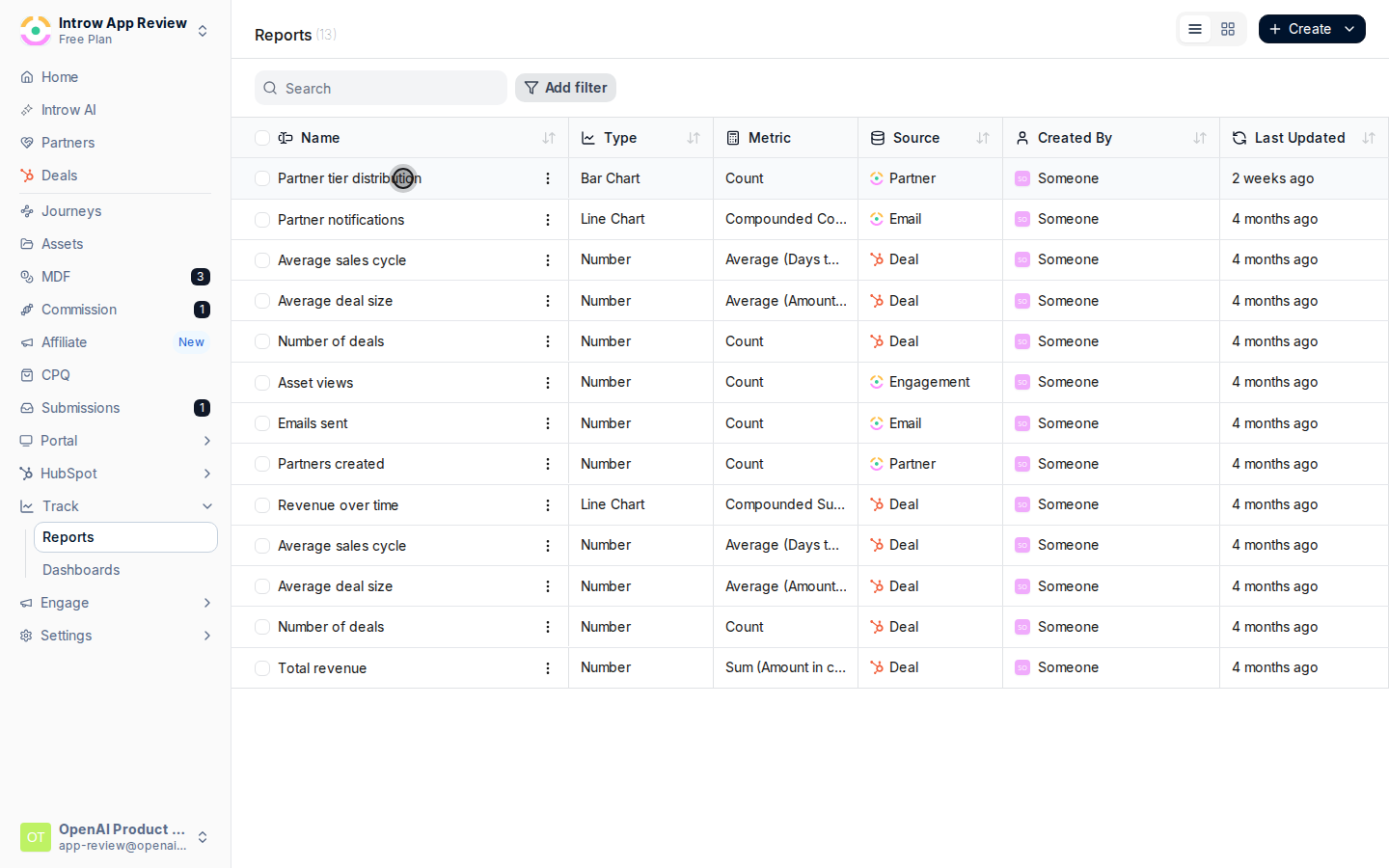
  <Step title="Open the report">
    Open the report from [Reports](https://app.introw.io/reports).
    <Frame>
      <img src="https://assets.introw.io/docs/features/reporting/report-builder/guides/export-report-data-to-csv/steps/02.png?v=1783354606" alt="Open the report" />
    </Frame>
  </Step>

  <Step title="Open the Data tab">
    Switch to the **Data** tab.

    <Frame>
      <img src="https://assets.introw.io/docs/features/reporting/report-builder/guides/export-report-data-to-csv/steps/03.png?v=1783354606" alt="Open the Data tab" />
    </Frame>
  </Step>

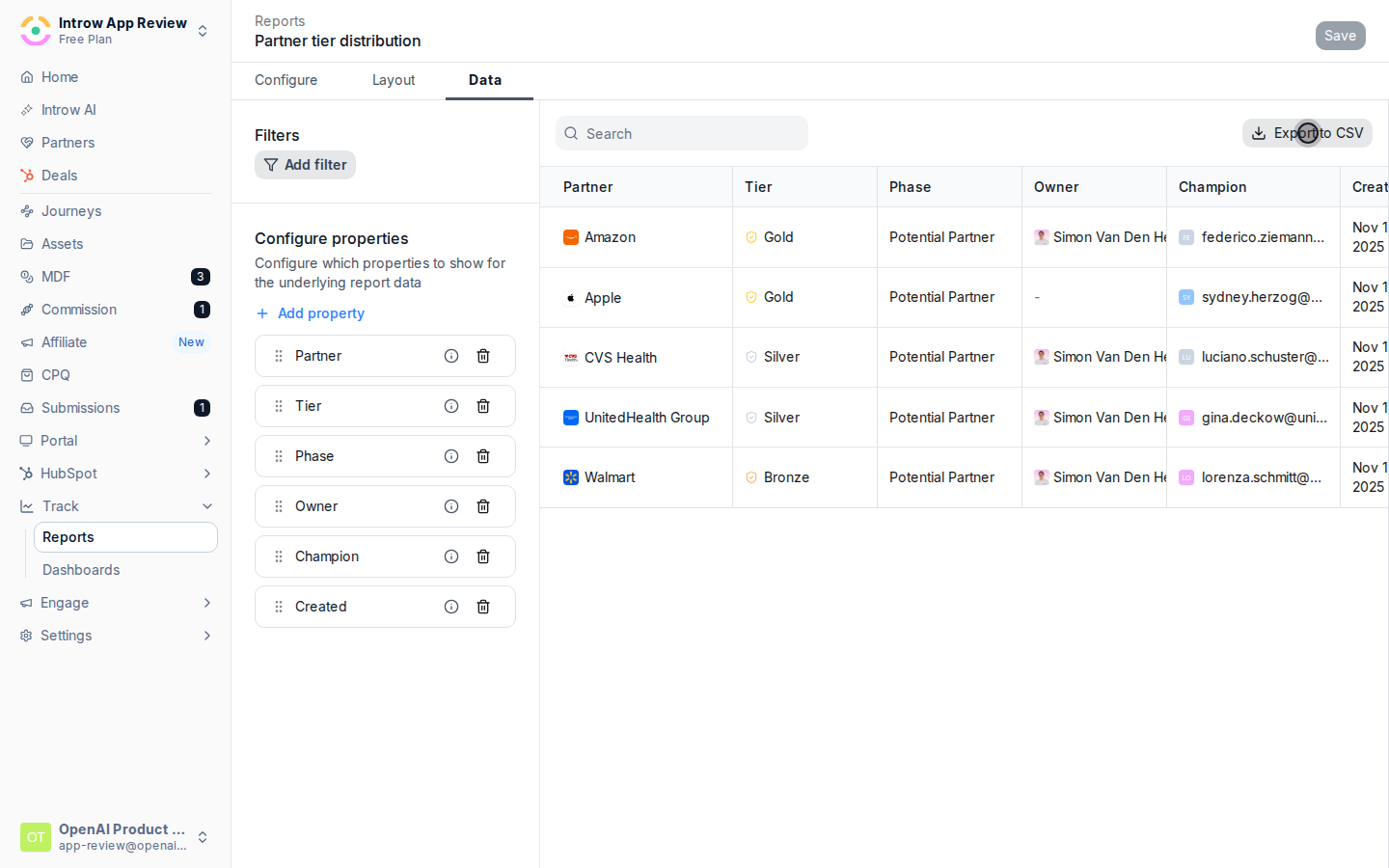
  <Step title="Export">
    Use the export action to download a CSV.
    <Frame>
      <img src="https://assets.introw.io/docs/features/reporting/report-builder/guides/export-report-data-to-csv/steps/04.png?v=1783354606" alt="Export" />
    </Frame>
  </Step>
</Steps>

## Verify it worked

A CSV file downloads with the report's underlying rows.

## Related

<CardGroup cols={2}>
  <Card title="Build a report" icon="book-open" href="./build-a-report">
    Build the report first.
  </Card>

  <Card title="Implementation reference" icon="screwdriver-wrench" href="../technical">
    Full configuration options.
  </Card>
</CardGroup>