> ## Documentation Index
> Fetch the complete documentation index at: https://docs.introw.io/llms.txt
> Use this file to discover all available pages before exploring further.
# Embed a dashboard in the portal
> Show a dashboard to partners.
> For partner marketing giving partners their own view.
Partners stay engaged when they can see how they are doing. Embedding a dashboard in a portal
experience gives them a curated view scoped to their own data, so they get insight without you
pulling numbers for them.
## What you'll build
A portal experience that shows partners a dashboard.
## Before you start
Create the dashboard you want to share first.
## Watch it
## Steps
Go to the [Experience builder](https://app.introw.io/templates) and open the portal experience you want partners to see.
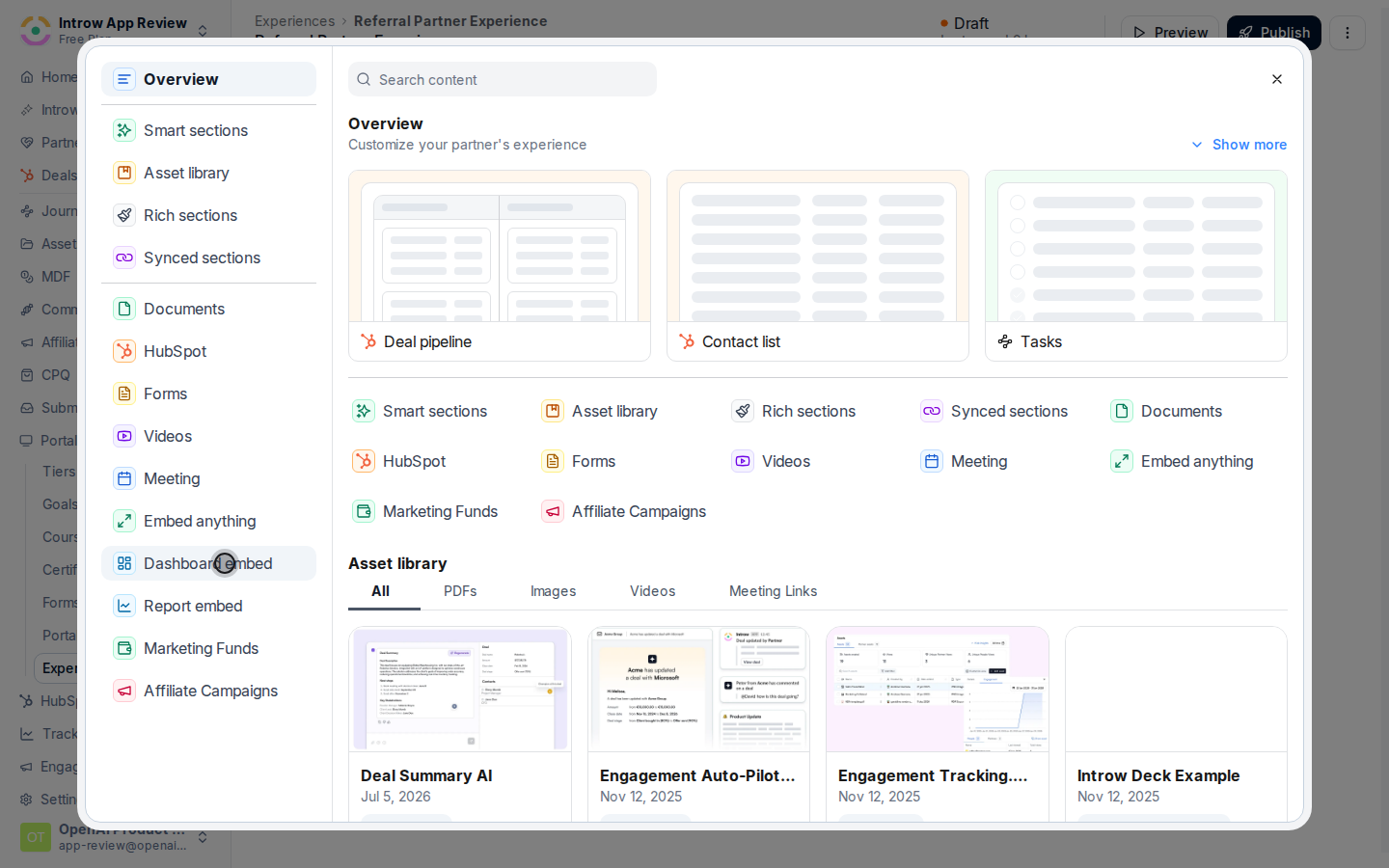
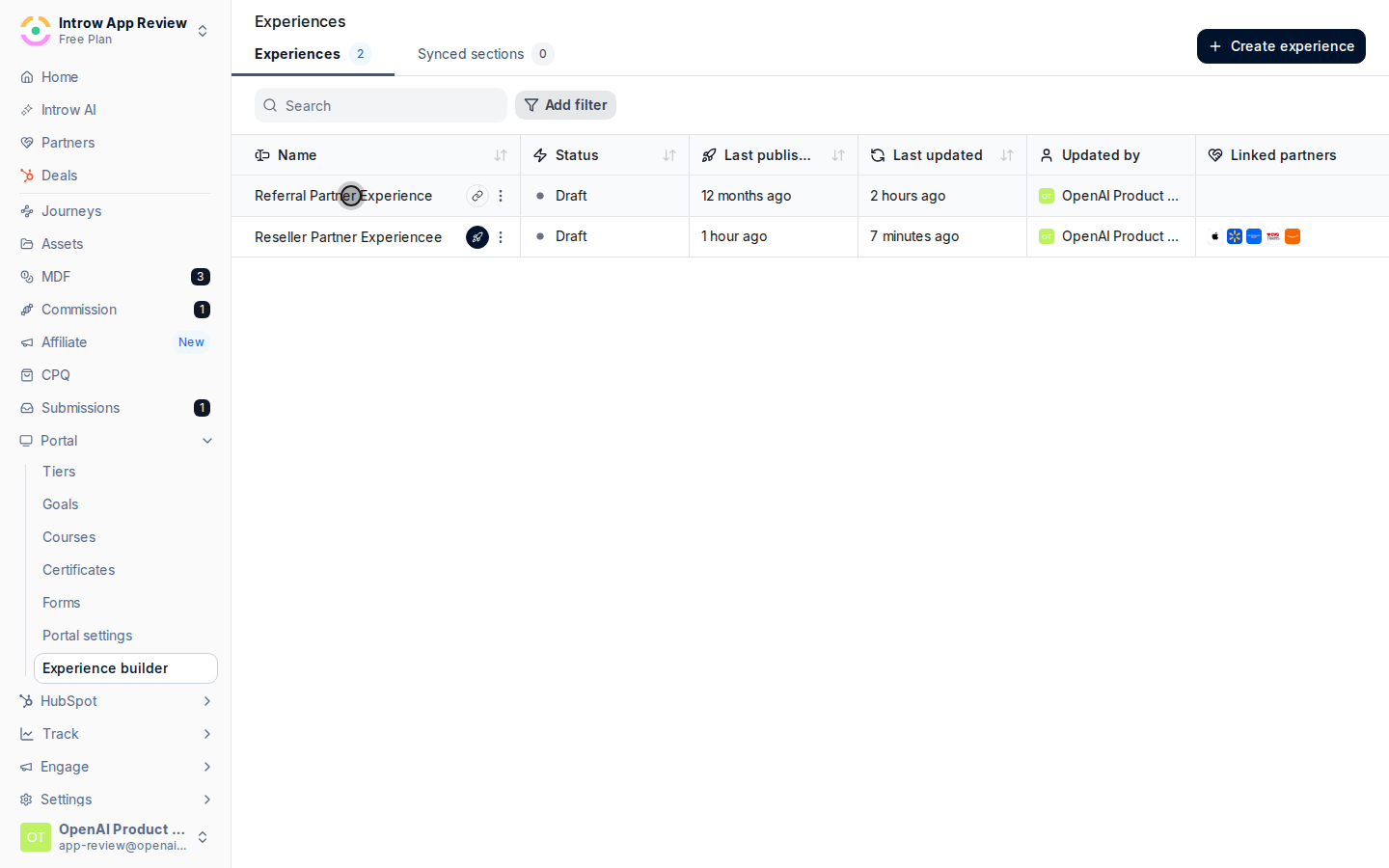 Add a **Dashboard embed** section to a stage. This is the section type that surfaces an Introw dashboard, scoped to the viewing partner.
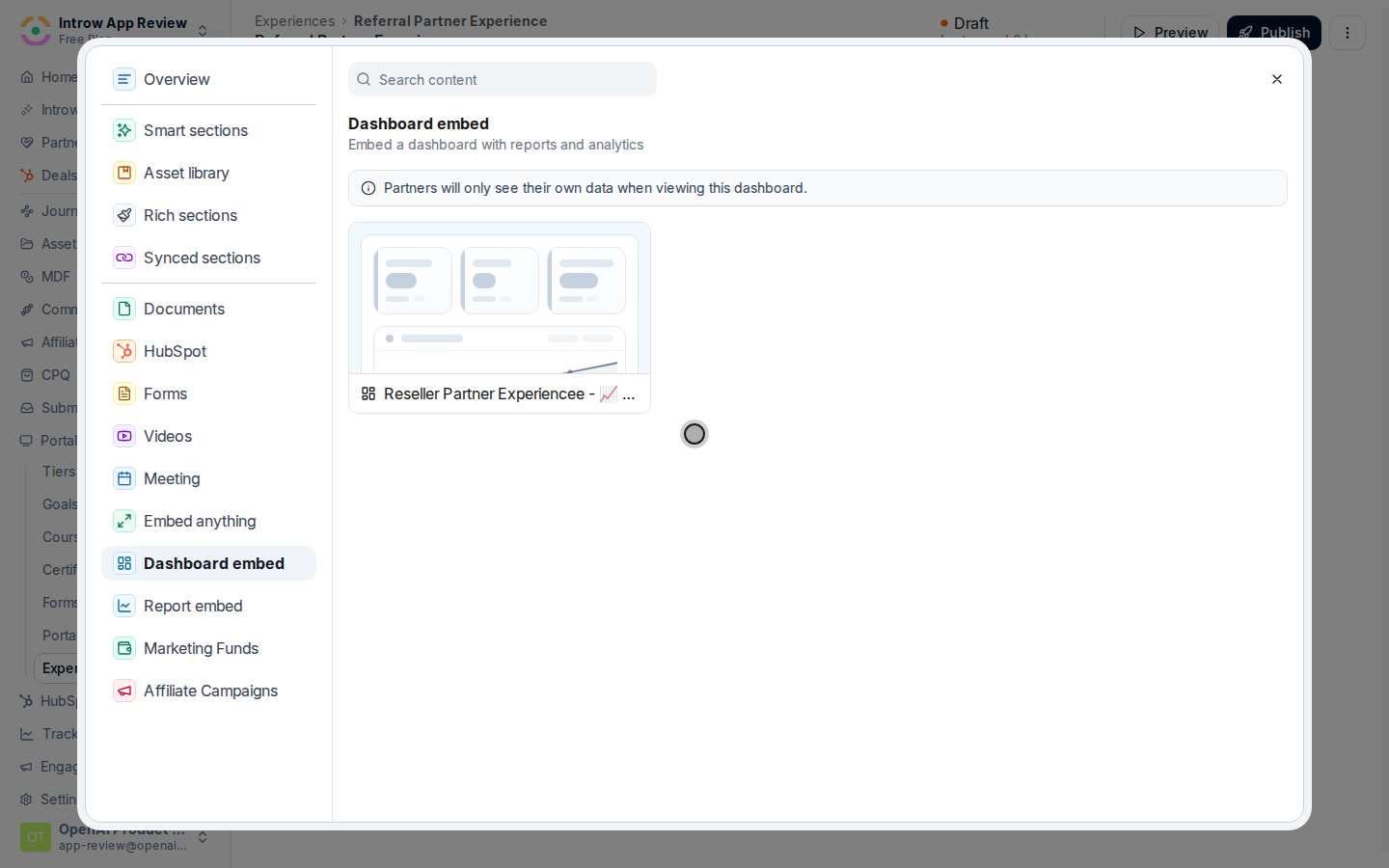
 Select the dashboard to surface. Only saved dashboards are available.
 Publish the experience so partners see the dashboard.
## Verify it worked
Open the portal as a partner and confirm the dashboard shows their scoped data.
## Related
Create the dashboard.
Use partner-scoped analytics.
Full configuration options.
Publish the experience so partners see the dashboard.
## Verify it worked
Open the portal as a partner and confirm the dashboard shows their scoped data.
## Related
Create the dashboard.
Use partner-scoped analytics.
Full configuration options.