> ## Documentation Index
> Fetch the complete documentation index at: https://docs.introw.io/llms.txt
> Use this file to discover all available pages before exploring further.
# Embed a referral form
> Put referral capture on your own website with your branding, and confirm submissions land attributed in your CRM.
export const noun_0 = "referral"
export const verb_0 = "refer"
A link is great for direct outreach, but some partners and prospects arrive on your own pages. Embedding the referral form there captures referrals in context, with your branding, so a partner can refer without ever leaving the page they are on. This guide embeds the form and confirms the submissions still arrive attributed and CRM-ready.
## What you'll achieve
A referral form embedded on a page you control, capturing submissions that flow into your CRM and credit the right partner, verified with a live test submission.
## Before you start
A referral form that creates a deal or lead must exist. See [Build and share a referral form](./build-and-share-a-referral-form).
Embedding a form on your own website requires a custom domain on your plan. Without one, share the link instead.
## Watch it
## Steps
### Embed the form
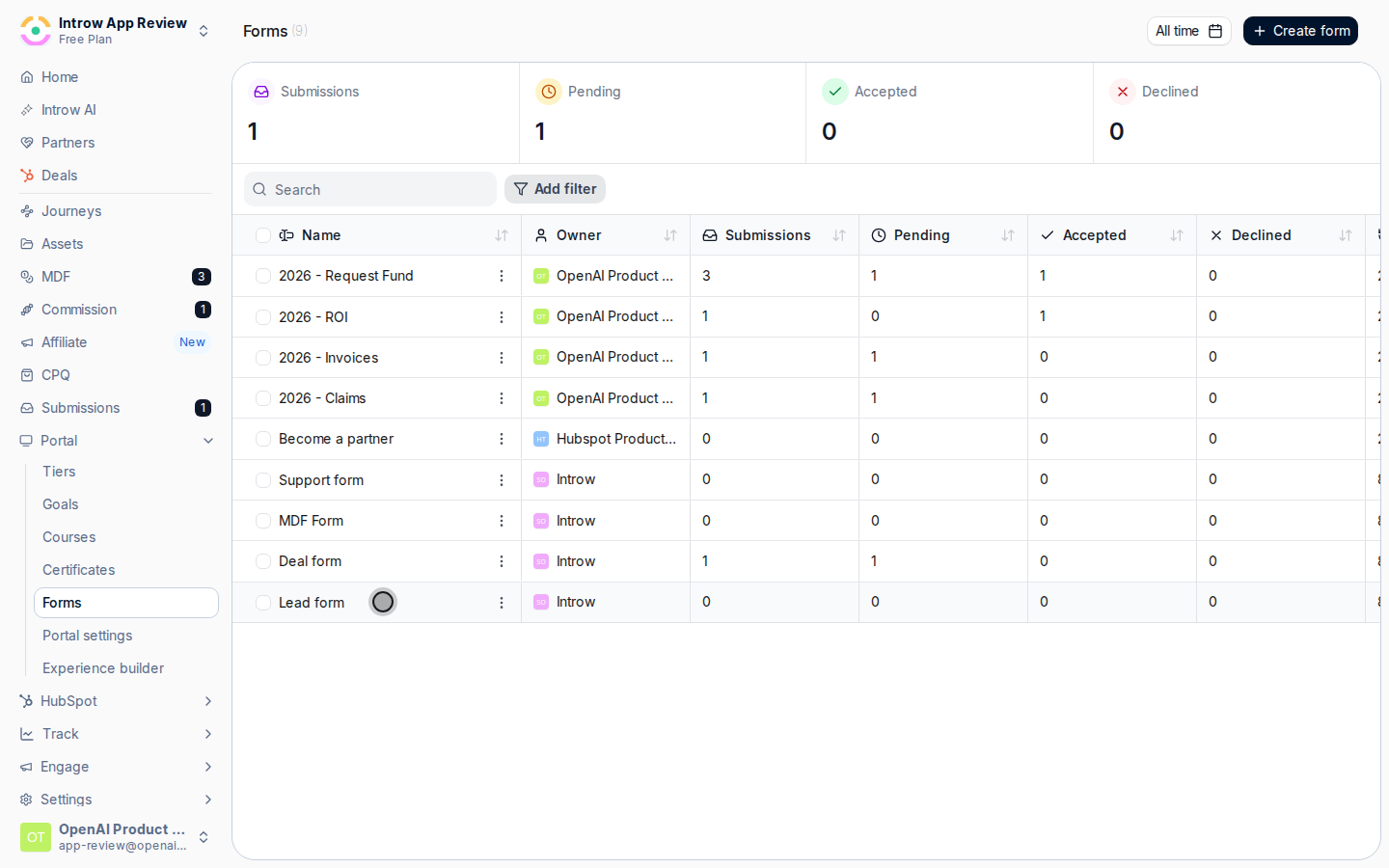
In [Forms](https://app.introw.io/forms), open your {noun_0} form and open its **Share form** dialog.
On the **Embed** tab, copy the generated HTML snippet.
Add the snippet to the page where you want partners to {verb_0}, such as a partner landing page or a website footer.
Where you know the partner, use an attributed embed so each submission credits the right partner instead of arriving anonymous.
### Confirm attribution
A plain embed captures submissions but cannot always tell who referred them. Where the page is partner-specific (a co-branded landing page, a partner's microsite), use an attributed embed so each submission credits the right partner instead of arriving anonymous.
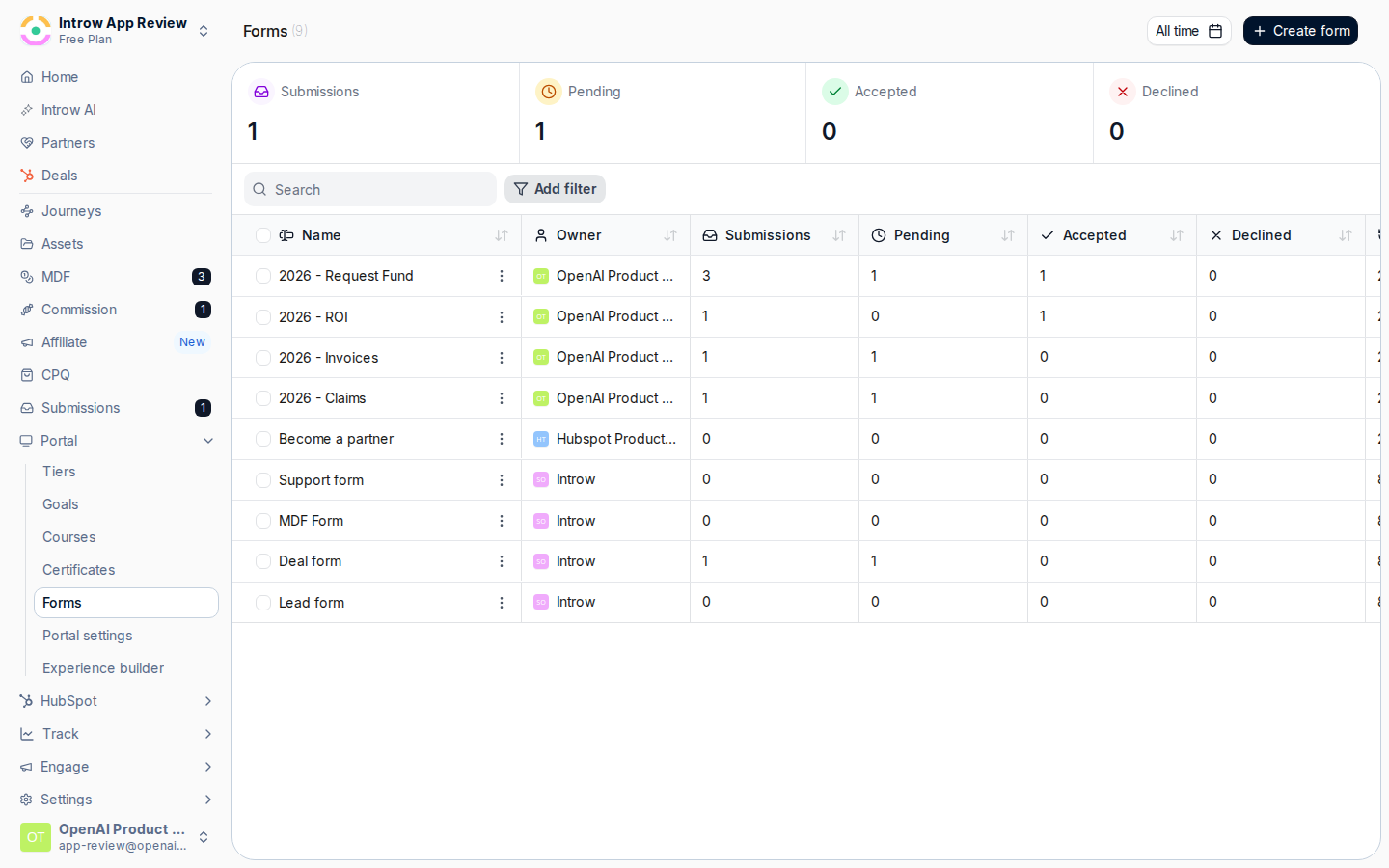 Load the page with the embed, submit a test referral, and open [Submissions](https://app.introw.io/submissions). Confirm it appears under **Form submissions** and, where you used an attributed embed, that it is credited to the expected partner.
 ## Verify it worked
The test referral submitted from your embedded page appears in [Submissions](https://app.introw.io/submissions) and creates a deal in your CRM, attributed to the right partner where the embed is partner-specific.
## Related
Set up the form and attribution behind the embed.
Use a link instead of an embed.
Embedding patterns and authentication.
## Verify it worked
The test referral submitted from your embedded page appears in [Submissions](https://app.introw.io/submissions) and creates a deal in your CRM, attributed to the right partner where the embed is partner-specific.
## Related
Set up the form and attribution behind the embed.
Use a link instead of an embed.
Embedding patterns and authentication.