> ## Documentation Index
> Fetch the complete documentation index at: https://docs.introw.io/llms.txt
> Use this file to discover all available pages before exploring further.
# Embed external content
> Embed documents, videos, and meeting schedulers from the providers Introw supports directly inside a portal experience.
> For partner marketing keeping everything a partner needs in one place.
Partners disengage when the portal sends them off to scattered links. Embedding content instead keeps decks, videos, and scheduling inside the experience, so a partner reads, watches, or books a meeting without leaving. This guide adds an embedded section using the providers Introw recognises and renders inline.
## What you'll achieve
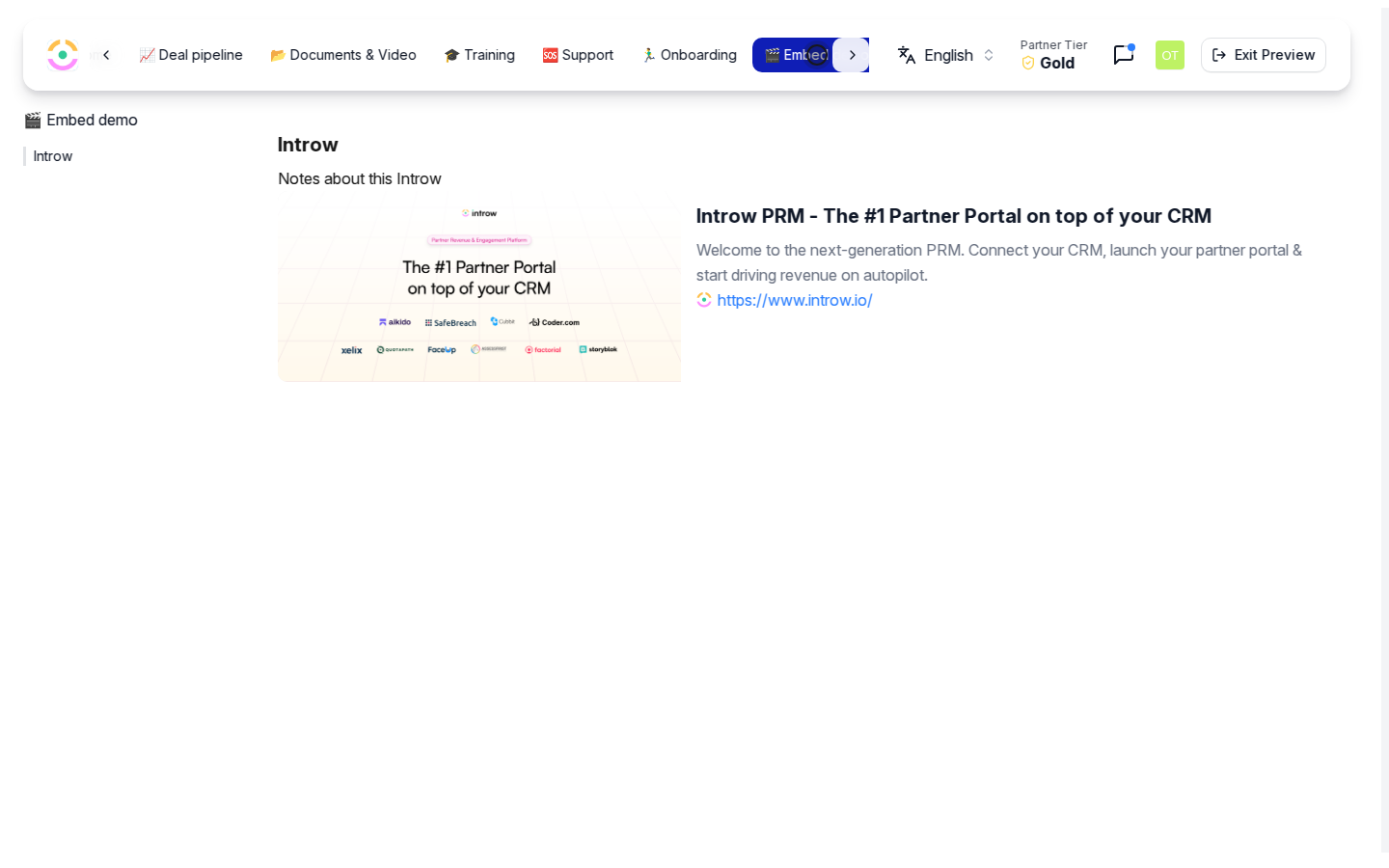
A portal section that displays embedded external content, a slide deck, a video, or a meeting scheduler, rendered inline in the experience so partners interact with it without leaving the portal.
## Before you start
You need write access to experiences to edit a stage.
Copy the share link for the content you want to embed from a supported provider, and make sure the content is shared so partners are allowed to view it.
## Watch it
## Steps
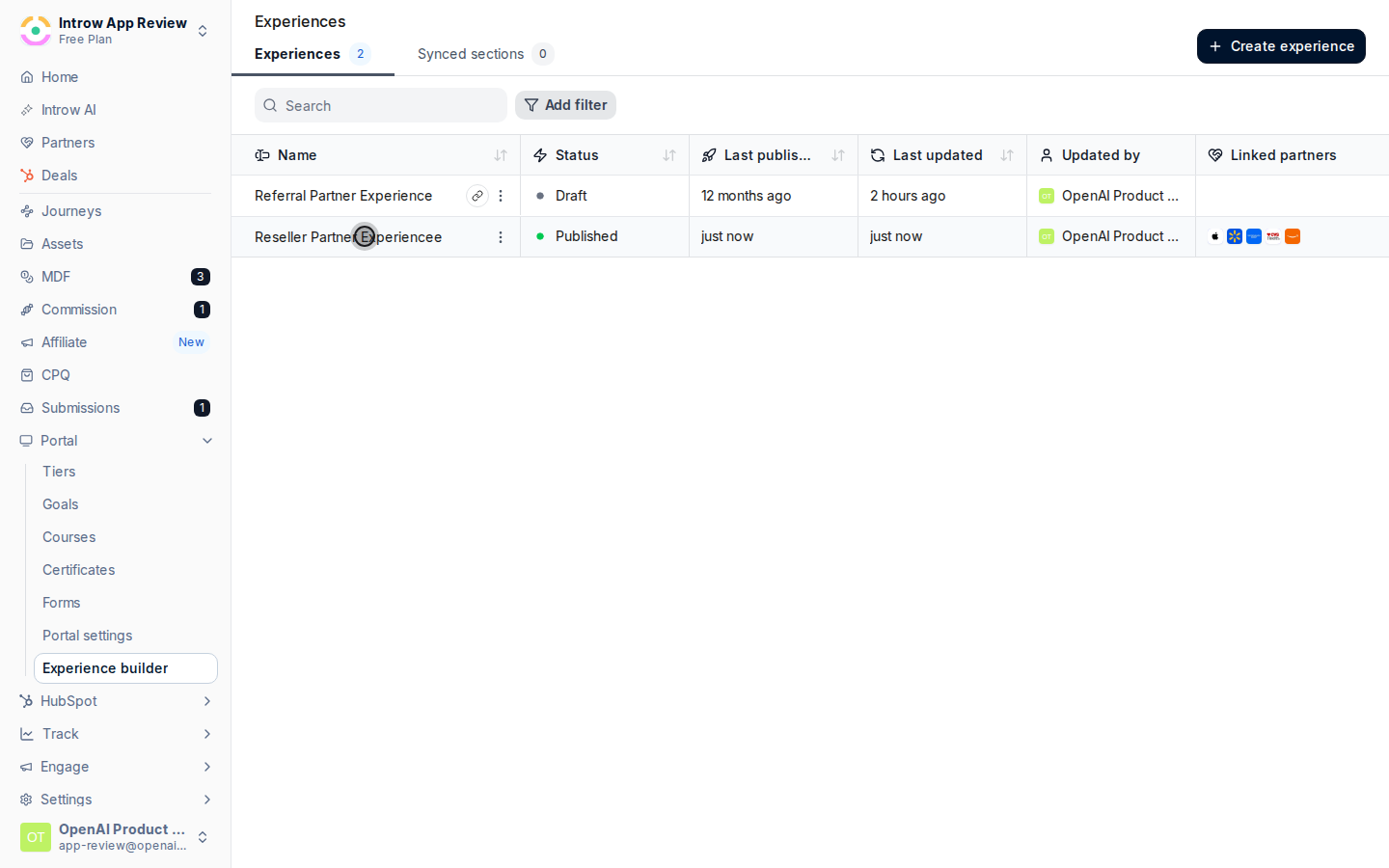
Go to [Experiences](https://app.introw.io/templates) and open the experience you want to add content to.
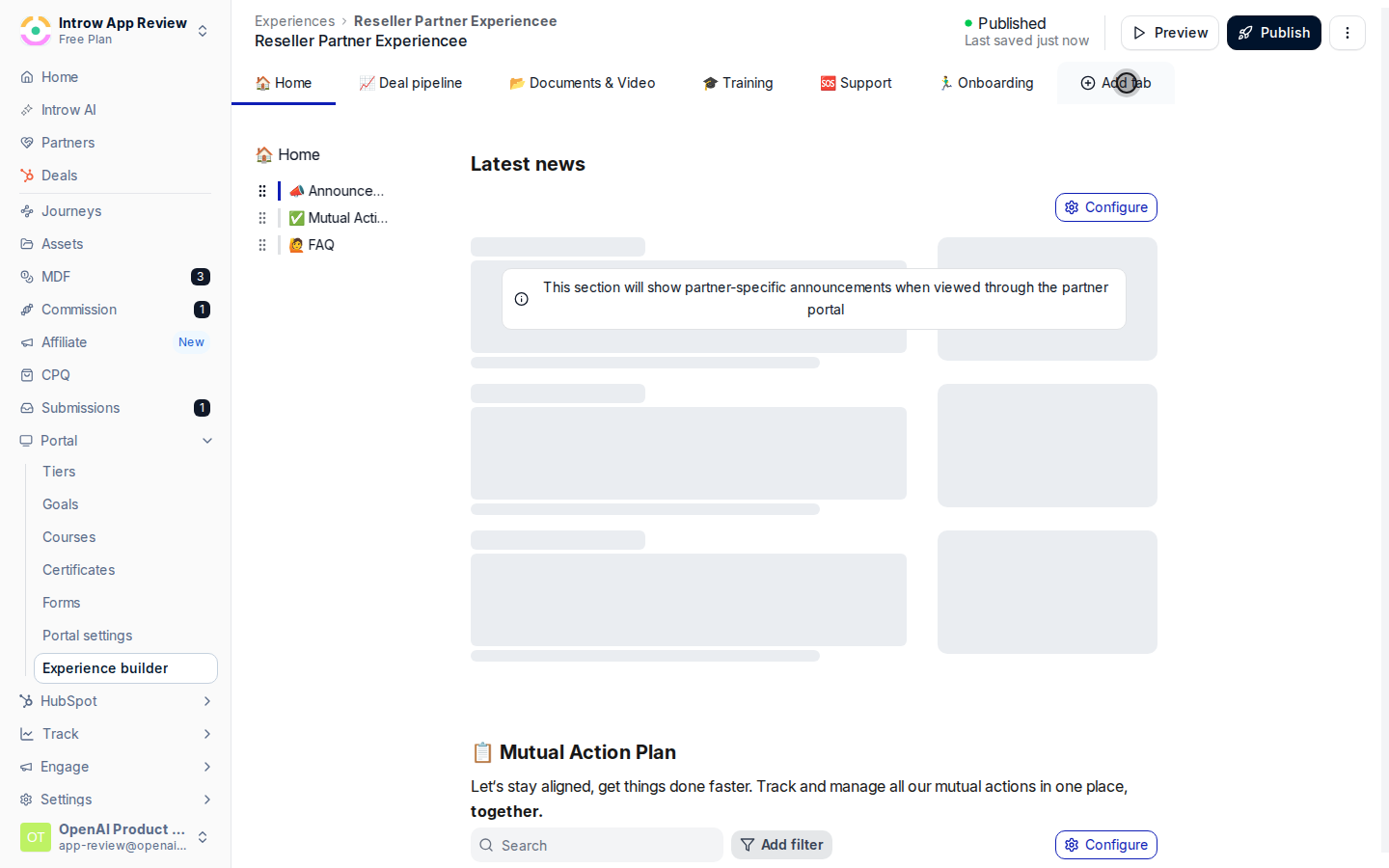
 On the stage you want, add a section from the picker and choose the block that matches your source. Introw embeds these providers inline rather than linking out:
* **Documents** - Google Slides, Google Sheets, and Google Docs. Use these for decks, plans, and living documents.
* **Videos** - Loom, Vimeo, YouTube, and Vidyard. Use these for recorded walkthroughs and training.
* **Meeting links** - HubSpot, Calendly, and Cal.com schedulers. Use these so partners can book time with your team in-portal.
On the stage you want, add a section from the picker and choose the block that matches your source. Introw embeds these providers inline rather than linking out:
* **Documents** - Google Slides, Google Sheets, and Google Docs. Use these for decks, plans, and living documents.
* **Videos** - Loom, Vimeo, YouTube, and Vidyard. Use these for recorded walkthroughs and training.
* **Meeting links** - HubSpot, Calendly, and Cal.com schedulers. Use these so partners can book time with your team in-portal.
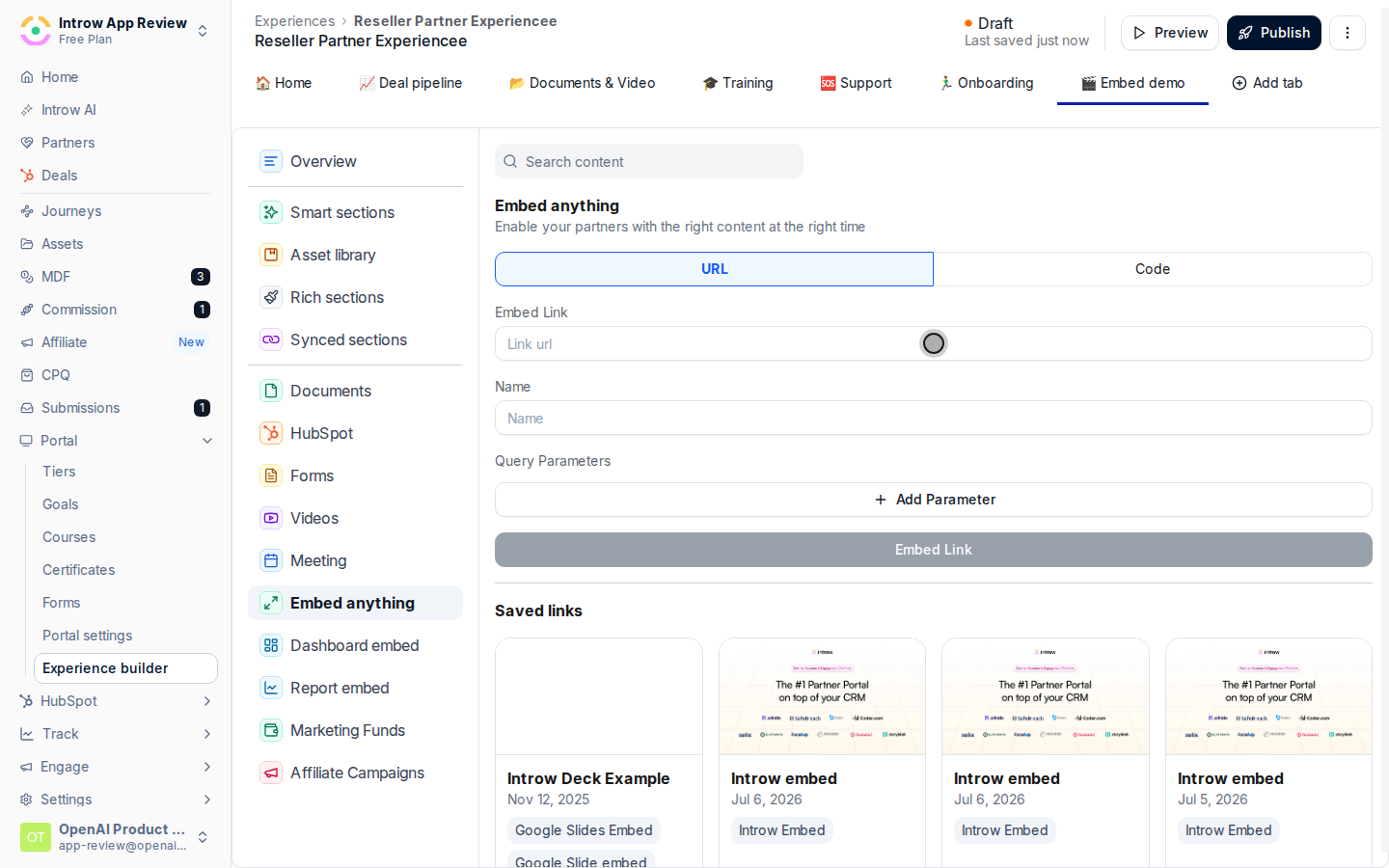
 Paste the share link from that provider into the section. Introw recognises the provider and renders the content inline. Use a link that is shared appropriately, since partners can only see content the source allows them to view.
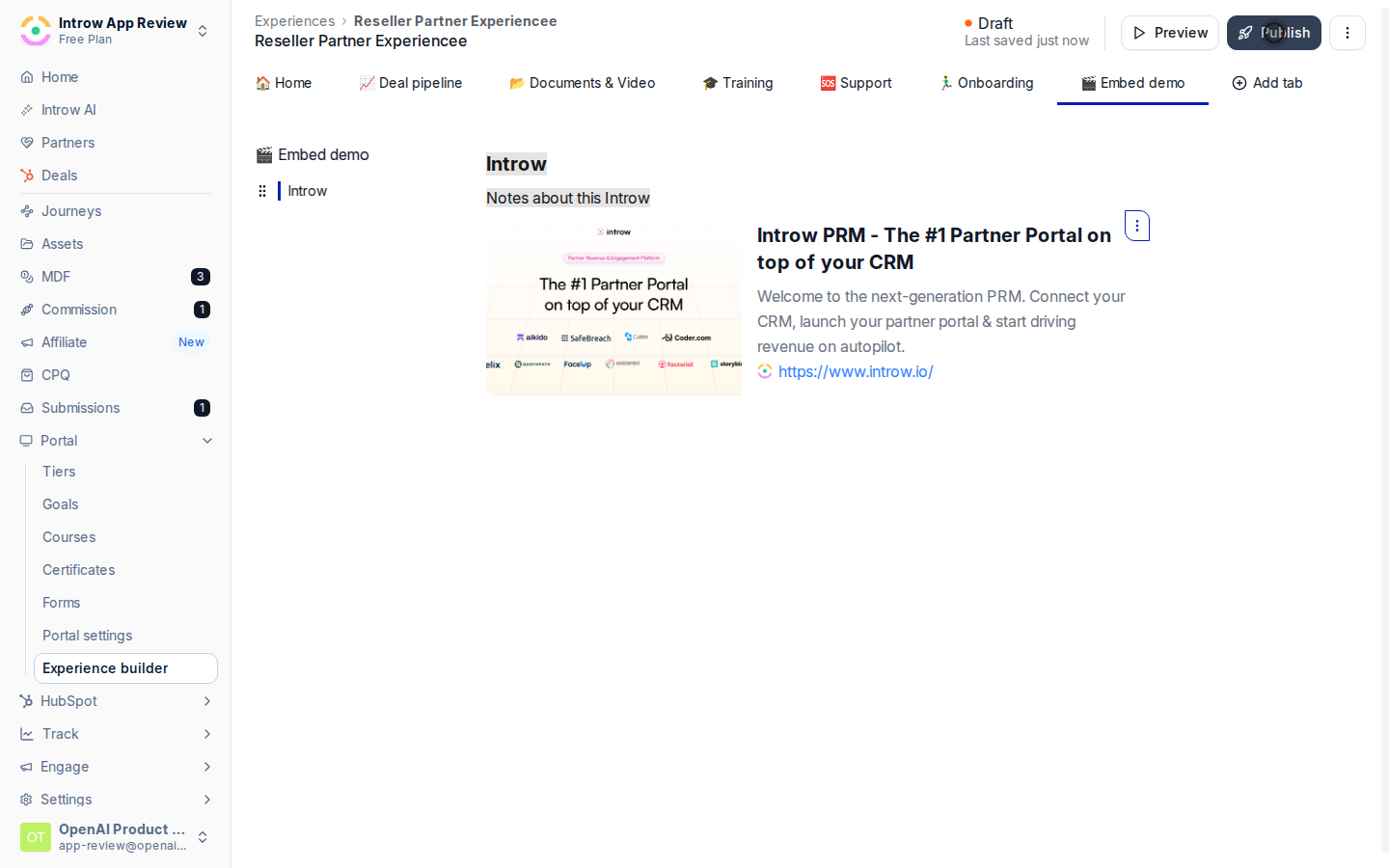
 Preview the stage to confirm the content renders, then publish the experience so partners see the embedded section.
 ## Verify it worked
The embedded deck, video, or scheduler renders inside the experience for a logged-in partner, and they can interact with it, scroll the deck, play the video, or book a slot, without leaving the portal.
## Verify it worked
The embedded deck, video, or scheduler renders inside the experience for a logged-in partner, and they can interact with it, scroll the deck, play the video, or book a slot, without leaving the portal.
 ## Related
Build the layout around an embed.
Personalize the experience with partner details.
Full experience configuration options.
## Related
Build the layout around an embed.
Personalize the experience with partner details.
Full experience configuration options.