> ## Documentation Index
> Fetch the complete documentation index at: https://docs.introw.io/llms.txt
> Use this file to discover all available pages before exploring further.
# Engagement
> Every nudge, notification, and announcement Introw sends on its own to keep partners engaged and deals moving, across the portal, email, Slack, and Teams.
export const Headless = ({children, intro = true}) => {
const [copied, setCopied] = useState(null);
const copy = event => {
const row = event.target.closest("li");
if (!row) return;
const text = row.textContent.trim();
try {
navigator.clipboard?.writeText(text);
} catch {}
setCopied(text);
setTimeout(() => setCopied(null), 1600);
};
return <>
{intro ?
Introw is headless by design: run everything here in plain language from Claude, ChatGPT,
Slack, Teams, or your own CRM through Introw's MCP server, with every
action written straight back to your CRM source of truth. The portal is one surface, never the only one.
: null}
{children ? :
The agentic motion - lifecycle deep dives and a Claude Code skill library that run your partner program from
Claude, ChatGPT, Slack, and your CRM.
}
;
};
export const Rail = ({children}) =>
{children}
;
export const Impact = ({children}) =>
{children}
;
export const Personas = ({children}) =>
{children}
;
export const Pains = ({children}) =>
{children}
;
> Engagement is everything Introw sends on its own to keep partners and your team in the loop and deals moving: automatic signals when something changes, delivery to the channels people actually use, and broadcasts when you have news to share.
## The problem it solves
| Without Introw | With Introw |
| ----------------------------------- | ------------------------------- |
| Updates depend on someone sending | The program sends them itself |
| Partners do not open the portal | It reaches their inbox and chat |
| A reply lands in one inbox | Every collaborator sees it |
| Blasting everything trains them out | You pick the signals that send |
## Impact
The vendor a partner hears from at the right moment, on the channel they already have open, is the vendor whose deals they work first. Silence between logins is how a channel goes quiet.
for your business
* **No new tool**
Partners are reached by email, Slack and Teams, so engagement never depends on somebody logging into a portal
* **AI, not admin**
AI drafts announcements, and deal coaching turns a bare alert into a concrete next step for the partner
* **Cost to run**
Partner ops configures every signal, channel and audience with no code, and the outreach then runs itself
for your partners
* **Self-serve**
They act on a deal or a task from the message itself, without opening anything else first
* **Enabled**
The update says what to do next, not only that something changed
* **Efficient**
They reply from their inbox and it lands on the record, so nothing is re-entered anywhere
[A day in the life of your partners](/days-in-the-life)
* **Partner Operations** - which signals send, and to whom
* **Partner Marketing** - announcements that reach everyone
* **Partner sales teams** - updates without living in a portal
## How this area works
A partner program goes quiet the moment it depends on someone remembering to send an update. Introw runs the outreach for you. When a deal moves, a form is approved, a task comes due, or a course is finished, Introw sends the right message to the right people, automatically. Those messages reach partners where they already work, by email and in Slack or Teams, not only in a portal they may not open for days. When a partner replies to an email, the reply is tracked and shared back with everyone on the thread, so a notification turns into a real conversation without anyone logging in.
An event becomes a message, the message reaches the partner on their channel, and their response comes back to the record.
**Where this sits in a setup.** Notifications and announcements come with launch, not before it. Every [setup track](/tracks) settles who hears what in the same step as inviting partners.
* 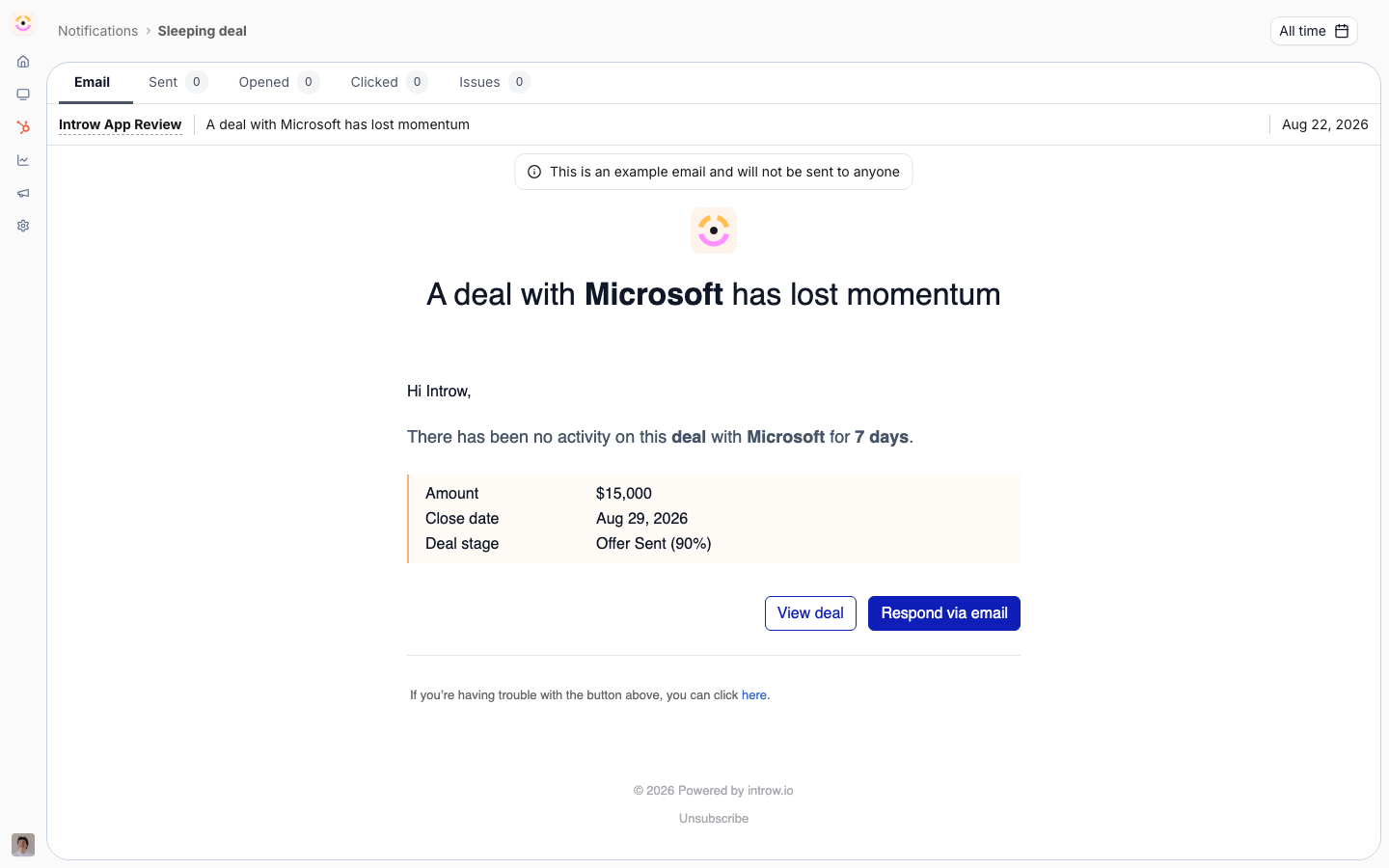
[**Notifications**](./notifications)
Automatic signals on deals, tasks, forms and payouts.
[How to · 3 guides](./notifications/technical)
* 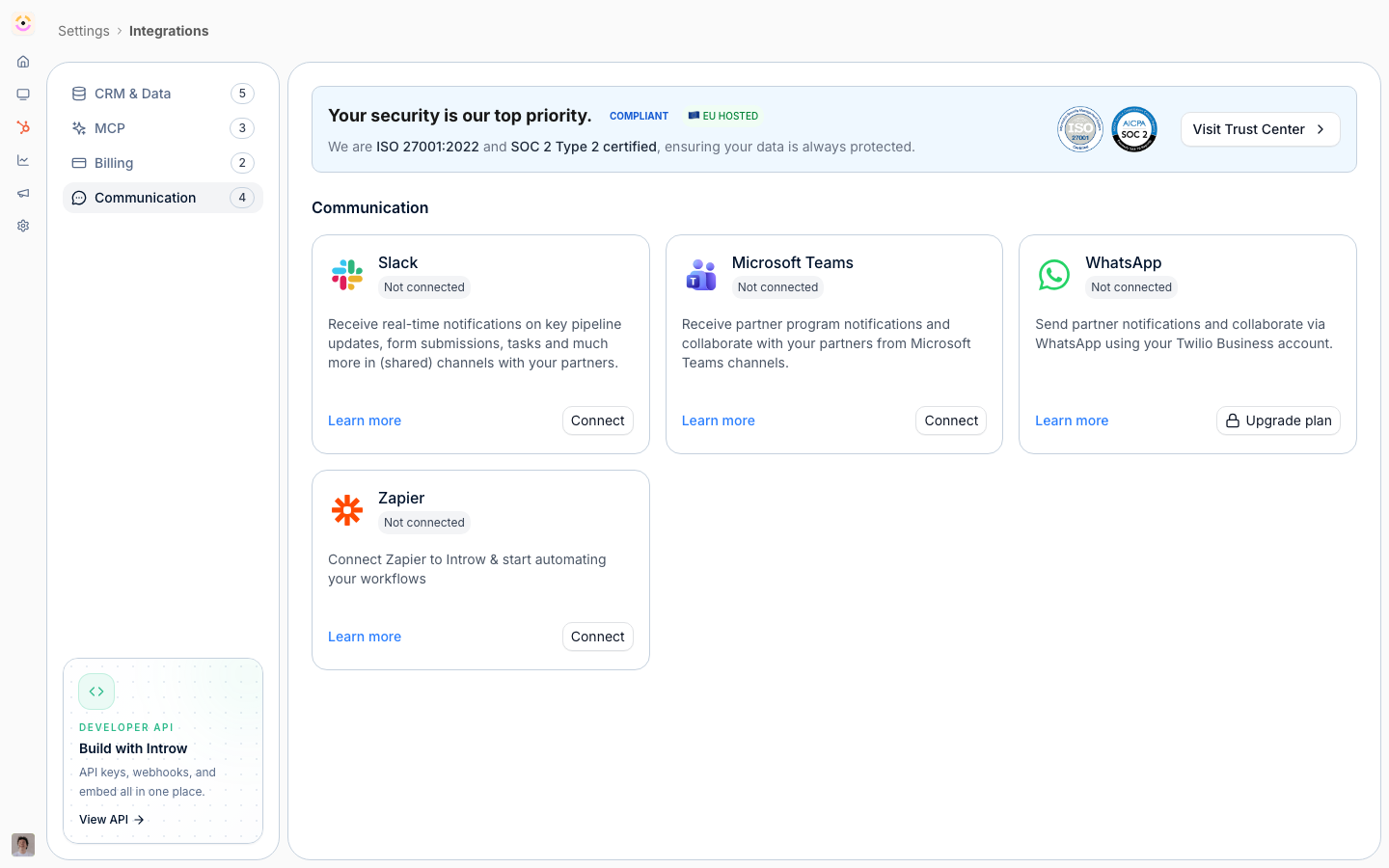
[**Channels**](./channels)
Email, Slack and Teams, with replies tracked back.
[How to · 4 guides](./channels/technical)
* 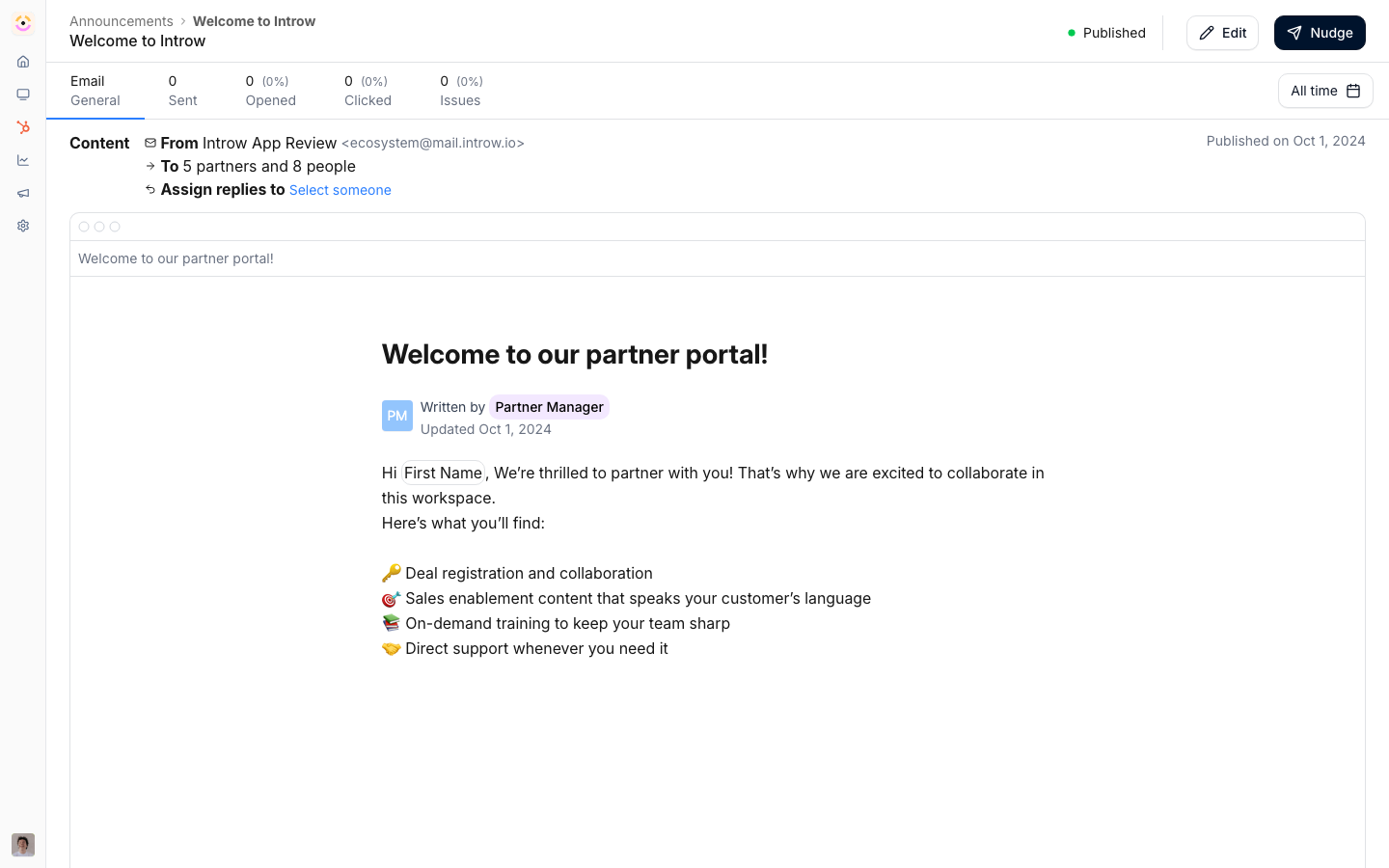
[**Announcements**](./announcements)
Broadcast once, out across every channel at once.
[How to · 4 guides](./announcements/technical)
The same system carries your deliberate outreach too. Announcements broadcast a product update, a promotion, or a program change to the partners it is for, drafted with AI and measured so you can see what landed. Under it all runs one set of controls: you decide which signals send, on which channels, and to whom, so partners get useful signal instead of noise.
## Run it from your AI assistant
* What have we announced to partners this quarter?
* Which partners engaged with our most recent announcement?
* Find what we have already told partners about our pricing change.