> ## Documentation Index
> Fetch the complete documentation index at: https://docs.introw.io/llms.txt
> Use this file to discover all available pages before exploring further.
# View partner pipeline
> Read pipeline org-wide or per partner from Introw.
> For partner managers who need to read partner pipeline the way they read direct pipeline.
To manage partner-attached revenue you have to see it. Reading pipeline from Introw, either
across the whole program or for one partner, gives partner managers the same visibility into
partner deals that the sales team has into direct deals.
## What you'll build
A clear read on shared pipeline, org-wide and per partner.
## Before you start
Deal attribution should be configured so pipeline is available.
## Watch it
## Steps
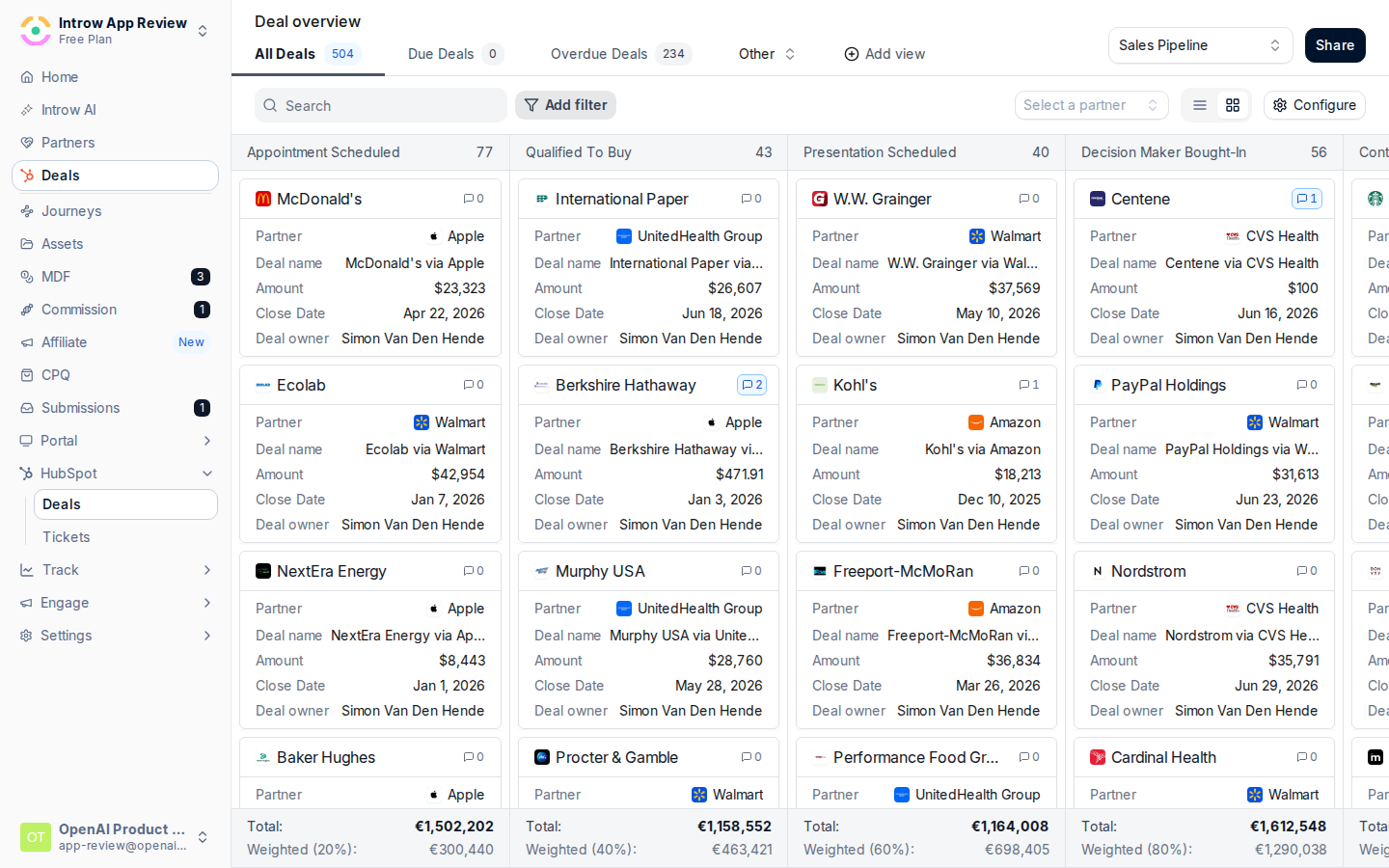
Go to [Deals](https://app.introw.io/overview/DEAL) to see attributed pipeline across the
program.
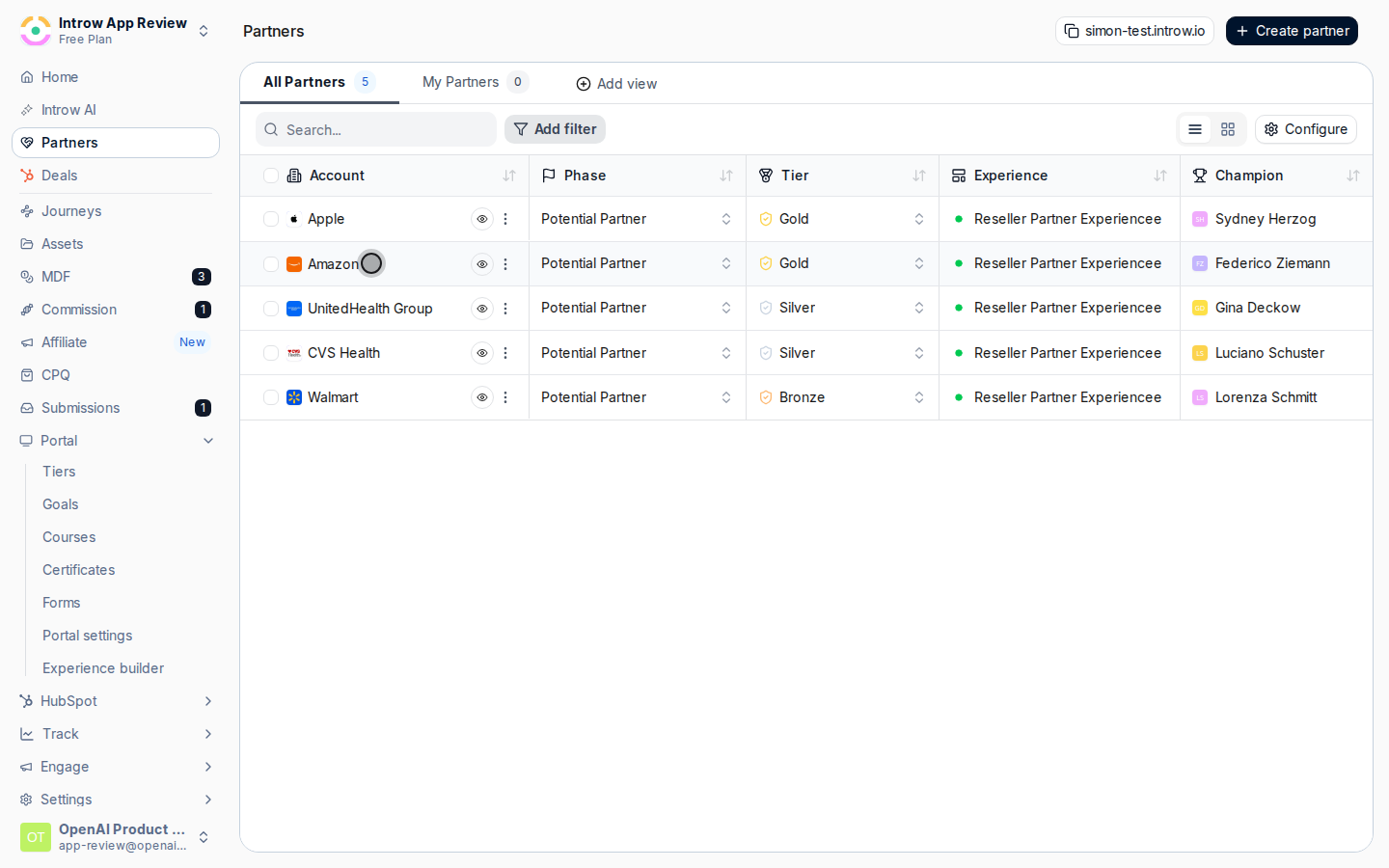
 Open a partner's record and view their deals to read pipeline for that partner alone.
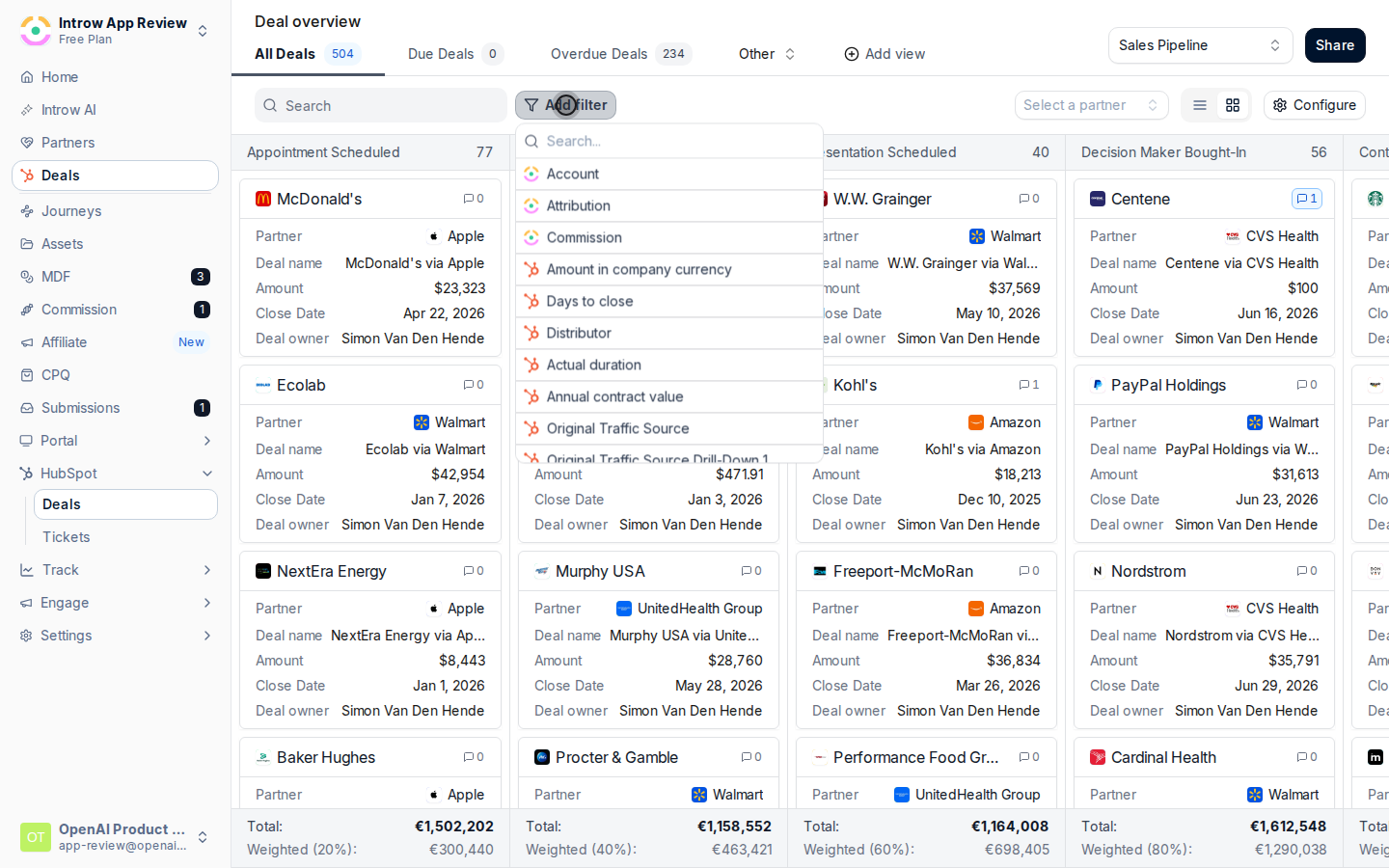
 Use a view to choose the columns and filters that match how your team reads pipeline.
 ## Verify it worked
The deal overview shows attributed pipeline, and a partner's record shows their deals scoped
to them.
## Related
Attribute deals and share the same pipeline with partners.
Work a specific deal with the partner.
Full configuration options.
## Verify it worked
The deal overview shows attributed pipeline, and a partner's record shows their deals scoped
to them.
## Related
Attribute deals and share the same pipeline with partners.
Work a specific deal with the partner.
Full configuration options.