> ## Documentation Index
> Fetch the complete documentation index at: https://docs.introw.io/llms.txt
> Use this file to discover all available pages before exploring further.
# Workflows
> A no-code canvas where partner operations builds its own automations: pick a trigger, narrow it to the right partners, add conditions and waits, and choose what Introw does.
export const Tour = ({children}) => {
const [active, setActive] = useState(0);
const wrappers = (Array.isArray(children) ? children : [children]).filter(c => c && c.props);
const frames = wrappers.length === 1 && Array.isArray(wrappers[0].props.children) ? wrappers[0].props.children.filter(c => c && c.props) : [];
if (frames.length < 2) {
return
;
> A workflow watches for something happening in your program, checks whether it is the case you care about, waits if it should, and then acts on the partner it happened to. You build it by picking from a list, not by writing rules.
## The problem it solves
| Without Introw | With Introw |
| ---------------------------------- | -------------------------------- |
| The rules live in someone's head | Written down once, run for all |
| Chasing is a calendar of reminders | Nudges anchored to the due date |
| Rewarding a partner is a ticket | Booked the moment it is earned |
| A CRM change never reaches them | A field change moves the partner |
| Quiet partners are noticed late | A segment they enter starts it |
## Impact
A partner cannot tell whether your program is well run until something is late. Workflows is where you make sure it never is, and being easy to work with is mostly that.
for your business
* **Cost to run**
The person who understands the program builds its rules, with no code, no vendor, and nothing to deploy
* **Live in days**
A first workflow is a trigger, an action, a rehearsal, and a switch, so it ships the afternoon it was thought of
* **AI, not admin**
AI names and describes the workflow from the canvas, and writes the email body of a send step in context
for your partners
* **Self-serve**
The tier, the experience, and the next journey are applied to them the moment they earn it
* **Enabled**
A reminder three days before a task is due, on the channel they use, instead of a chase after it slipped
* **Efficient**
Their manager is pulled in only when a human is genuinely needed, so nothing sits in a queue
[A day in the life of your partners](/days-in-the-life)
* **Partner Operations** - the program's rules built once
* **Partner Managers** - escalation instead of chasing
* **Partners** - the right nudge at the right moment
## See it work
* 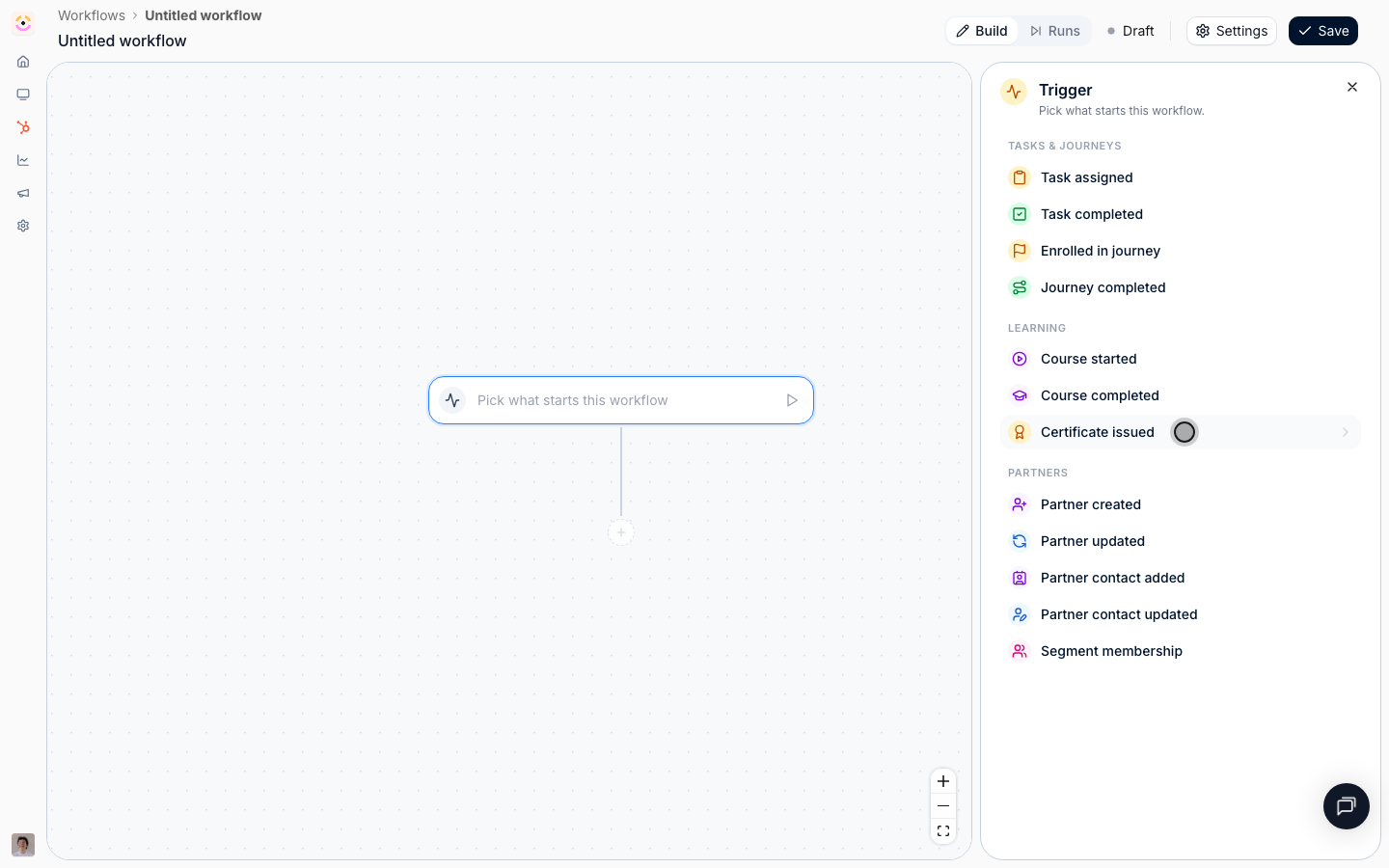
**Pick a trigger**
Something happening to a partner: a task, a course, a certificate, a segment.
* 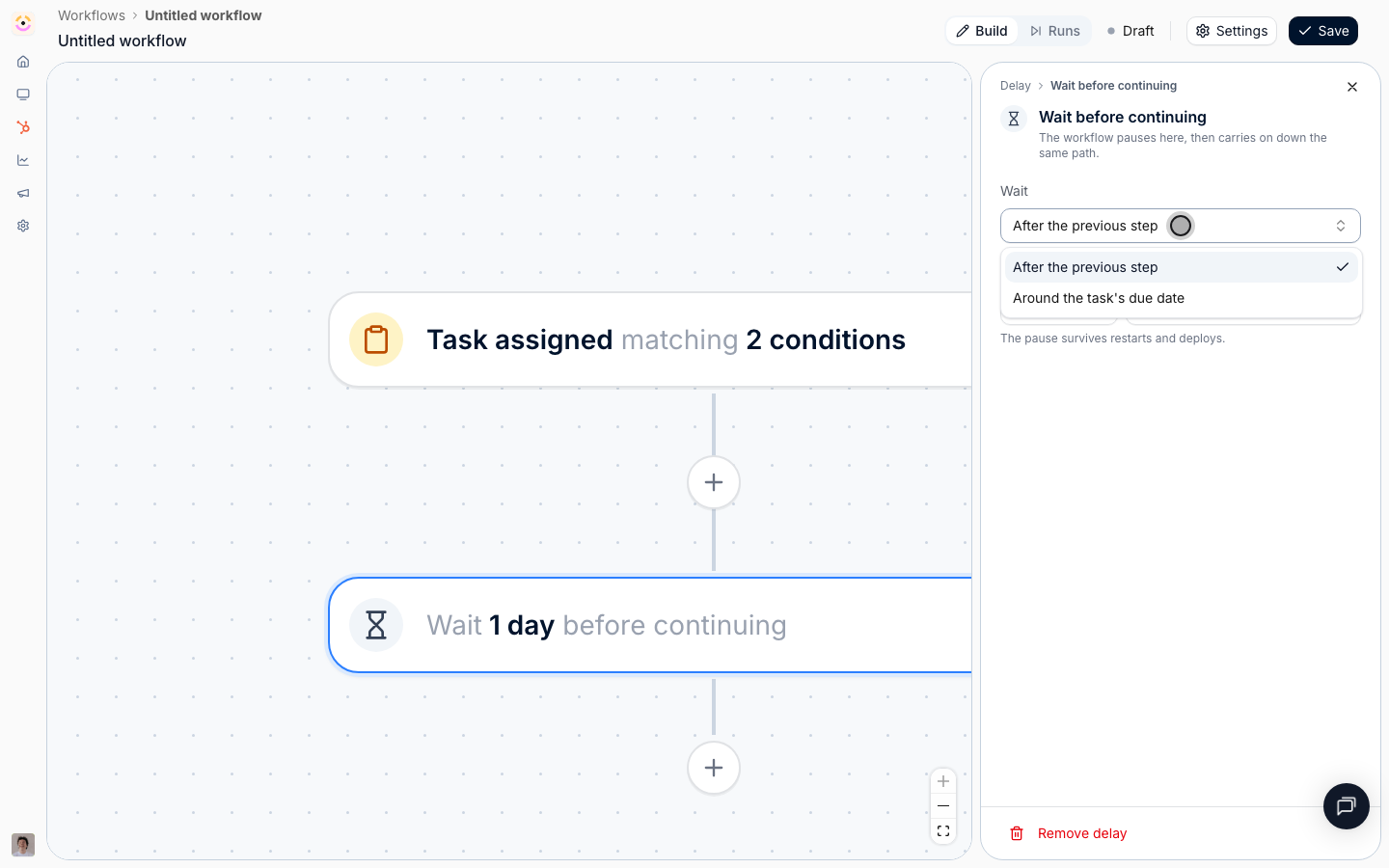
**Wait for the right moment**
A delay can hang off a due date, so 'three days before' is expressible.
* 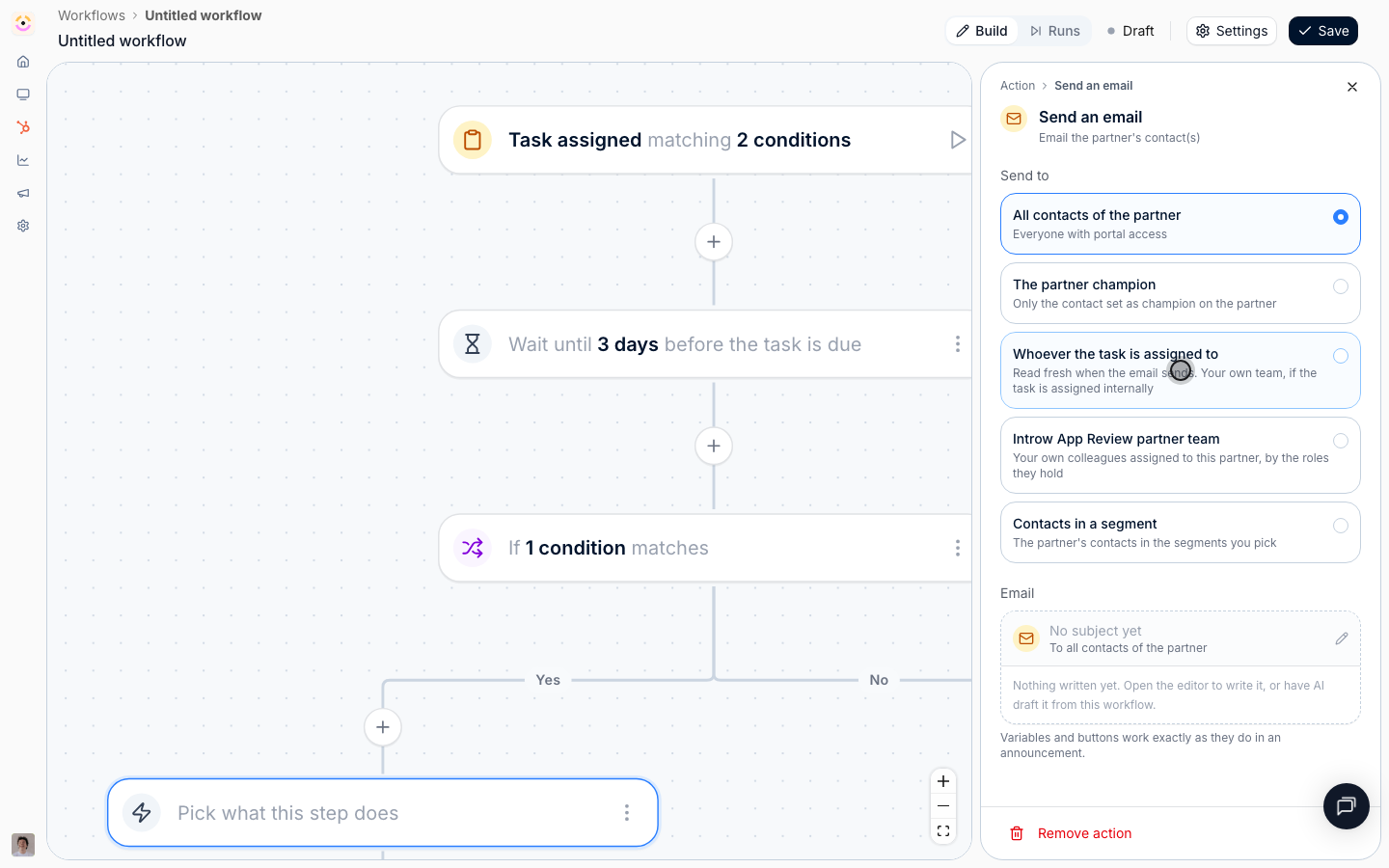
**Branch and act**
One workflow covers the partner who acted and the one who did not.
* 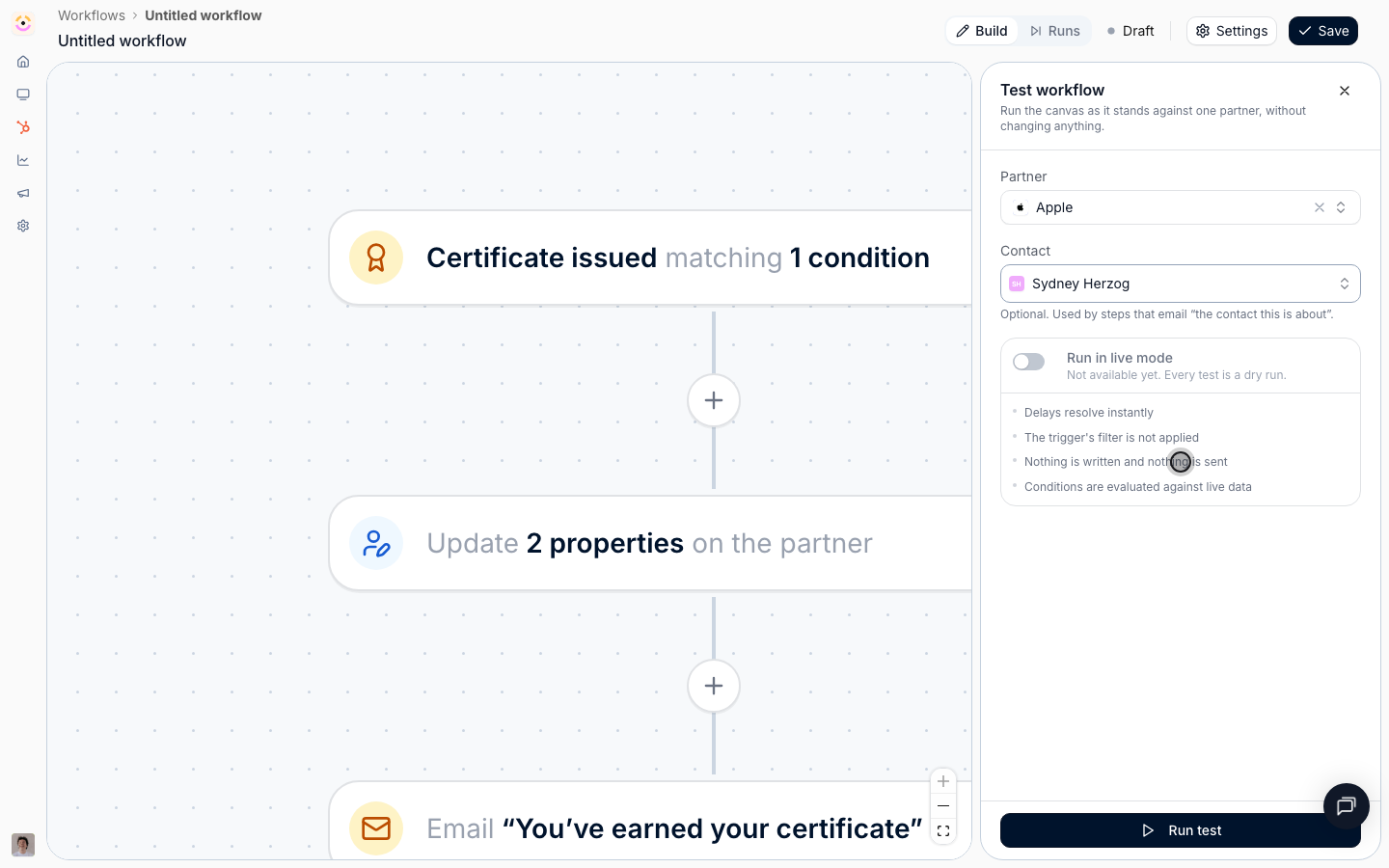
**Rehearse, then switch on**
Test against one real partner without writing or sending anything.
## How it works
Every partner program has a handful of rules that live in someone's head. When a partner certifies, move them up a tier. When onboarding finishes, pay the sign-up bonus. When a task is about to be late, remind the partner, and if it goes late anyway, tell the partner manager. When a field changes on the partner's account in the CRM, put them on a different portal experience. None of those are hard rules. They are just rules nobody has time to enforce by hand across two hundred partners.
Workflows turns each of them into something Introw does. You start from a trigger. A task assigned or completed. A partner or contact created or updated. A journey or a course started or finished. A certificate earned. A partner entering or leaving a segment. You narrow it, so the workflow only runs for the partners and the events you actually mean. Then you lay out what happens. Write fields on the partner, move them to another portal experience, add them to a segment, or enroll them in a journey. Give them or your own team a task, issue a certificate, or book a commission line. Email their contacts, post a Slack or Teams nudge, or log a note on their CRM record.
Between those actions you can wait and you can branch. A wait can be a plain pause, or it can be anchored to a due date. That is what makes "three days before it is due" and "two days after it was due" expressible at all. A branch splits the flow in two, so one workflow covers both the partner who did the thing and the partner who did not.
Nothing goes live by accident. A workflow saves as a draft, Introw tells you exactly what is still unfinished, you rehearse it against one real partner without writing anything, and only then do you switch it on. Every run afterwards is logged and painted back onto the same canvas, so you can see which path a partner took.
Instead of a partner manager holding a mental checklist and a calendar of follow-ups, the program enforces itself. Introw acts on the moment worth acting on. The partner hears from you at the right time, on the right channel. The record is updated on both sides. And the manager is pulled in only when a human is genuinely needed.
```mermaid theme={"theme":{"light":"github-light","dark":"github-dark"}}
flowchart LR
headRules["Rules in someone's head"] --> missed["Missed nudges and late rewards"]
event["Something happens to a partner"] --> workflow["Workflow checks and waits"]
workflow --> acted["Partner nudged, updated, rewarded"]
acted --> escalate["Manager involved only when needed"]
```
## Going deeper
Setup, configuration, and all how-to guides.
Endpoints and code.
**Works with**
Start with what already runs, and build a workflow only for what is left.
A segment decides which partners a workflow is for, and entering one can start it.
Finishing a journey starts a workflow, and a workflow puts the next partner on one.
Certify a partner the moment they finish a course, without anyone issuing it by hand.
Book a one-off reward that still goes through your normal approval and payout run.
Chase a task to its due date, and create one for your own team when it slips.
Start from a partner appearing or a field changing, and write fields back.
React to a CRM change, and write properties and notes back onto the record.
Send the messages only your own program needs, on your own timing.