> ## Documentation Index
> Fetch the complete documentation index at: https://docs.introw.io/llms.txt
> Use this file to discover all available pages before exploring further.
# Automation
> Everything Introw runs on its own once the CRM is connected, plus the no-code Workflows canvas for the program-specific automations only you would think of.
export const Rail = ({children}) =>
{children}
;
export const Impact = ({children}) =>
{children}
;
export const Personas = ({children}) =>
{children}
;
export const Pains = ({children}) =>
{children}
;
> Automation is the part of your partner program that runs without anybody touching it. Most of it is already on the day you connect your CRM. Workflows is where you build the rest, on a canvas, with no code.
## The problem it solves
| Without Introw | With Introw |
| -------------------------------- | ---------------------------------- |
| Someone has to remember it all | The program enforces its own rules |
| Admin is the first thing to slip | Routine work runs without anyone |
| Automation means a paid project | A canvas, a rehearsal, a switch |
| Each new partner adds admin | More partners, the same work |
## Impact
Partners judge a program on whether things happen when they should. Rewards booked the day they are earned and nudges that arrive before a deadline are what a well-run program feels like from outside.
for your business
* **Live in days**
The built-in automations are running the week you connect your CRM, so a new program never waits on an automation project
* **Cost to run**
Partner operations builds and changes the whole automation layer on a canvas, with no consultants and nothing to deploy
* **In your CRM**
Every automation reads live CRM data and writes back to it, so the program automates against what your sales team already trusts
for your partners
* **Self-serve**
The journey, the experience, and the tier they should be on are applied to them, with nothing to request
* **Enabled**
The nudge, the certificate, and the next step arrive on time, on the channel they already use
* **Efficient**
Nobody waits on a partner manager to remember: rewards are booked and tasks appear as they are earned
[A day in the life of your partners](/days-in-the-life)
* **Partner Operations** - the automation layer without a project
* **Partner Managers** - the chasing done without doing it
* **VP Partnerships** - more partners per manager
## How this area works
Partner programs die of admin. Someone chases the onboarding checklist, someone remembers to move a partner up a tier, someone copies a deal update into an email, someone books the referral fee. None of that work is strategic, and all of it is the first thing to slip in a busy quarter.
The built-in layer keeps partner data, records, and signals current; a workflow watches that same data and acts on it.
**Where this sits in a setup.** Automate after the manual version works. Every [setup track](/tracks) gets the program live first, then replaces the repeated parts with a workflow.
* 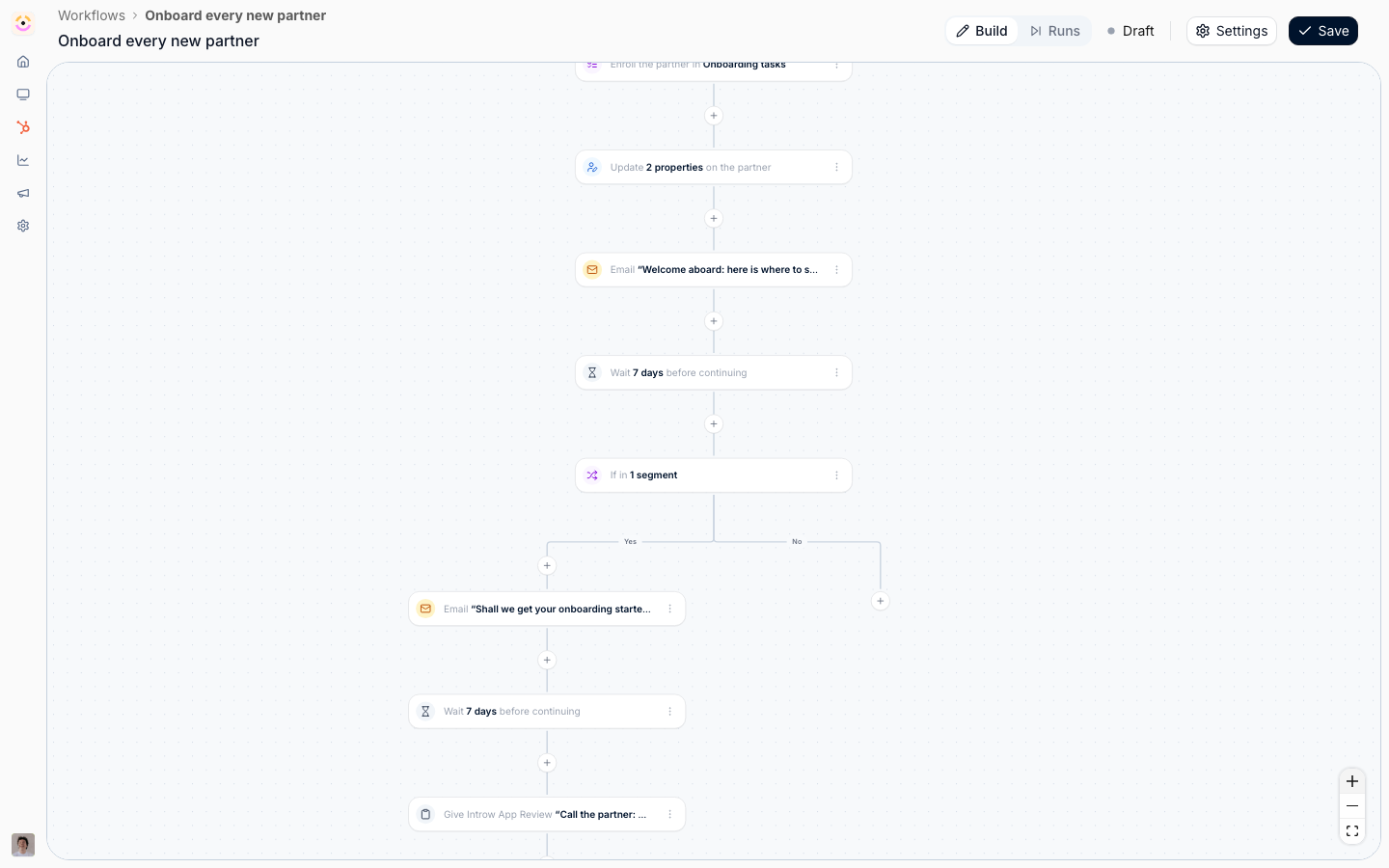
[**Workflows**](./workflows)
Pick a trigger, add conditions and waits, choose the actions.
[How to · 7 guides](./workflows/technical)
* 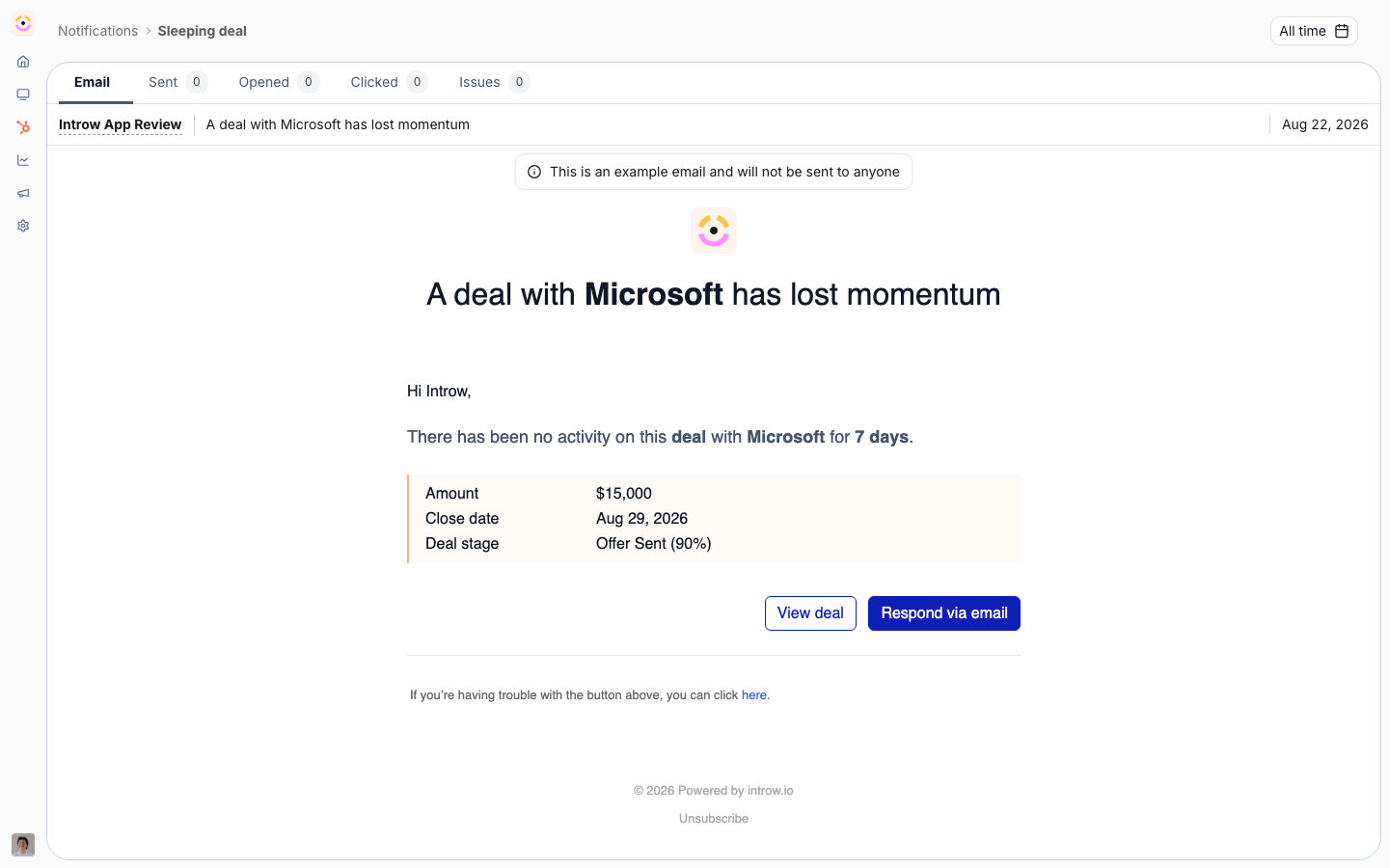
[**Built-in Automation**](./built-in-automation)
Everything already running the week you connect the CRM.
[How to · 1 guide](./built-in-automation/technical)
Introw removes most of it before you configure anything. Connect HubSpot or Salesforce and partners appear from your CRM filters with their contacts and their account owner. Tiers and partner properties sync both ways. Segments re-evaluate themselves against live CRM data. Form submissions create and update CRM records, attributed to the right partner. Notifications and nudges go out on their own. Commission lines are earned from CRM or billing data and flow into payout runs. That is the out-of-the-box layer, and for most programs it is the majority of the automation they will ever need.
What is left is specific to how you run partnerships. Tier a partner up the moment they certify. Chase a task toward its due date, and escalate to the partner manager if it slips. Book a fixed bonus when onboarding completes. Move a partner onto a different portal experience when a field changes in the CRM. That is what Workflows is for. You pick a trigger, narrow it to the partners and events you mean, add conditions and waits, and pick the actions. It saves as a draft, you rehearse it against a real partner, and then you switch it on.