> ## Documentation Index
> Fetch the complete documentation index at: https://docs.introw.io/llms.txt
> Use this file to discover all available pages before exploring further.
# Fill the knowledge base
> Ground the partner support agent by crawling your websites, adding snippets for specific answers, and uploading PDF documents the agent can draw on.
The agent only answers as well as what it knows, so before you launch it you fill the knowledge base from three source types: websites it crawls, snippets you write for exact answers, and PDF documents you upload. Do this whenever the agent gives thin or wrong answers, or before you turn it on for partners. Beyond what you add here, the agent also draws on portal content automatically (see how that works below), but these three sources are the part you curate.
## What you'll achieve
A knowledge base that grounds the partner support agent: your site content crawled and indexed, the precise answers you care about captured as snippets, and your key PDFs available as sources. Once it is populated, the agent answers partner questions from your approved material instead of improvising.
## Before you start
You need AI agent write access to manage knowledge sources.
Have the website URLs partners ask about, the exact facts or canned answers you want the agent to use, and any PDFs (playbooks, datasheets, policy docs) ready to upload.
## Watch it
## Steps
Go to [Knowledge base](https://app.introw.io/ai-agents/knowledge). The source types are organized as tabs: **Websites**, **Snippets**, **Documents**, **Portal Content**, and **MCP Server**.
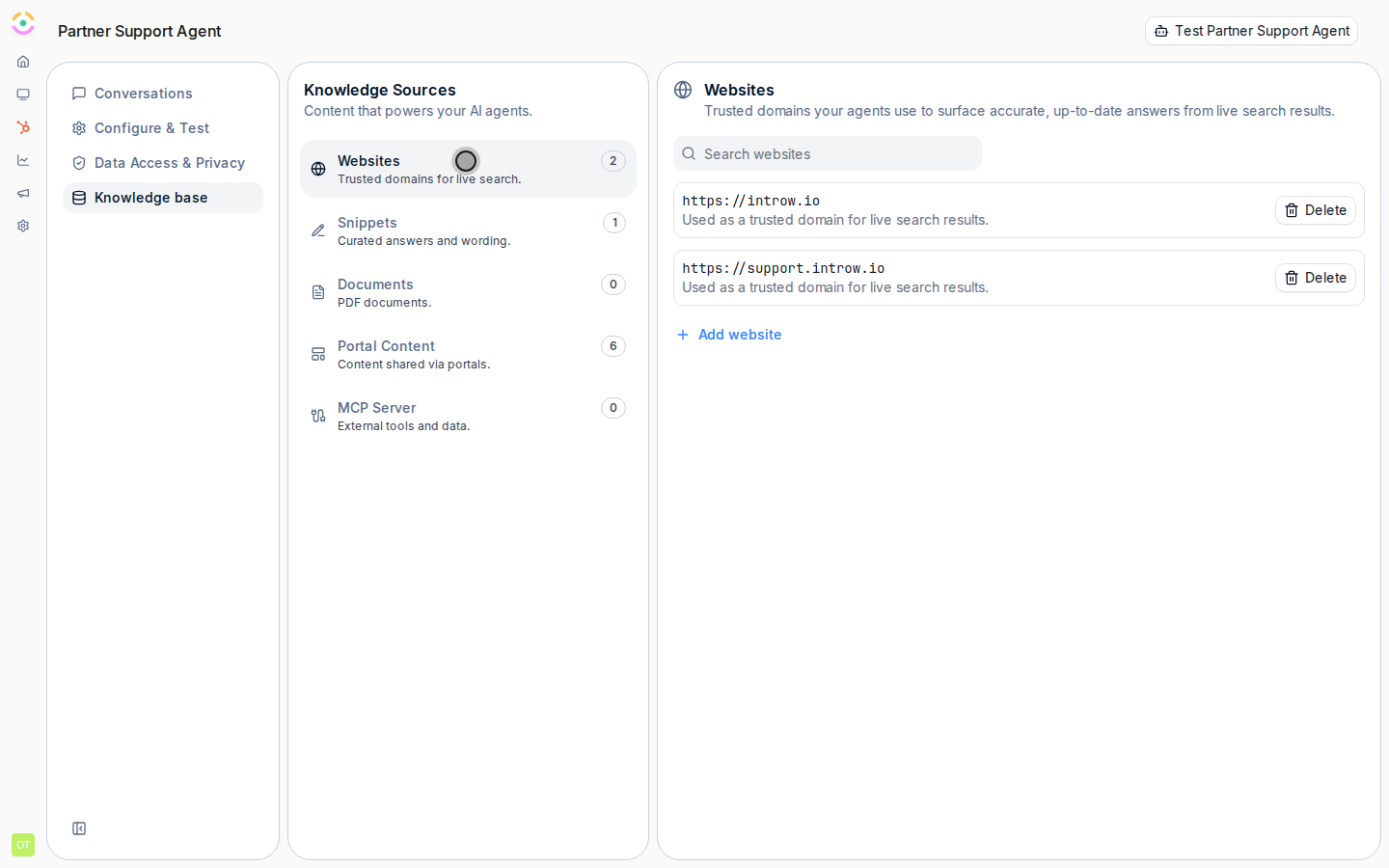
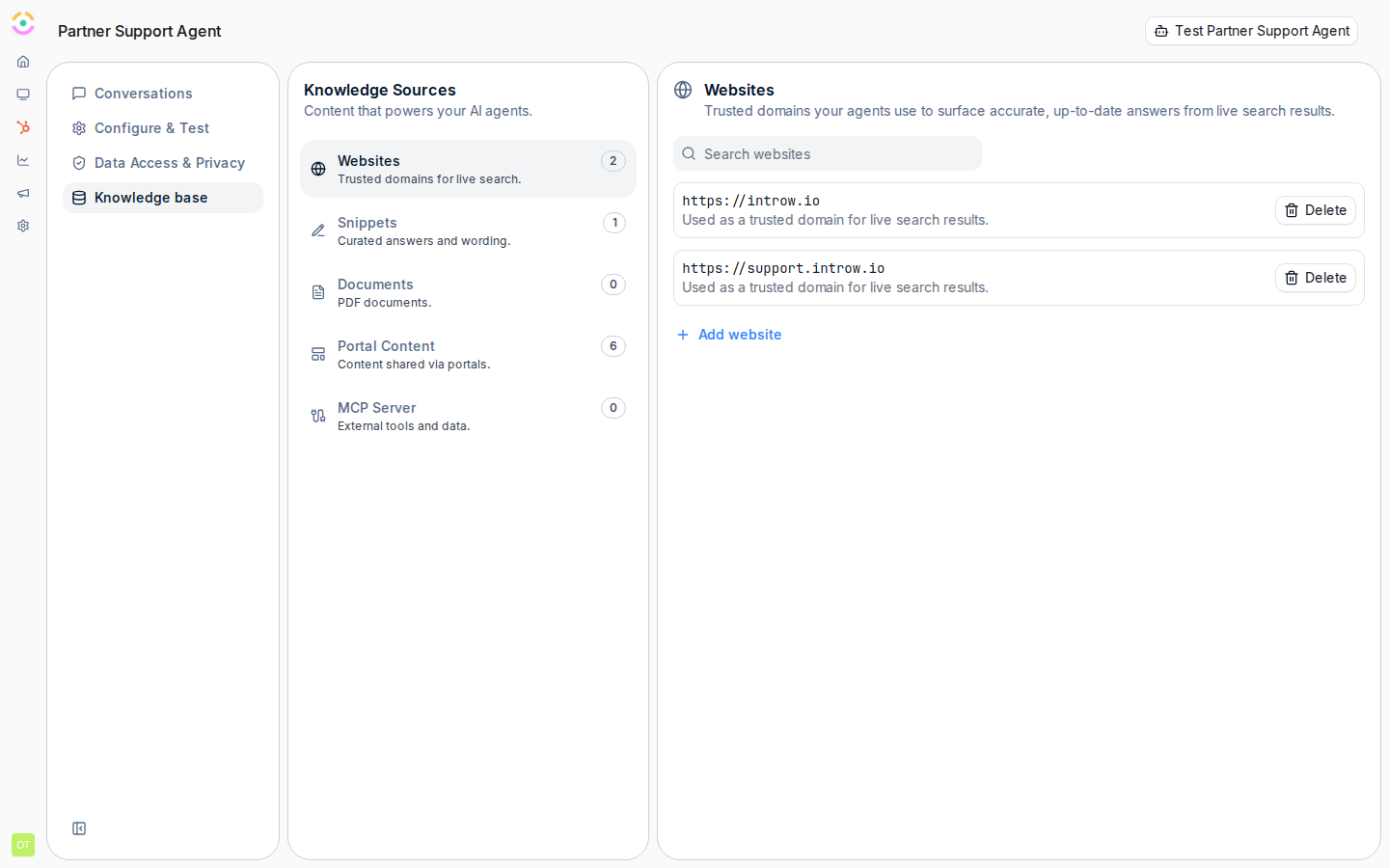 On the **Websites** tab, select **Add website** and enter a **Website URL**. Introw crawls the site and indexes every reachable page as a source, so it is the fastest way to get broad coverage from content you already maintain.
* Point at the page or site that holds the answers partners ask about (your public site, help center, or product pages).
* A crawled site reflects its content at crawl time, so use **Recrawl** after a meaningful update to refresh the index.
* Remove a site with **Delete** when its content should no longer feed the agent.
On the **Websites** tab, select **Add website** and enter a **Website URL**. Introw crawls the site and indexes every reachable page as a source, so it is the fastest way to get broad coverage from content you already maintain.
* Point at the page or site that holds the answers partners ask about (your public site, help center, or product pages).
* A crawled site reflects its content at crawl time, so use **Recrawl** after a meaningful update to refresh the index.
* Remove a site with **Delete** when its content should no longer feed the agent.
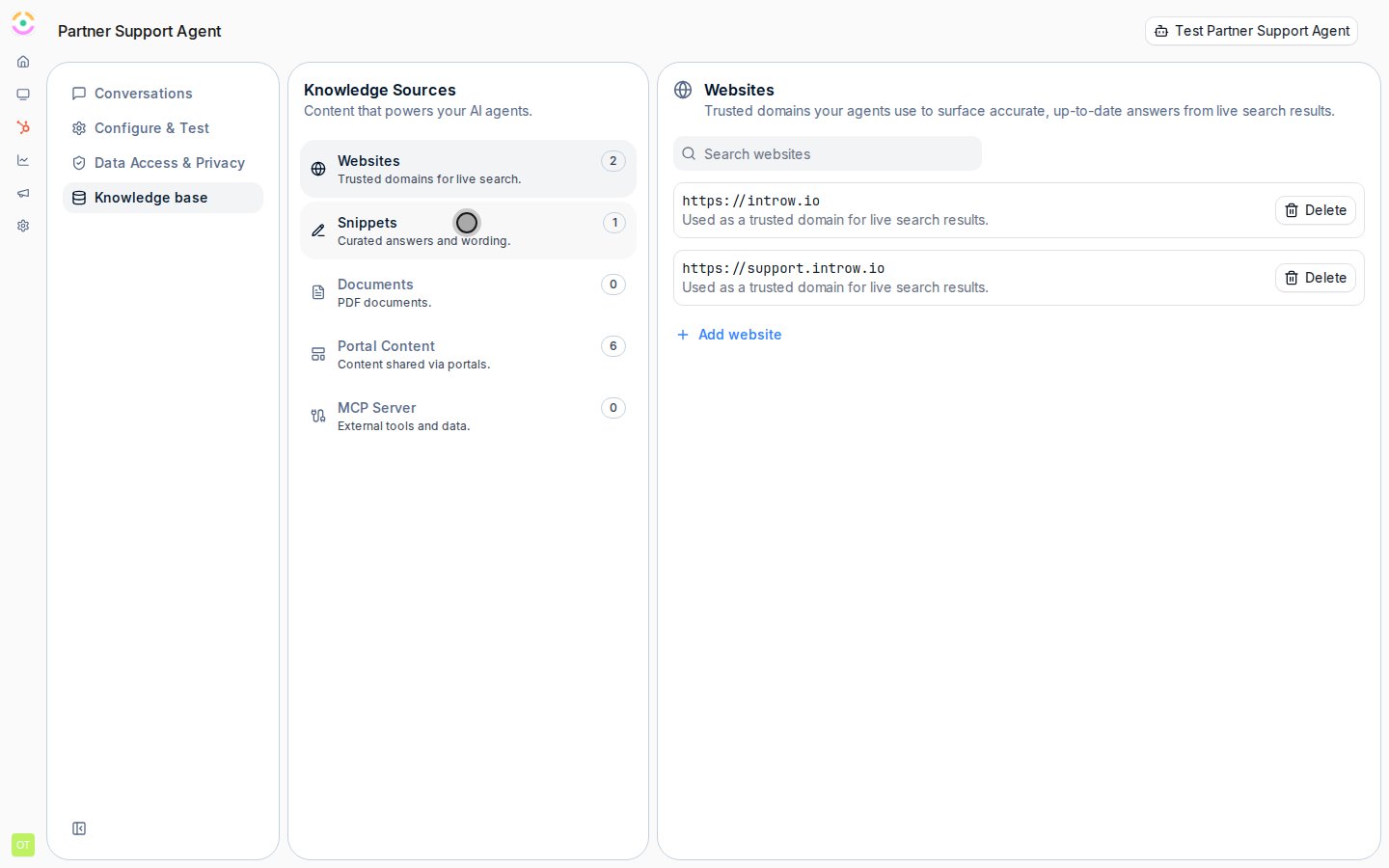
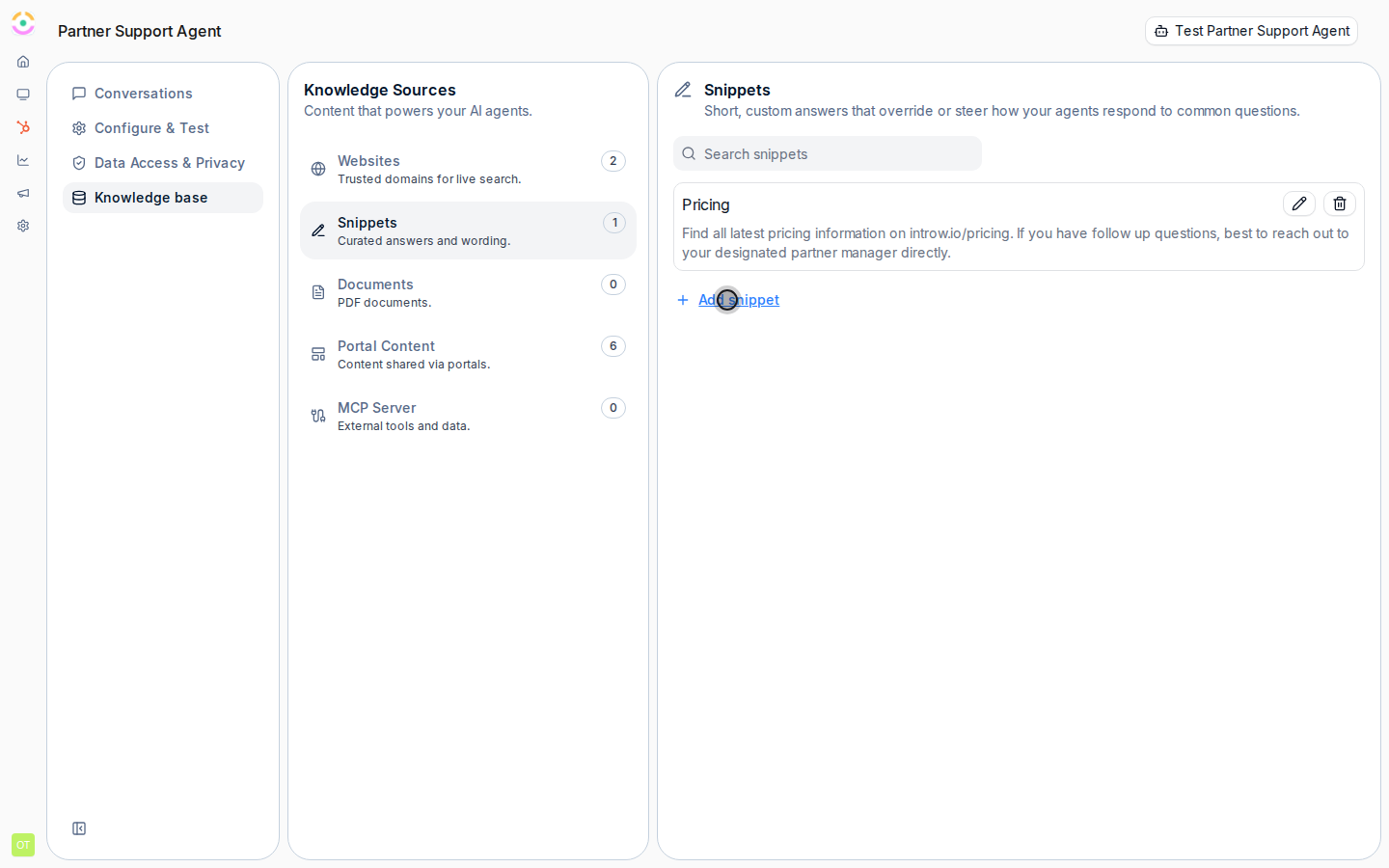
 On the **Snippets** tab, select **Add snippet** to teach the agent one precise thing that is not on your site, like a current promotion or a policy nuance. Each snippet is a short question-and-answer pair:
* The question or topic the snippet covers (keep it short, it is capped at 125 characters).
* The exact response you want the agent to give.
Snippets are the right tool to override how the agent answers a frequently asked question.
On the **Snippets** tab, select **Add snippet** to teach the agent one precise thing that is not on your site, like a current promotion or a policy nuance. Each snippet is a short question-and-answer pair:
* The question or topic the snippet covers (keep it short, it is capped at 125 characters).
* The exact response you want the agent to give.
Snippets are the right tool to override how the agent answers a frequently asked question.
 On the **Documents** tab, select **Add document** and upload a **PDF**. Only PDF files are supported, within the standard upload size limit. Introw processes the document automatically and makes its content available to the agent, so you reuse existing playbooks and datasheets without rewriting them. Use **View** to open a document or **Delete** to remove it.
 ## Verify it worked
Each source appears in its tab: a website shows its indexed page count and last-crawled time, snippets list their question and response, and documents show when they were added. Then open the agent's test panel and ask a question your new content covers, the answer should now reflect the crawled page, snippet, or document.
## How portal content is used automatically
You do not add portal content here. The agent automatically uses what each partner can already see in their portal, announcements, tiers, commission, assets, CRM objects, and goals, always scoped to that partner's access, so it never leaks another partner's data. The **Portal Content** tab is a read-only summary of those sources. For the full explanation, see the [implementation reference](../technical).
## Related
Give the agent live tools beyond static content.
Turn on and test the agent once its knowledge is in place.
Source types, portal content, and limits.
## Verify it worked
Each source appears in its tab: a website shows its indexed page count and last-crawled time, snippets list their question and response, and documents show when they were added. Then open the agent's test panel and ask a question your new content covers, the answer should now reflect the crawled page, snippet, or document.
## How portal content is used automatically
You do not add portal content here. The agent automatically uses what each partner can already see in their portal, announcements, tiers, commission, assets, CRM objects, and goals, always scoped to that partner's access, so it never leaks another partner's data. The **Portal Content** tab is a read-only summary of those sources. For the full explanation, see the [implementation reference](../technical).
## Related
Give the agent live tools beyond static content.
Turn on and test the agent once its knowledge is in place.
Source types, portal content, and limits.