> ## Documentation Index
> Fetch the complete documentation index at: https://docs.introw.io/llms.txt
> Use this file to discover all available pages before exploring further.
# AI Announcements
> Draft partner announcements from a URL or prompt in seconds, refine them conversationally, and receive proactive drafts from your recent content.
export const Headless = ({children, intro = true}) => {
const [copied, setCopied] = useState(null);
const copy = event => {
const row = event.target.closest("li");
if (!row) return;
const text = row.textContent.trim();
try {
navigator.clipboard?.writeText(text);
} catch {}
setCopied(text);
setTimeout(() => setCopied(null), 1600);
};
return <>
{intro ?
Introw is headless by design: run everything here in plain language from Claude, ChatGPT,
Slack, Teams, or your own CRM through Introw's MCP server, with every
action written straight back to your CRM source of truth. The portal is one surface, never the only one.
:
The agentic motion - lifecycle deep dives and a Claude Code skill library that run your partner program from
Claude, ChatGPT, Slack, and your CRM.
}
;
};
export const Tour = ({children}) => {
const [active, setActive] = useState(0);
const wrappers = (Array.isArray(children) ? children : [children]).filter(c => c && c.props);
const frames = wrappers.length === 1 && Array.isArray(wrappers[0].props.children) ? wrappers[0].props.children.filter(c => c && c.props) : [];
if (frames.length < 2) {
return
;
> Partner communication slips because writing each update is a task no one has time for. AI Announcements drafts the update for you - from a link or a prompt - and even suggests the ones you should send.
## The problem it solves
Keeping partners informed loses to everything else on the list:
| Without Introw | With Introw |
| ------------------------------ | ---------------------------- |
| Writing each update is a chore | AI drafts it from a link |
| The blank page stalls it | Presets and suggested drafts |
| You forget to tell partners | It recommends what to send |
| Editing is fiddly | Refine it conversationally |
## Impact
Partners sell what they know about, and they only know what you told them. Removing the blank page is the difference between a program that communicates and one that means to.
for your business
* **AI, not admin**
AI drafts from a URL or a prompt, and proactively recommends announcements from your recent content
* **Cost to run**
Partner marketing keeps partners informed without extra headcount, and always reviews before sending
for your partners
* **Self-serve**
They hear about the release, the webinar and the promotion without chasing anyone for it
* **Enabled**
Drafts pull from your knowledge base, so what reaches them sounds like your program
* **Efficient**
Regular, short updates rather than one long recap when somebody finds the time
[A day in the life of your partners](/days-in-the-life)
* **Partner Marketing** - informed partners, no grind
* **Partner Operations** - updates that actually go out
* **Partners** - hearing about it in time
## See it work
* 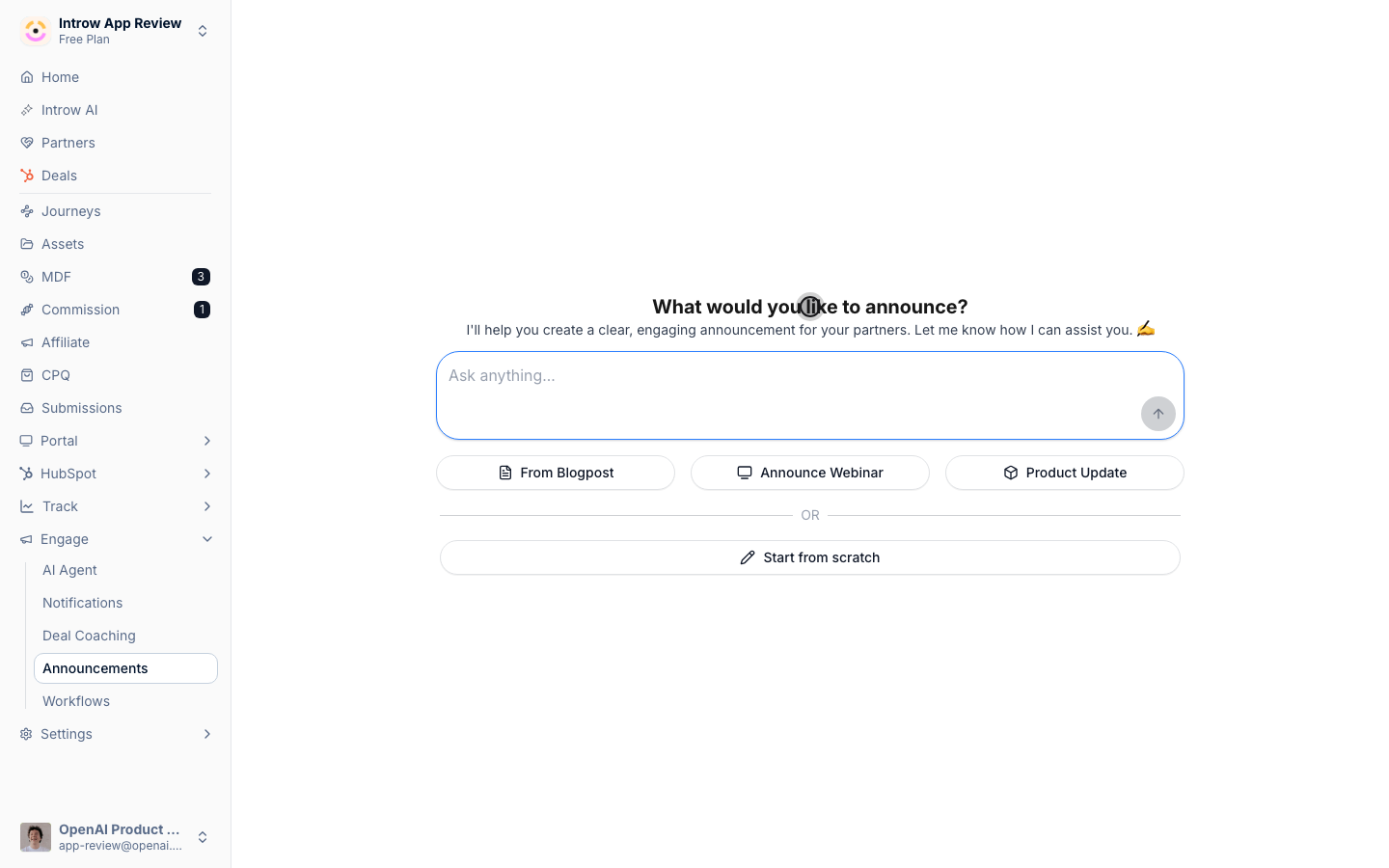
**Start with AI**
The draft comes first, the editing second.
* 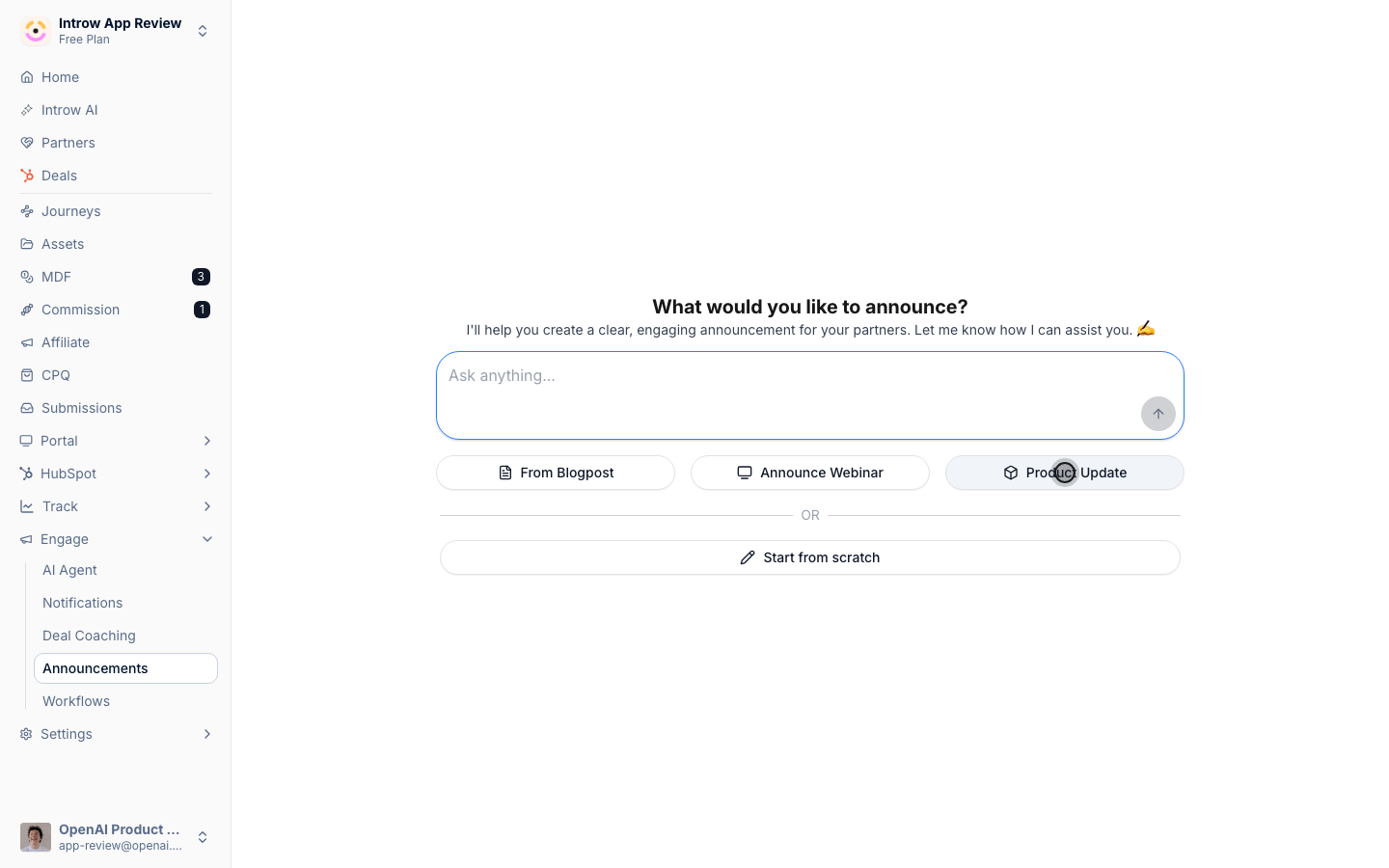
**Point it at a source**
A webinar, a product update, or a blog post.
* 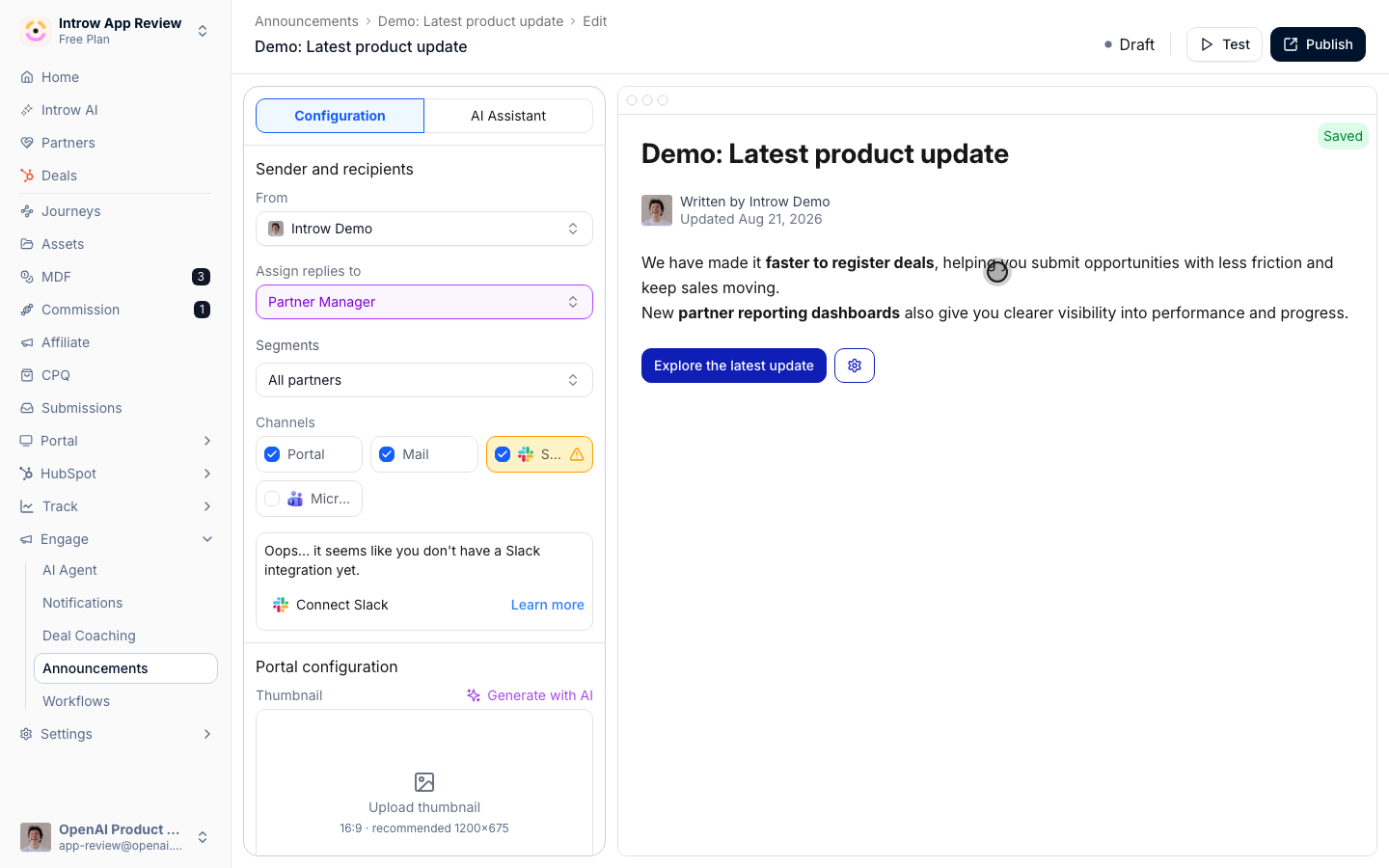
**Refine it**
Adjust the draft the way you would with a colleague.
## How it works
AI Announcements drafts [partner announcements](/features/engagement/announcements) for you. Start from a URL - a blog post, a release note, a webinar page - or from a prompt and a preset: product update, webinar, blog post. The AI writes the announcement, ready to refine. From there you edit it conversationally, the same way you'd tweak a draft with a colleague, then publish and target it like any other announcement.
It's also proactive: Introw watches your recent content and recommends announcements you should send, surfacing them as ready-to-review drafts on your home screen. You accept, tweak, or dismiss - the blank page is gone. Drafts pull from your [knowledge base](/features/ai/knowledge-base), so they sound like your program, and you always review before anything reaches partners.
Partner marketing used to write every update from scratch, and forget half of them. Now the AI drafts from your content and suggests what to send, so partners stay informed without the manual grind.
```mermaid theme={"theme":{"light":"github-light","dark":"github-dark"}}
flowchart LR
source["URL, prompt, or recent content"] --> draft["AI drafts the announcement"]
draft --> refine["Refine and publish"]
```
## Run it from your AI assistant
* Draft a partner announcement from this release-notes URL.
* Write a webinar invite for next month's partner enablement session.
* What should I announce to partners based on our recent updates?
## Going deeper
How drafting and recommended announcements work.
Publish, schedule, and target partner announcements.
**Works with**
Publish and target the announcement.
Drafts pull from your content.