> ## Documentation Index
> Fetch the complete documentation index at: https://docs.introw.io/llms.txt
> Use this file to discover all available pages before exploring further.
# Protect affiliate revenue from fraud
> Turn on the campaign Quality-tab controls - self-referrals, disposable emails, deduplication, new-customers-only, excluded domains - and monitor traffic quality in Introw.
{/* Affiliate programs attract gaming: partners converting their own links, throwaway-email signups,
repeat conversions from one person, and rewards on customers you already had. Reach for this when
you set up a campaign and again whenever quality looks off. Introw protects every campaign
automatically, and the Quality tab lets you layer on opt-in rules that match this program's risk
profile, so budget only pays for genuine new business. */}
## What you'll achieve
A campaign hardened against the common affiliate abuses: self-referrals, disposable-email signups, duplicate conversions, rewards on existing customers, and conversions from domains you never want to pay. You will also know how to read the per-partner traffic-quality signals that surface suspect partners so you can act before money is lost.
## Before you start
Quality controls run as conversions arrive, so the campaign needs tracking installed and partners enrolled.
New-customers-only and deduplication check against your existing records, so the more complete those are, the more accurate the gating.
## Watch it
## Steps
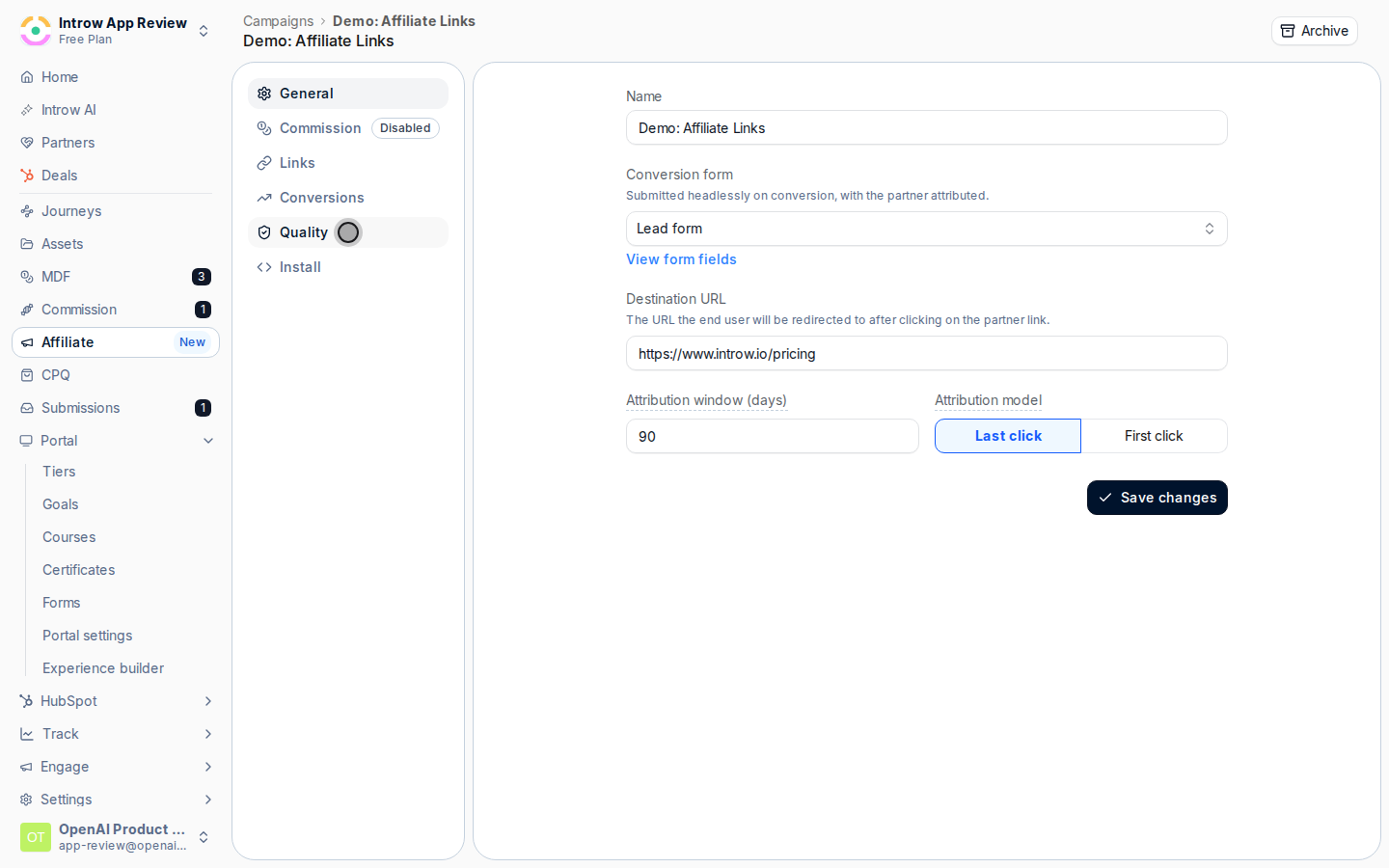
Go to [Affiliate campaigns](https://app.introw.io/campaigns), open your campaign, and select the **Quality** tab. The top section, **How this campaign is protected**, lists the protections that are always on for every campaign and need no setup: signed click attribution (so events cannot be forged or replayed), commission held until the resulting lead is accepted, click-integrity controls (collapsing rapid repeat clicks and filtering bots), and lead review with duplicate detection against your CRM. Read these so you know what is already covered before adding rules.
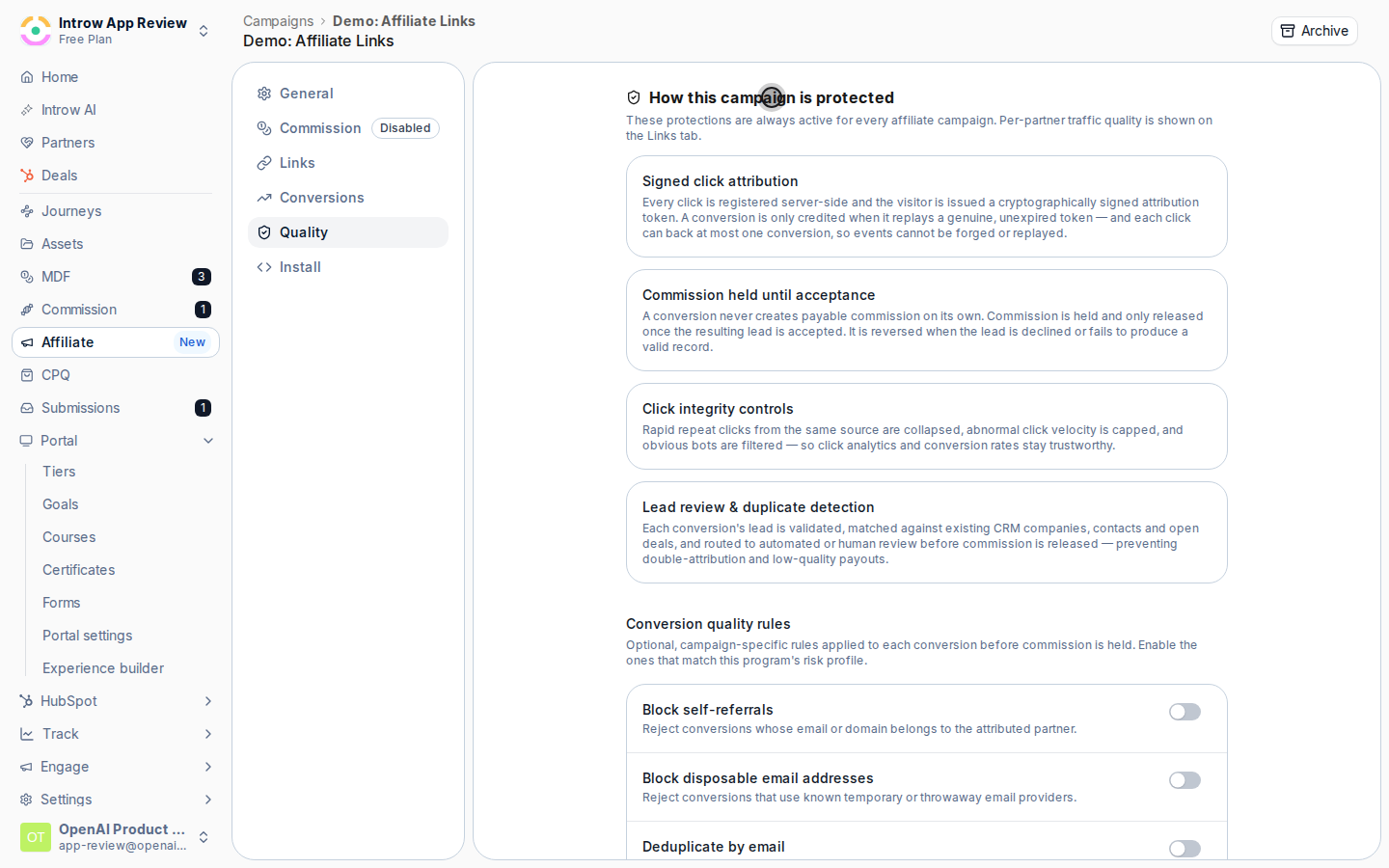
 Under **Conversion quality rules**, enable the opt-in toggles that match this program's risk. Each runs on every conversion before commission is held. All are off by default; turn on the ones you need:
* **Block self-referrals** - rejects a conversion whose email or domain belongs to the attributed partner. This is the single most common abuse (a partner converting their own link), so turn it on for almost every program.
* **Block disposable email addresses** - rejects conversions that use known temporary or throwaway email providers, filtering out fake signups created to inflate counts.
* **Deduplicate by email** - rejects a conversion when the same email has already converted on this campaign, so one person cannot be rewarded repeatedly.
* **Commission new customers only** - records the conversion but skips commission when that email has already converted anywhere in your organization, so you do not pay for business you already had.
Under **Conversion quality rules**, enable the opt-in toggles that match this program's risk. Each runs on every conversion before commission is held. All are off by default; turn on the ones you need:
* **Block self-referrals** - rejects a conversion whose email or domain belongs to the attributed partner. This is the single most common abuse (a partner converting their own link), so turn it on for almost every program.
* **Block disposable email addresses** - rejects conversions that use known temporary or throwaway email providers, filtering out fake signups created to inflate counts.
* **Deduplicate by email** - rejects a conversion when the same email has already converted on this campaign, so one person cannot be rewarded repeatedly.
* **Commission new customers only** - records the conversion but skips commission when that email has already converted anywhere in your organization, so you do not pay for business you already had.
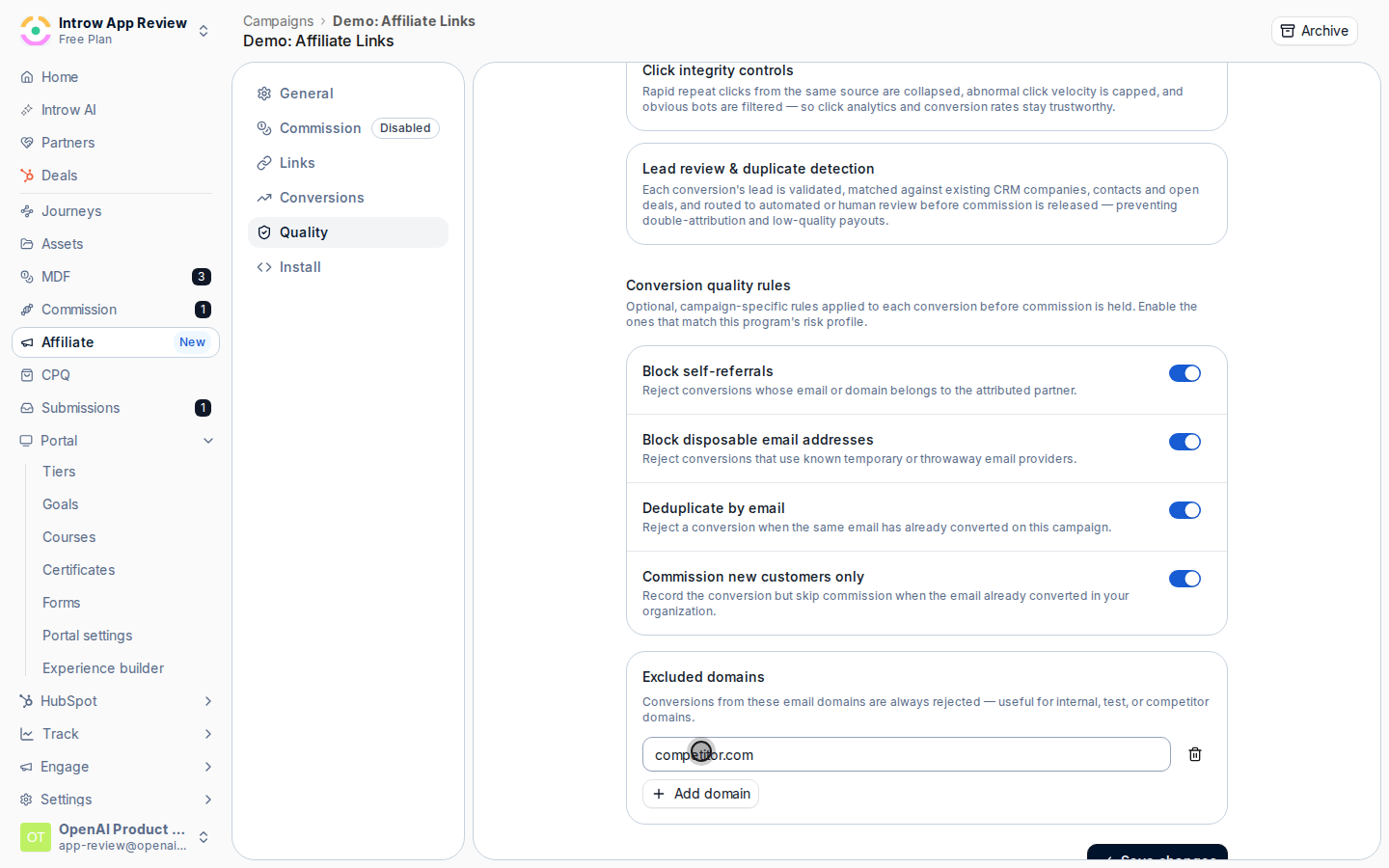
 Under **Excluded domains**, add any email domains whose conversions should always be rejected, one per row (for example, `example.com`). This is useful for internal, test, or competitor domains you never want to reward. Use **Add domain** for each, and remove a row to stop excluding it.
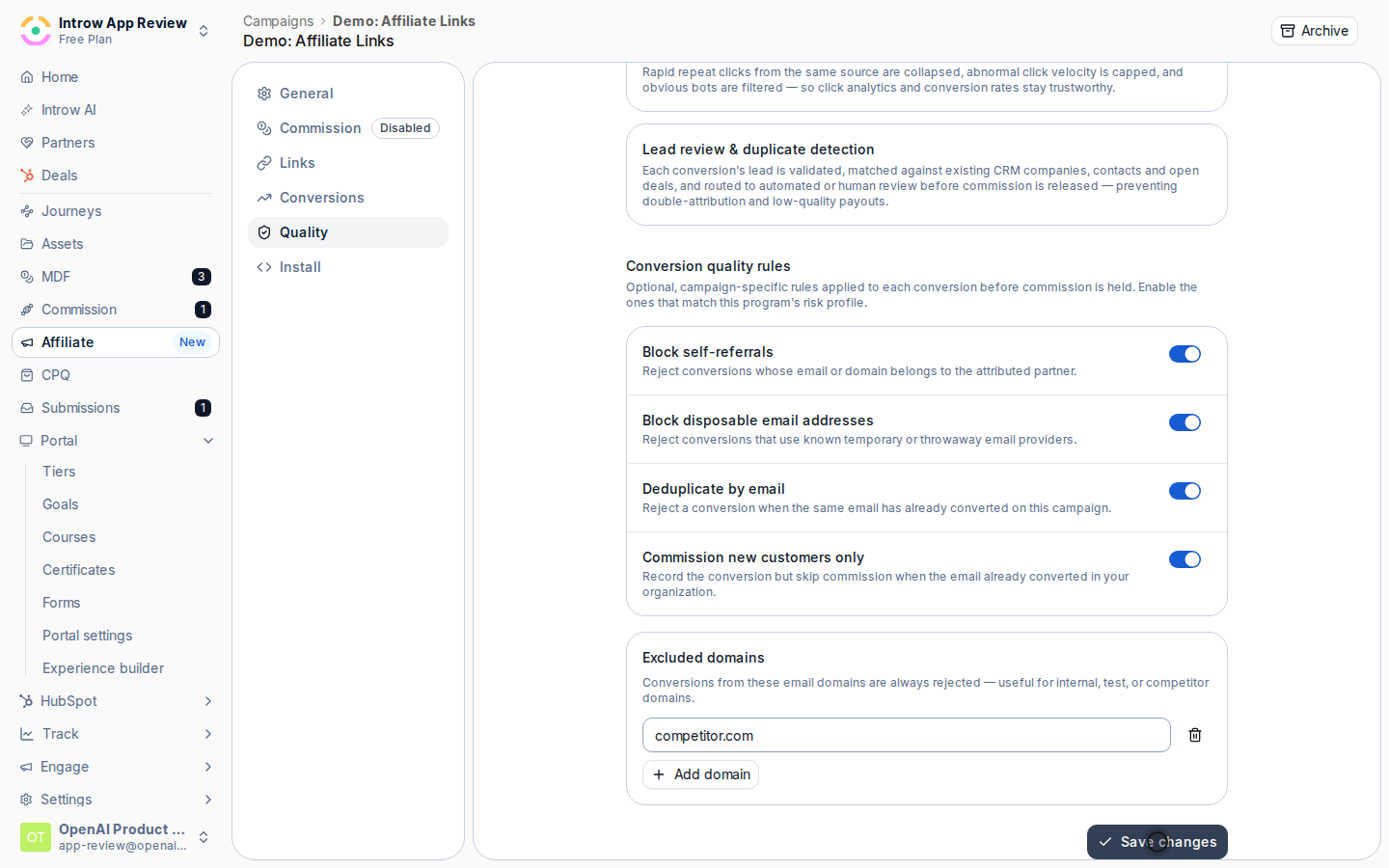
 Select **Save changes**. The rules and excluded domains apply to conversions from this point forward; they do not retroactively re-judge past conversions.
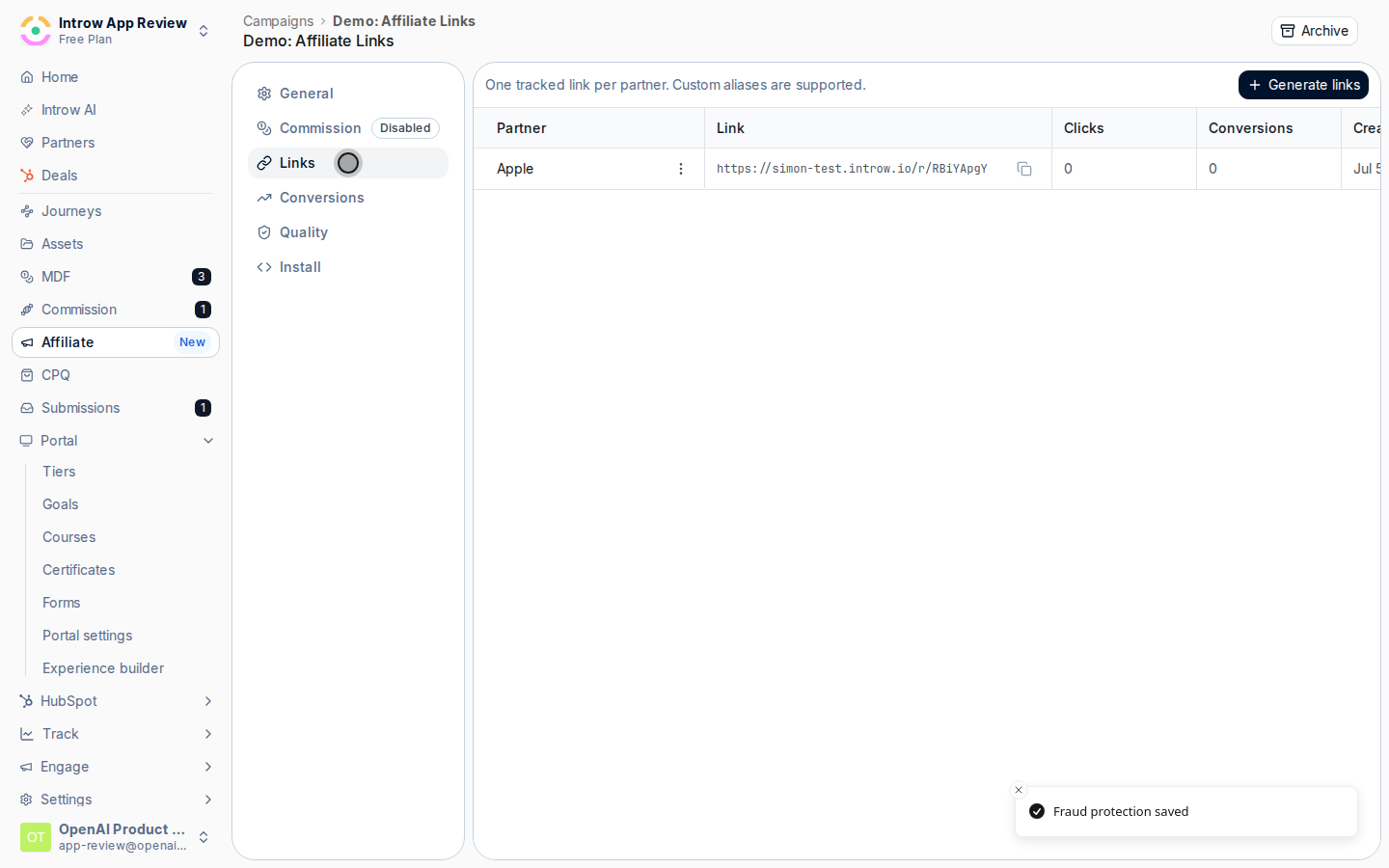
 Open the **Links** tab to watch quality per partner. Each row shows **Accepted**, **Declined**, **Failed**, and **Pending** counts alongside clicks and conversions, and a **Review** pill flags a partner whose traffic looks suspicious (meaningful click volume with no accepted leads, or a high declined or failed share). A **Revoked** pill marks links you have already disabled. Investigate flagged partners, and if a link is being abused, revoke it. See [Revoke or restore a link](/features/affiliate/links-attribution/guides/revoke-or-restore-a-link).
 ## Verify it worked
A conversion that matches an enabled rule is handled as expected: a self-referral or disposable-email conversion is rejected, a repeat email is not double-counted, an existing customer records without commission, and a conversion from an excluded domain is rejected. On the **Links** tab, the Accepted, Declined, and Failed counts give you an ongoing read on each partner's traffic quality, and the **Review** pill surfaces partners worth a closer look.
## Related
Disable a link that is being abused.
Confirm what is being recorded and accepted.
Full configuration options.
## Verify it worked
A conversion that matches an enabled rule is handled as expected: a self-referral or disposable-email conversion is rejected, a repeat email is not double-counted, an existing customer records without commission, and a conversion from an excluded domain is rejected. On the **Links** tab, the Accepted, Declined, and Failed counts give you an ongoing read on each partner's traffic quality, and the **Review** pill surfaces partners worth a closer look.
## Related
Disable a link that is being abused.
Confirm what is being recorded and accepted.
Full configuration options.